


AC Stays On After You Turn It Off? Here’s a Simple Fix.
Is your car’s air conditioning blowing cold air even after you’ve turned the AC button off? This strange glitch happened in my 2003 VW Polo 9N. I’ll show you how I checked the system and the simple steps that fixed the problem without any tools or parts.
What Was Happening?
The problem was easy to spot but very confusing. Here’s what I noticed:
- I would press the AC button to turn it off. The button’s light would go out.
- But, cold air kept blowing from the vents.
- The engine cooling fans kept running at high speed.
- The engine RPM (revolutions per minute) stayed higher than normal, which is a sign the AC compressor clutch was still engaged.
Basically, the car’s electrical system thought the AC was off (hence the light), but the physical AC compressor was still running.
How to Check for This Problem
You can diagnose this issue in less than a minute by watching and listening to your car.

Step 1: Start Your Car and Turn On the AC
Let your engine idle. Turn the air conditioning on. You should feel cold air and hear the radiator fans spinning.
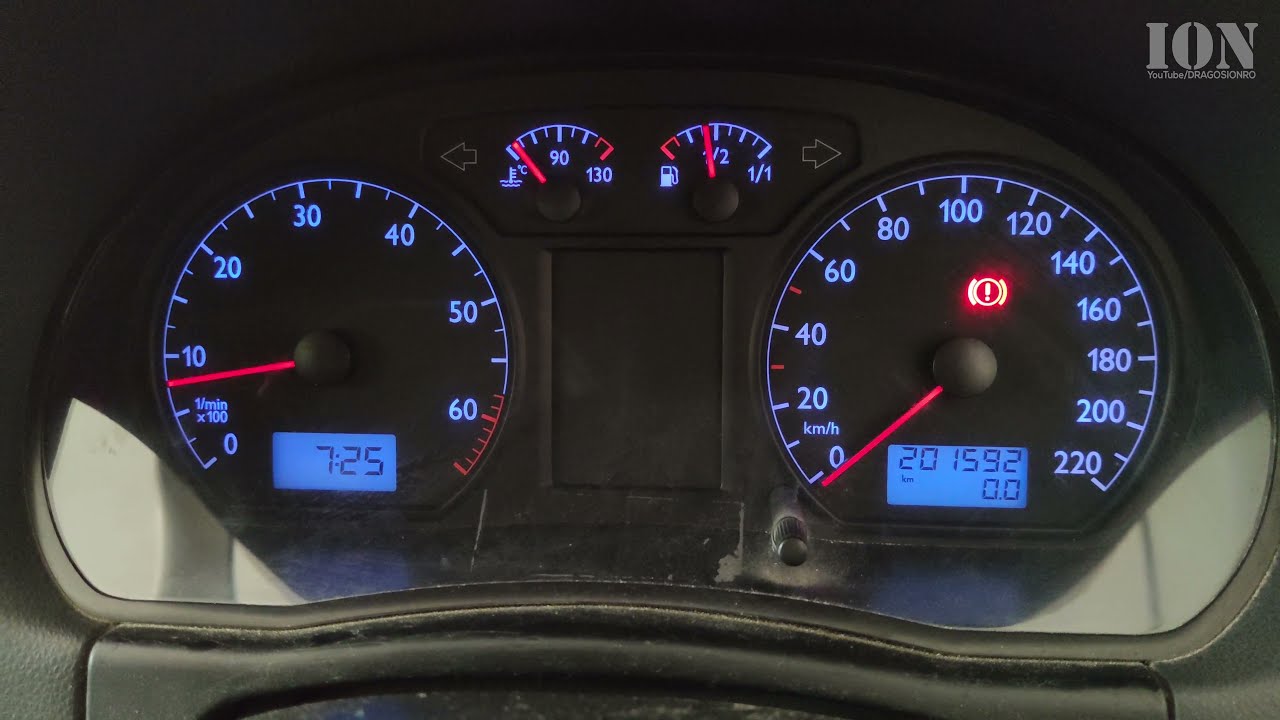
Step 2: Watch the Engine RPM
Look at your tachometer (the gauge that shows engine RPM). When the AC is on, the RPM will usually rise slightly (by about 100-200 RPM) because the engine is working harder to power the compressor.
Step 3: Turn the AC Off and Observe
Now, press the AC button to turn it off. The button light should go out.
- Listen: Do the radiator fans stay loud, or do they quiet down?
- Feel: Is the air from the vents still cold?
- Watch: Does the engine RPM drop back down to its normal idle speed (usually around 700-800 RPM)?
If the fans are loud, the air is cold, and the RPM is still high, your AC compressor is stuck “on” even though you turned it off.
The Simple Fix That Worked For Me
I didn’t need to replace any parts. The issue seemed to be a temporary electronic glitch, possibly because the car hadn’t been used for a while. Here are the steps that reset the system and fixed it.
Step 1: Cycle the Controls
While the car is running, start playing with the climate controls. Turn the AC button on and off several times. Also, turn the temperature dial from the coldest setting all the way to the hottest setting and back a few times.
Step 2: Turn the Blower Fan Off and On
Turn the main blower fan (the control for air speed) completely off. Wait a few seconds, then turn it back on. This seems to help reset the control unit.
Step 3: Turn the Car Off and On
If the first steps don’t work, turn the entire engine off. Wait for about 30 seconds, then start the car again. This is the most complete reset for the car’s computer.
In my case, after cycling the AC button and the temperature controls a few times, the system corrected itself. The RPM dropped, the fans slowed, and the air stopped being cold when the AC light was off.
Why This Might Happen
On older cars like my VW Polo 9N, the climate control system is a simple electro-mechanical system. A small computer or control module sends a signal to engage the AC compressor clutch. Sometimes, this signal can get “stuck” due to a temporary fault, low battery voltage, or just an odd glitch after the car sits unused.
When to Seek Professional Help
Try the reset steps above first. They are free and easy. If the problem keeps coming back every time you drive, then you likely have a faulty component. The issue could be:
- A sticking AC compressor clutch
- A faulty AC pressure switch
- A problem with the climate control panel itself
- A bad relay
In those cases, a mechanic would need to diagnose the specific faulty part.
Final Thoughts
If your AC won’t turn off, don’t panic. Before you spend money on a repair, try this simple reset procedure. Cycle the AC button, adjust the temperature dial, and turn the blower fan off and on. Often, this is enough to clear a temporary electronic hiccup and get your climate control working properly again.
Leave a Reply Cancel reply