



Cleaning a clogged print head in inkjet printers is easy to do, just need to follow a few steps.
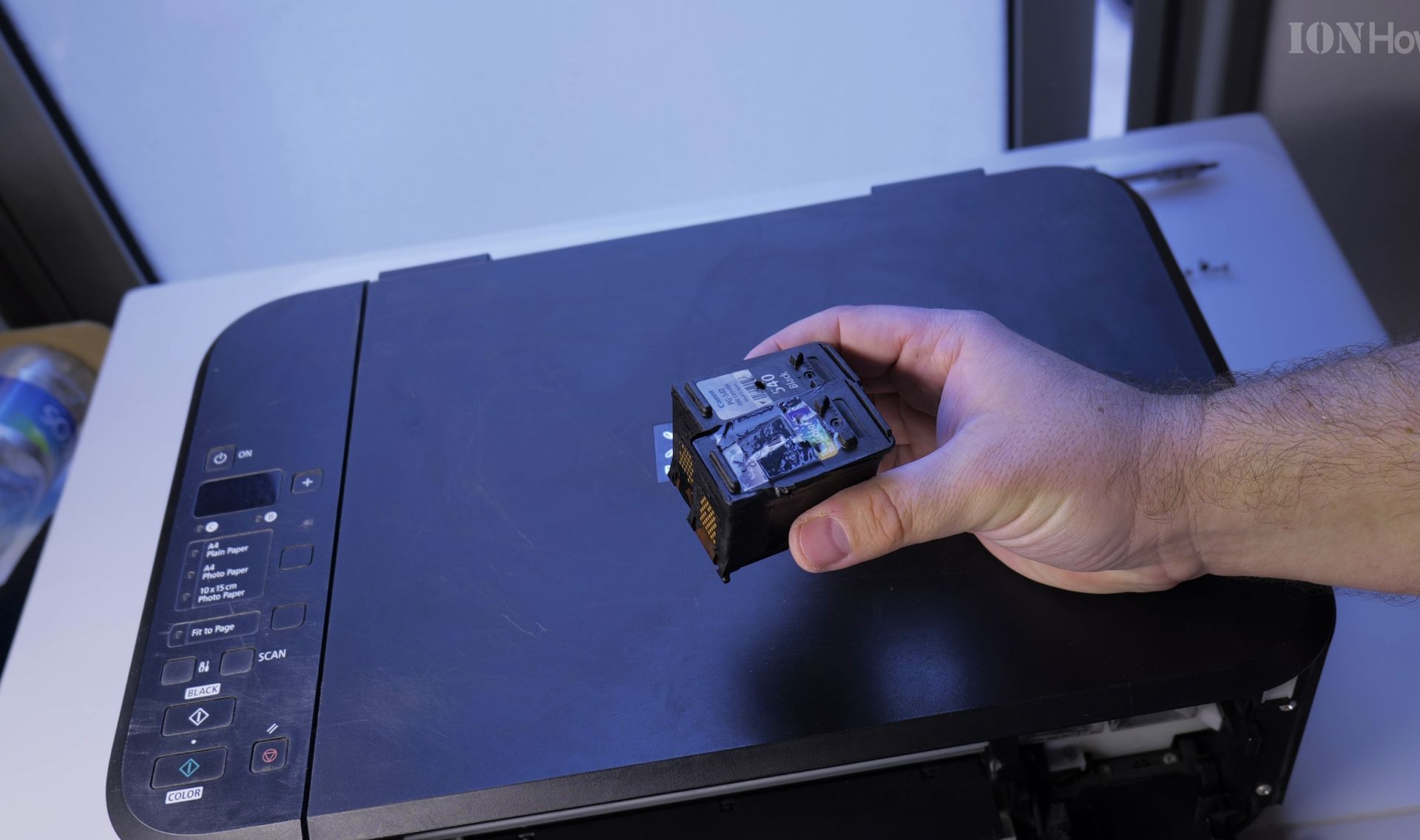
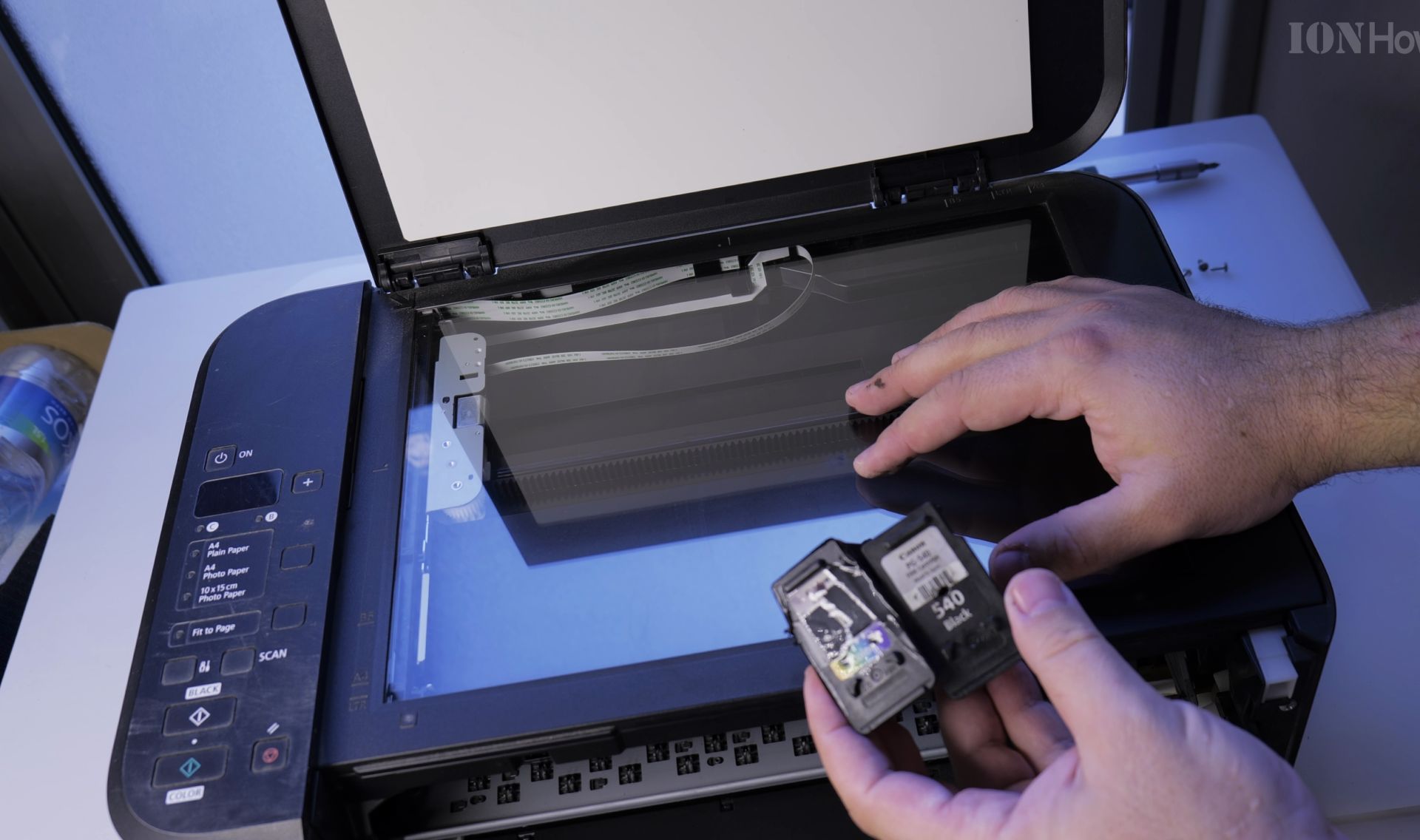
Fix inkjet printer ink cartridge HP, Canon
Inkjet ink cartridge deep cleaning taking the cartridge apart and cleaning all cartridge components. All in the video bellow.


Quick Steps and Scenarios Overview
| What You Need to Do | Quick Jump |
|---|---|
| Fix inkjet printer ink cartridge HP, Canon | Jump to Step 1 |
| Fix inkjet printers with separate print head | Jump to Step 2 |
| First video, how I found it | Jump to Step 3 |
| Second video, Clogged print head cleaning | Jump to Step 4 |
| Inkjet Printer suction tool | Jump to Step 5 |
Fix inkjet printers with separate print head
You need a syringe, window cleaner liquid, Isopropyl alcohol 70% or higher and distilled water.
Oh and a lot of patience.
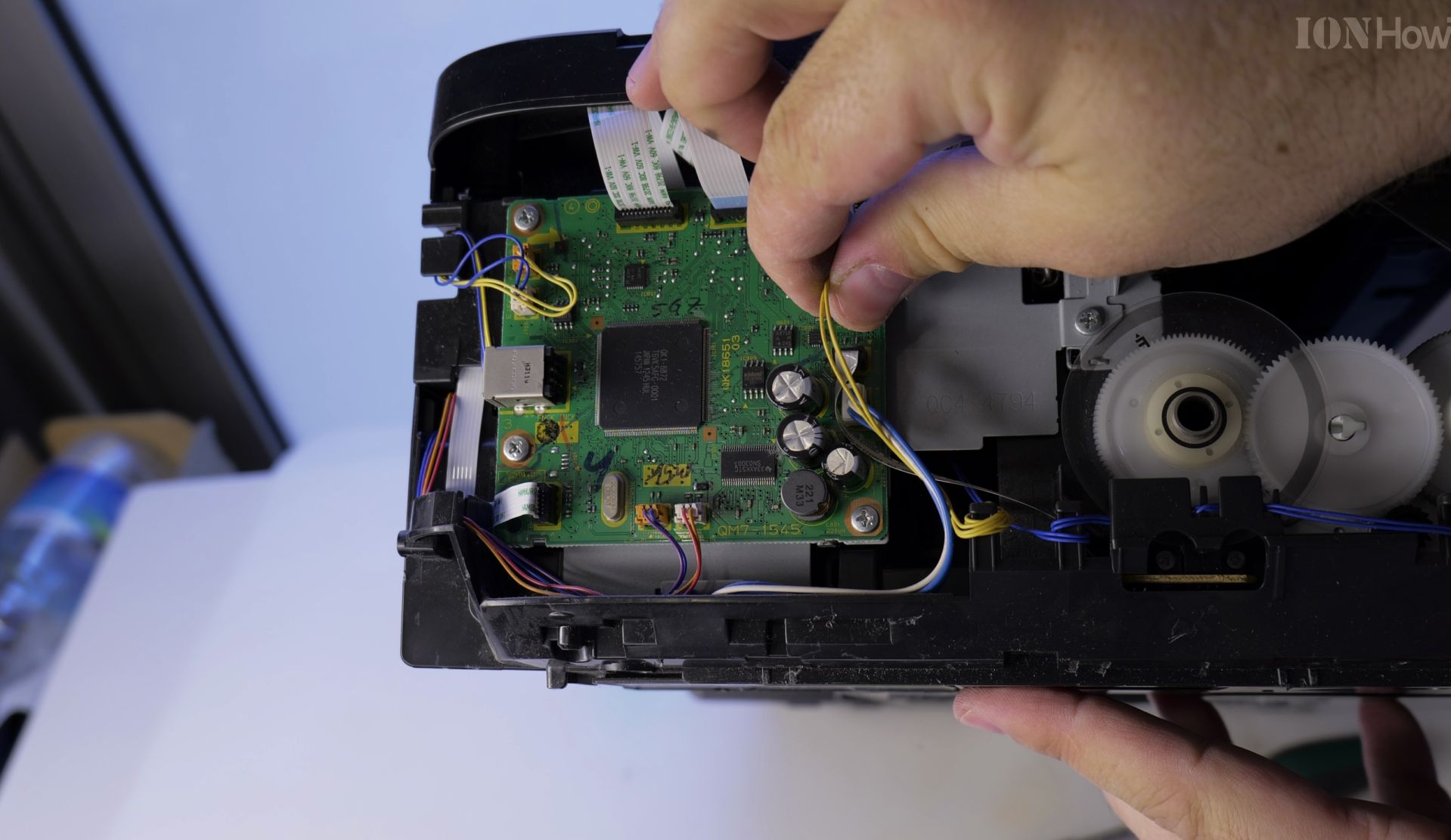
Also showing how to diagnose transport and pickup roller problems in the inkjet printer and fixing them when the printer does not pick-up paper in the paper feeder.
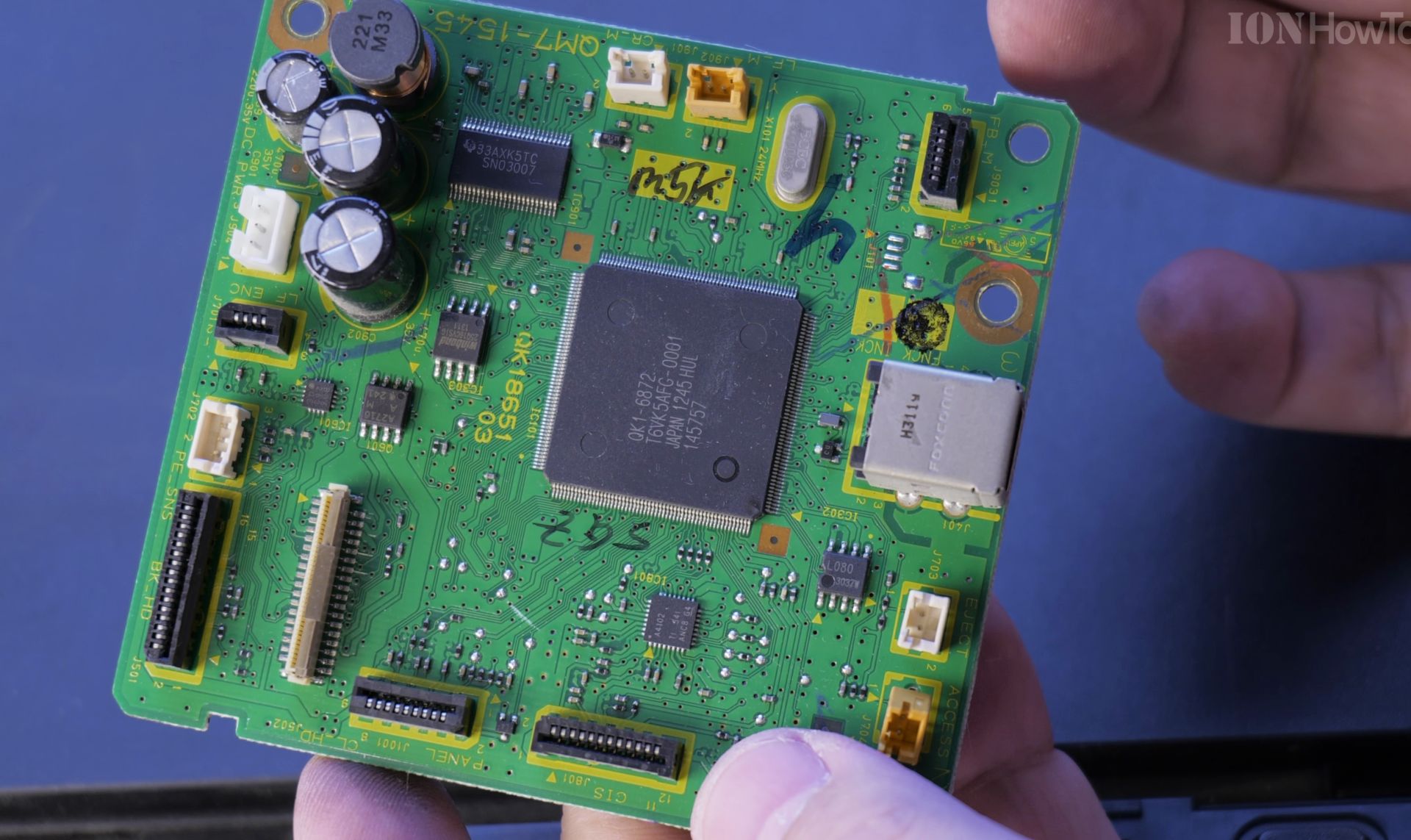
This is a Brother printer, model MFC-215C
First video, how I found it


Second video, Clogged print head cleaning

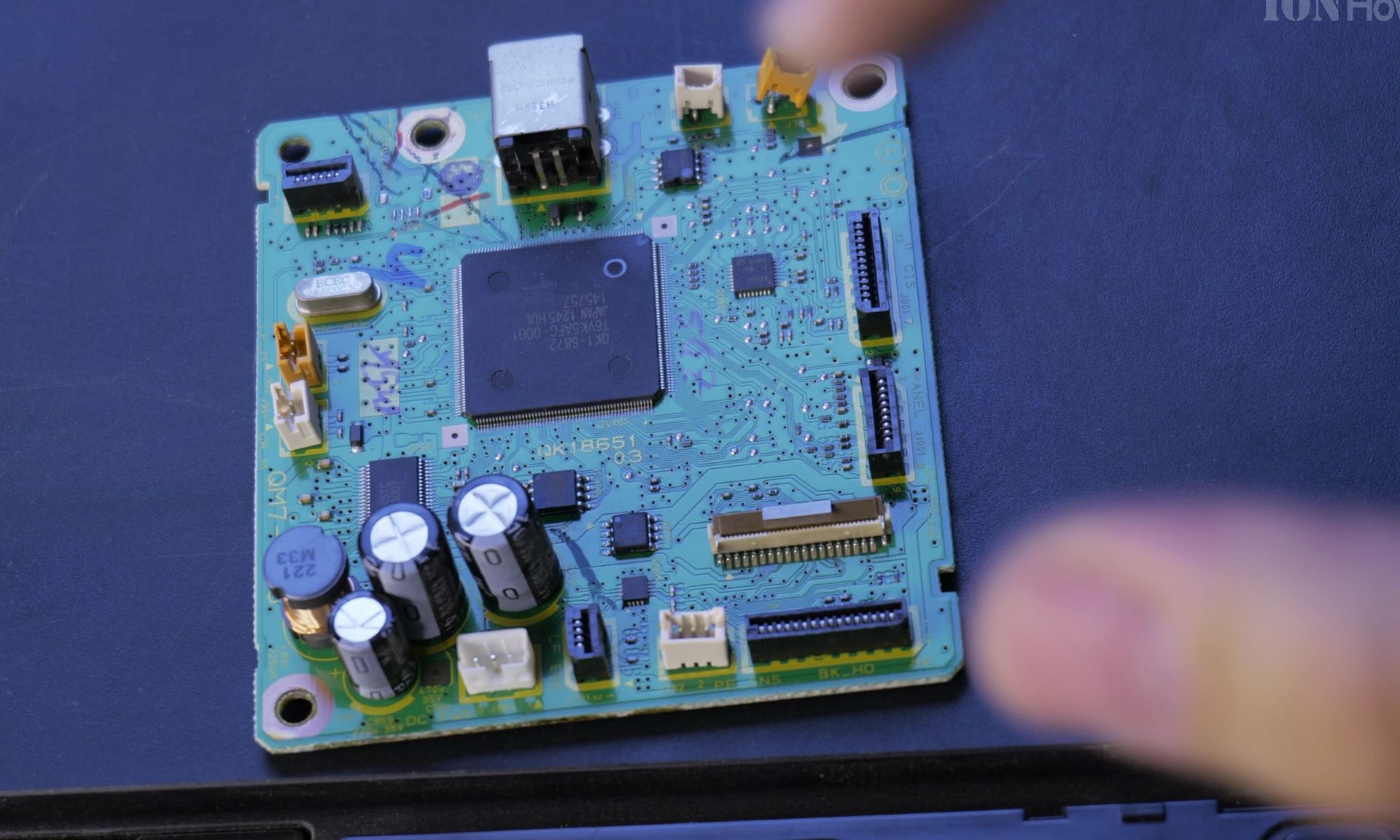
It’s a multi-functional printer, scanner, printer, copier, and fax machine.

How to clean a clogged print head in inkjet printers.
Cleaning a clogged print head can be done in several brands of printers.
You can apply this method in inkjet printers that have the print head as a separate unit from the ink tanks.
You cannot do this on printers that have the ink containers and print head as one unit as HP does. For that we have uploaded another video.
This is applicable for Canon, Epson and Brother printers.
Inkjet Printer suction tool


Helpful Tips
Check all labels, connections, and power ratings before starting so everything fits safely and securely. If any detail looks slightly different on your model, pause the embedded video above for a clear closeup view.
Related Guides
- How to Fix Error E05 in Canon Inkjet Printers – Canon inkjet printer shows error E05 on the display and will not print anything at all.
- How to Scan on Canon Printer – How to Scan on Canon Printers.
- Fix Canon Pixma Printer Error B200 – Printer error B200 happens often and usually at the wrong time.
- Inkjet printers – Browse more tutorials and practical guides in this section.


Leave a Reply Cancel reply