


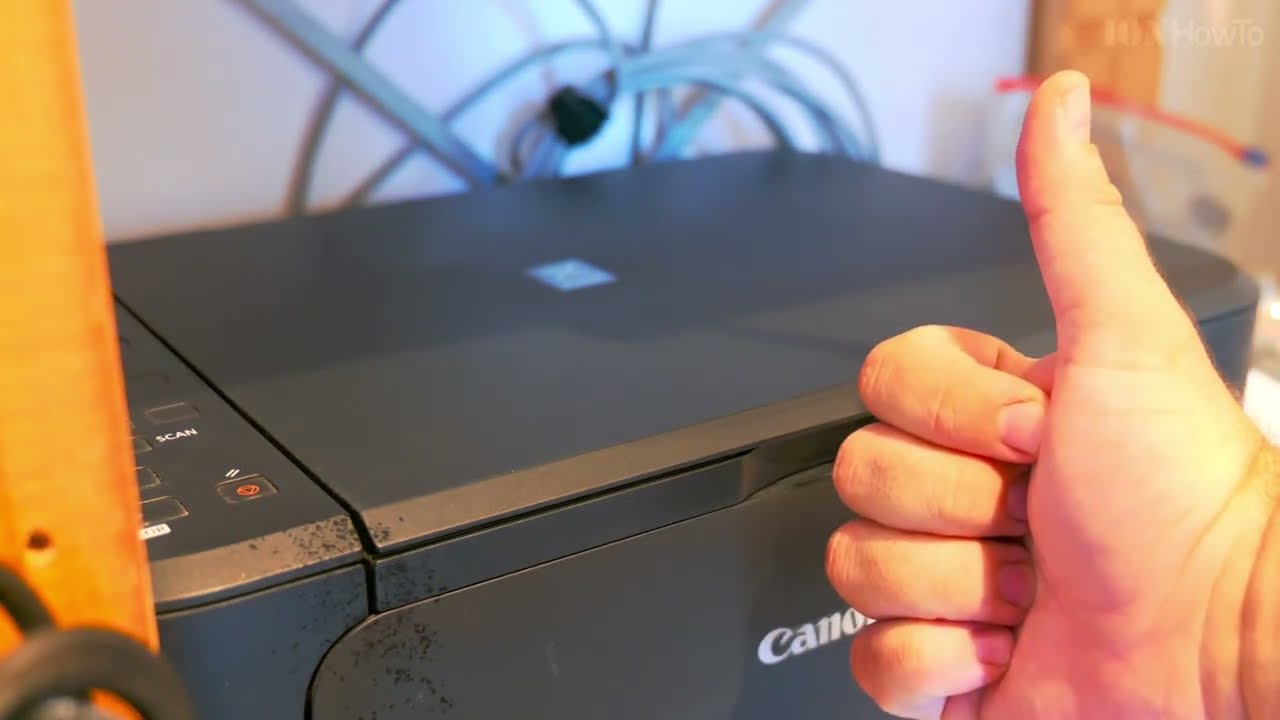
How to clean a scanner and printer multifunction printer cleaning.
A flatbed scanner can get dirt on the glass of the scanner and you might see smudges or blurry areas on your scanned documents.

Clean rhe flatbed scanner and ADF scanner strip with a microfiber cloth soarked in water and squeezed well before use.
You can also use Isopropyl alcohol 70% IPA or even plain window cleaner spray.
Make sure you spray on rhe cloth and not directly on the printer.
Wipe gently and repeat if necessary.
You can also use plain soft toilet paper with a bit of alcohol or window cleaner sprayed onto it.
Also clean the printer feed tray to keep your multifunction printer work better and longer.
Helpful Tips
Check all labels, connections, and power ratings before starting so everything fits safely and securely. If any detail looks slightly different on your model, pause the embedded video above for a clear closeup view.
Related Guides
- How to Scan on Canon Printer – How to Scan on Canon Printers.
- Canon Printer ink cartridge clogged printing lines – Canon Printer ink cartridge clogged printing lines or not printing at all fix or replace printer ink cartridge.
- Canon Printer Error P10 error code b204 how to fix – Canon Printer Error P10 error code b204 and how to fix it.
- Fix My Printer – Browse more tutorials and practical guides in this section.
Leave a Reply Cancel reply