



Recommended Amazon Gear and Accessories
Disclosure: This article contains Amazon affiliate links. As an Amazon Associate, we earn from qualifying purchases at no extra cost to you.
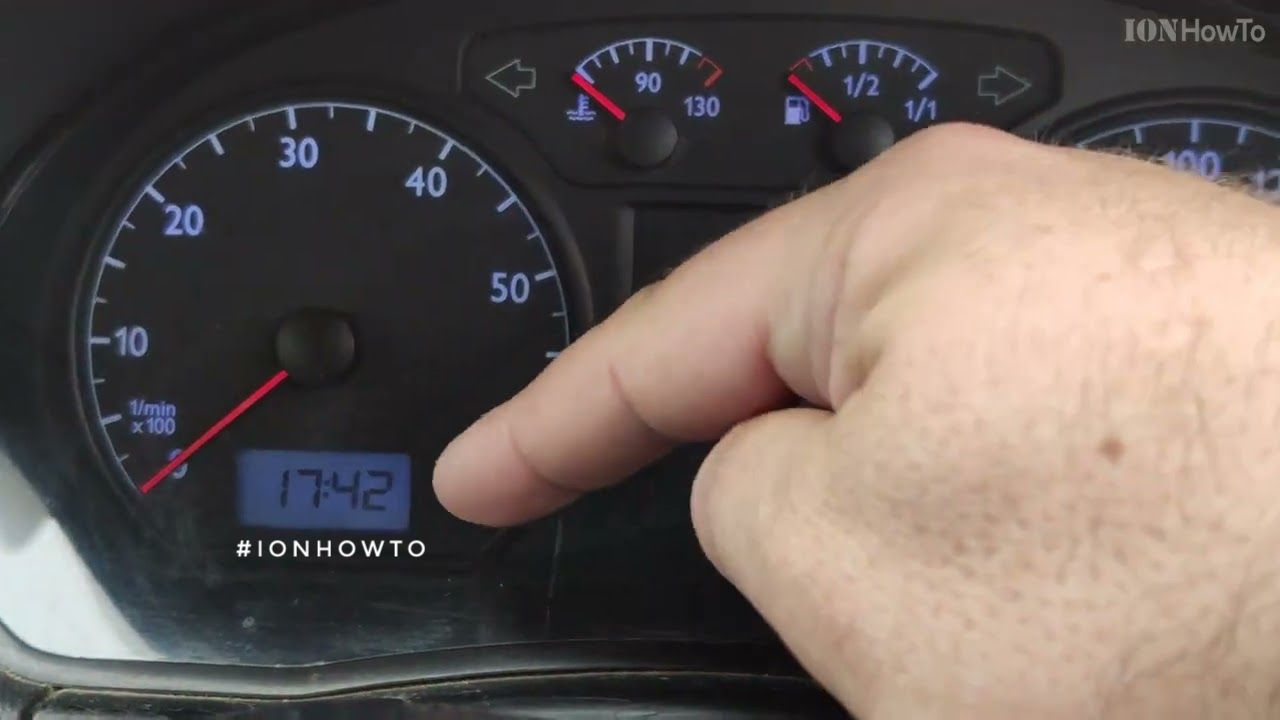
Adjust the clock on VW Polo mk4 9n dashboard in under 1 minute using the dash knob
Also the dash knob button can be used to reset trip km interval counter. The small number for Km counter under the mileage odometer display.
When you turn the dash knob to the left, the hour increases one step.
When you turn the dash knob to the right the minutes increade with 1 minute.
If you press the knob, the trip km indicator is reset.
If you turn left and hold, the hours increase continuously. When you are close to the time you want to set, turn the knob step by step.
When you turn right and hold, the Minutes increase continuously. When you are close to the time you want to set, turn the knob step by step.
Helpful Tips
Check all labels, connections, and power ratings before starting so everything fits safely and securely. If any detail looks slightly different on your model, pause the embedded video above for a clear closeup view.
Related Guides
- VW Polo 9N Mk4 Burning Oil PCV Valve AZQ Engine – VW Polo 9N Mk4 Burning Oil PCV Valve Check and Cleaning AZQ Engine.
- DIY Brake Fluid Flush and Brake Service for VW Polo 9N Mk4 – DIY Brake Fluid Flush and Brake Service for VW Polo 9N Mk4: A One-Person Guide
- Handbrake Adjustment VW Polo 9N Mk4 – Handbrake Adjustment on VW Polo 9N Mk4.
- VW Polo 9N Mk4 – Browse more tutorials and practical guides in this section.


Leave a Reply Cancel reply