


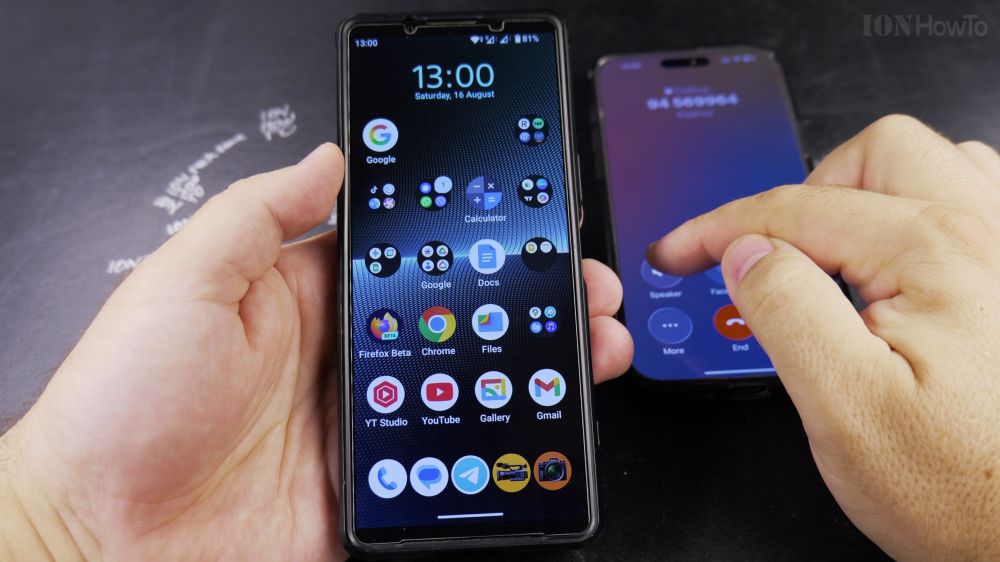
If you don’t use voicemail or dislike paying carrier retrieval fees, you can turn off voicemail call forwarding directly in your phone settings. I’ll show you how to disable SIM voicemail forwarding on Android in a few steps.

1. Open Phone Settings
Open the **Phone** app, tap the **three vertical dots** in the top-right corner, and tap **Settings**.

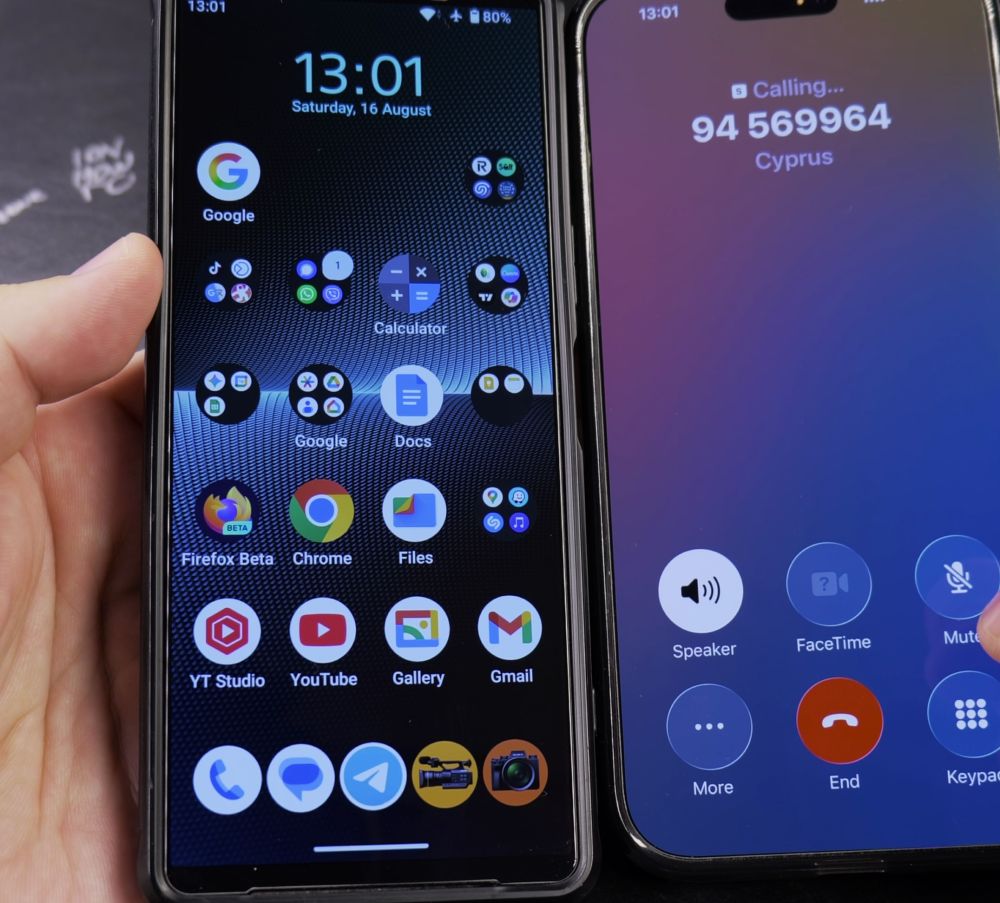
2. Tap Calling Accounts
Under the General settings section, tap **Calling accounts**.
3. Select Your SIM Card
Tap on the carrier name of the SIM card you want to configure.
4. Tap Call Forwarding
Tap **Call forwarding** and wait a few seconds while your phone queries the carrier network.
5. Disable Forwarding Rules
Tap **When unanswered**, **When unreachable**, and **When busy**. In each popup, tap **Turn Off** (or delete the carrier voicemail number and tap **Update**).
Helpful Tips
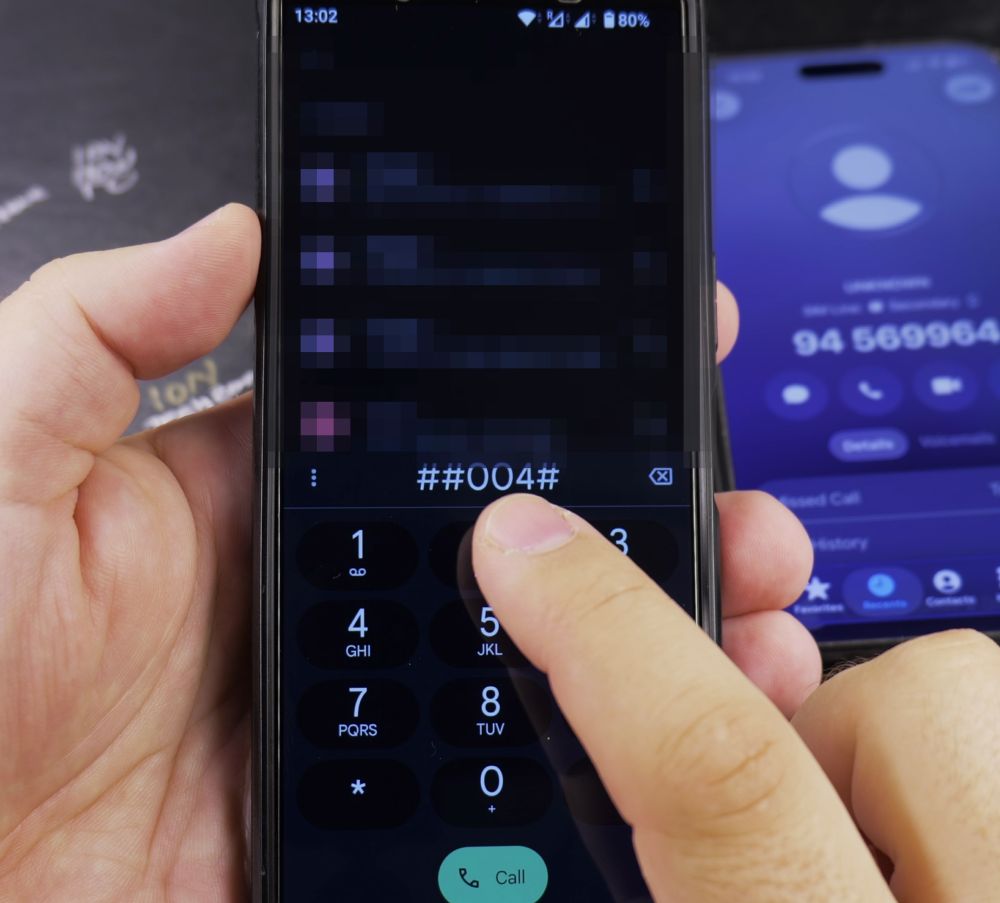
Some mobile networks lock voicemail at the carrier account level. If your phone displays a ‘Carrier cannot disable forwarding’ alert, dial your provider’s quick USSD deactivation code (such as ##004# or ##61#) or contact customer support. For more cellular tricks, visit our Android Guides hub.
Leave a Reply Cancel reply