


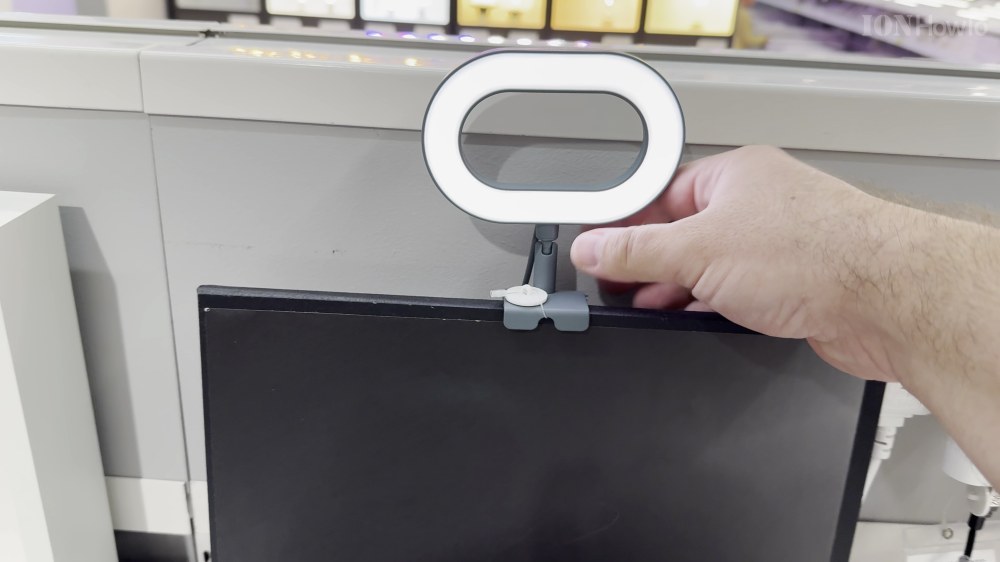
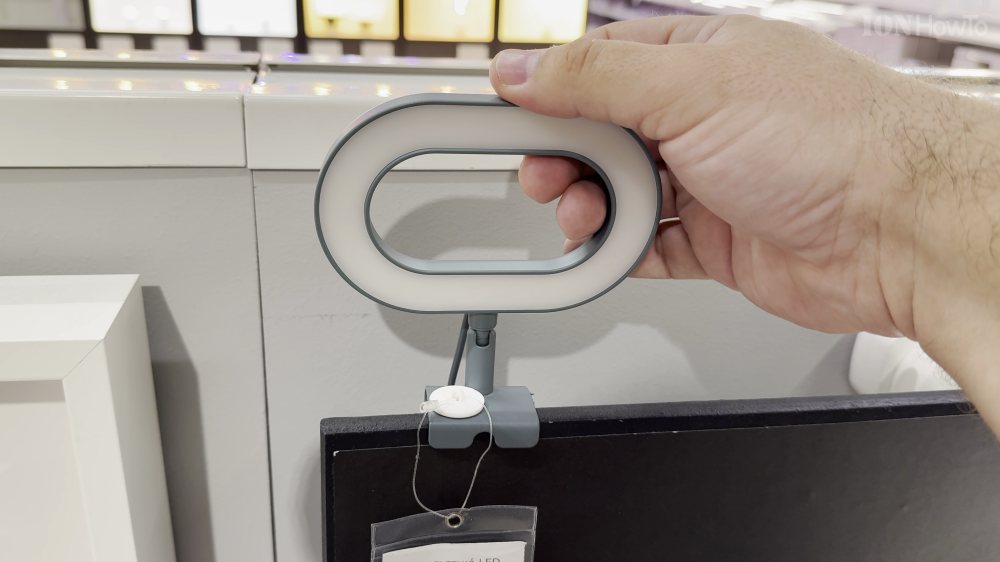
If your face looks dark or grainy during Zoom or FaceTime calls, a dedicated monitor ring light makes you look clear and professional. I’ll show you how to set up and adjust the IKEA Stankregn ring light on your computer screen.

1. Unbox and Position the Lamp
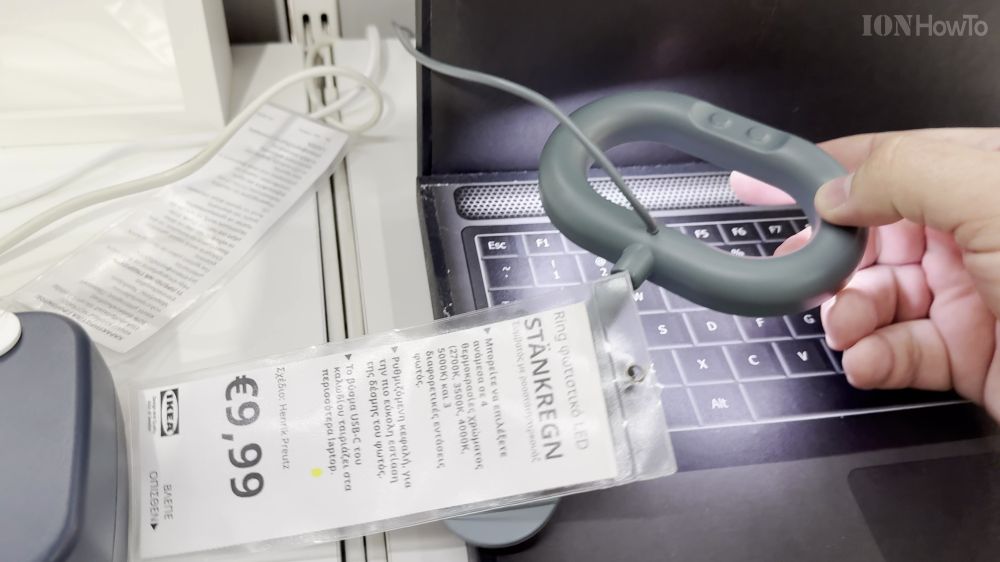
Remove the IKEA Stankregn ring lamp from its packaging and unfold the screen clamp.
2. Mount onto Your Screen
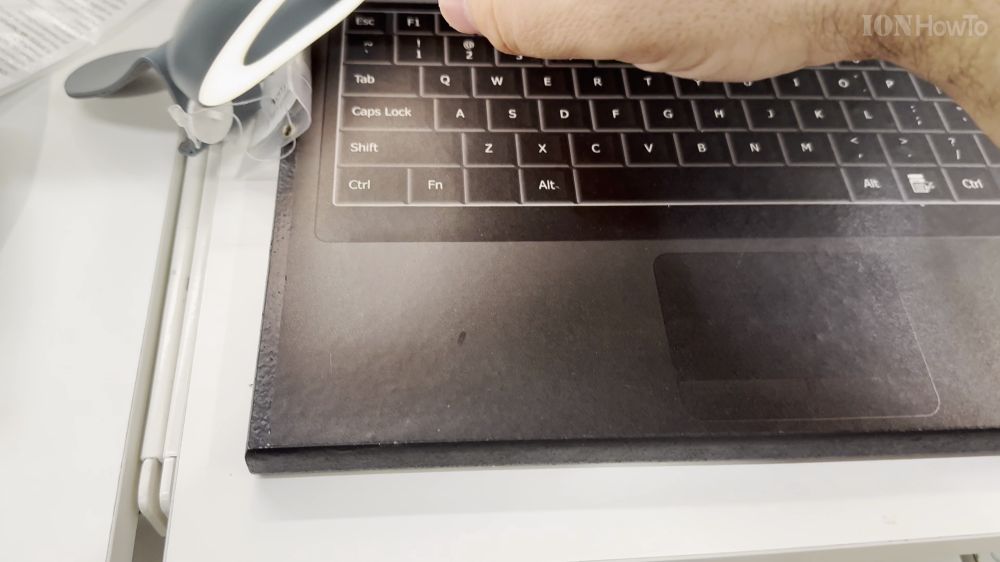
Rest the front lip of the clamp gently against the top edge of your laptop or desktop monitor, letting the weighted back rest flat.
3. Plug into USB Power
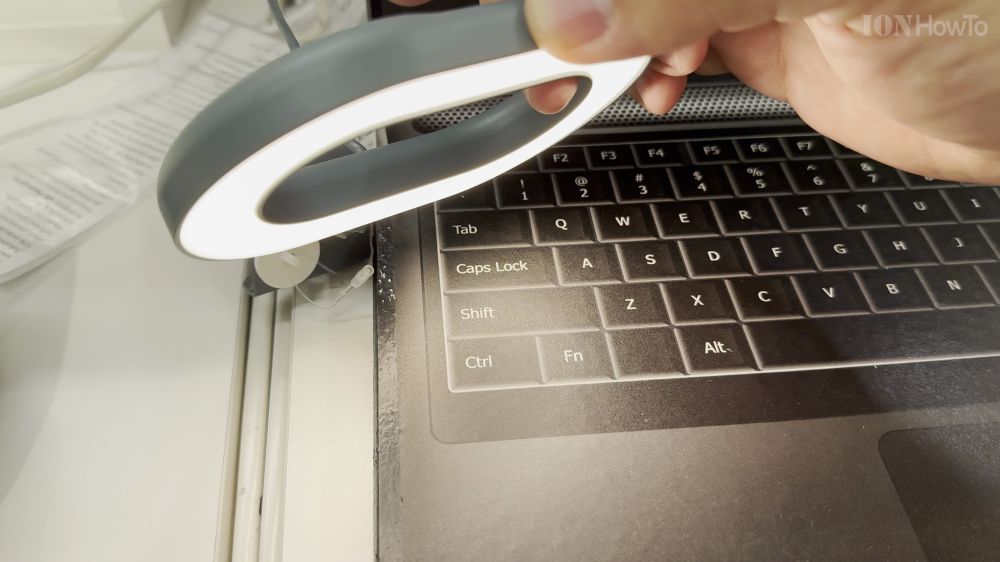
Plug the attached USB cable into any standard 5V USB computer port or phone charger brick.
4. Adjust Brightness and Color Tone
Press the power button on the in-line remote, then tap the adjustment buttons to select warm or cool light that matches your room.
Helpful Tips
Angle the light slightly above eye level to eliminate reflections on eyeglasses while keeping your face brightly illuminated. For more office tech setups, explore our Hardware hub.
Leave a Reply Cancel reply