


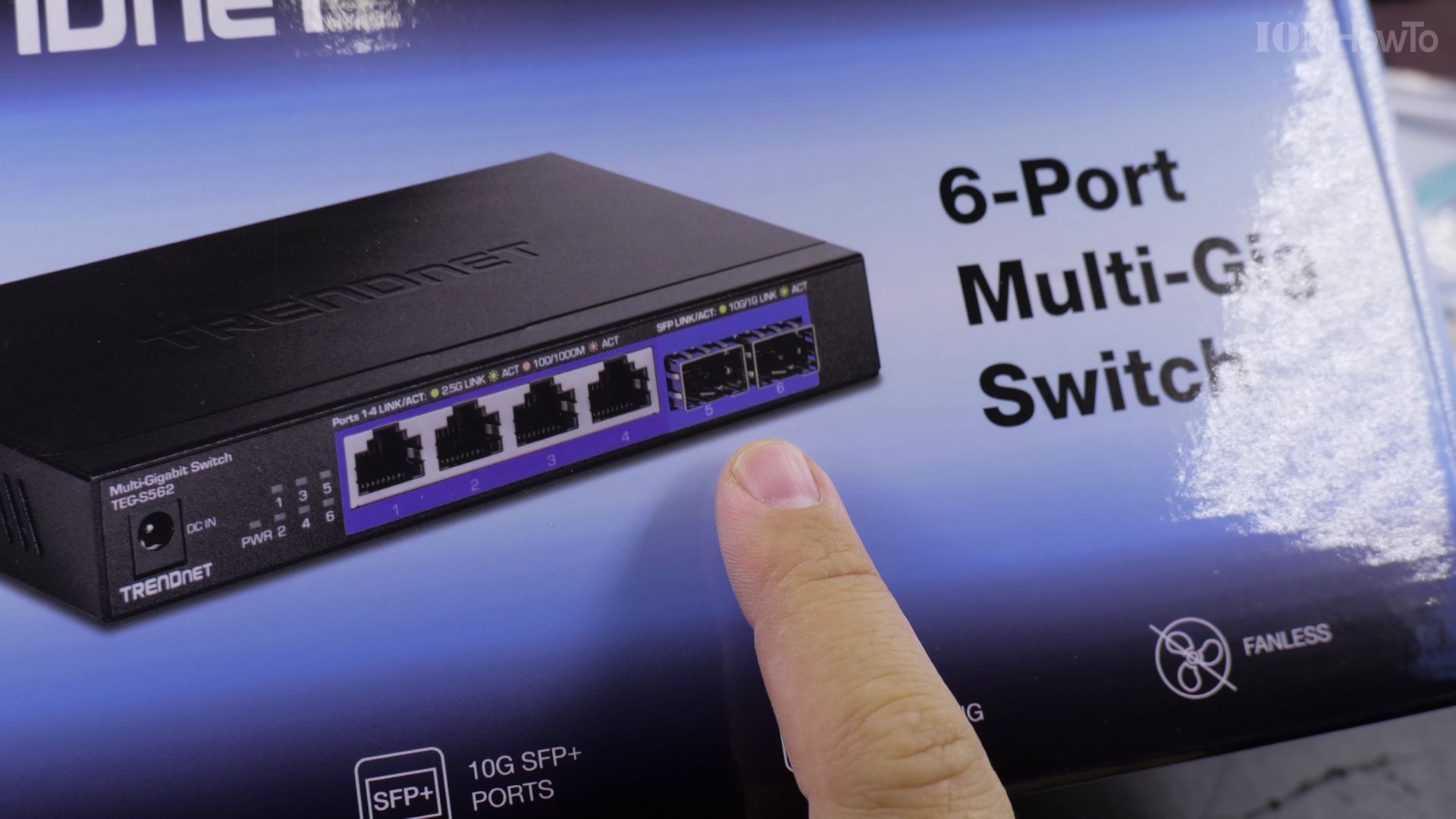
If your standard gigabit network is slowing down large file transfers, an optical fiber network offers blazing 10-gigabit speeds. I’ll show you how to connect 10Gb SFP+ switches, transceivers, and PCIe cards for a reliable home fiber network.

1. Inspect Your 10Gb Fiber Network Hardware
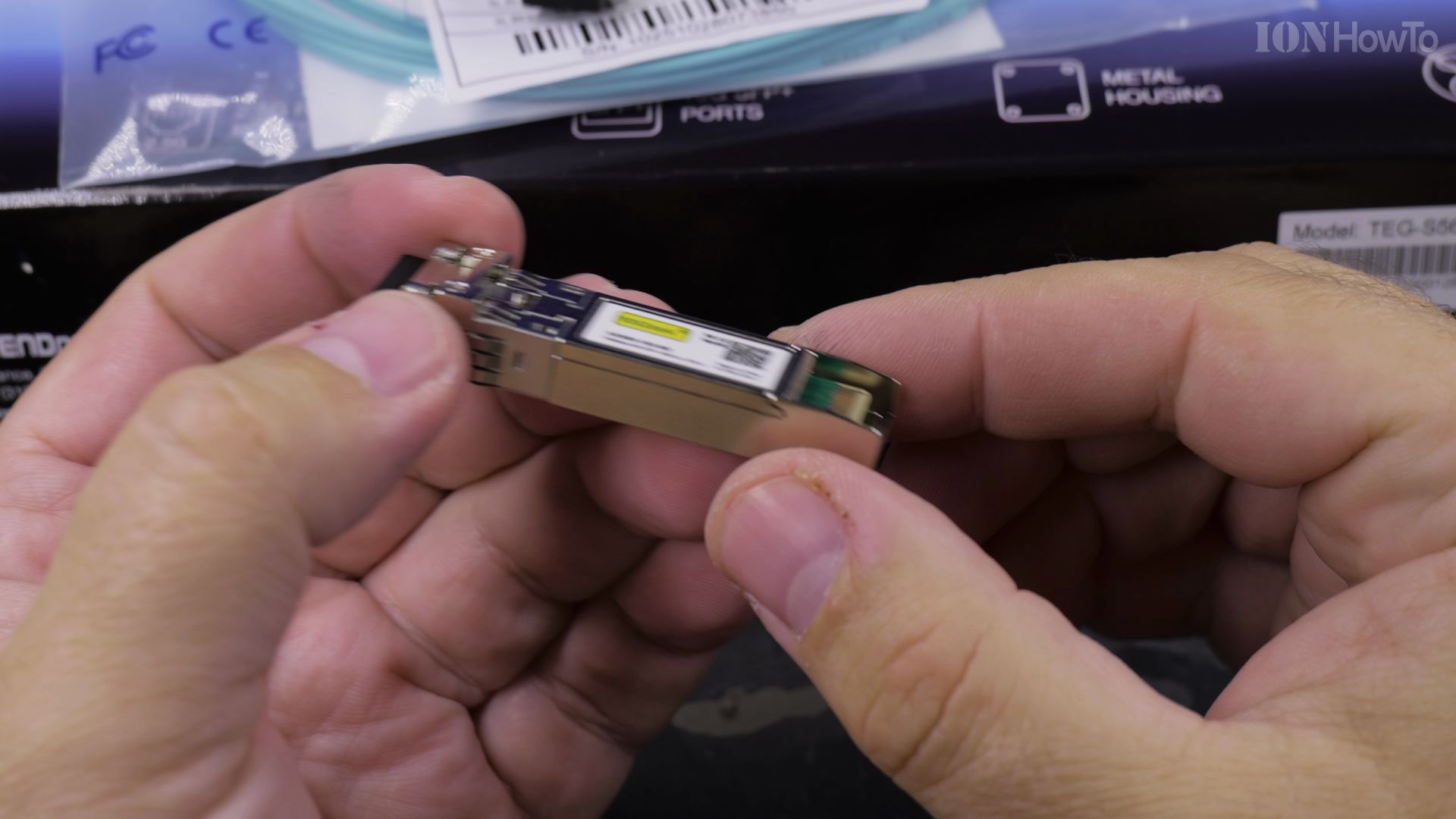
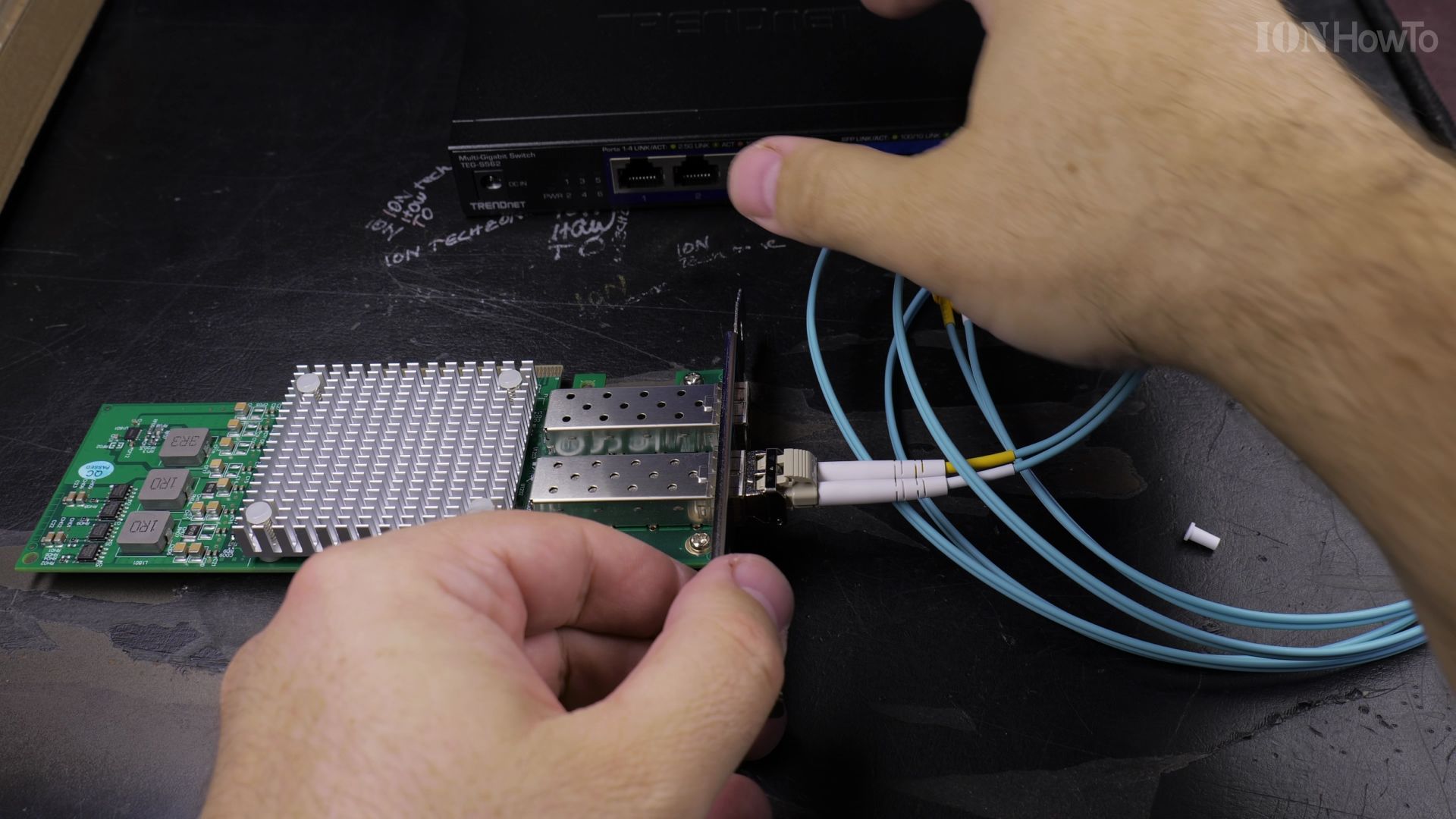
Lay out your multi-gig switch, dual-port SFP+ PCIe network card, 10Gtek 10G multi-mode transceivers, and aqua OM4 LC fiber patch cables on a clean surface.
2. Insert Transceiver into Network Card
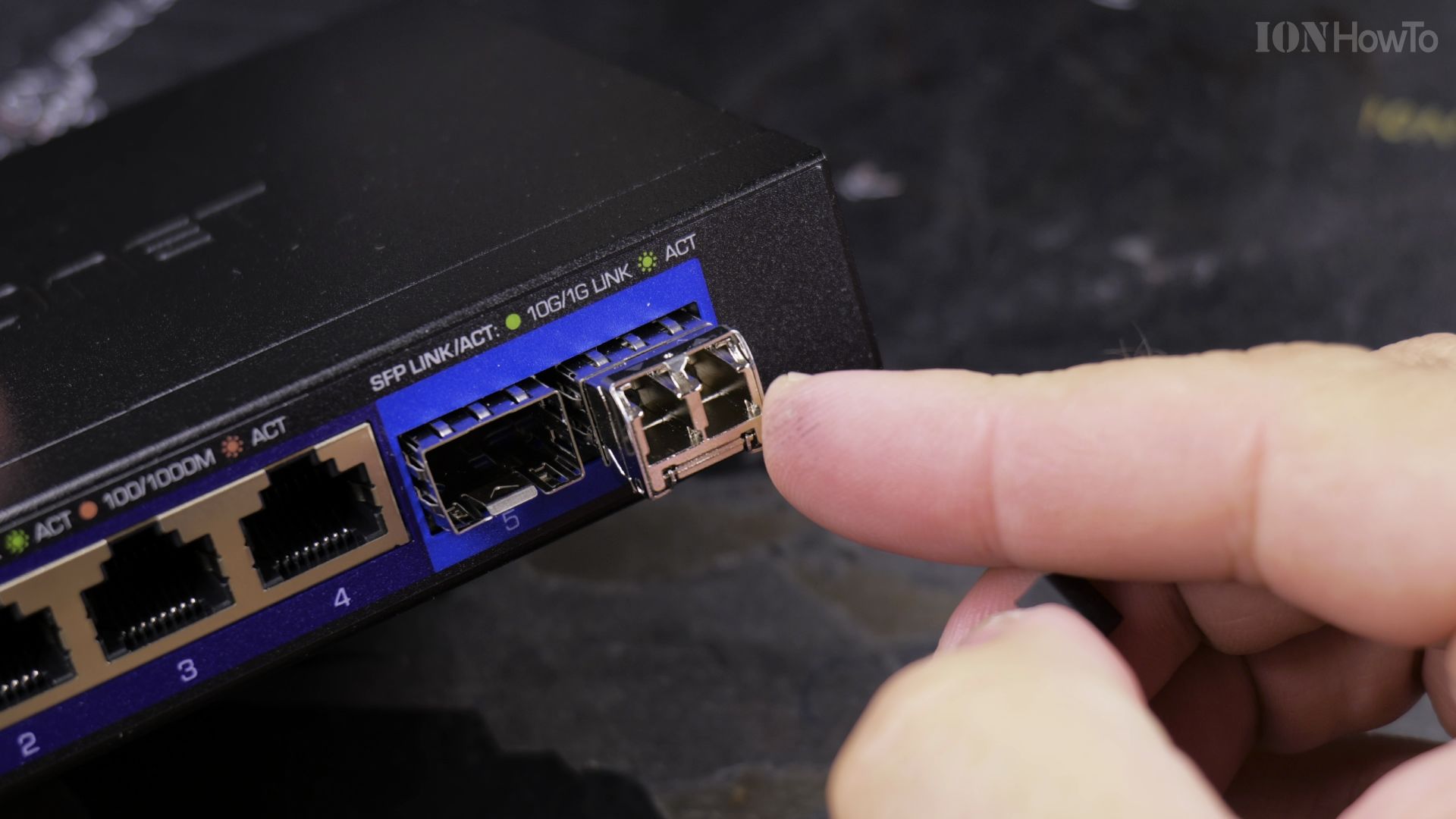
Slide the SFP+ optical transceiver firmly into the first port of your PCIe network card until the bail latch clicks into place.
3. Plug Fiber Cable into Switch Uplink
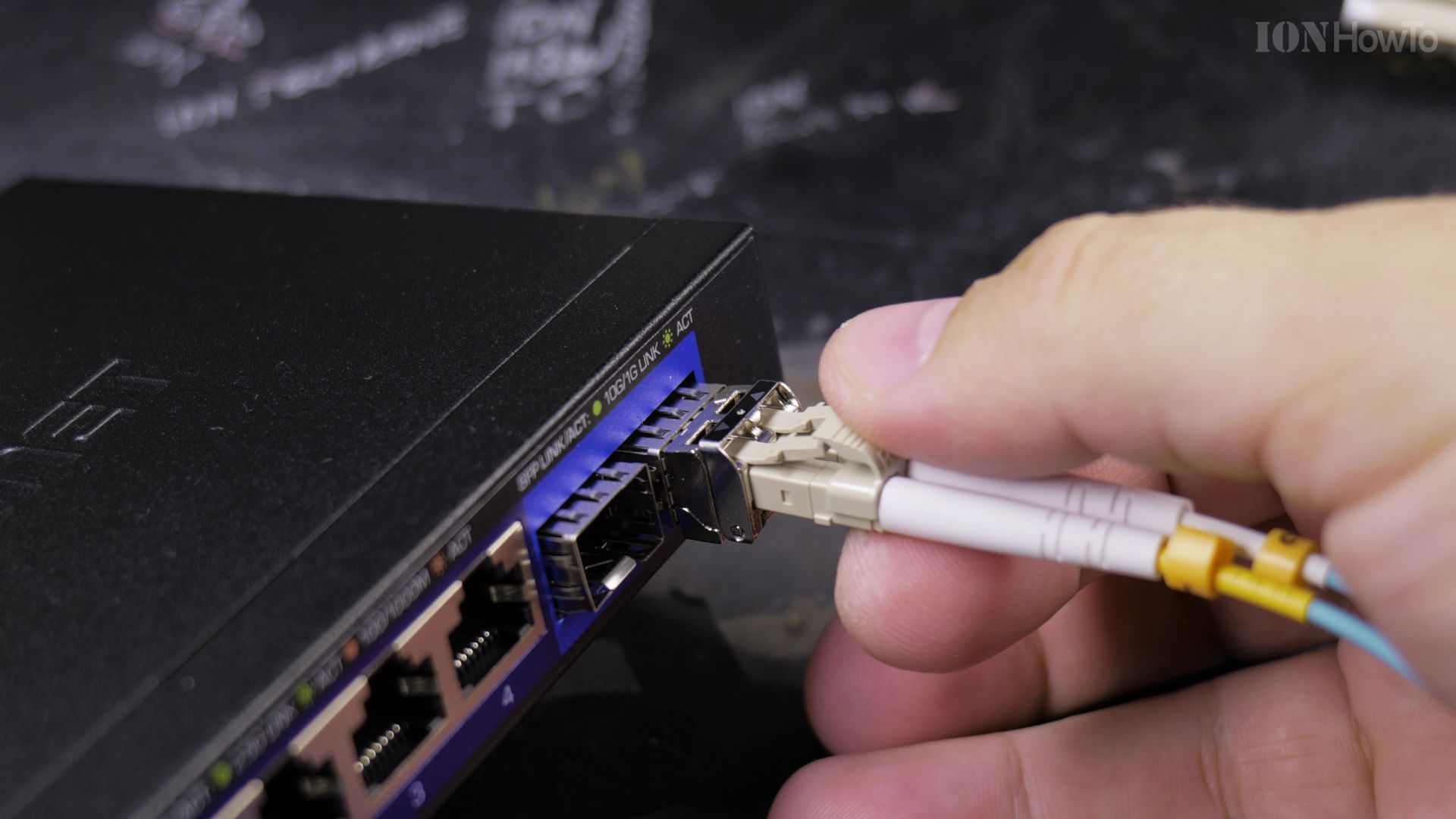
Remove the clear rubber dust caps from the LC fiber connector and push it into the switch transceiver until it clicks softly.
4. Verify Link Lights and Run Speed Test
Power on your computer and switch. Check that the link status LED on both devices shines steady green to confirm full 10-gigabit negotiation.
Helpful Tips
Always keep rubber dust caps on unused optical ports and fiber tips to prevent microscopic dust from degrading optical signal strength. For related network upgrades, read our guide on Trendnet 2.5Gb and 10Gb Switch Upgrades or explore our Networking & Wi-Fi hub.
Leave a Reply Cancel reply