


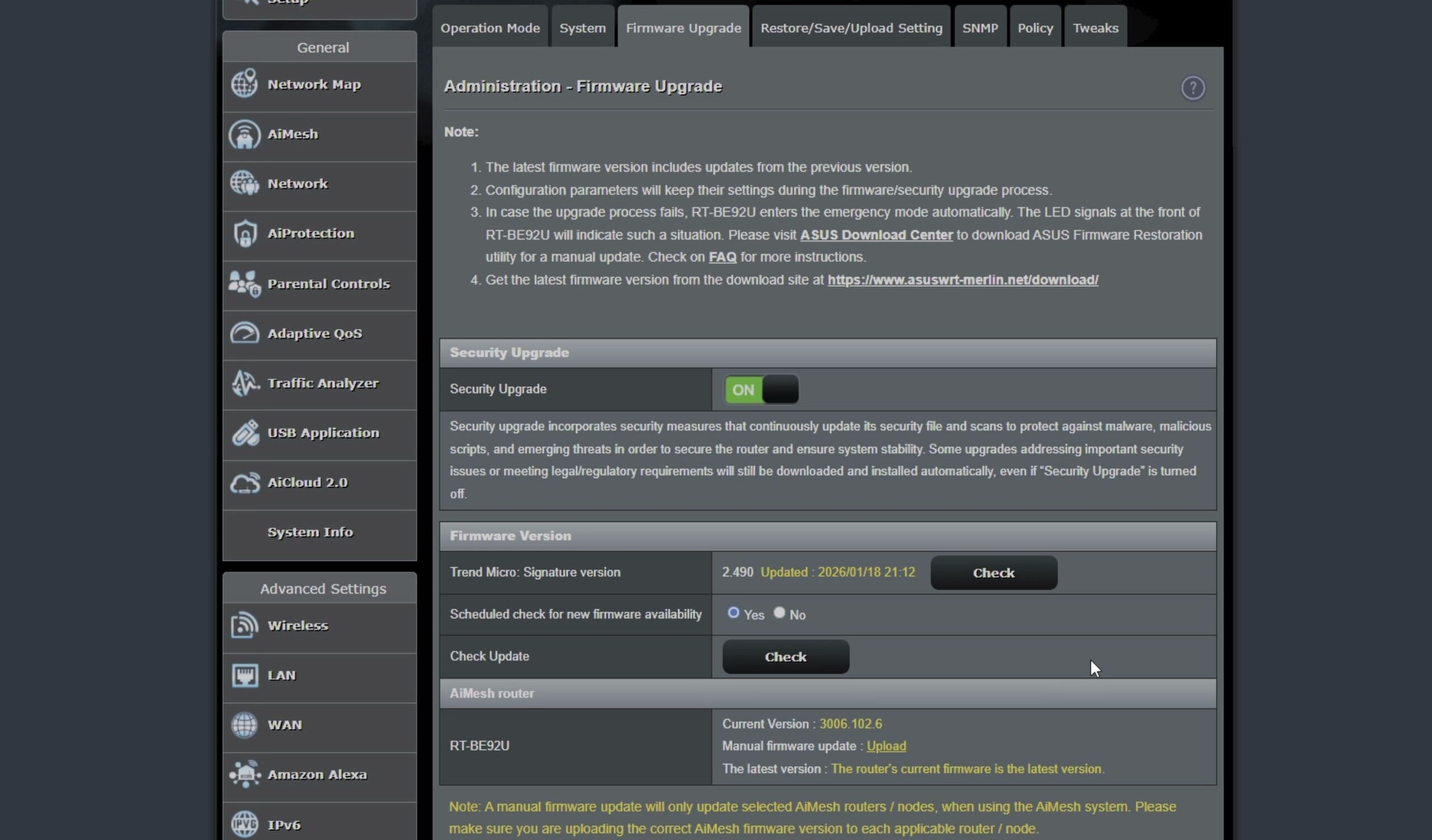
If you want more control over your home network without learning a complicated new interface, Asuswrt-Merlin brings enhanced tools while keeping the familiar ASUS layout. I’ll show you how Asus Merlin firmware looks and performs on the ASUS RT-BE92U Wi-Fi 7 router.

1. Explore the Asuswrt-Merlin Network Map Dashboard
Log in to your router web address (192.168.50.1) in your browser.
The main dashboard displays the classic ASUS layout, but the top header confirms the custom build (such as version 3006.102.x).
All your connected devices, wireless bands, and system memory stats appear clearly in real time.

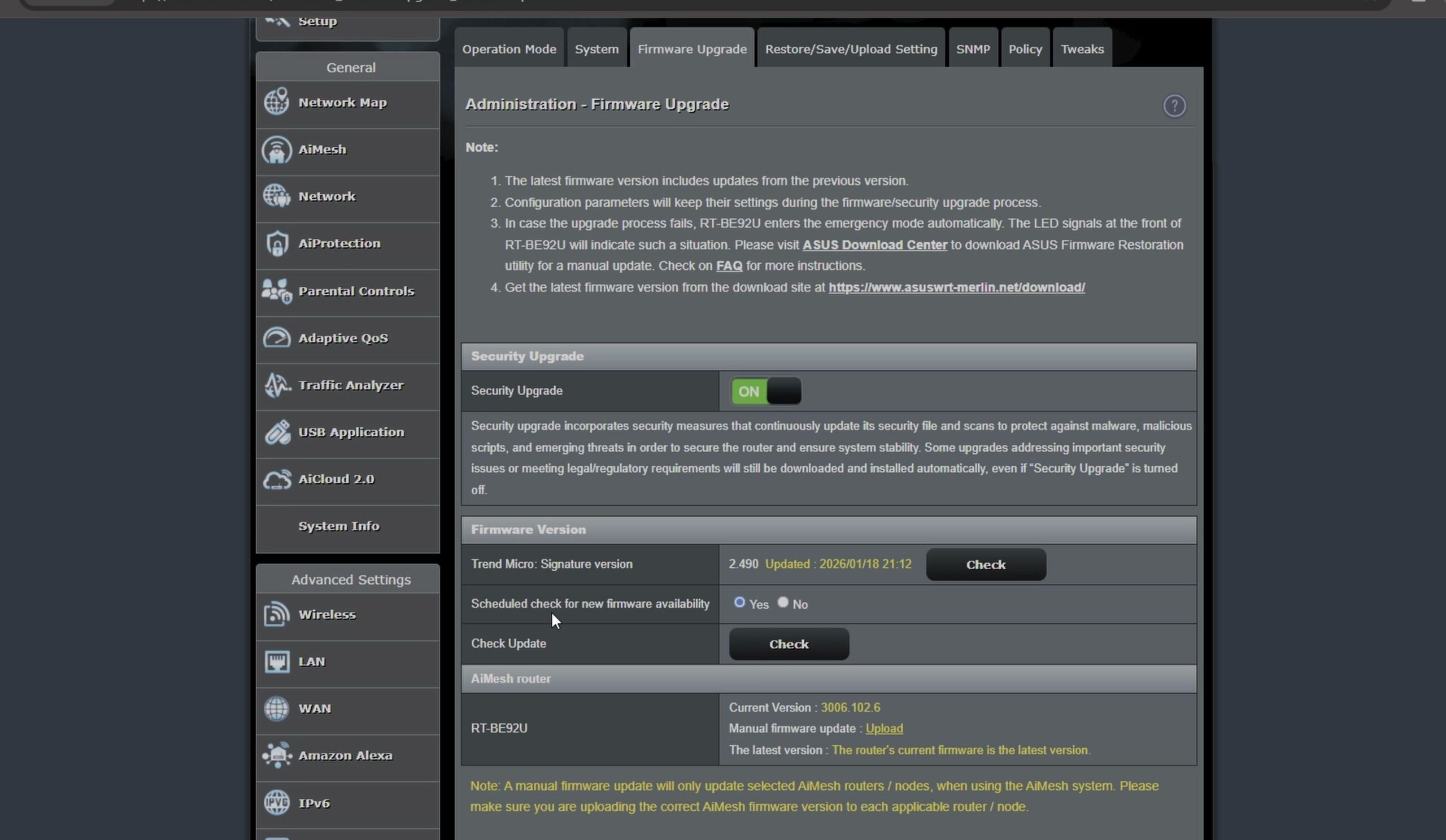
2. Review Traffic Statistics and Bandwidth Monitoring
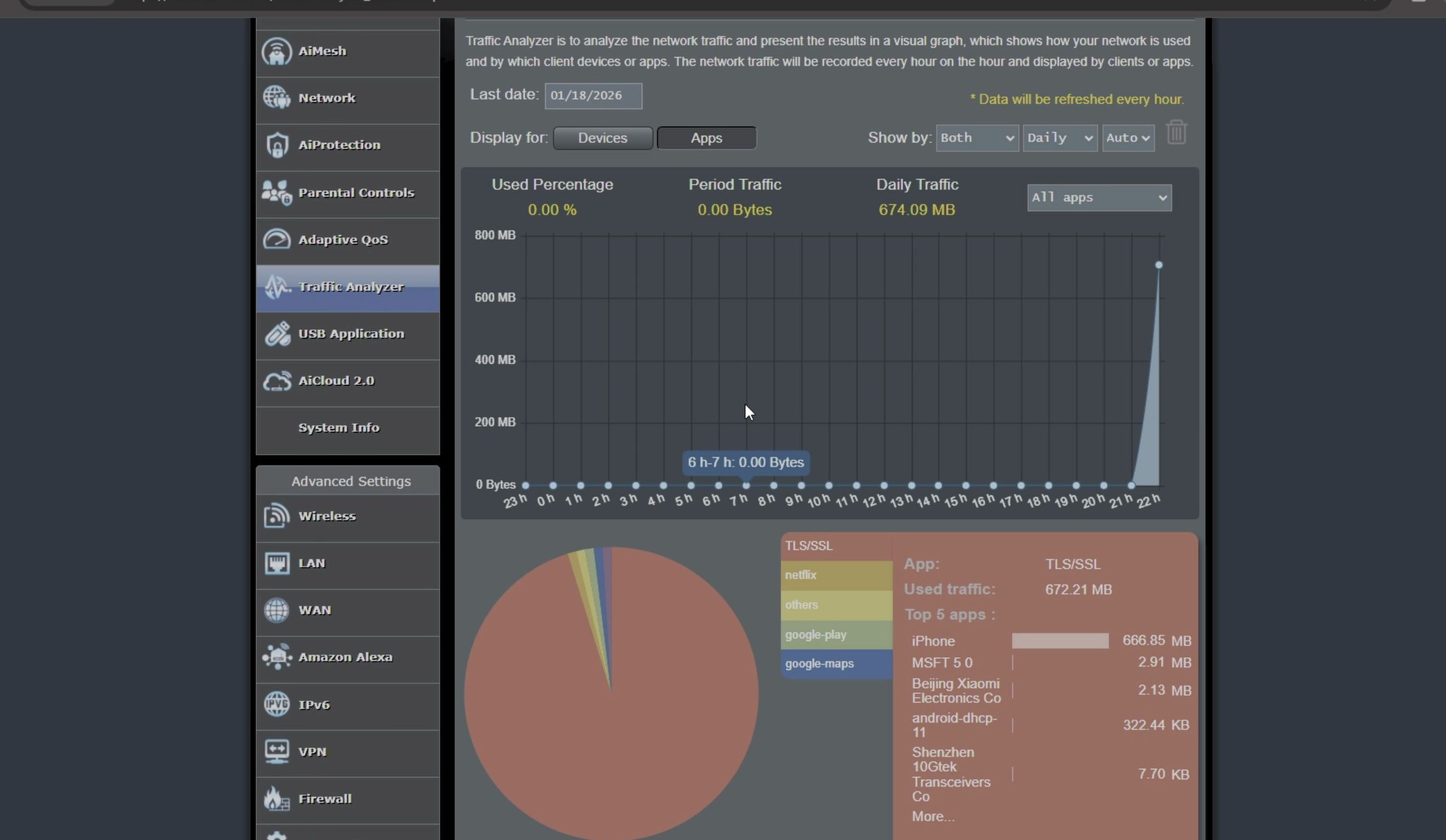
From the left sidebar, click Traffic Analyzer to view real-time data flows.
You can see exactly how much download and upload bandwidth each connected phone, computer, or TV uses.
If you prefer saving router processing power, you can toggle traffic recording off with one click.
3. Run Internet Speed Tests on High-Speed Fiber
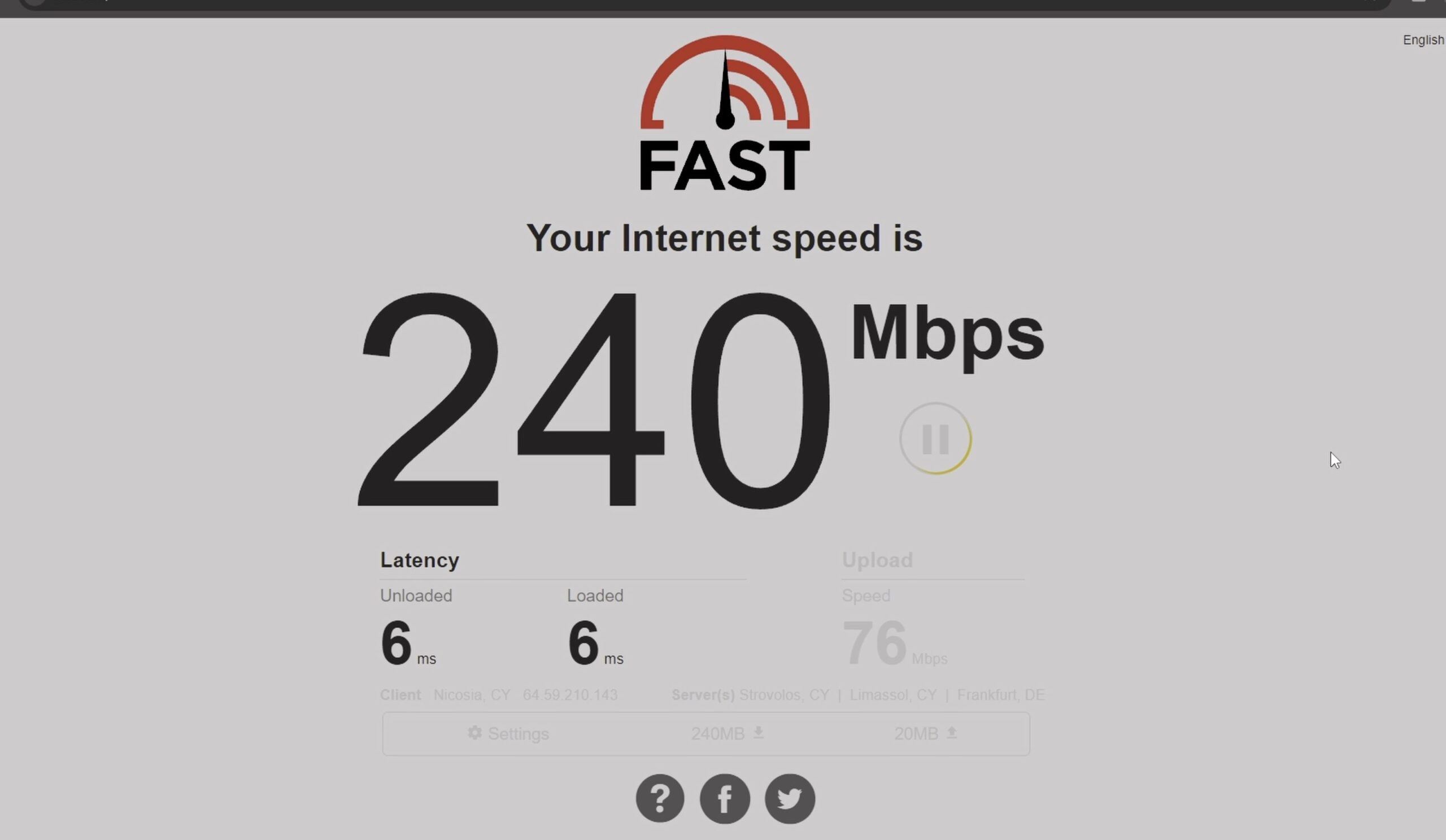
Open Fast.com in your web browser while connected to the RT-BE92U over Wi-Fi 7 or Ethernet.
The router delivers full gigabit throughput with low latency and zero buffer bloat.
Asuswrt-Merlin maintains full hardware acceleration, so your internet speed stays just as fast as stock firmware.
4. Verify DHCP Server Settings and SFP+ Connections
Click LAN on the left menu and open the DHCP Server tab.
Here you can assign permanent static IP addresses to desktop PCs, NAS storage, and smart home hubs.
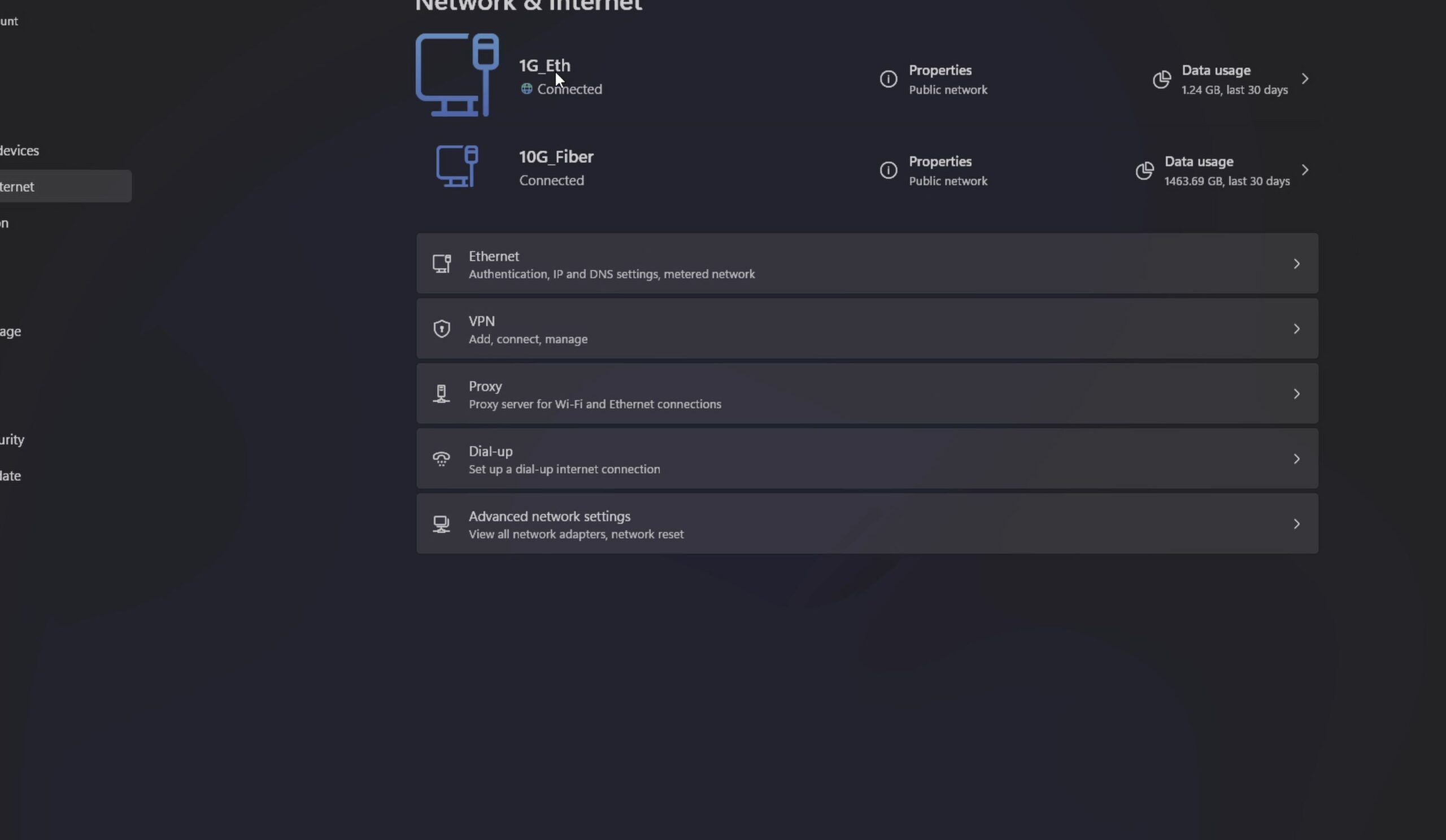
Both standard 1G Ethernet ports and high-speed 10G SFP+ optical connections negotiate automatically with stable IP routing.
Helpful Tips
Asuswrt-Merlin is ideal if you want features like WireGuard VPN client routing, custom DNS filtering, or Cron scripts without having to learn complex terminal commands required by OpenWrt.
To flash this custom firmware onto your own router, check our upcoming step-by-step tutorial on how to install Asus Merlin firmware on RT-BE92U router. You can also explore our collections on Wi-Fi Routers and Networking & 10GB Fiber.
Leave a Reply Cancel reply