


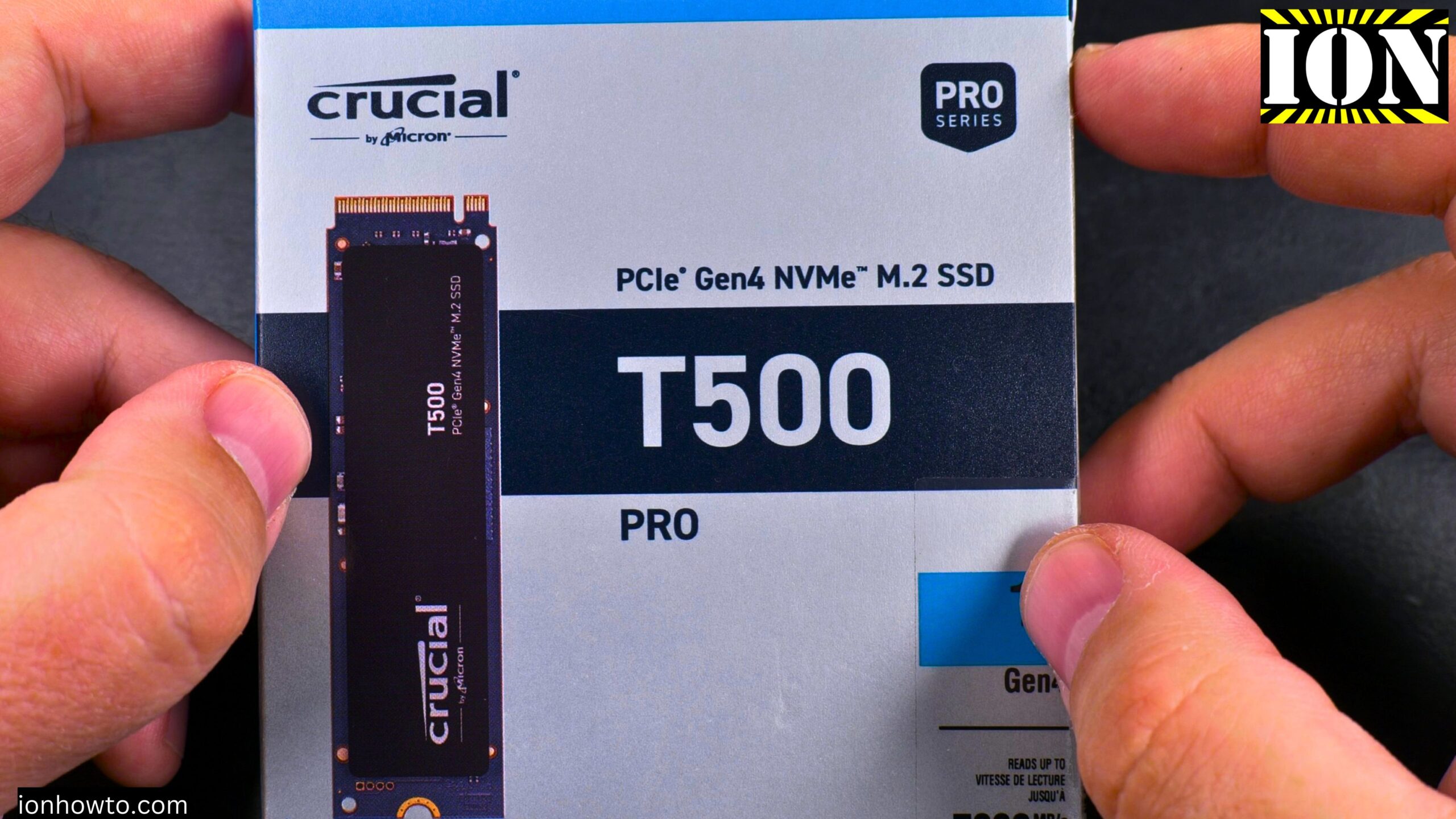
Crucial T500 Pro NVMe M.2 SSD Temperature Tests – Without Heatsink vs With Arctic M2 Pro Heatsink.
Learn how much a heatsink can cool down your NVMe SSD. I tested the Crucial T500 Pro 1TB Gen 4 NVMe drive with and without a heatsink. I did full write tests, full read tests, and speed tests on the whole capacity of the drive to give you a clear picture.
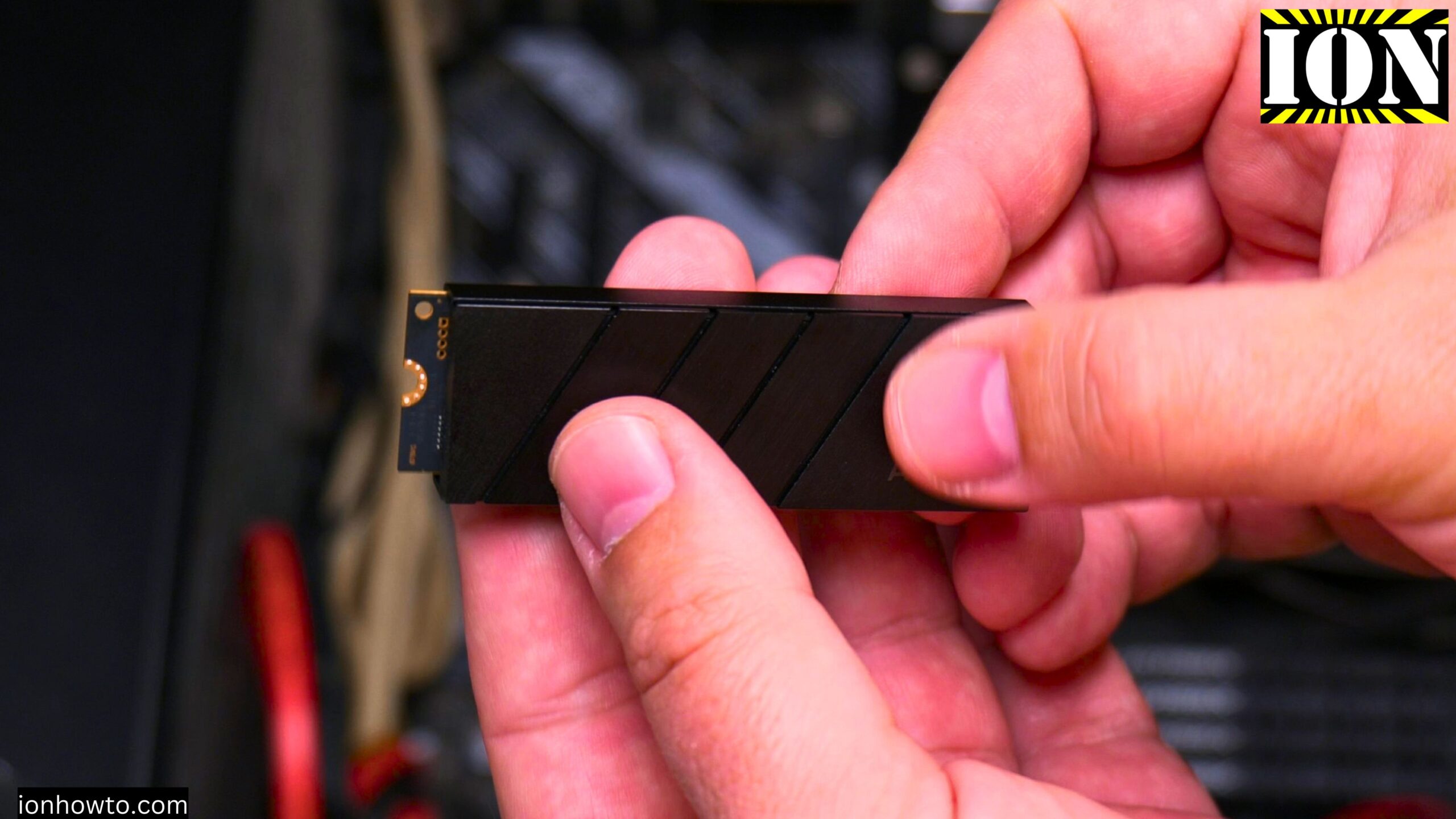
The heatsink I used is the Arctic M2 Pro Cooler. The motherboard is an Asus Prime X570-P running Windows 11. This is a PCIe 4.0 SSD. PCIe 5.0 drives are faster, but this drive is more than enough speed for most people.
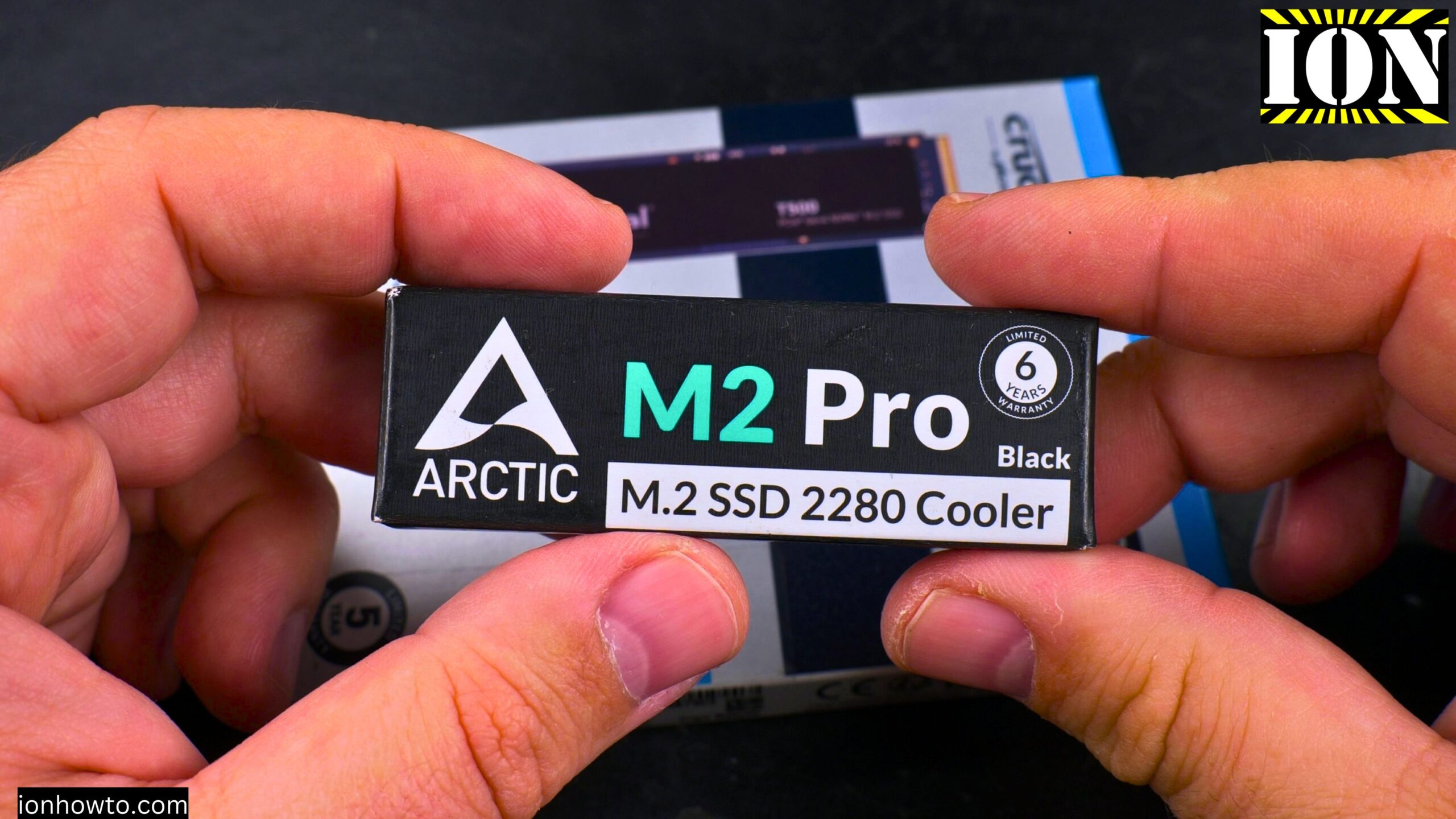
Why I chose the Crucial T500 Pro
I was looking for a cheaper NVMe SSD. I almost bought a Kingston NV3 or a Crucial P3 Plus. But I decided to spend a bit more on the T500 Pro for a few reasons:
- TLC NAND instead of QLC – TLC lasts longer and performs better
- Better TBW (Total Bytes Written) specs – The drive can handle more data over its lifetime
- Has DRAM cache – The cheaper drives don’t have DRAM. Once their cache fills up, they become very slow
- Can write the whole 1TB capacity without slowing down too much – Especially with a heatsink
The drive also comes with Acronis True Image as a download. You can use it to clone your Windows system drive to the new SSD so you don’t have to reinstall Windows.

Test setup
I first installed the Crucial T500 Pro without a heatsink. I ran speed tests and temperature tests. Then I installed the Arctic M2 Pro heatsink on the same drive and ran the same tests again.
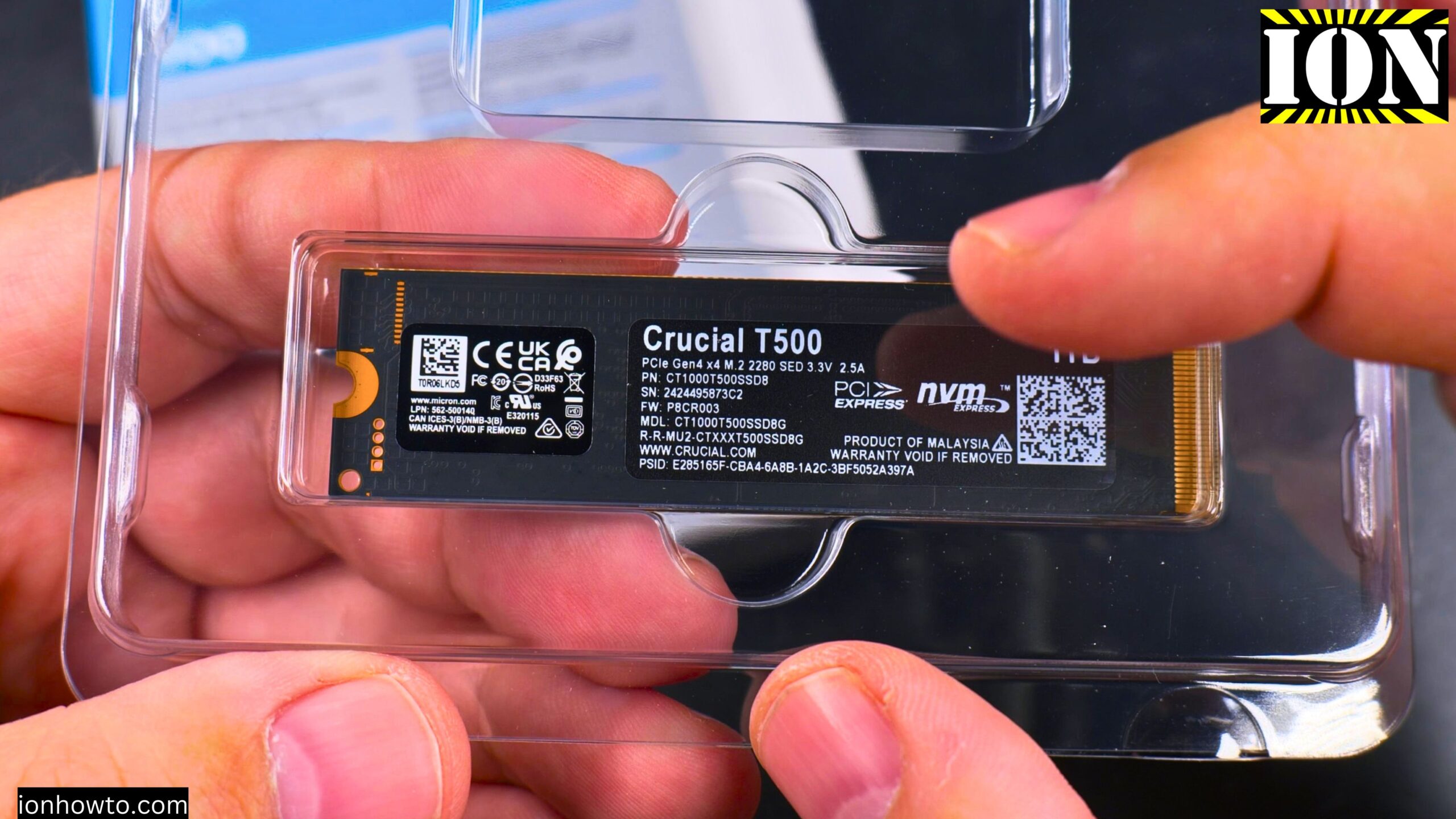
Important note about the sticker: I installed the heatsink without removing the NVMe sticker. I wanted to keep the drive as it came out of the box. Many people (including me) don’t want to remove the sticker while the drive is under warranty.
From what I can see, the top sticker on the Crucial T500 Pro is probably fine to remove. The bottom sticker has “”warranty void if removed”” text. The top sticker is just branding. But I didn’t want to risk it for this test.
Temperature results without heatsink
Without a heatsink, the drive gets hot very quickly.
- During heavy writing, temperatures reached 81°C or more
- The drive would heat up fast during tests
- After tests stopped, it would cool down in a few minutes (case airflow helped)
The drive still works without a heatsink. But if you transfer large files for a long time, it will get very hot.
Temperature results with Arctic M2 Pro heatsink
With the heatsink installed, the results were much better.
- During normal testing, temperatures stayed around 51-52°C
- Even during heavy testing with 7.3 GB/s speeds, it only reached 60-63°C
- The drive heats up much slower
- It takes much longer of constant full-speed writing to reach 70°C or above
That’s a temperature drop of about 20°C compared to running without a heatsink.
Speed test results
The heatsink didn’t just help with temperatures. It also helped the drive maintain its speed.
Without heatsink:
- The drive would get hot quickly
- When temperatures passed 80°C, the drive would slow down to protect itself
- Speed would drop during long transfers
With heatsink:
- The drive maintained 7.3 GB/s speeds during tests
- The full drive write averaged over 1.45 GB/s
- Much less slowdown because the drive stayed cooler
Should you buy the heatsink version?
Yes. I recommend getting the heatsink version of the Crucial T500 Pro if you can find it. It’s only a bit more expensive and it really helps when writing and reading large files.
In my case, the heatsink version was sold out. So I bought the drive without a heatsink and added the Arctic M2 Pro cooler separately.
Does the sticker affect cooling?
This is a common question. Here’s what I found:
- With the sticker on, the heatsink still lowered temperatures by about 20°C
- If you remove the sticker, cooling would be even better because the thermal pads would touch the heat-generating components directly
- For best cooling: Remove the sticker and use high-quality thermal pads
But consider your warranty. If you’re worried about warranty, keep the sticker on. Even with the sticker on, the temperature drop is significant.
What about the Crucial software?
The Crucial Storage Executive software is not good. Here are the problems:
- It’s very slow to start
- The interface feels sluggish
- Firmware is not easily upgradable from Windows 11
It’s the worst SSD software I’ve seen so far for monitoring. I recommend using CrystalDiskInfo or another third-party tool instead.
Full drive write test – why it matters
Many SSD reviews only test small file transfers. I tested writing the whole 1TB capacity. Here’s why that matters:
- Some SSDs have a fast cache that fills up quickly
- Once the cache is full, speeds drop dramatically
- The T500 Pro can write the whole drive without major slowdowns
- Any slowdown is because of temperature, not because the cache ran out
With the heatsink, the drive stays cooler and maintains speed longer.
Pros and cons summary
Pros:
- TLC NAND (better than QLC)
- Good TBW endurance rating
- Has DRAM cache
- Can write full capacity without major slowdown
- Works well with or without heatsink
- Comes with Acronis True Image for cloning
- Good speed for PCIe 4.0
Cons:
- Crucial software is very slow and bad
- Firmware updates are not easy on Windows 11
- Gets hot without a heatsink (over 80°C)
- Heatsink version can be hard to find in stock
Final verdict
The Crucial T500 Pro is a good NVMe SSD. It’s fast, has TLC NAND, DRAM cache, and good endurance. The bad software is annoying but you don’t need to use it often.
About the heatsink: You should definitely use one. The temperature difference is about 20°C. The drive will run cooler, maintain speeds longer, and probably last longer too.
Without heatsink: The drive works but gets above 80°C during heavy use. For short transfers, it’s fine. For long transfers, you’ll see slowdowns.
With heatsink (Arctic M2 Pro): Temperatures stay at 50-63°C during heavy use. The drive maintains full speed much longer. It takes a lot of constant writing to reach 70°C or above.
If you already bought the drive without a heatsink, get an aftermarket cooler like the Arctic M2 Pro. If you haven’t bought yet, get the heatsink version from Crucial if it’s in stock.
Quick specs for reference
- Drive: Crucial T500 Pro 1TB NVMe M.2 SSD
- Interface: PCIe 4.0 Gen 4
- Motherboard: Asus Prime X570-P
- OS: Windows 11
- Heatsink tested: Arctic M2 Pro Cooler
- Maximum speed seen: 7.3 GB/s
- Temperature without heatsink: 81°C+
- Temperature with heatsink: 51-63°C
The drive is working great so far. Only time will tell about long-term reliability, but the specs look good and the performance is solid.
Leave a Reply Cancel reply