


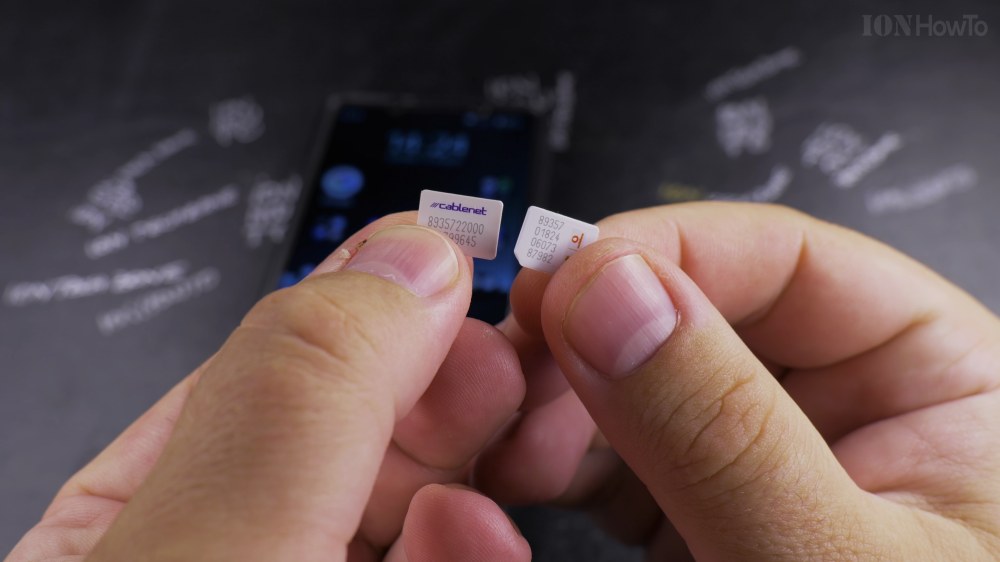
When you buy a new mobile starter pack, activating your SIM card correctly ensures you receive instant signal and cellular data. I’ll show you how to insert and activate a new SIM card on Android in a few simple steps.

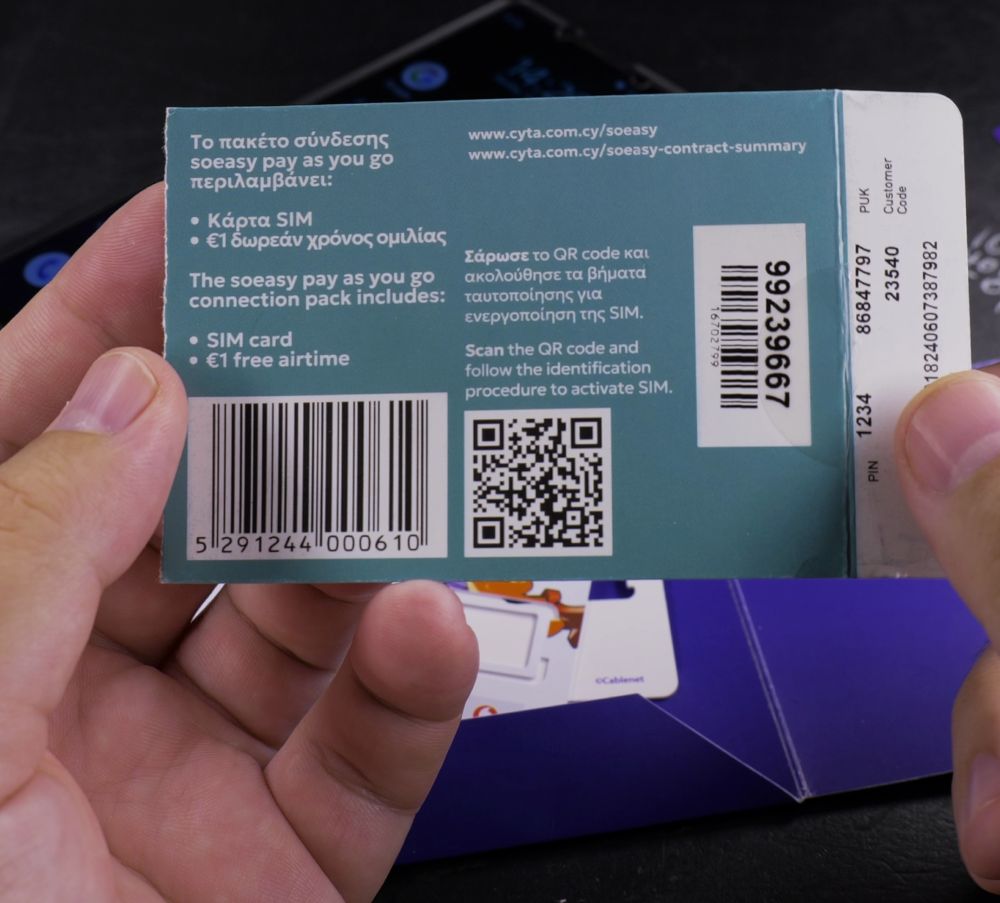
1. Locate Your PIN Code
Check the plastic punch card your SIM arrived on to find the default 4-digit **PIN 1** code.

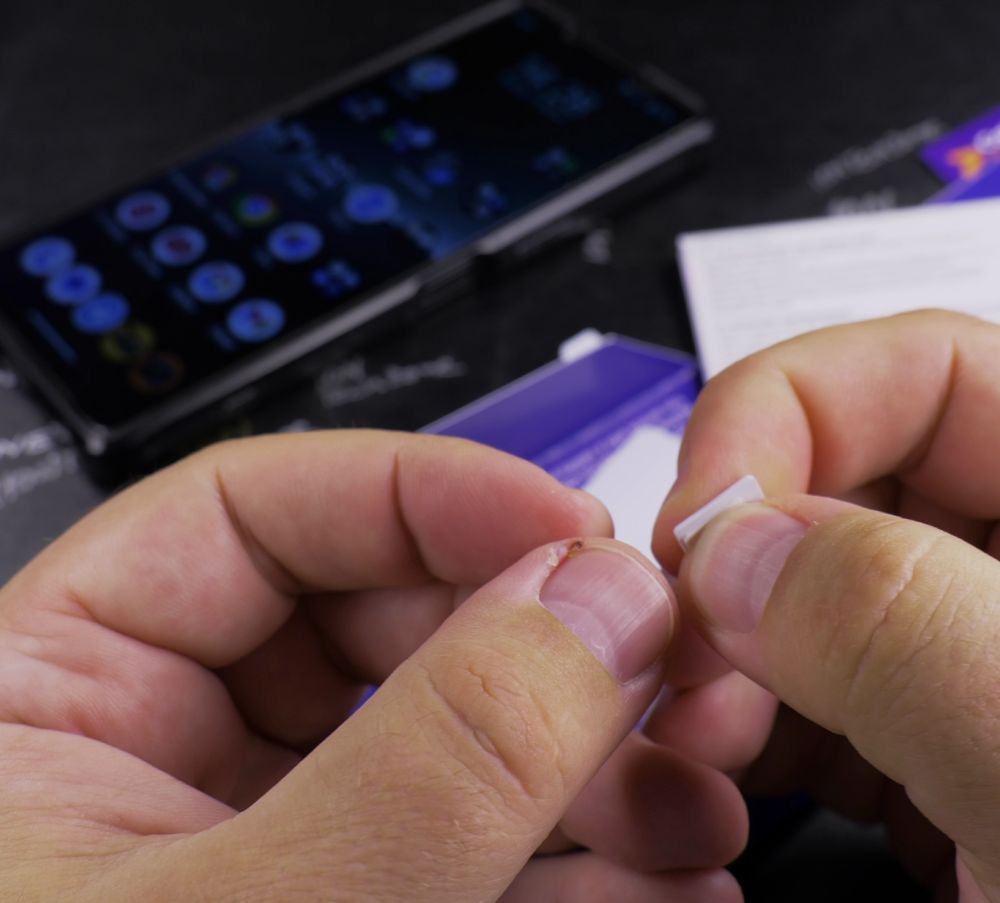
2. Eject the SIM Tray
Pull open the toolless SIM tray on your Sony Xperia phone (or insert an ejector pin into the pinhole on Samsung and Google phones).
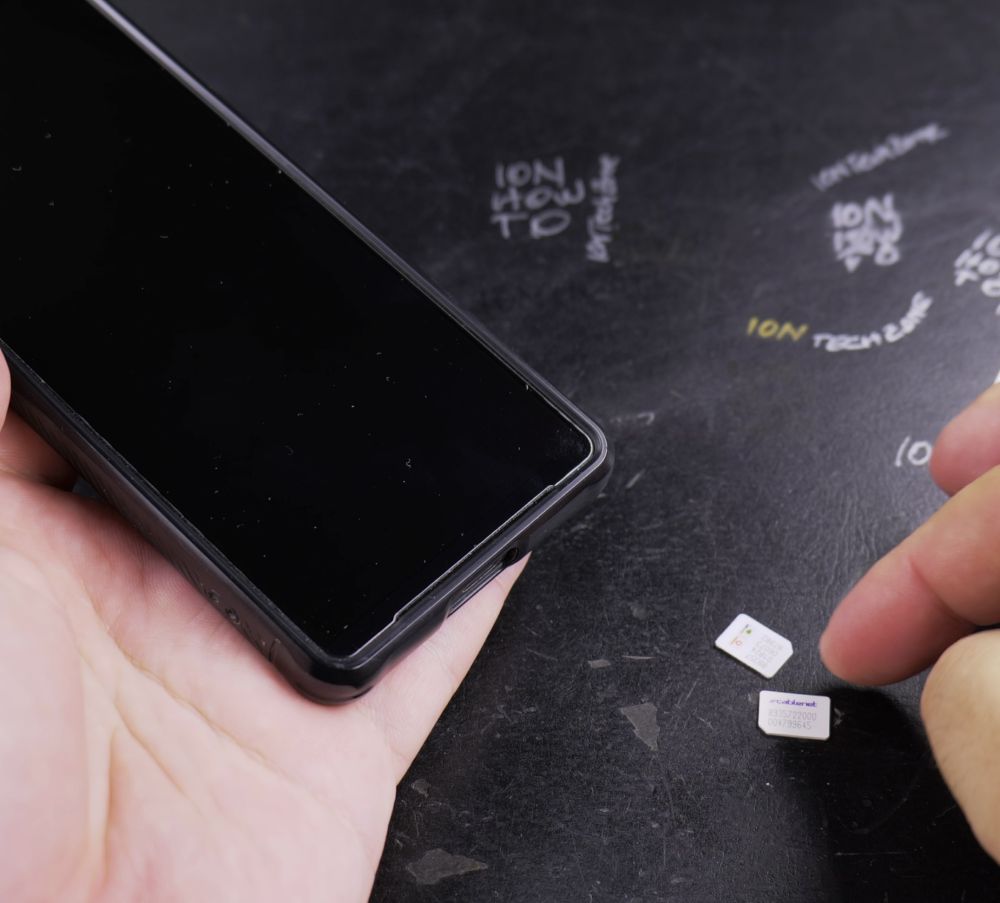
3. Insert the Nano SIM
Place the nano SIM into the tray slot, matching the angled notch so the gold contacts face properly.
4. Push the Tray In
Gently push the tray completely into your phone until it sits flush with the side frame.

5. Enter the SIM PIN
Turn on your phone screen, type the 4-digit default carrier PIN on the keypad, and tap the checkmark to connect.
Helpful Tips
Once connected, make a quick test call to any number to finalize carrier provisioning on your account. For more cellular guides, visit our Android Guides hub.
Leave a Reply Cancel reply