


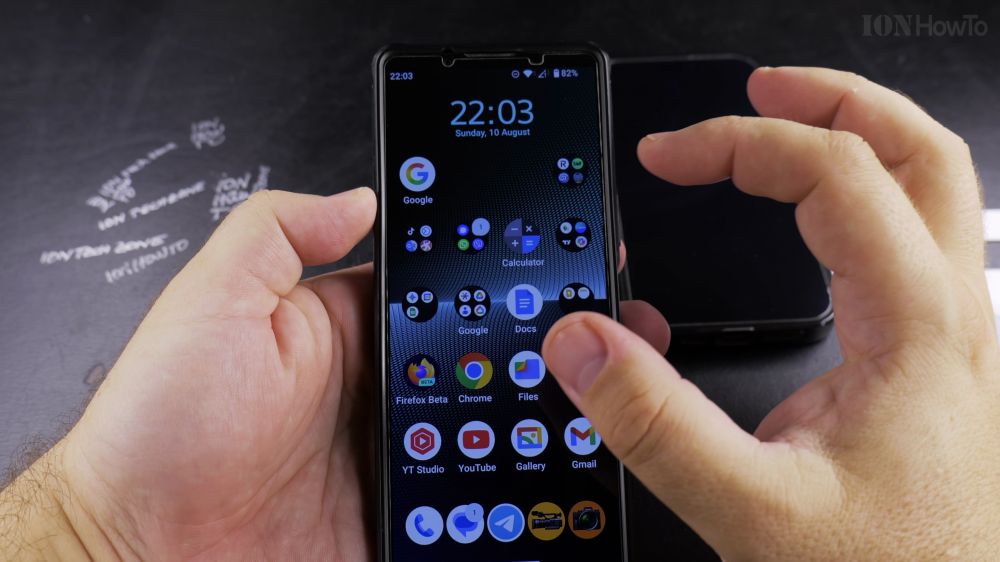
If you want to free up your Android SIM slot for a microSD storage card or foreign travel card, switching to an eSIM is the perfect solution. I’ll show you how to convert your prepaid SIM card to an eSIM on Android.

1. Obtain an eSIM Voucher
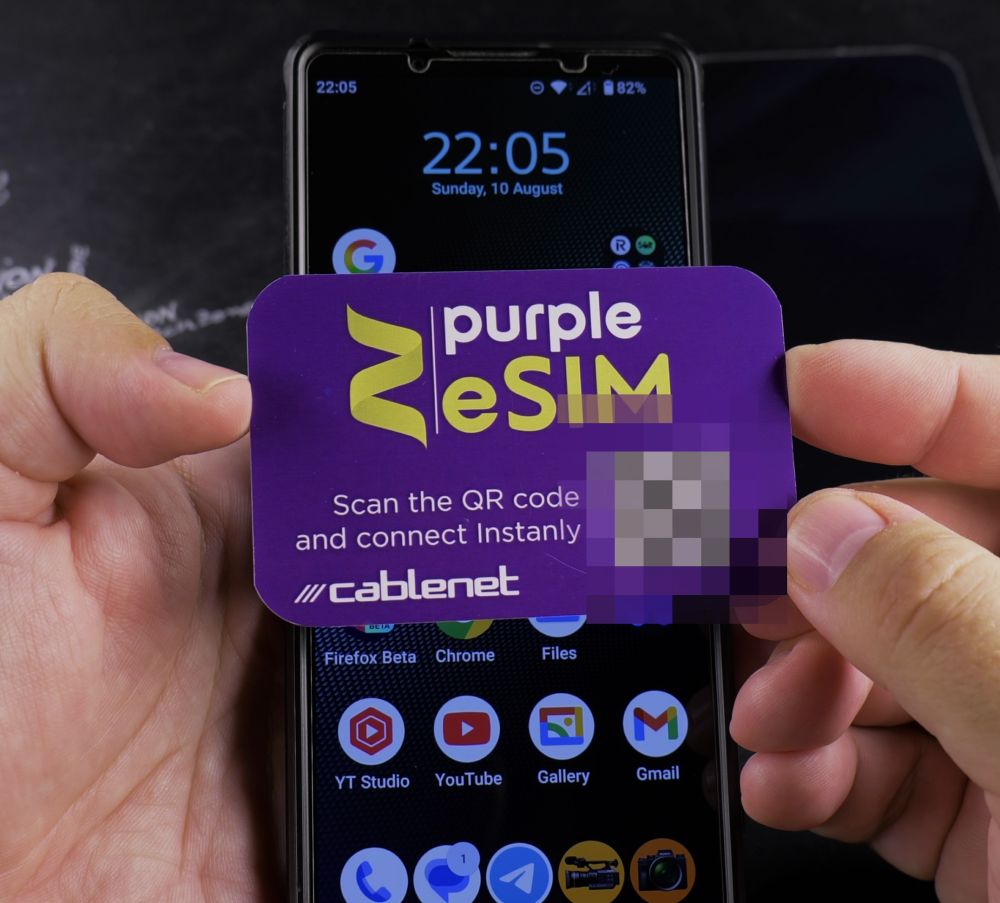
Get an eSIM QR code replacement voucher from your mobile carrier’s website or retail store.

2. Open SIM Settings
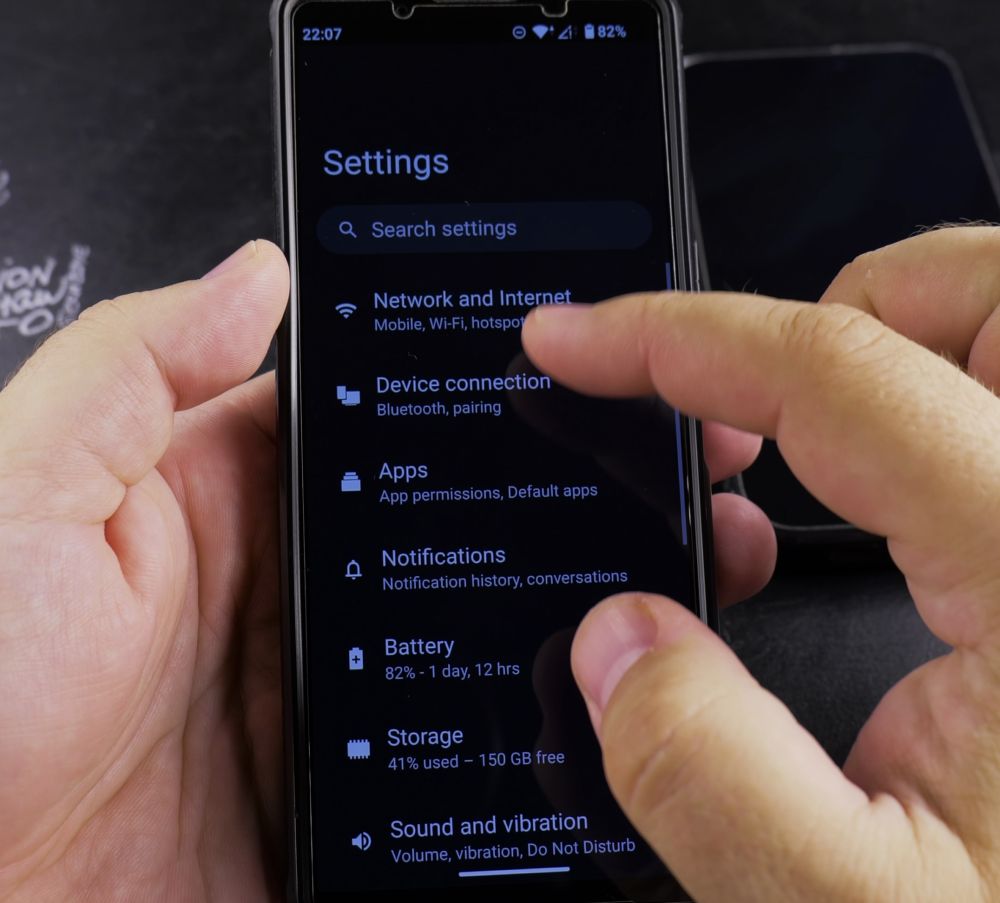
Go to phone **Settings** > **Network & internet** > **SIMs**.
3. Scan the QR Voucher
Tap **+ (Add SIM)**, choose **Download a SIM instead**, and scan the QR code on your voucher.
4. Enter the PIN Code
If prompted by your network, enter the default 4-digit PIN printed under the scratch panel on your voucher card.
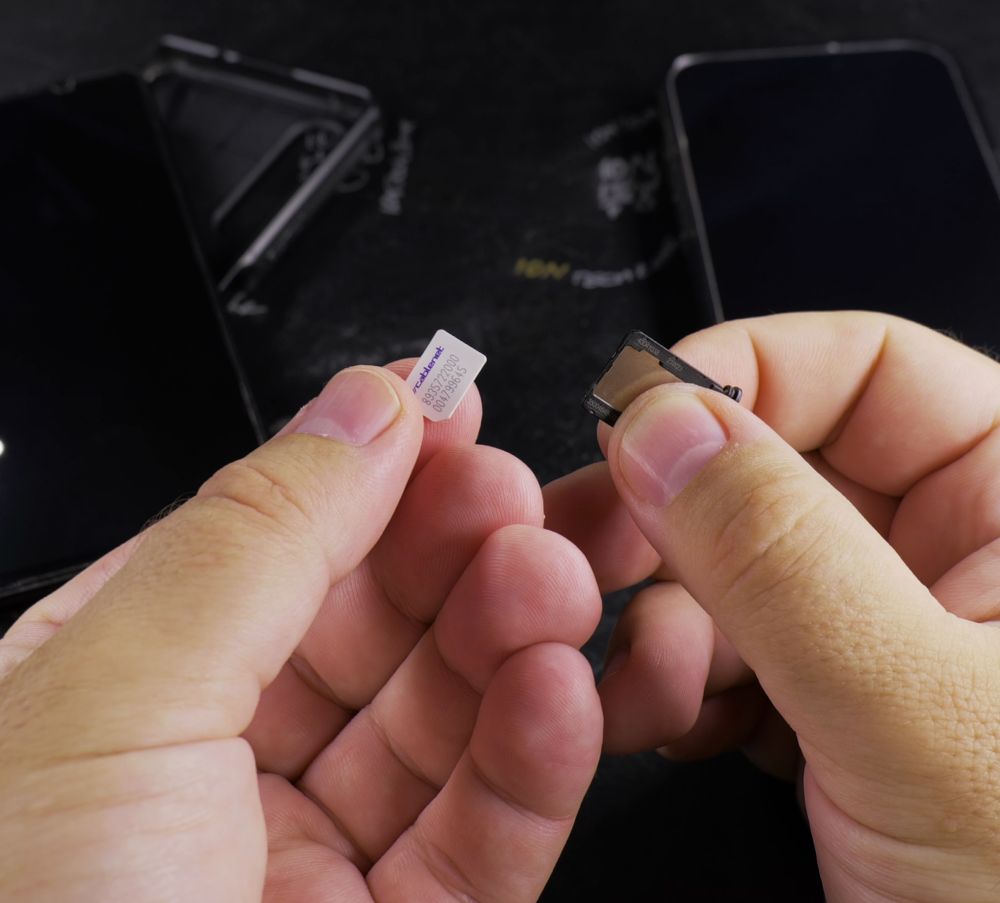
5. Eject Old Plastic Card
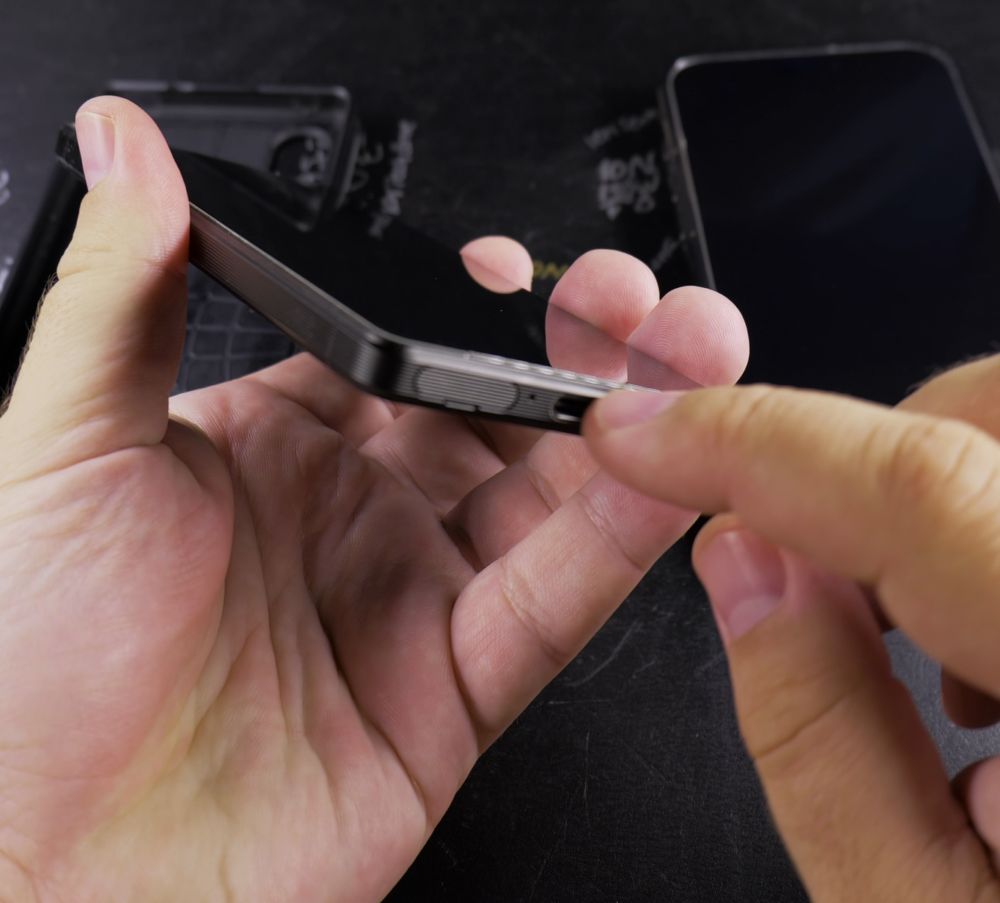
Once your new eSIM connects and displays signal bars, safely remove the old plastic SIM card from your phone tray.
Helpful Tips
Keep your voucher card in a safe drawer at home because the printed PUK code helps unlock your phone if you ever forget your SIM security PIN. For more Android tutorials, visit our Android Guides hub.
Leave a Reply Cancel reply