


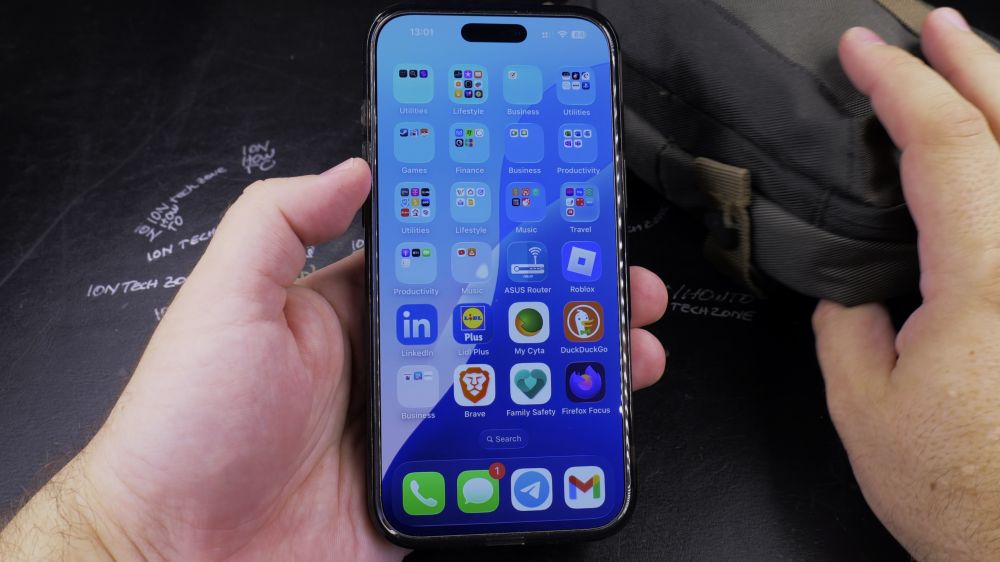
If you misplaced your backpack, purse, or luggage, an Apple AirTag can pinpoint its exact location within inches. I’ll show you how to use Precision Finding and play sound chimes in the Find My app.

1. Open Find My
Tap the green **Find My** app icon on your iPhone home screen.

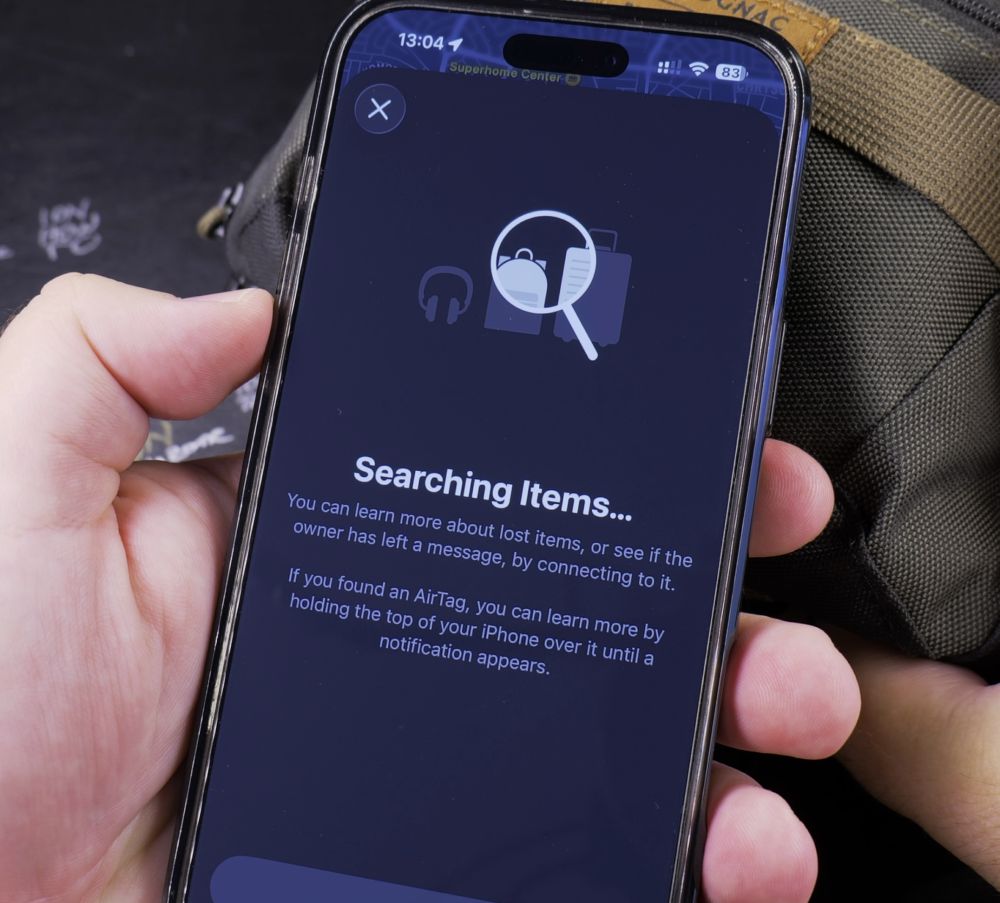
2. Tap Items
Tap the **Items** tab in the bottom navigation bar to see all your paired AirTags.
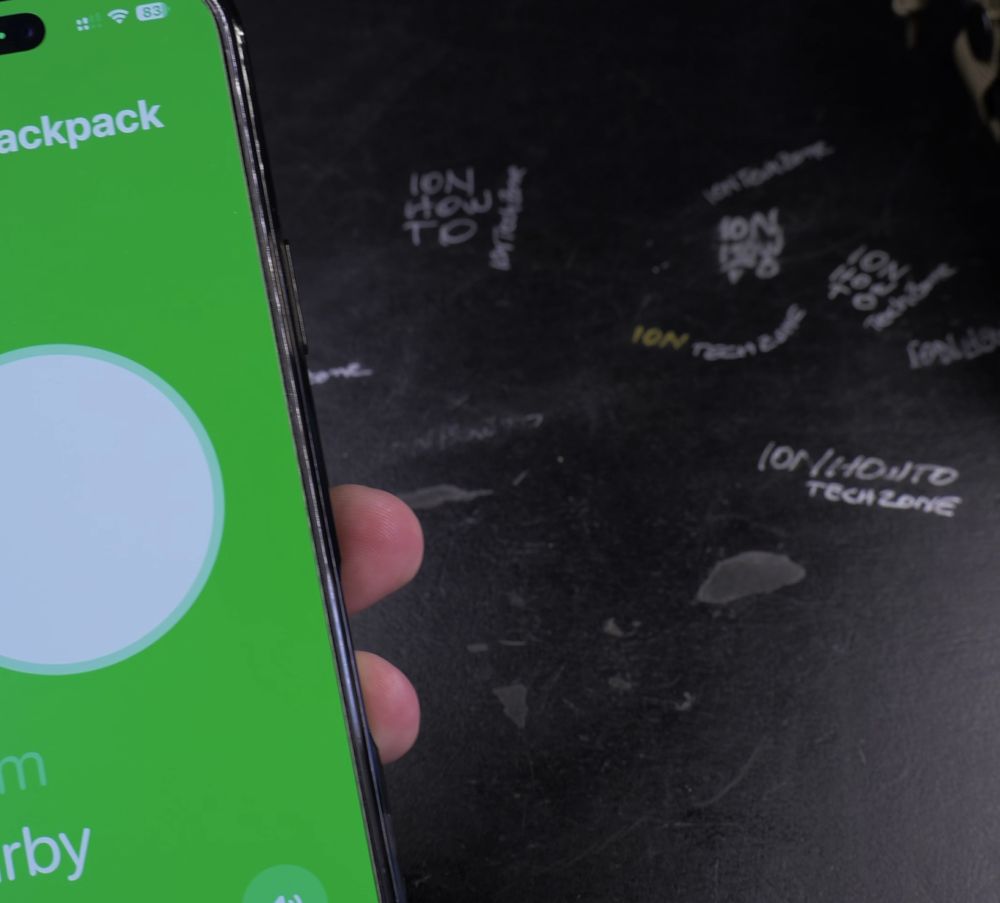
3. Select Your Bag
Tap the name of the AirTag attached to your bag or backpack.
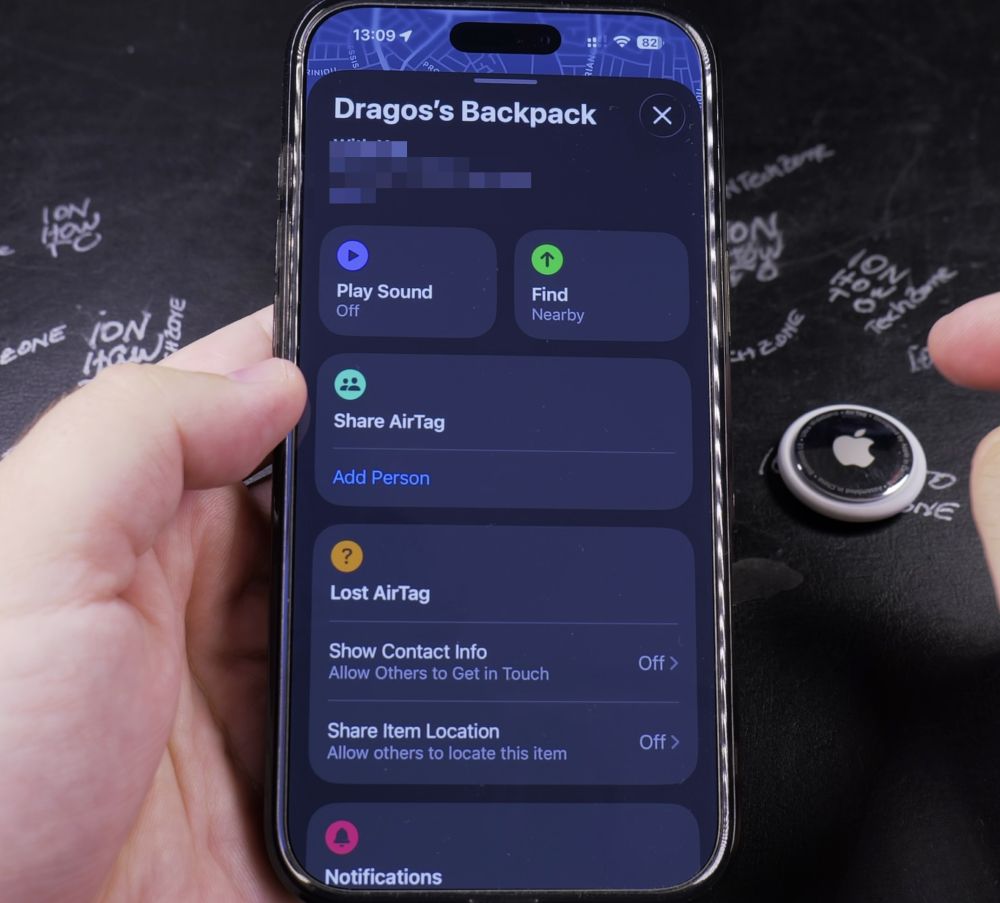
4. Play Sound
If you know the bag is nearby, tap **Play Sound** to make the AirTag emit a chirping chime.
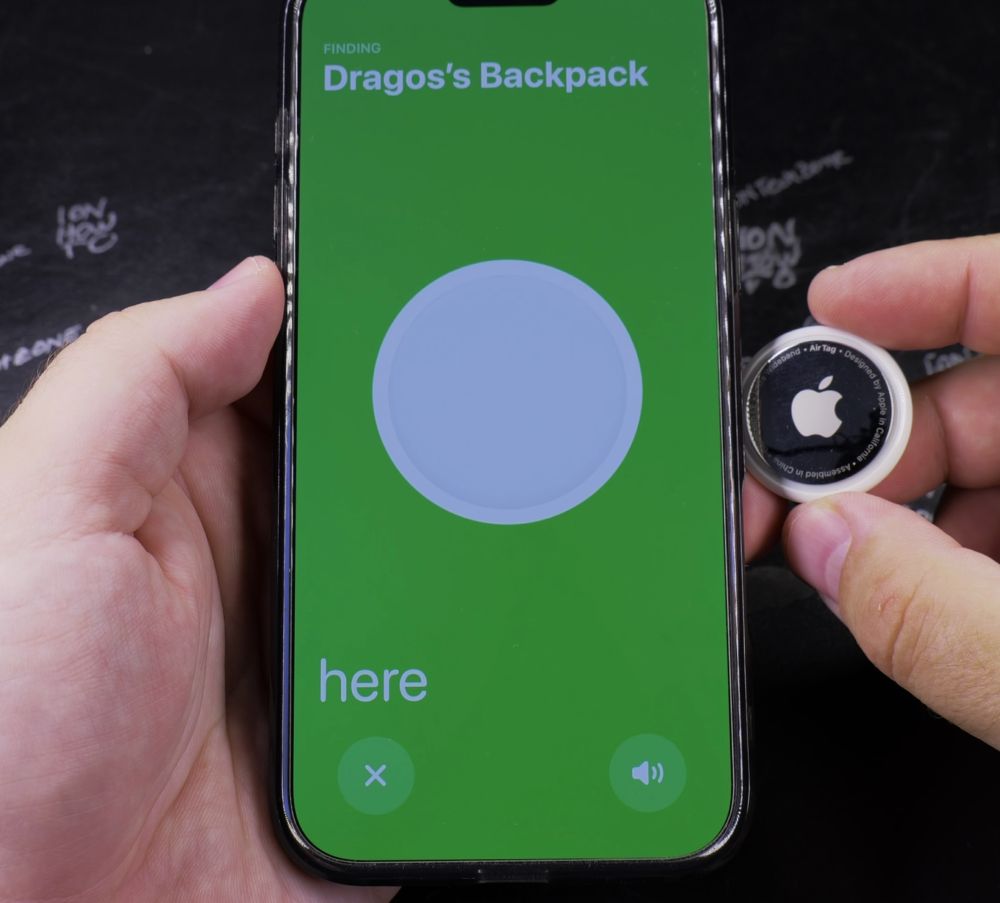
5. Use Precision Finding
If you have an iPhone 11 or newer, tap **Find Nearby**. Follow the green directional arrow and distance counter until it says *Here*.
Helpful Tips
If your bag was left far away at an airport or coffee shop, tap **Directions** to open Apple Maps for driving or walking navigation to its last known location. For more Apple tips, explore our iPhone Guides collection.
Leave a Reply Cancel reply