


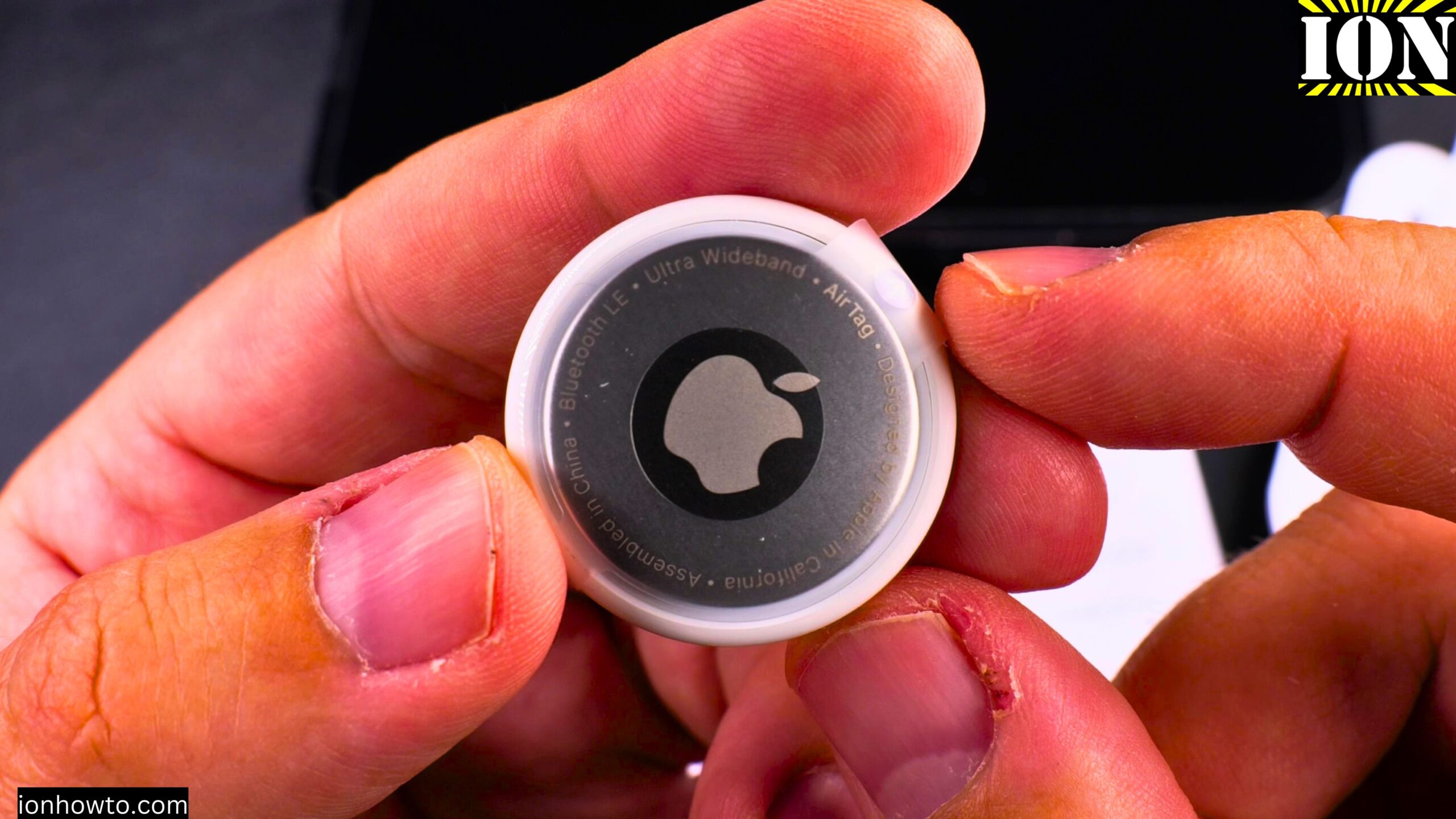
How to Remove an Apple AirTag Speaker to Make It Silent.
I show you how to remove the speaker from an Apple AirTag. This process will make the AirTag silent and prevent it from playing a sound. Learn the steps to open the AirTag and disconnect the speaker component.
This guide is based on iOS 26 Beta 6 on an iPhone 16 Pro Max Titanium Black 256 GB version Global model A3296 – MYWV3ZD/A.
Important Warning Before You Start
This guide is for educational purposes to help you understand the internal design of the device.
Do not track people without their consent. Follow the laws where you live.
This modification is meant to protect your valuable items in case they are stolen. A silent AirTag makes it harder for thieves to find and remove it.
Please note that modifying your AirTag may void its warranty.

What You Will Need
- A plastic or metal opening tool (a thin, strong tool works best)
- A permanent marker (to mark orientation)
- Strong flexible glue like E6000 or B7000 (optional, for reassembly)
- A steady hand and patience
How to Open the AirTag
The AirTag has a metal battery cover that you need to remove first. Here are the steps:
- Place two fingers on the silver battery cover
- Rotate it counterclockwise – you only need to turn it about 1 centimeter or less
- The cover will loosen and you can lift it off
- Remove the CR2032 battery
The battery is a standard CR2032 (3 volts). These are used in many devices like kitchen scales and computer motherboards. Keep batteries away from children.
How to Access the Inside of the AirTag
Once the battery is out, you need to open the main plastic housing. This is the tricky part. Be very careful.
- Use a permanent marker to mark the edges of the white plastic housing. This helps you know the correct orientation when putting it back together.
- Insert your opening tool between the white plastic ring and the main body
- Gently pry around the edge to release the plastic clips
- There are three clips holding the housing together
Important: This step can be difficult. The plastic clips can break. If you break them, you will need glue to hold the AirTag together again. Try this at your own risk.
How to Remove the Speaker
Once the AirTag is open, you will see the internal parts:
- The main circuit board
- A metal speaker assembly with a magnet and voice coil
To remove the speaker:
- Locate the metal speaker part – it has a magnet and a copper coil
- Gently pry the metal speaker assembly away from the housing
- The speaker is held in place with glue, so you may need to carefully work it loose
- Lift the entire metal speaker piece out
That is it. The speaker magnet and coil come out as one piece. Keep this magnet in case you want to put the speaker back later.
How to Reassemble the AirTag
After the speaker is removed, put the AirTag back together:
- Align the white plastic housing correctly using your marker marks
- Press the housing back together until you hear clicks
- If any clips broke, apply a small amount of E6000 or B7000 glue around the edges
- Let the glue dry completely
- Place the CR2032 battery back in (positive side up – the + symbol faces you)
- Put the metal battery cover back on – align the three notches and rotate clockwise
What Still Works on a Silent AirTag
The AirTag will still track location through the Find My network. Here is what works:
- Location tracking in the Find My app
- Precision Finding (the directional arrow and distance indicator)
- Moving detection
- Battery level monitoring
Here is what no longer works:
- The built-in speaker will not play any sounds
- The “Play Sound” button in Find My will do nothing
How to Test Your Silent AirTag
- Open the Find My app on your iPhone
- Find your AirTag in the list of devices
- Tap “Play Sound”
- The app will say it is connecting and trying to play the sound, but the AirTag will stay completely quiet
How to Put the Speaker Back
If you want to restore the sound later, it is easy:
- Open the AirTag again using the same steps
- Place the metal speaker magnet back in the exact same spot in the center
- Align the hole in the speaker with the battery terminal hole in the housing
- Make sure it sits flat and even
- Close the AirTag back up
- The sound will work again
A Note About the Beep When Inserting a Battery
Normally, when you put a battery into an AirTag, it makes a beep to show it has power. After you remove the speaker, there will be no beep at all. The AirTag will still power on and work – it just cannot make any noise.
Why Someone Might Do This Modification
If someone steals your bag, bike, camera gear, or other valuable belongings, they can make a normal AirTag play a sound to find it and remove it. A silent AirTag removes that option. The thief will have a much harder time locating your tracker.
Again, this is only for tracking your own property. Do not use modified AirTags to track people without their knowledge. That is illegal and wrong.
Final Tips
- Keep the speaker magnet somewhere safe in case you change your mind
- The E6000 glue is very strong – better than the original glue in some ways
- Be gentle with the small wires around the voice coil – do not touch or damage them
- If you break the plastic clips, the glue will still hold the AirTag together just fine
If you have any questions about modifying your AirTag, let me know in the comments below.
Leave a Reply Cancel reply