


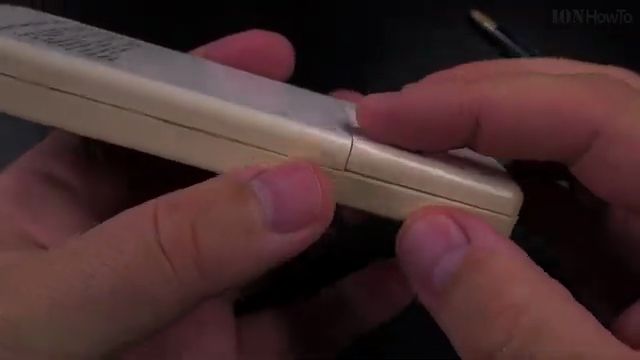
Learn how to replace dead batteries in your air conditioning remote control quickly without breaking your fingernails or damaging delicate plastic clips. Many remote controls have deep, tightly recessed battery slots where fingers cannot easily reach.
In this guide, I show you a simple household trick using an everyday ballpoint pen to pop out stubborn AAA batteries smoothly in seconds. If you love clever home solutions like using everyday household tricks, keeping rechargeable battery chargers on hand, or trying out practical DIY hacks, this handy tutorial is for you.

Why AC Remote Batteries Get Stuck
Air conditioning remote controls are designed to stay durable when dropped on tile or wood floors. Because of this, manufacturers mold deep battery wells with strong metal tension springs. When AAA batteries sit inside for months or years:
- The plastic side walls fit snugly against the battery wrapping with almost zero side gap.
- Trying to pry batteries out with your fingernails can cause painful nail tears or broken tips.
- Using sharp metal screwdrivers or knife blades can pierce the battery casing and cause acid leaks.
- An ordinary ballpoint pen provides the perfect plastic wedge to lever batteries out safely.
Step 1: Open the Remote Battery Compartment
Turn the remote control over to inspect the back panel. Look for the small arrow or open marker on the sliding cover. Press down firmly with your thumb on the textured grip and slide the lid downward away from the remote body to expose the batteries.
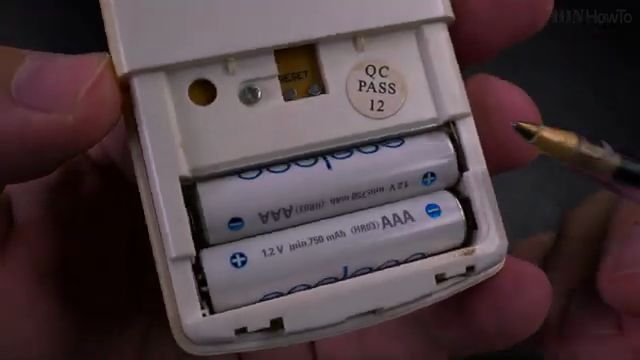
Step 2: Pop Out the Old Batteries Using a Ballpoint Pen
Take an ordinary ballpoint pen. Locate the positive terminal (+) end of the first battery. Place the smooth, tapered tip of the pen parallel to the battery casing right next to the positive contact terminal.
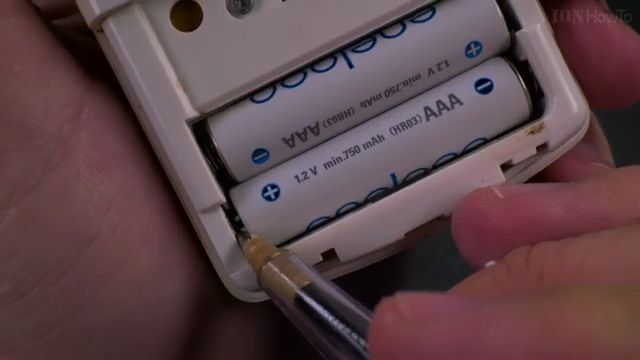
Gently press downward against the spring tension and lever the pen tip upward. The battery will pop cleanly out of its slot without any effort. Repeat the same gentle levering technique for the second battery. If you do not have a pen nearby, the corner edge of the remote lid itself can also serve as an emergency lever.
Step 3: Insert Fresh AAA Batteries with Correct Polarity
Inspect the molded plus (+) and minus (-) symbols inside the battery compartment slots. Air conditioning remotes typically run on two standard 1.5V AAA alkaline cells or 1.2V NiMH rechargeable cells.
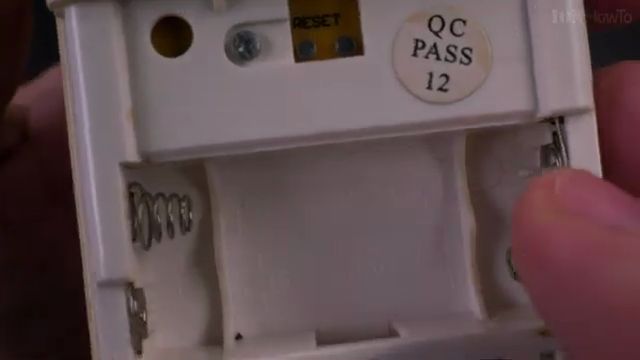
Always insert the negative flat end of each battery against the coiled spring contact first, then press the raised positive button end down into place until it clicks flush into the slot.
Step 4: Slide the Cover Closed and Test the Display
Align the sliding battery cover with the side tracks on the back of the remote and push it upward until the plastic latch clicks securely shut.
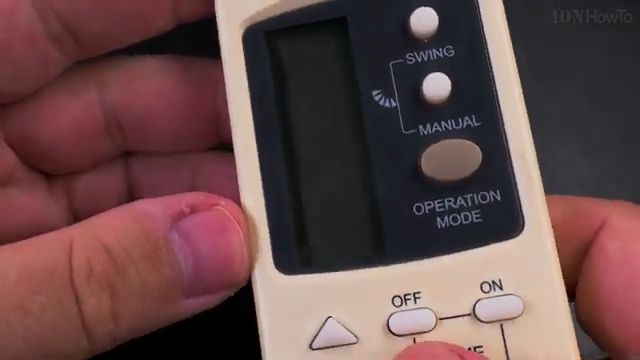
Turn the remote around to look at the front LCD screen. You should see the temperature numbers, mode icons (such as Cool or Auto), and fan speed symbols appear crisp and clear. Point the remote toward your air conditioner unit and press the power button to confirm your climate controls are back in action.
Leave a Reply Cancel reply