


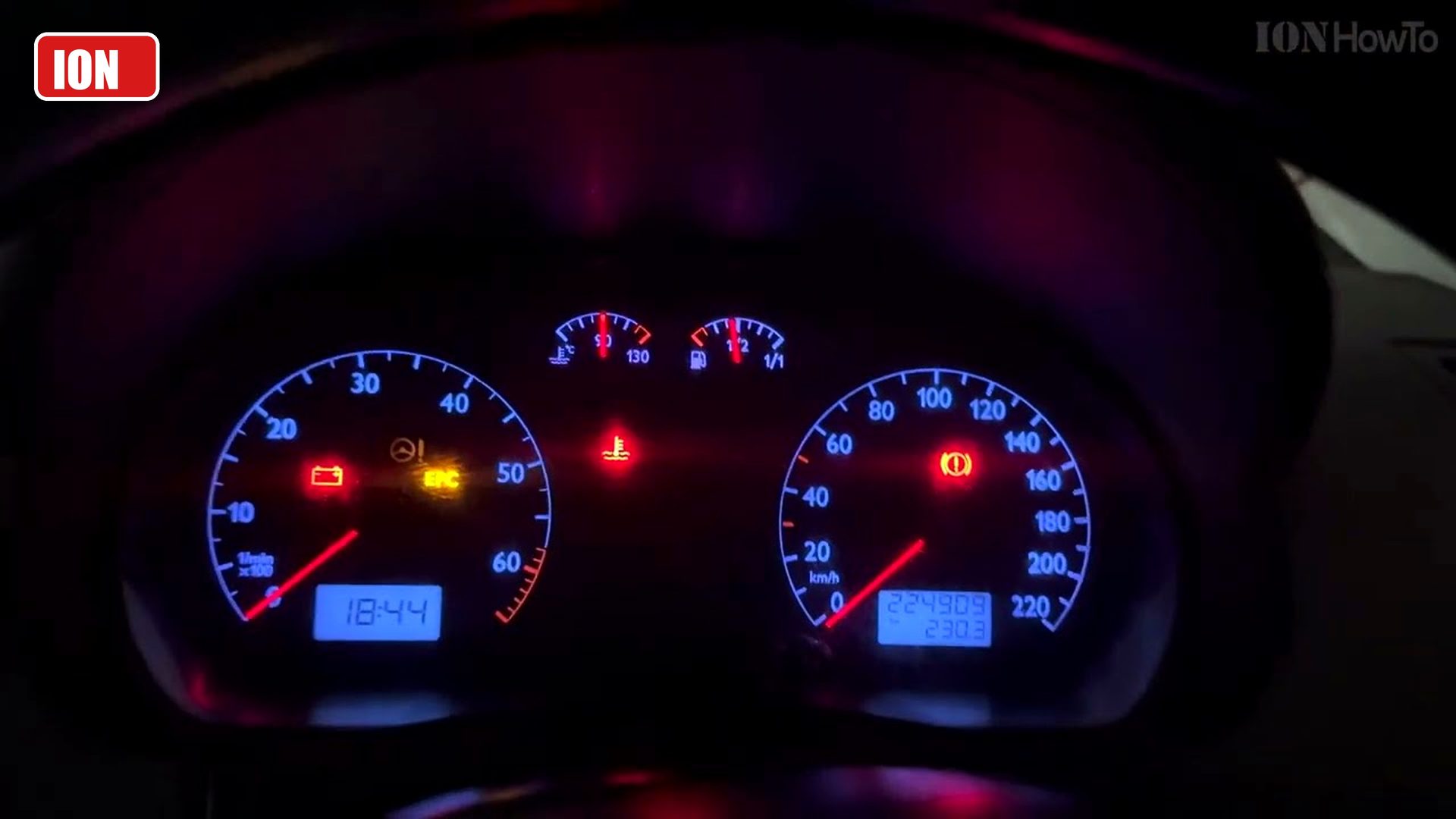
If a warning light stays on in your VW Polo 9N Mk4 dashboard, scanning the car with an OBD2 VAG-COM cable helps you see what is wrong. In this step-by-step guide, I show you how to scan each module and clear old fault codes safely.
Quick Steps Overview
- Connect the OBD2 VAG-COM Cable and Turn Ignition On
- Scan Engine ECU, Airbags, AC, and Instrument Cluster
- Save Your Fault Log and Clear Error Codes
- Verify If Any Fault Returns After a Short Drive

Step 1: Connect the OBD2 VAG-COM Cable and Turn Ignition On
Plug your VAG-COM diagnostic cable into the OBD2 port under the driver side dashboard. Connect the USB end to your laptop and turn the car key to the ignition-on position without starting the engine.
Step 2: Scan Engine ECU, Airbags, AC, and Instrument Cluster
Open your diagnostic software and run an auto-scan or check each control module one by one. Look through the Engine ECU, AC, Instrument Cluster, Central Electrics, and Airbags so you do not miss any stored codes.
Step 3: Save Your Fault Log and Clear Error Codes
Always save or write down the fault codes before clearing them. Click the clear codes button in each module to reset old temporary warnings from the car memory.
Step 4: Verify If Any Fault Returns After a Short Drive
Old battery or sensor glitches stay gone after a reset. If a real hardware problem is still present, the error code will come back right away or after a short drive.
Helpful Tips
- Make sure your car battery has a healthy charge before scanning so low voltage does not trigger extra false codes.
- If you are chasing a coolant warning light, also inspect your VW Polo 9N coolant expansion reservoir and cap.
Related Guides
- How to Fix VW Polo 9N Immobilizer Key Flashing and No Start
- How to Replace the Coolant Reservoir and Cap on a VW Polo 9N
Leave a Reply Cancel reply