


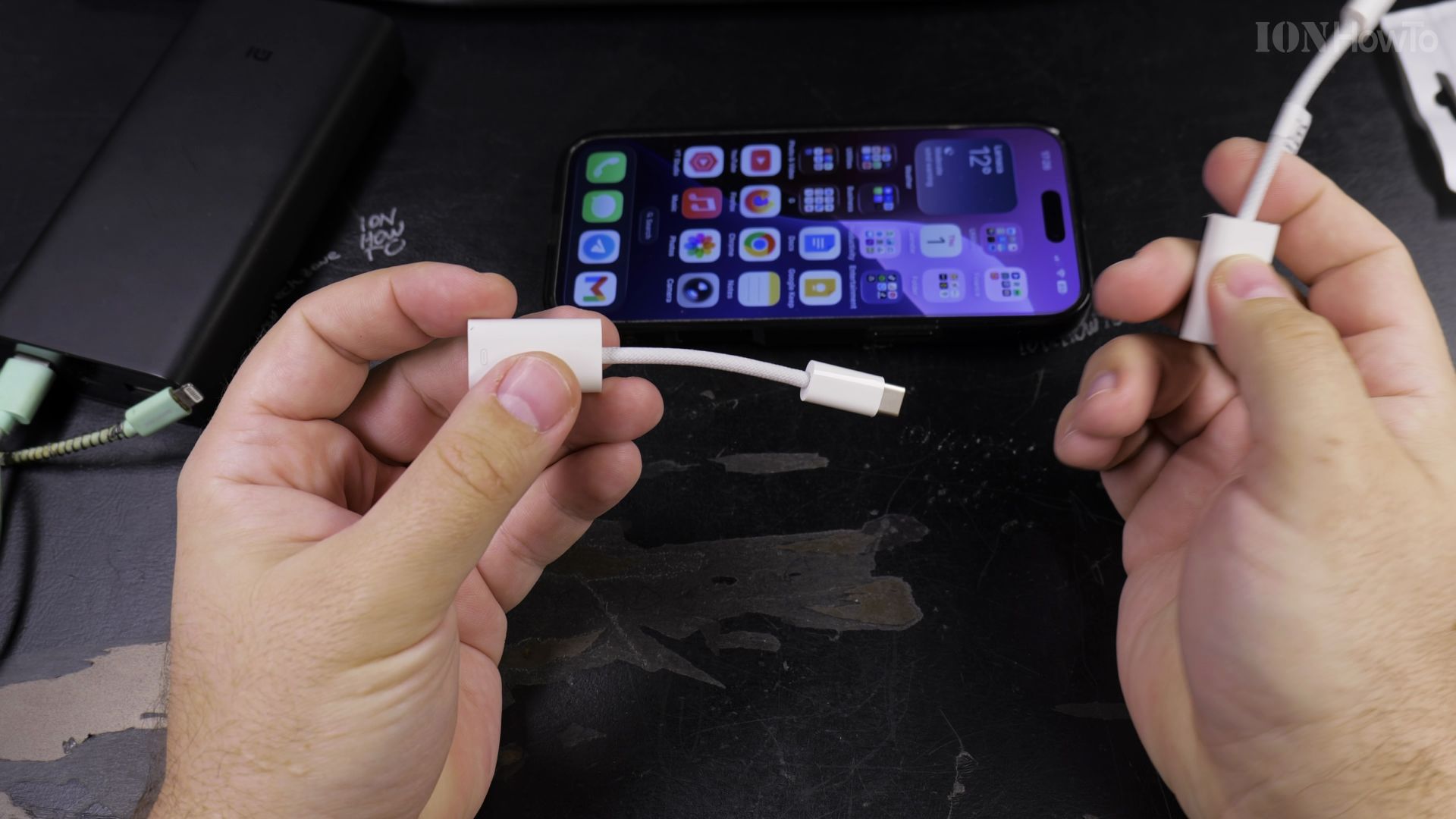
Counterfeit phone adapters look convincing on online storefronts but often fail to charge or support high-speed data. I’ll show you how to spot a fake Apple USB-C to Lightning adapter by inspecting a few subtle physical details.

1. Inspect the Retail Box Printing
Look closely at the gray text on the back of the packaging. Real Apple packaging uses sharp, crisp typography, while counterfeit boxes have slightly blurry, darker letters.
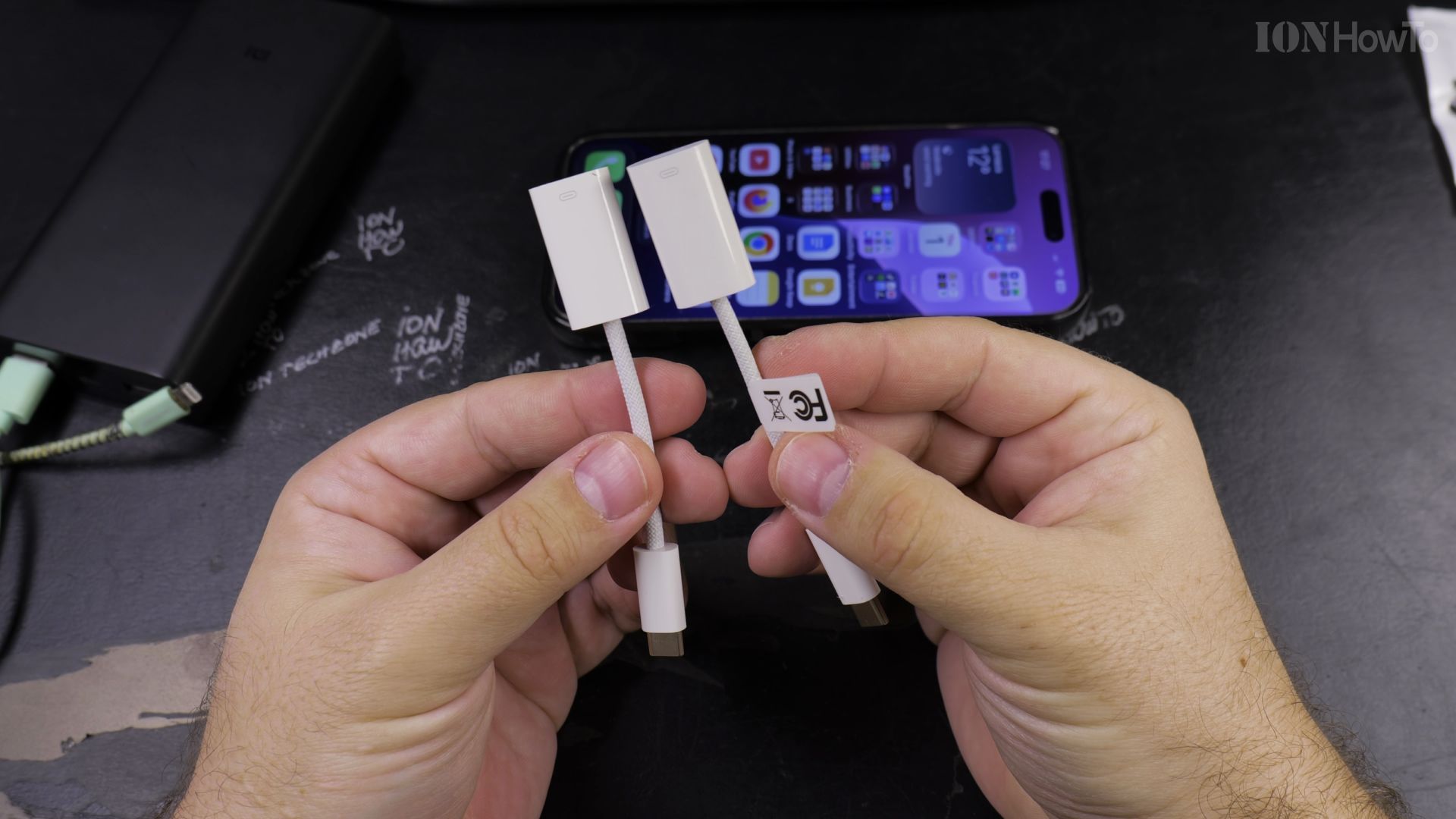
2. Examine the Braided Cable Jacket
Bend the short cable gently in your hand. The genuine Apple adapter has a tight, smooth fabric weave that flexes evenly without stiff kinks or fraying threads.
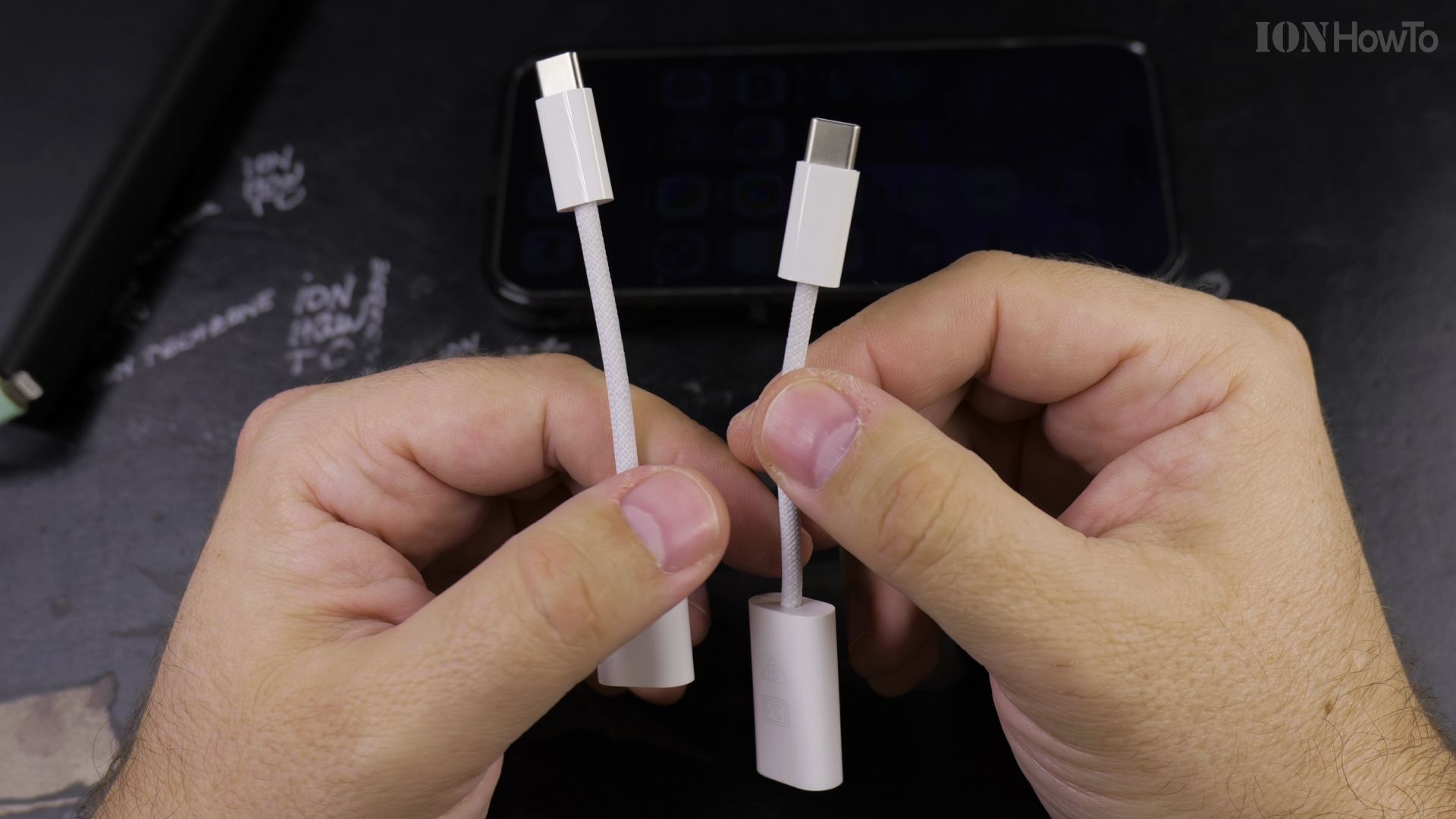
3. Look for Precise Laser-Etched Markings
Check the white plastic collar near the USB-C plug. Authentic adapters feature faint, perfectly aligned gray serial numbers that cannot be scraped off with a fingernail.
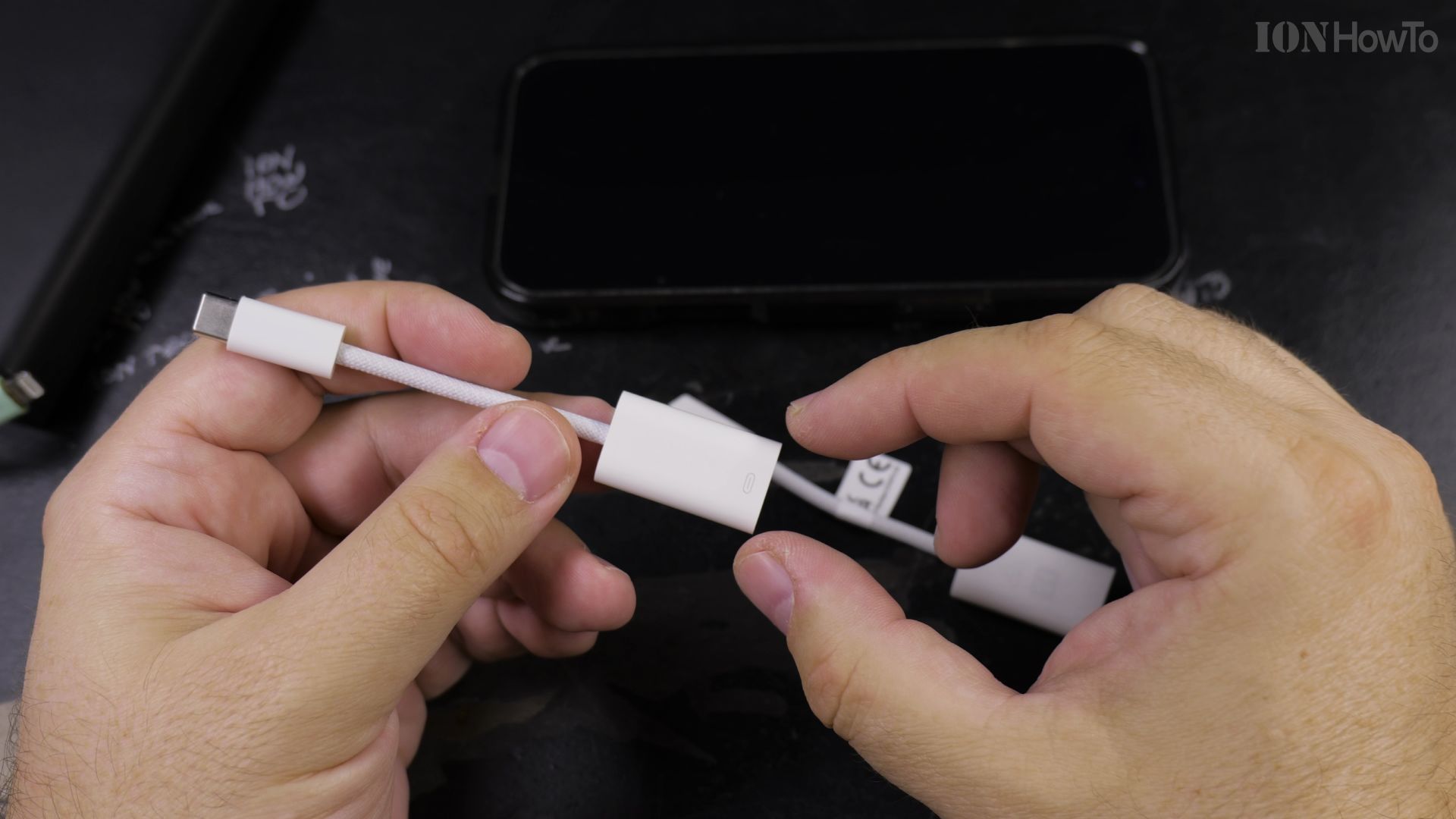
4. Inspect the Gold Pins on the Lightning Plug
Look at the eight gold contact pins on the Lightning connector. Genuine pins are smooth with rounded edges, while fake pins often have square, uneven contact blades.
Helpful Tips
Fake adapters often trigger an ‘Accessory Not Supported’ alert when plugged into an iPhone or iPad during charging. Authentic Apple accessories contain an MFi certification chip that communicates safely with your device’s power management controller. Explore more accessory guides in our Cables & Adapters section or check out Apple & iOS tutorials.
Leave a Reply Cancel reply