


Looking for a concise guide to getting real-time stems working on your DDJ-FLX4 performance pads? Here is the fast setup procedure to turn on track separation in Rekordbox and control vocal and drum isolation directly from your controller.

Verify DDJ-FLX4 Hardware Unlock in Rekordbox
Plug in your DDJ-FLX4 via USB-C and launch Rekordbox. Confirm that the top banner shows Performance mode unlocked via hardware connection.
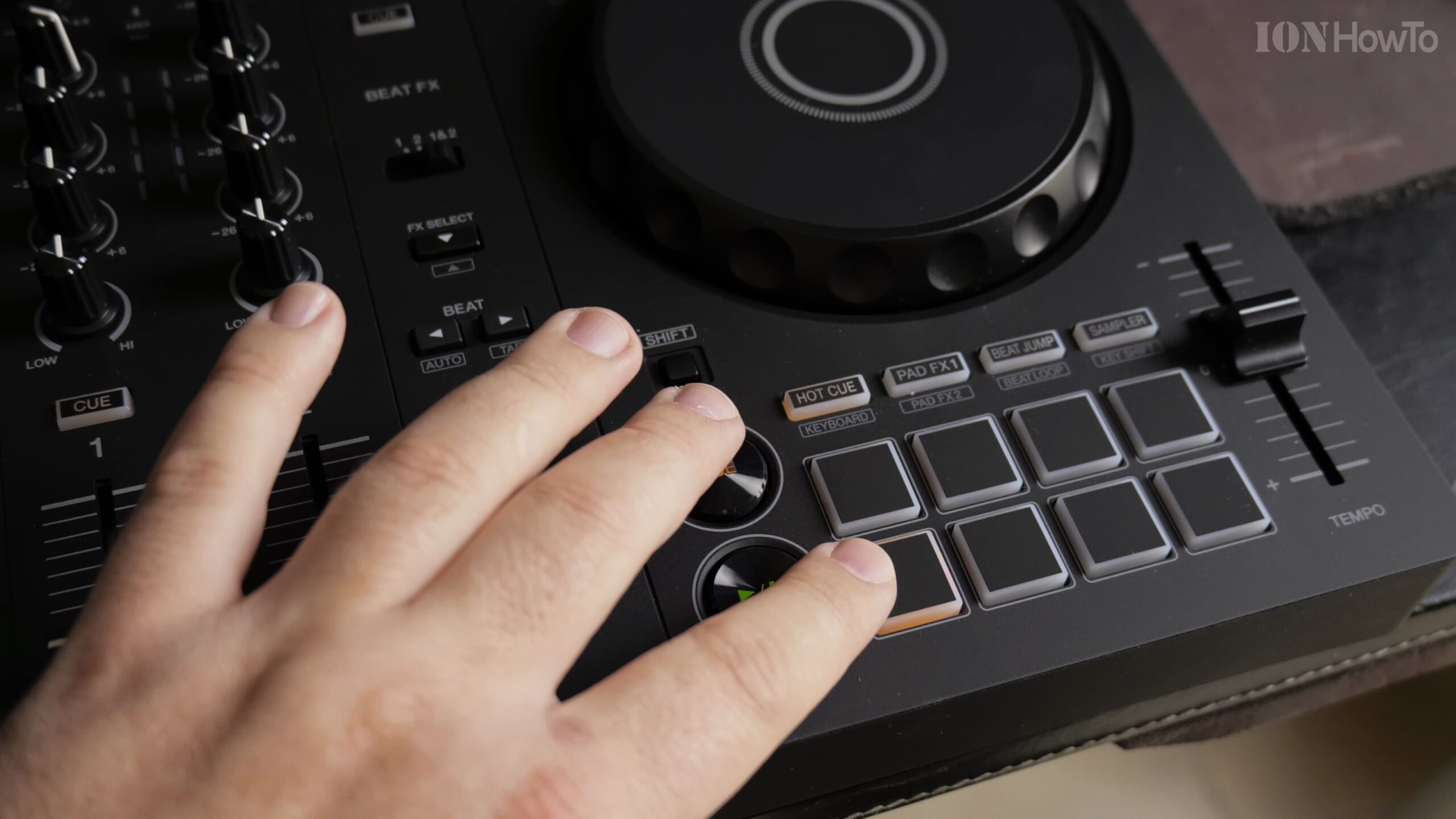
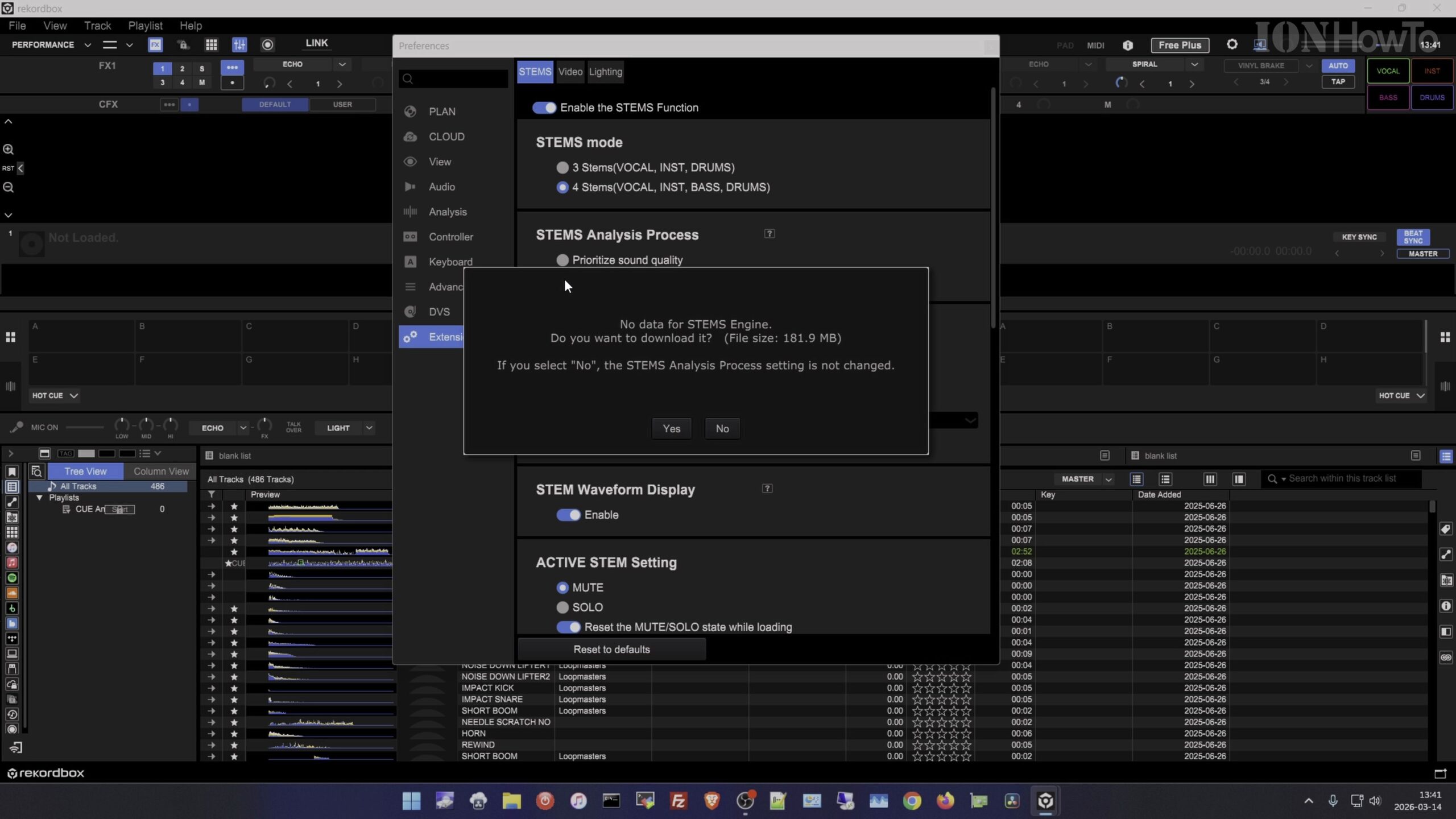
Open Preferences and Enable Stems Separation
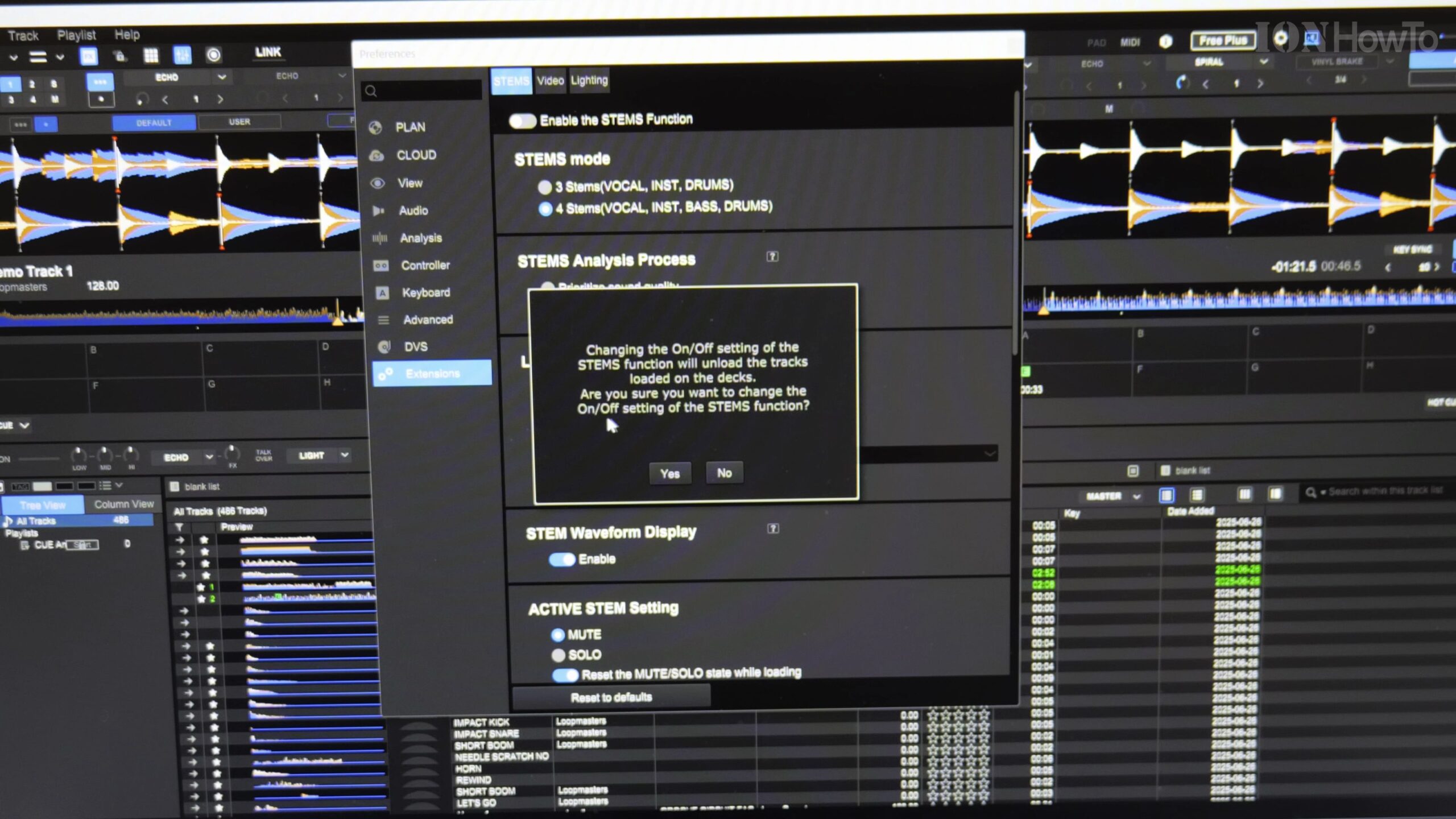
Click the Settings gear icon, navigate to the Extensions tab, and place a checkmark next to Enable Stems. Rekordbox will now separate loaded tracks into Vocals, Drums, and Instruments.
Map Stems to Your DDJ-FLX4 Performance Pads
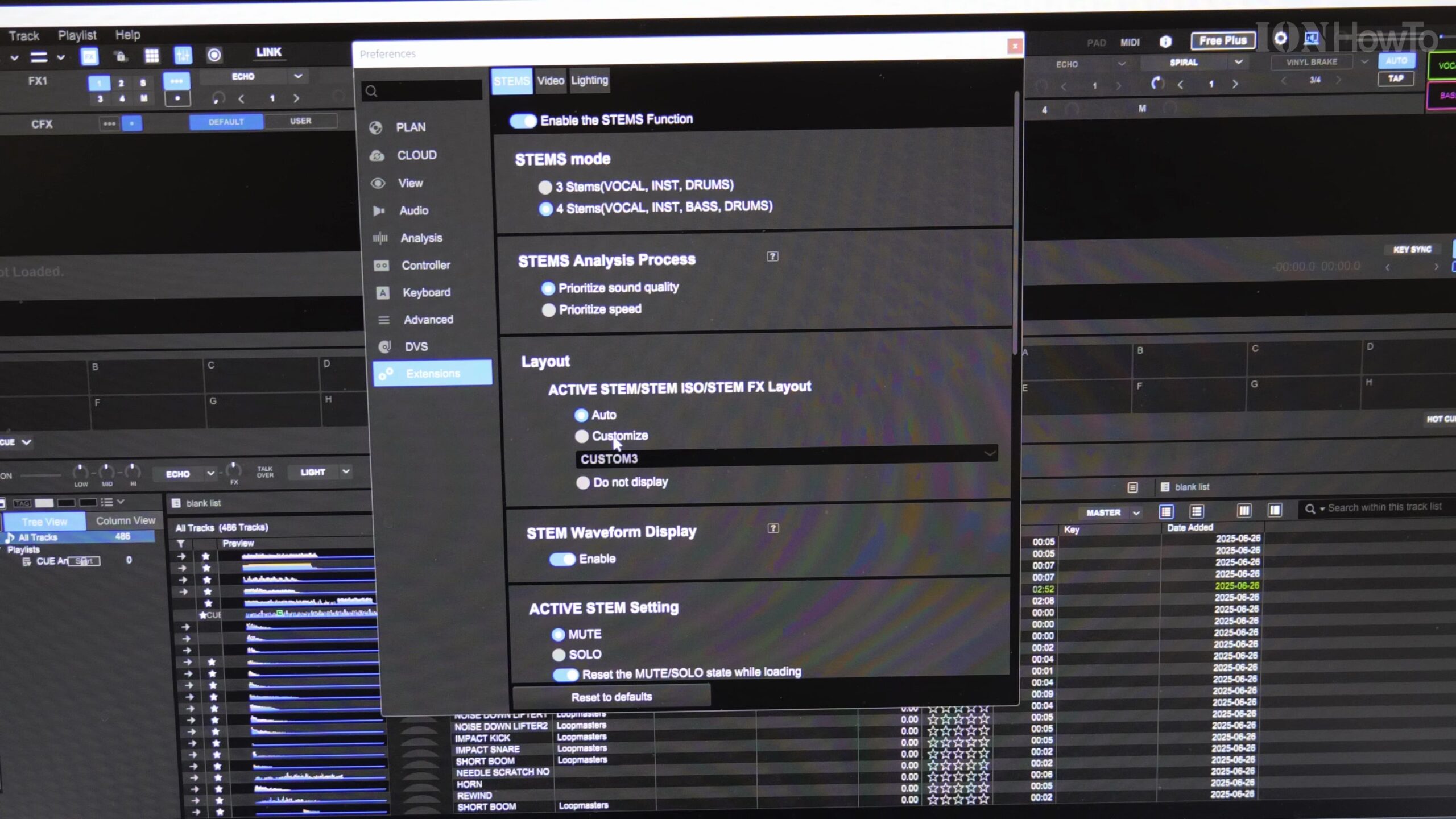
Go to Controller Settings > Pad Mode and assign Stems to an available pad layer so pads 1-3 mute or activate stems on the active deck.
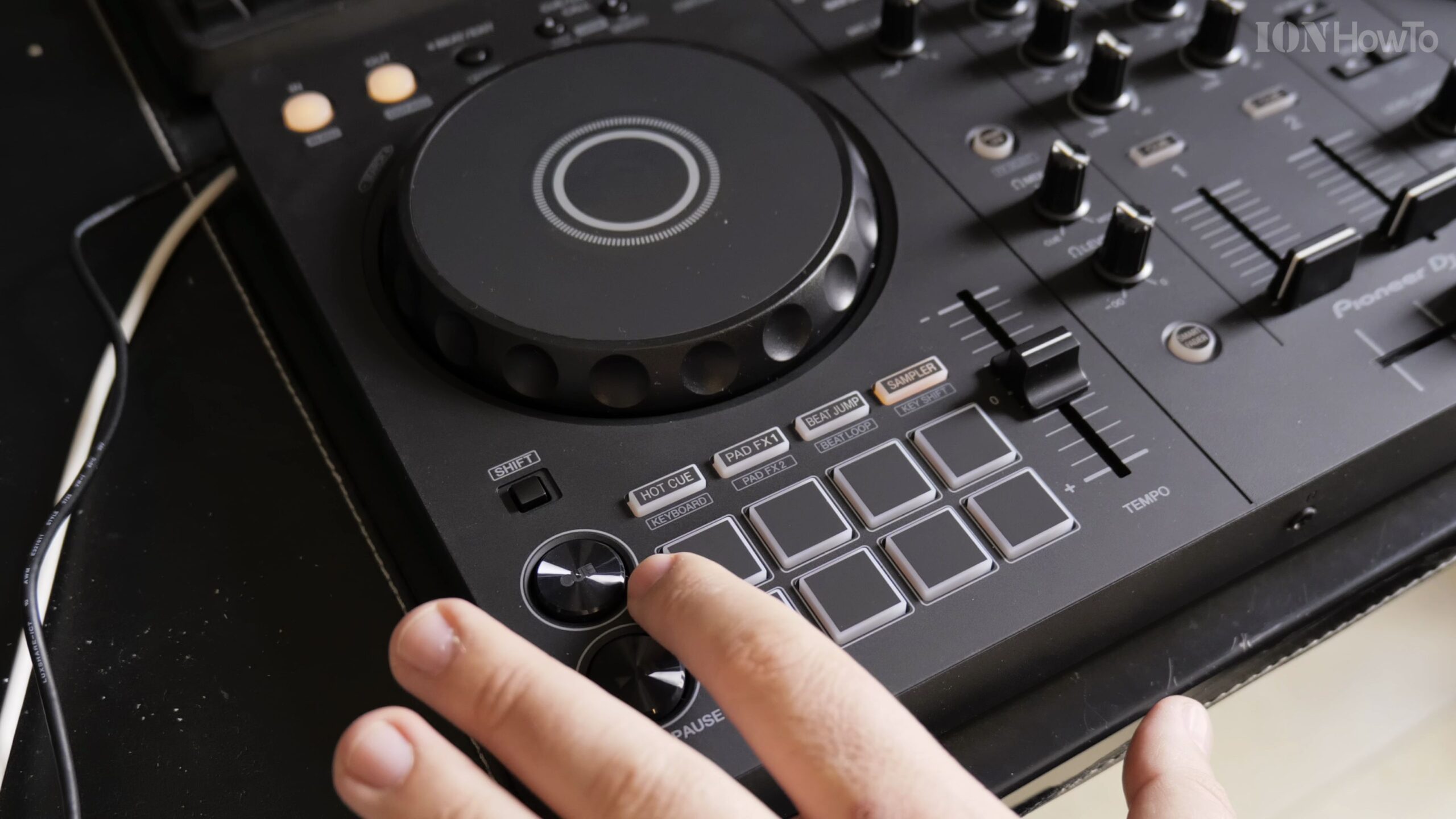
Use the Shift Key for Secondary Pad Functions
Hold down Shift on the DDJ-FLX4 to access secondary stem isolation modes, letting you create instant acapellas and instrumentals on the fly.
Enjoy Smooth Real-Time Stem Transitions in Your Mix
Blend acapella vocals over energetic drum loops during live transitions with crystal clear audio fidelity.
Helpful Tips and Related Guides
For seamless stem transitions, ensure your track BPMs and beatgrids are accurately analyzed before performing. Browse more in our Audio Gear category, check our DDJ-FLX4 MacBook Connection Guide, or view our DJ Mixes.
Leave a Reply Cancel reply