


How to Remove GPU From PC When PCIe Lever Is Stuck or Broken.
Learn how to remove a graphics card from your PC when the little PCIe lever just won’t unlock. I show you what to do if that clip is stuck, jammed, or even if you accidentally break it.
This happens to a lot of people. That tiny plastic lever on the PCIe slot can be really hard to reach and press. Sometimes it just doesn’t want to move. I ran into this problem myself while removing an old GPU to install a new one. Here is how I fixed it.
What You Need Before You Start
Gather these things first:
- A Phillips head screwdriver
- Some tape (electrical tape or masking tape works great)
- Good lighting so you can see the PCIe lever clearly
Step-by-Step: How to Remove the GPU When the Lever Won’t Unlock

Step 1: Remove Power Cables First
Before touching the PCIe lever, unplug everything connected to the GPU:
- Unplug the PCIe power cables from the graphics card. There might be one, two, or even three of them depending on your GPU.
- For older GPUs, look for 6-pin or 8-pin PCIe connectors.
- When removing any power plug, push it slightly into the socket first, then press the clip, and then pull it out.
- If the plug is stuck, wiggle it left and right gently as you pull. Do not just yank it straight out.
Step 2: Remove the Screws Holding the GPU to the Case
- Use your Phillips head screwdriver to remove the screws on the metal bracket where the GPU connects to the back of your PC case.
- There are usually two screws, but some cards may have more.
- Keep these screws somewhere safe so you do not lose them.
- Also unplug any HDMI or DisplayPort cables from the back of the GPU.
Step 3: Remove Any Anti-Sag Bracket
If you use a GPU anti-sagging device under your card, remove that first before trying to take out the GPU from the PCIe slot. Leaving it in place will block the card from lifting out.
Step 4: Make a Safe Tool to Press the Lever
The PCIe lever is usually very hard to reach with your fingers, especially if you have a large CPU cooler or other parts in the way. Here is a trick:
- Wrap tape around the tip of your screwdriver.
- Put several layers of tape on it.
- This creates a soft surface that will not damage your motherboard if you slip.
Step 5: Press the Lever and Lift the GPU
- Lay your PC case on its side so the motherboard is flat.
- Locate the PCIe lever at the end of the slot where your GPU is plugged in.
- Use your taped screwdriver to press down on the lever.
- Press firmly but do not force it too hard.
- While holding the lever down, gently lift the GPU straight up out of the slot.
What If You Press Too Hard or Break the Lever?
In my case, the GPU was completely stuck. I had to press harder than I wanted to. I ended up pressing the lever too far and it got damaged. Here is what happened:
- The lever itself bent a little from pressing too hard.
- However, the actual PCIe slot on the motherboard was completely fine.
- The GPU came out safely with no damage to the slot or the card.
If you break the lever, do not panic. The GPU will still work when you install a new one. The lever is mostly there to lock the card in place. Without it, the card will still function normally – it just won’t have that click to hold it down. Just make sure you screw the bracket firmly to the case to keep the card secure.
A Quick Note on Installing a New GPU
If you are installing a new GPU like an RTX 5080, here are a couple things to remember:
- The PCIe cable should click into place when fully inserted.
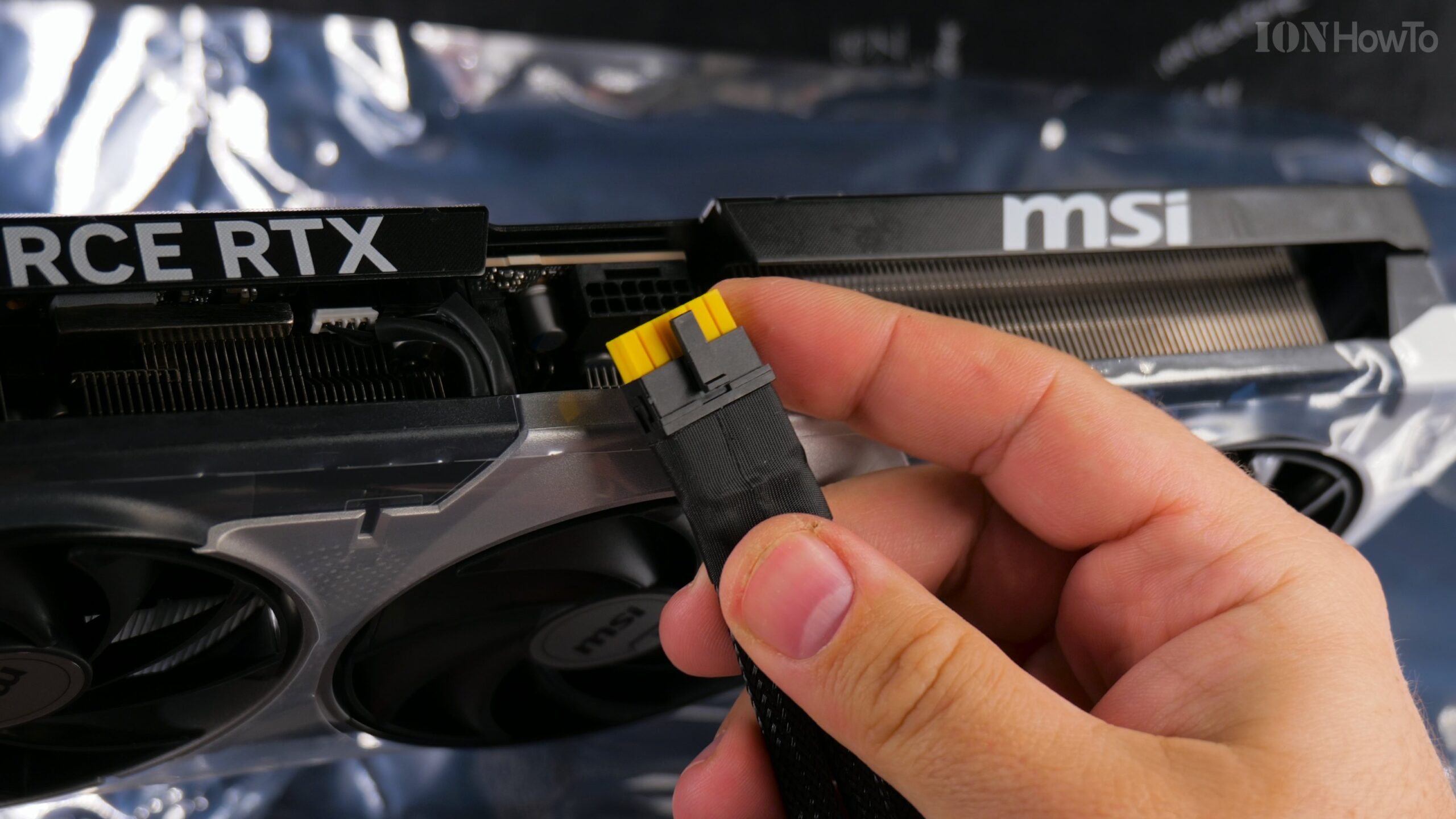
- For newer GPUs with the 12VHPWR connector (the small 16-pin plug), make sure it is fully inserted into the slot. The clip should click.
- Check that the yellow part inside the connector is no longer visible – that is how you know it is plugged in all the way.
- Make sure the PCIe lever on the slot is in the open position before inserting your new card.
Final Tips
- Take your time. Rushing is what causes broken parts.
- Good lighting really helps. Use a flashlight if you need to.
- If the lever absolutely will not move, double check that you are pressing the correct part. Some motherboards have levers that pull back instead of pressing down.
That is it. Now you know how to remove a stuck GPU even when that little lever is giving you trouble. Just be patient, use a taped screwdriver for safety, and lift straight up. Your GPU will come out.
Leave a Reply Cancel reply