


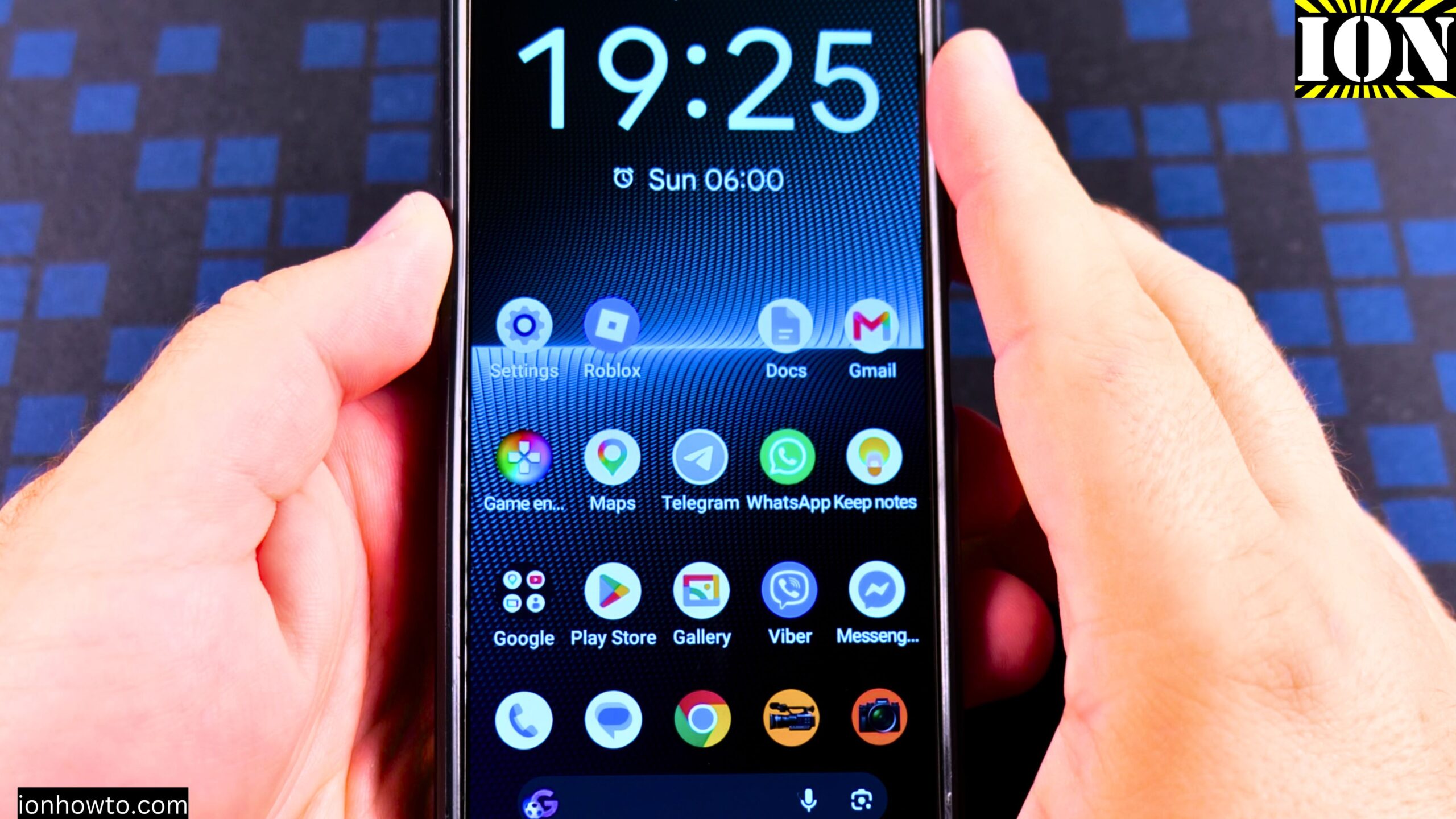
How to Fix Google Wallet NFC Not Working on Android Sony Xperia 1V.
I show you how to fix Google Play Store Security Updates problems and how to add a payment card to Google Wallet. How to add a second payment card to Google wallet and how to set the default card for contactless payments in store when you use Google Pay to pay in shops with your Android phone.
How to install Android Google Play Security Updates to fix Google Wallet NFC.
Fix Google Waller not being able to add payment cards because of device integrity checks problems.
Updating the Google Play Store security updates to the latest available can Fix NFC payments errors problems.
In this video set-by-step guide I show you how to Fix Google Wallet or Google Pay on old Android phone.

You should try to Update your Android Phone to the latest System update and most important also update the Google Play Security Update to the latest available then try again.
If you still have problems with Google Pay or Google Waller not being able to add payment cards or Roblox device integrity checks error 319 and error 317, your device may not be supported anymore.
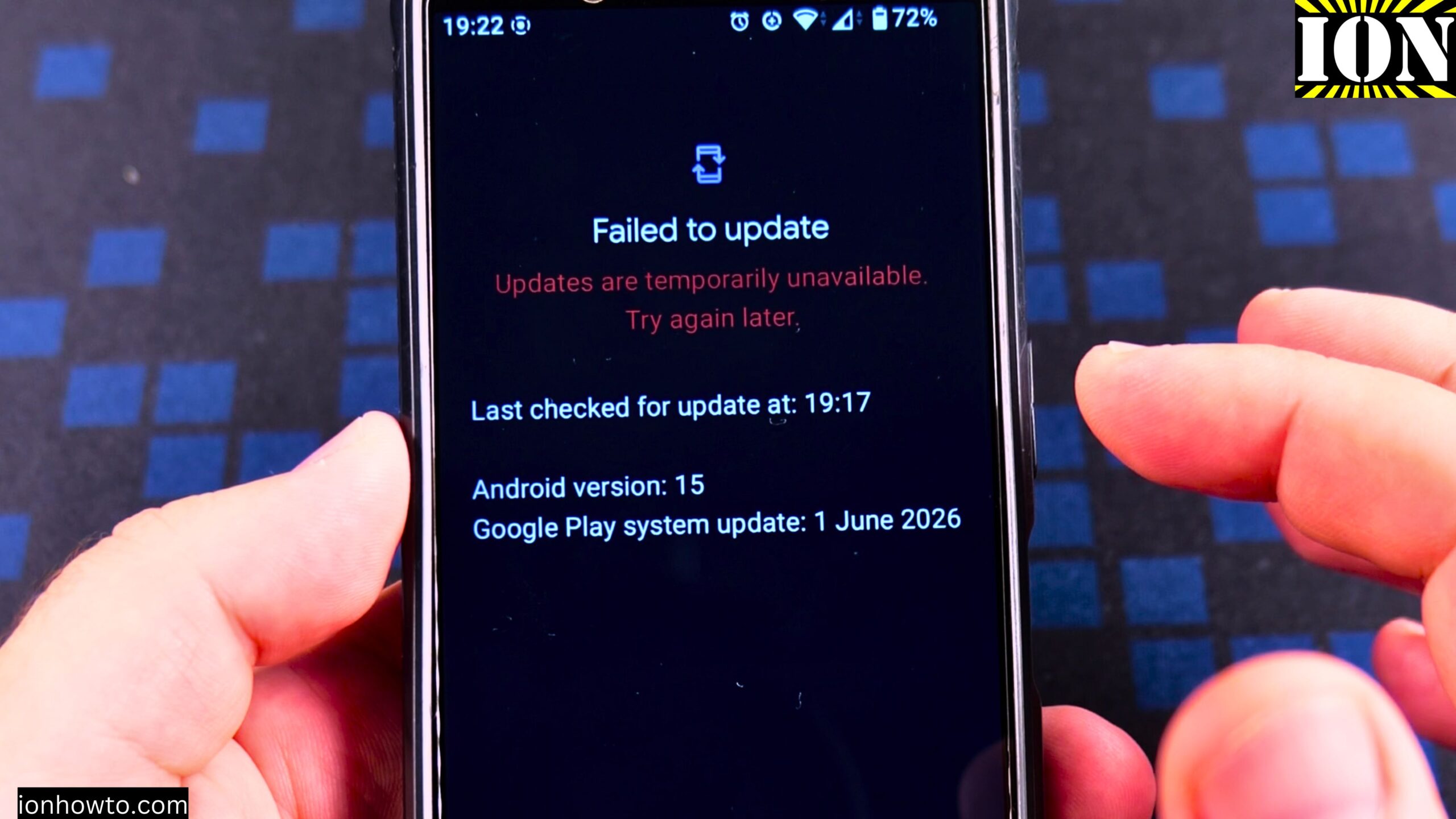
These integrity checks are to protect your bank account in the case of Google Waller problems or NFC not working.
After you do these updates and also restart your phone everything should be OK if your device is still receiving Google Play Security updates.
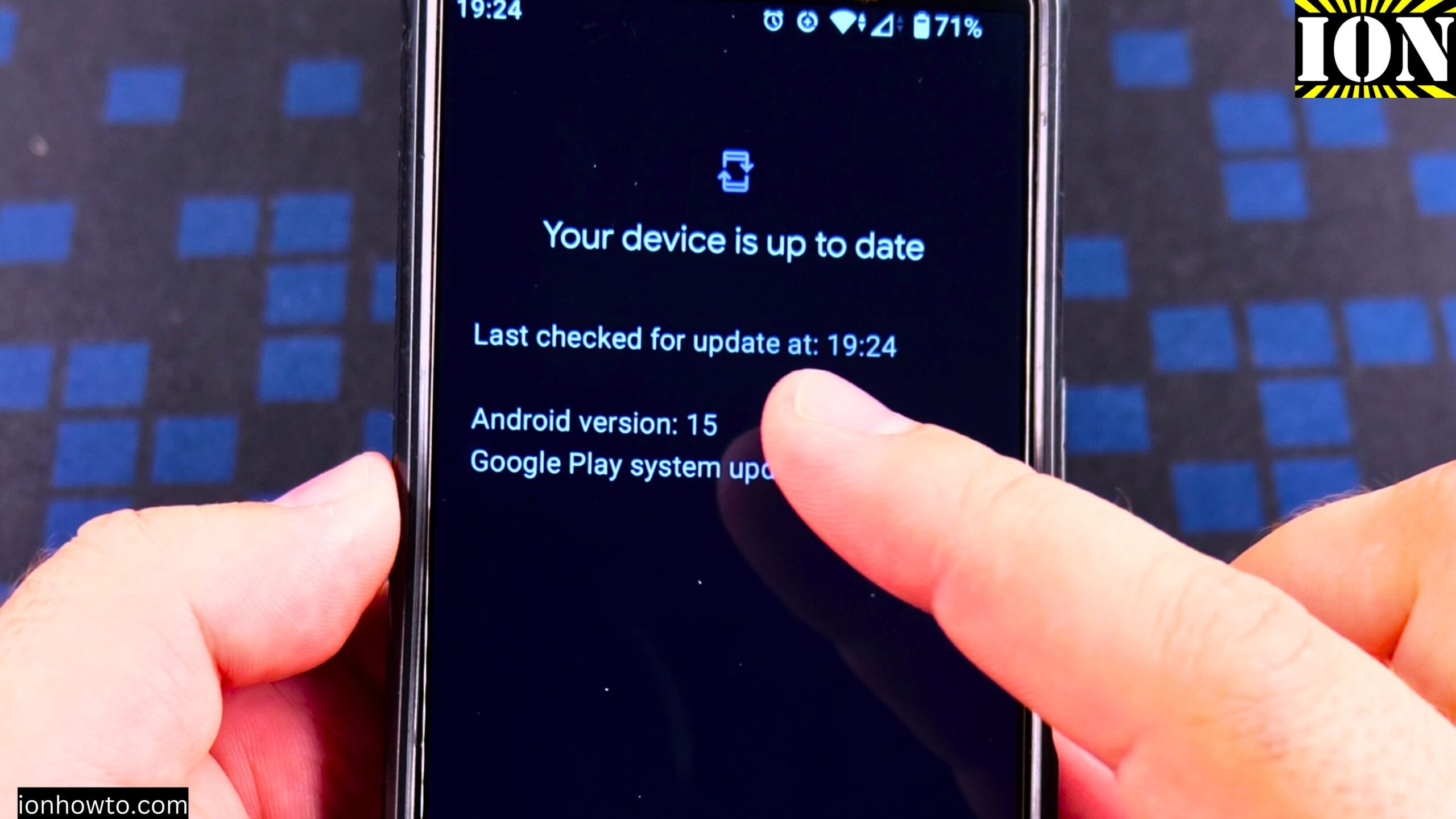
After you update the Google Play Store Security updates, restart your android phone and open Google wallet and try to add your payment card again.
I add the Revolut card to Google Pay from the Google Wallet app but for Revolut and other banks that support NFC Contactless payments and that have apps, you can easily open the Revolut app and then go to your card that you want to add too Google Pay and tap the Add to Google Pay button. Like that it’s much easier.
it should work now 🙂
Leave a Reply Cancel reply