


Unboxing Ugreen Revodok USB C 3.2 Hub 6 in 1 PD.
In this post, I will show you an unboxing of the Ugreen Revodok USB C hub. This is a 6 in 1 hub that supports HDMI display for Windows and Mac OS. I bought this with my own money from Amazon. This is not a sponsored video, and no one reviewed this content before I published it.
Product Overview

The full name of this product is the UGREEN Revodok Pro 10Gbps USB C Hub. It has an HDMI port, 2 USB-A 3.2 ports, 2 USB-C 3.2 ports, and a PD 100W charging port. The data transfer rate goes up to 10 Gigabits per second. The enclosure is made from aluminum and plastic.
Here are the main specs at a glance:
- Total ports – 6
- HDMI output – 4K at 60Hz
- USB-A ports – 2 (3.2 Gen 2)
- USB-C ports – 2 (3.2 Gen 2, data only)
- Charging port – USB-C PD 100W
- Data transfer speed – Up to 10Gbps (theoretical)
- Compatible devices – Smartphones, tablets, laptops, desktops, monitors, projectors, gaming consoles
Important Things to Know About the Ports
The two USB-C 3.2 Gen 2 ports are for data transfer only. They do not support video transfer or charging functions. The PD port (Power Delivery) is only for charging. It delivers up to 100W of power, with a maximum of 85W going to laptops while they are being used.
The HDMI output supports 4K at 60Hz. It is also backwards compatible with lower resolutions like 3840×2160 at 30Hz, 2560×1440 at 120Hz, and 1080P at 144Hz.
What is in the Box
The box contains:
- The Ugreen Revodok USB C hub
- User manual
- Declaration of Conformity
- Some recycling information
The hub itself has a braided cable that connects to your device. The cable is longer than what you usually get with these hubs, but still fairly short. There is a small plastic cover on the USB C plug to protect it when not in use.
Build Quality
The hub feels solid and boxy. It has an aluminum case with some plastic inside. The aluminum gives it a nice premium feel. On one side you will find the Ugreen branding. On the other side there is printed information including the model number (CM 818) and port details. The text is very small and a bit hard to read.
There is a small cool white LED light on the hub. It turns on when you plug it in. The light is not very bright, which is good because it will not bother you while you work. If you are transferring data, the light might blink, but during my test it stayed steady.
What Works with This Hub
The hub is compatible with:
- Windows
- Mac OS
- Linux
- Android
- iOS
On Amazon, Ugreen mentioned that the USB-A ports may not work with iOS and Android devices. Keep that in mind if you plan to use those ports with your phone or tablet.
Testing the Hub with a Phone
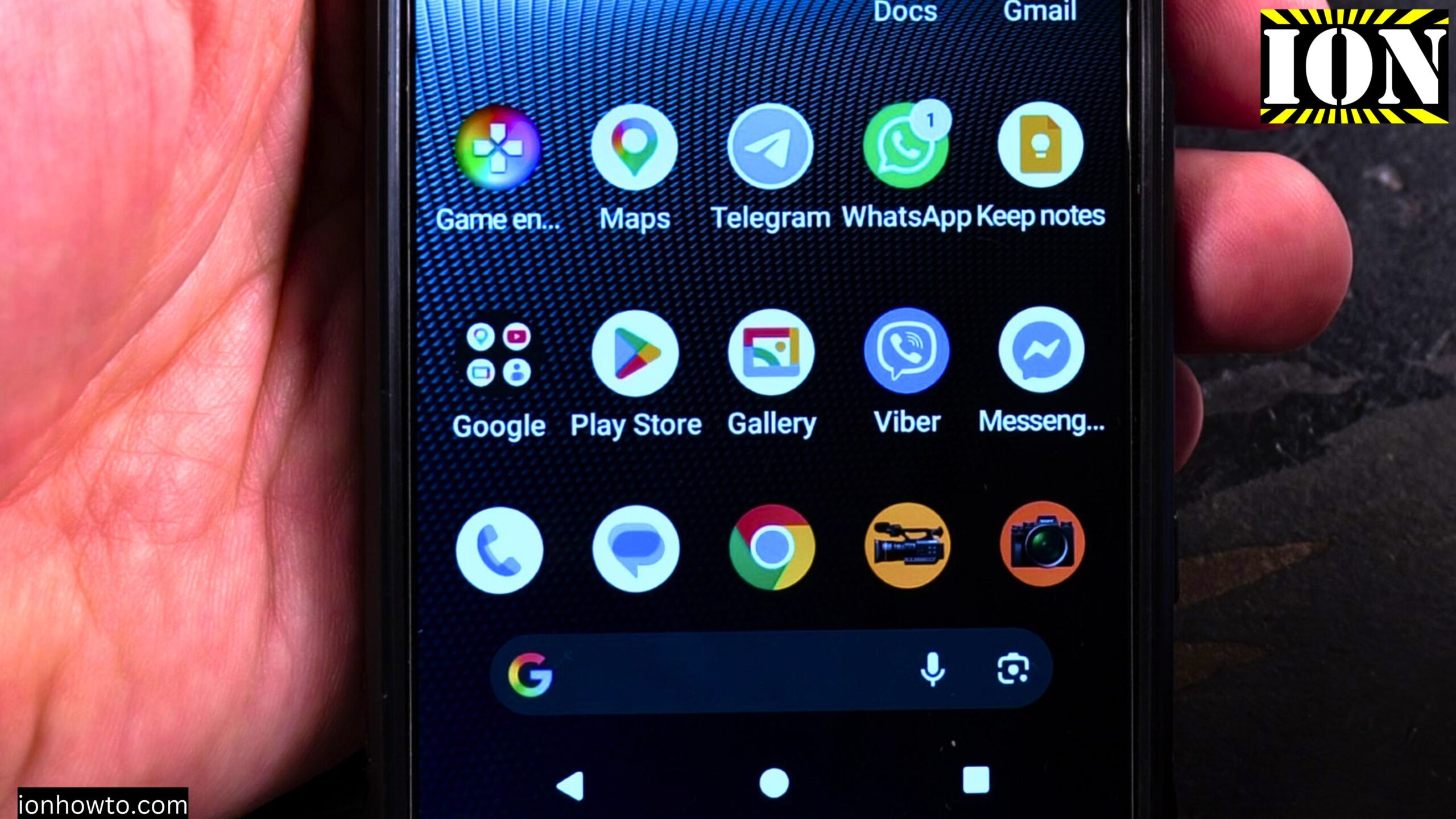
I tested this hub with my Sony Xperia 1 Mark V. I also used a Samsung T7 Shield external SSD to check data transfer.
First test – without power delivery
I plugged the hub directly into the phone. The phone powered the hub and the external SSD on its own. The phone recognized the SSD right away. I was able to see the drive in my files app.
Second test – with power delivery
I plugged a charging cable into the PD port on the hub. The phone started charging while staying connected to the SSD. This setup lets you transfer files for a long time without draining your phone battery. You could even leave it overnight to move large amounts of data.
What This Hub Is Good For
Here are some practical uses for this hub:
- Connect an external SSD to your phone to copy files
- Charge your phone while transferring data at the same time
- Connect two USB-A devices and two USB-C devices simultaneously
- Output video from a compatible phone or laptop to an HDMI monitor
- Transfer files between two SSDs if you have multiple drives
A Note About Speed
The advertised speed is 10Gbps. That is a theoretical maximum. In real world use, you will likely get lower speeds. That is normal for any USB hub. The number translates to roughly 1 Gigabyte per second of actual transfer speed, which is still very good.
Final Thoughts
I paid around €15 for this hub. It felt like a good deal for a 6 in 1 USB C hub with 10Gbps speeds and 100W power delivery. The build quality is solid, and it worked right away with my Android phone. I plan to use this with an iPhone 16 Pro Max in the future as well. If you need a simple hub to connect drives and charge at the same time, this is worth looking at.
Leave a Reply Cancel reply