


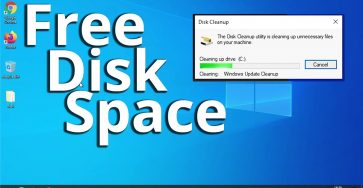
How to clean C drive in Windows 10 and free up disk space?
There are a few ways to remove unwanted old files from your PC.
This also will make your PC faster.
Before deleting any files make sure you don’t need them as they will be gone. Always make a backup of your important files before making changes to your computer and it’s good to always keep recent backups of your files in case the PC doesn’t work anymore.
- Recycle Bin cleanup
- Disk Cleanup tool
- System Files cleanup
- Old unused programs? Uninstall programs – Programs and features – add/remove – uninstall.
- Delete some unused old files if there is no other way.
Video

Related Guides and Helpful Resources
If you found this guide helpful, check out these related step-by-step tutorials and category resources on ION HowTo:
- How to Replace AC Remote Batteries with a Ballpoint Pen: Lever out stubborn AAA batteries from deep remote slots without tools.
- Clean USB-C Port with Paper: Simple household trick to clean lint and debris from loose charging ports safely.
- IKEA KOPLA B22 to E27 Socket Converter Guide: Convert older UK bayonet lamp fittings to fit modern screw-in LED bulbs.
- DIY Hacks and Life Solutions: Explore our full collection of tutorials and step-by-step articles in this category.
Leave a Reply Cancel reply