


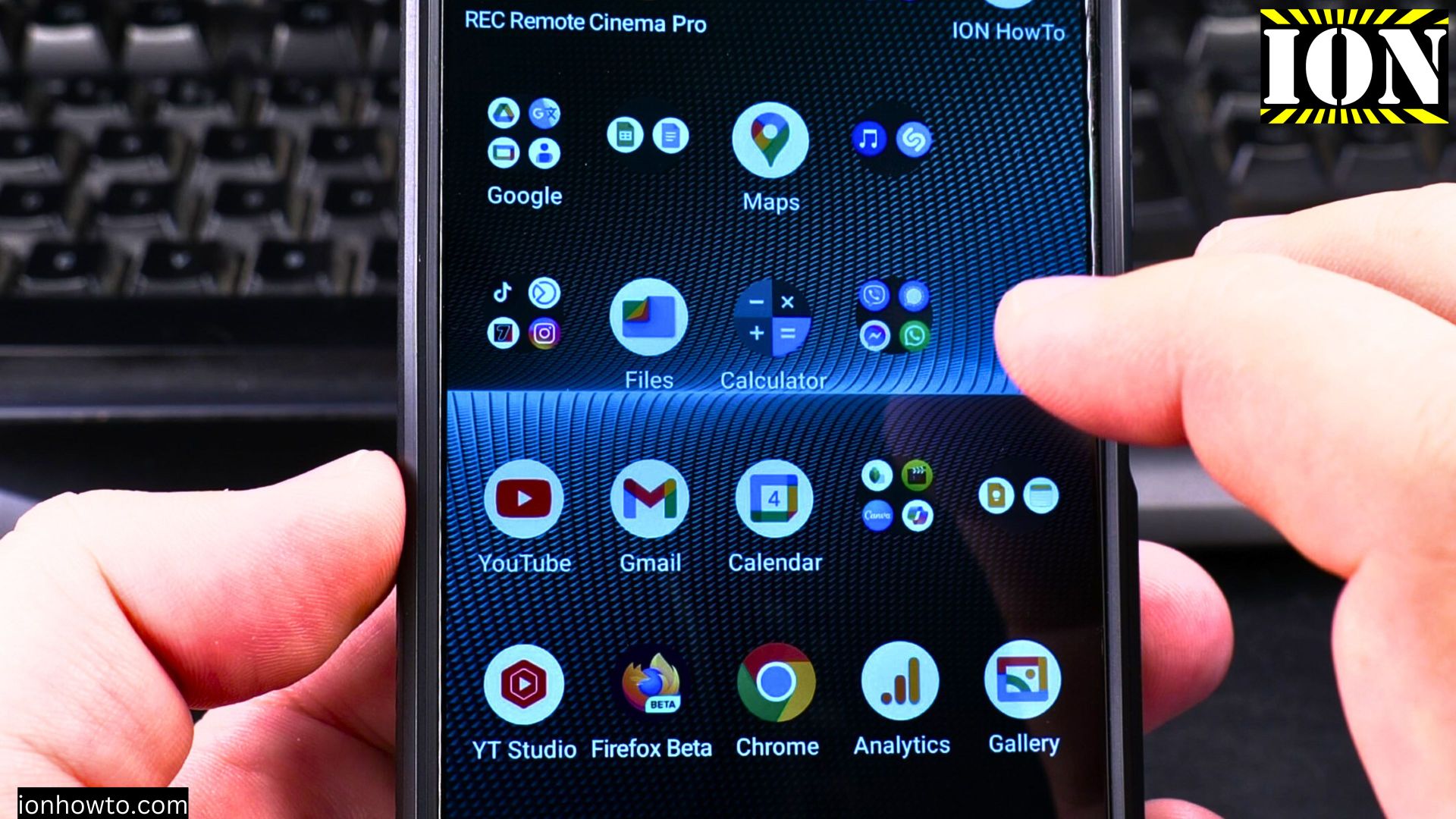
Tired of hearing beeps every time you dial a number? I’ll show you how to disable dial pad tones on your Android phone in just a few taps.
Why Change Dial Pad Sounds?
Dial pad tones can be useful because:
- They confirm each button press
- Help with dialing in noisy places
- Some people prefer the feedback
But if you want complete silence when making calls, here’s how to turn them off.
Amazon links
As an Amazon Associate I earn from qualifying purchases:
- Phone Accessories
- Screen protectors
- Phone Cases
- Mobile Tripods
- Usb-c charger
- Usb-c cable
- Docking stations
- Wireless car chargers
- Wireless charger stand
- SIM card removal tool
- SIM card holder

Steps to Disable Dial Pad Tones
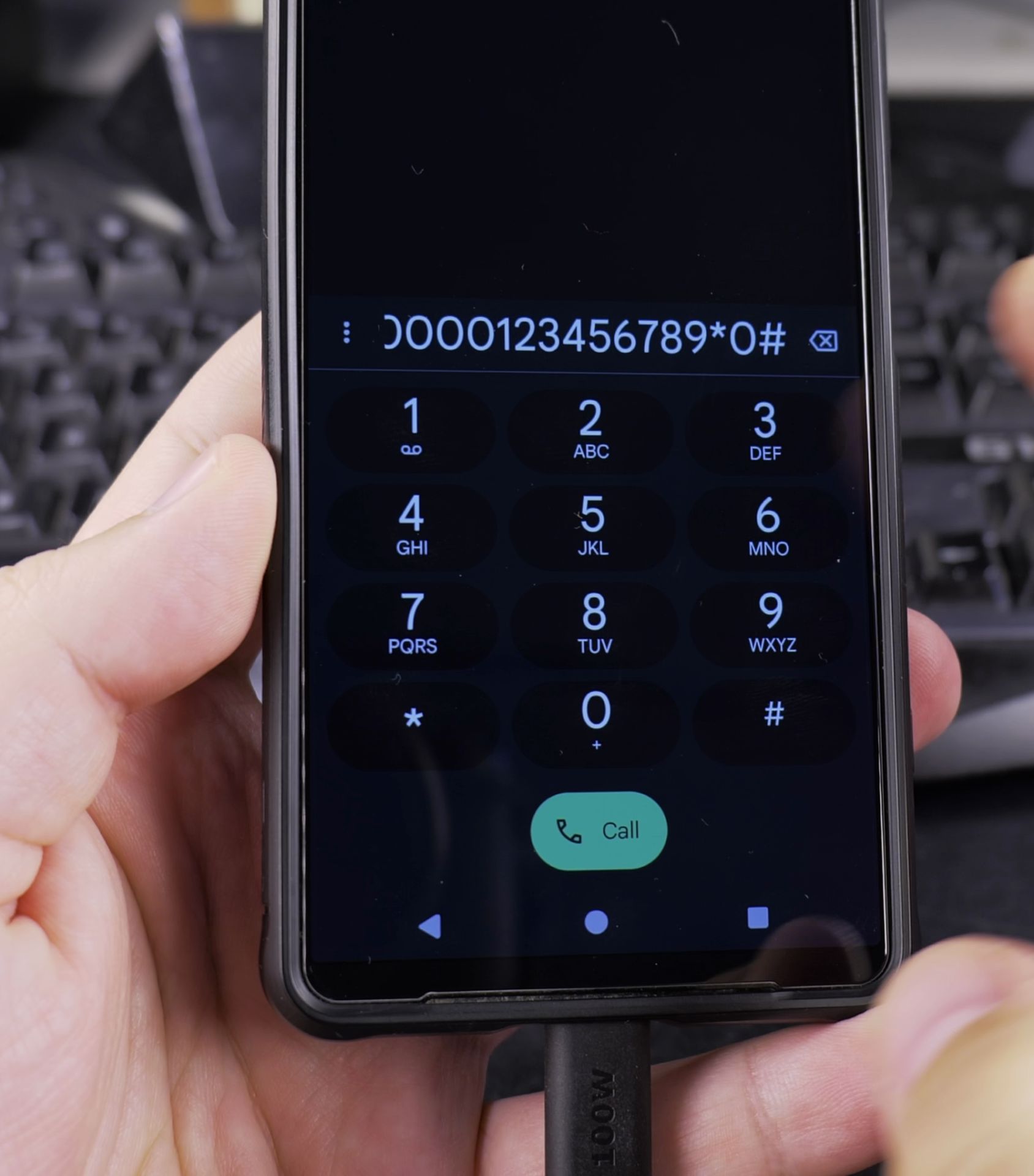
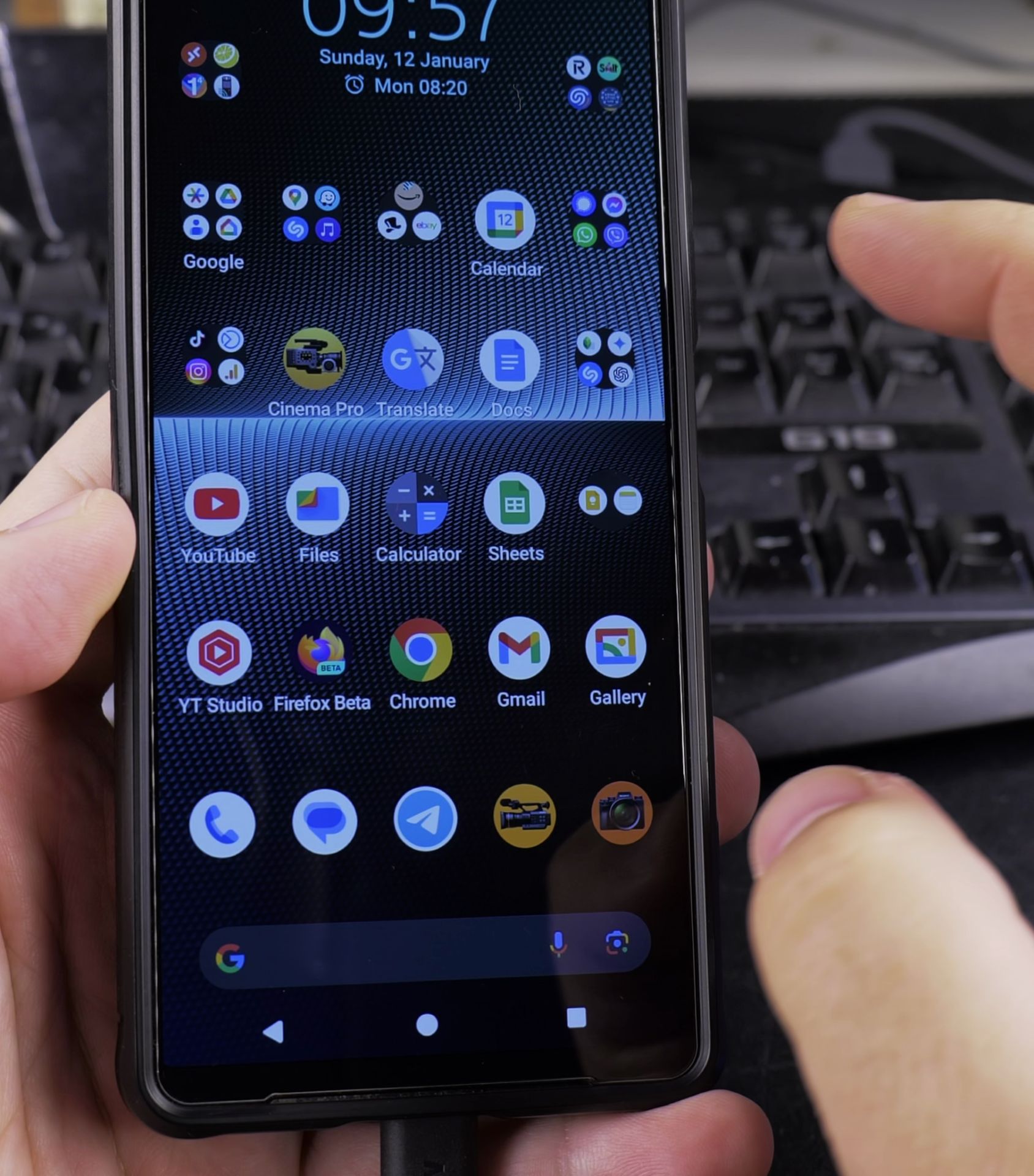
1. Open your Phone app (the one
Open your Phone app (the one you use to make calls).
2. Tap the three-dot menu in the top
Tap the three-dot menu in the top right corner.

3. Select “Settings”
Select “Settings”.
4. Choose “Sounds and vibration” (may be called
Choose “Sounds and vibration” (may be called “Sound” on some phones).
5. Find “Dial pad tones”
Find “Dial pad tones”.

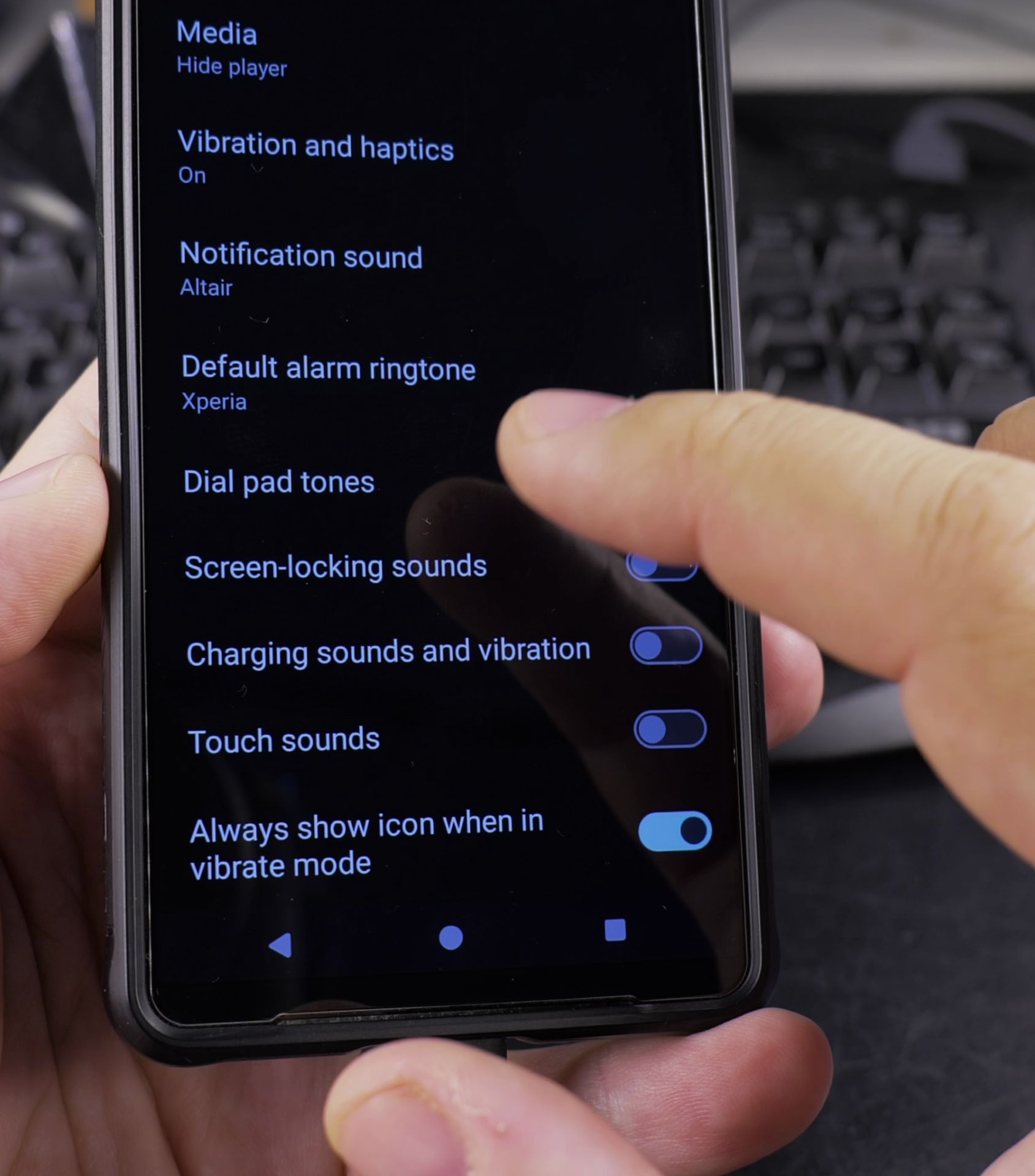
6. Toggle the switch to OFF
Toggle the switch to OFF.
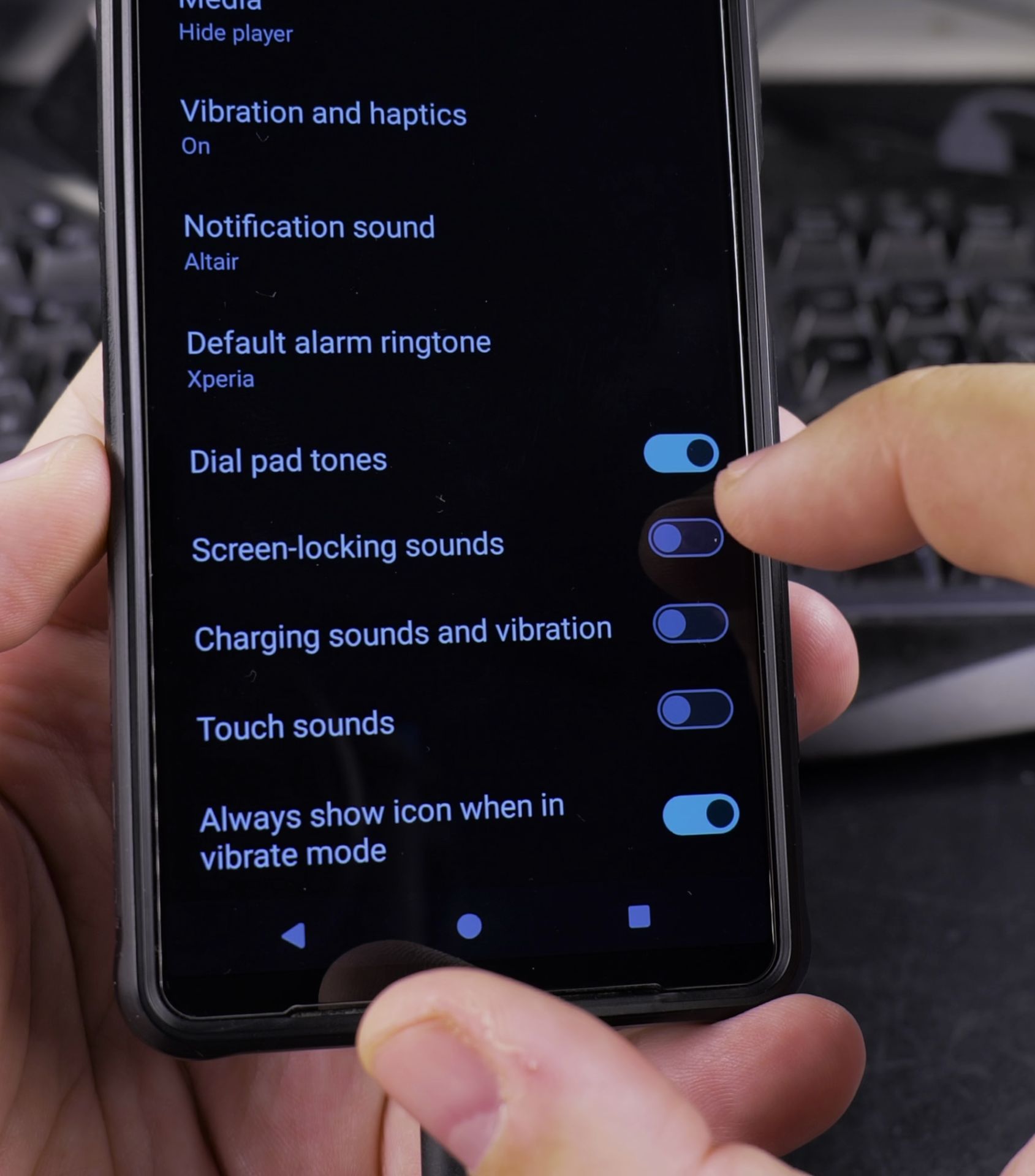
For Different Android Models
- Samsung: Settings > Sounds and vibration > System sound > Dialing keypad tone
- Google Pixel: Phone app > Settings > Sounds and vibration > Dial pad tones
- OnePlus: Settings > Sound & vibration > System > Dial pad tones
Bonus Sound Tips
While you’re here, you might want to adjust:
- Call vibration – Change how your phone vibrates for incoming calls
- Touch sounds – Control sounds when tapping your screen
- Lock screen sounds – Mute the sound when locking/unlocking
That’s it! Now you can dial numbers in peace. If you ever want the tones back, just follow the same steps and toggle the setting ON.
Helpful Tips
Take your time and check the screen carefully after each tap so you can confirm the setting changed as expected. If an option appears in a slightly different spot on your device, watch the embedded video above for a closer look.
Related Guides
- Phone Call Dial Pad on Android – How to Make a Phone Call With the Dial Pad on Your Android Phone.
- How to Enable Dial Pad Tones on Android – How to Enable Dial Pad Tones on Android Phones.
- Android & Mobile Guides – Browse more tutorials and practical guides in this section.
Leave a Reply Cancel reply