


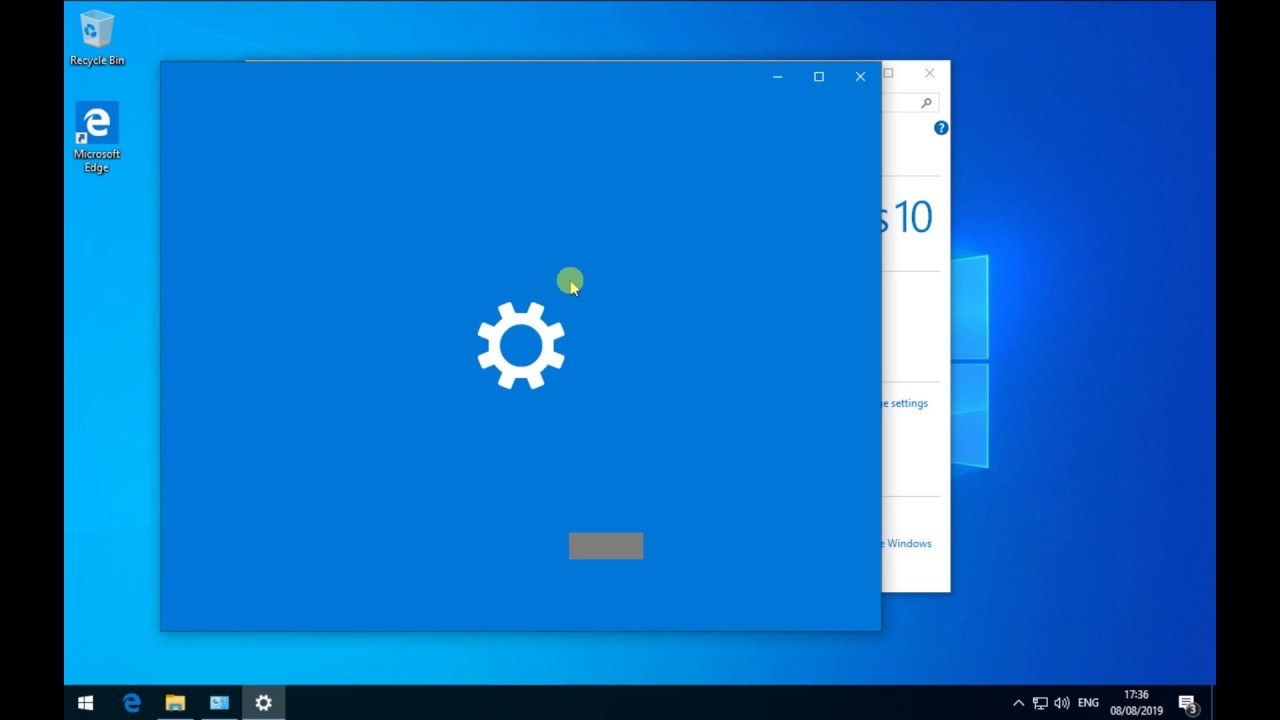
If you see an activation watermark in the corner of your Windows 10 screen, or if you bought a new license key and need to enter it, you can activate Windows in just a couple of minutes.
In this step-by-step guide, I’ll show you how to check your current license status, open the product key window, and activate Windows 10 online.
Quick Steps
- Check if Windows 10 Is Already Activated
- Open the Change Product Key Window
- Enter Your 25-Character Product Key
- Click Activate and Confirm Your License Status
1. Check if Windows 10 Is Already Activated
Right-click This PC (or My Computer) on your desktop or in File Explorer and choose Properties. Scroll to the bottom of the window under Windows activation to see if it says Windows is not activated.
2. Open the Change Product Key Window
On that activation screen, click Activate Windows or Change product key. If you prefer a quick shortcut, press Windows Key + R on your keyboard, type slui.exe 3, and press Enter.
3. Enter Your 25-Character Product Key
Find your 25-character product key (five groups of five letters and numbers, often on a sticker inside your Windows DVD case or in your purchase email). Type the key carefully into the box and click Next.
4. Click Activate and Confirm Your License Status
Make sure your computer is connected to the internet, then click Activate when prompted. After a few seconds, Windows confirms activation – close and reopen Properties to verify it now reads Windows is activated.
Helpful Tips
- Buy your Windows 10 license from Microsoft or a trusted retailer, and remember a standard key only activates one PC at a time.
- You can also install a key from Command Prompt or Run (Windows Key + R) by typing
slmgr.vbs /ipk XXXXX-XXXXX-XXXXX-XXXXX-XXXXXand waiting a minute for the confirmation pop-up.
Helpful Windows & PC Accessories on Amazon
- Windows 10 Pro License
- USB-C Hub Multiport Adapter
- USB 3.0 Hub
- PC Tool Set
- External USB Camera for Laptop
As an Amazon Associate I earn from qualifying purchases.
Related Guides
- Windows 11 nag screen after update – Windows 11 nag screens after update.
- How to Install and Activate DaVinci Resolve Studio 21 on MacBook Air M5 Using a Speed Editor Key (Full Guide) – If you purchased a Blackmagic Design DaVinci Resolve Speed Editor keyboard, the box includes a plastic activation card that…
- Remove Weather from Windows 10 Taskbar – Windows 10 has a new taskbar toolbar called News and Interests.
Leave a Reply Cancel reply