


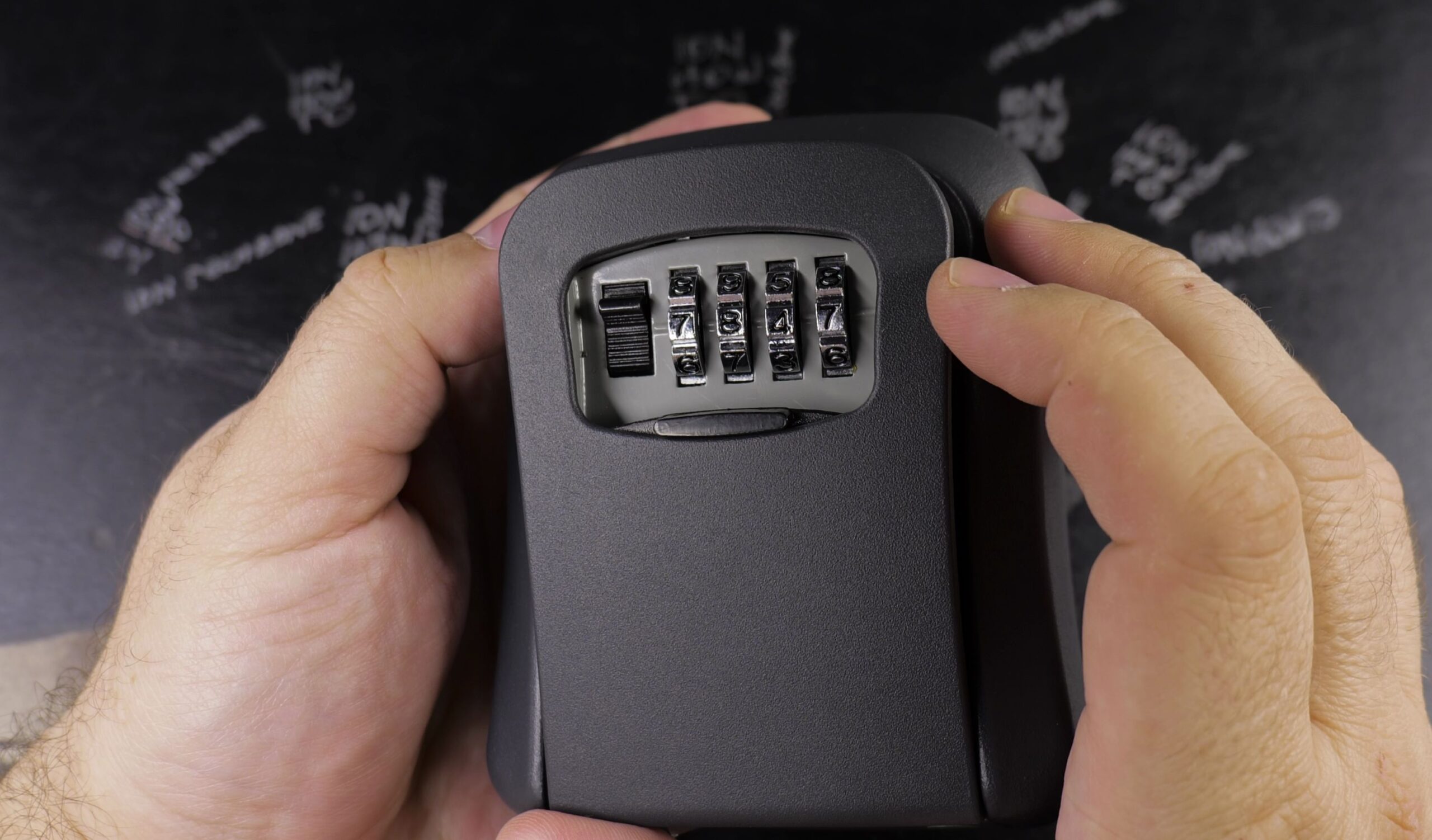
If you need to update access for family members or change combinations between guests, resetting your key safe is quick and requires no tools. I’ll show you how to change the code on a Standers key lock box in just a few simple steps.

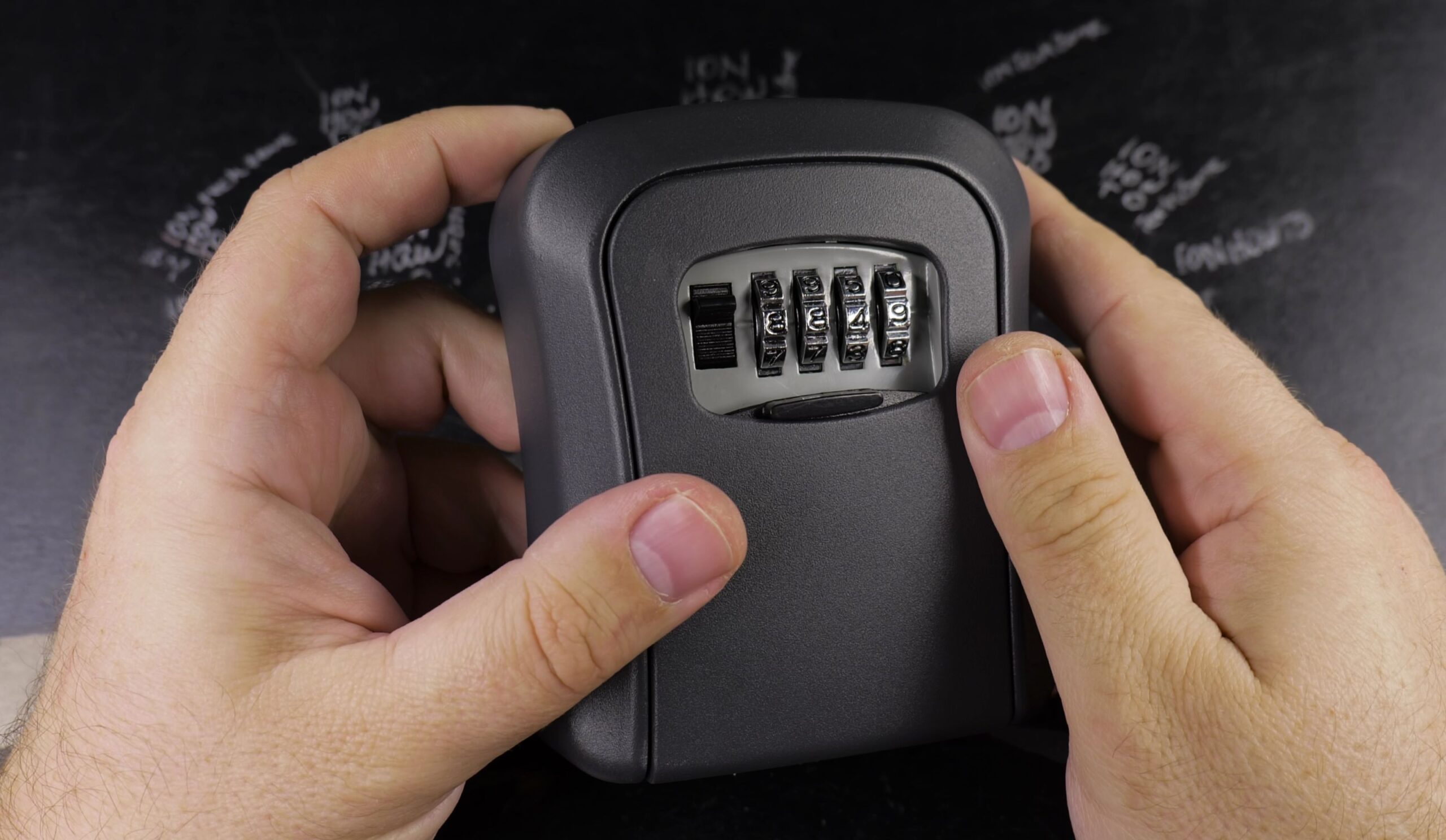
1. Enter the Current Code and Open the Door
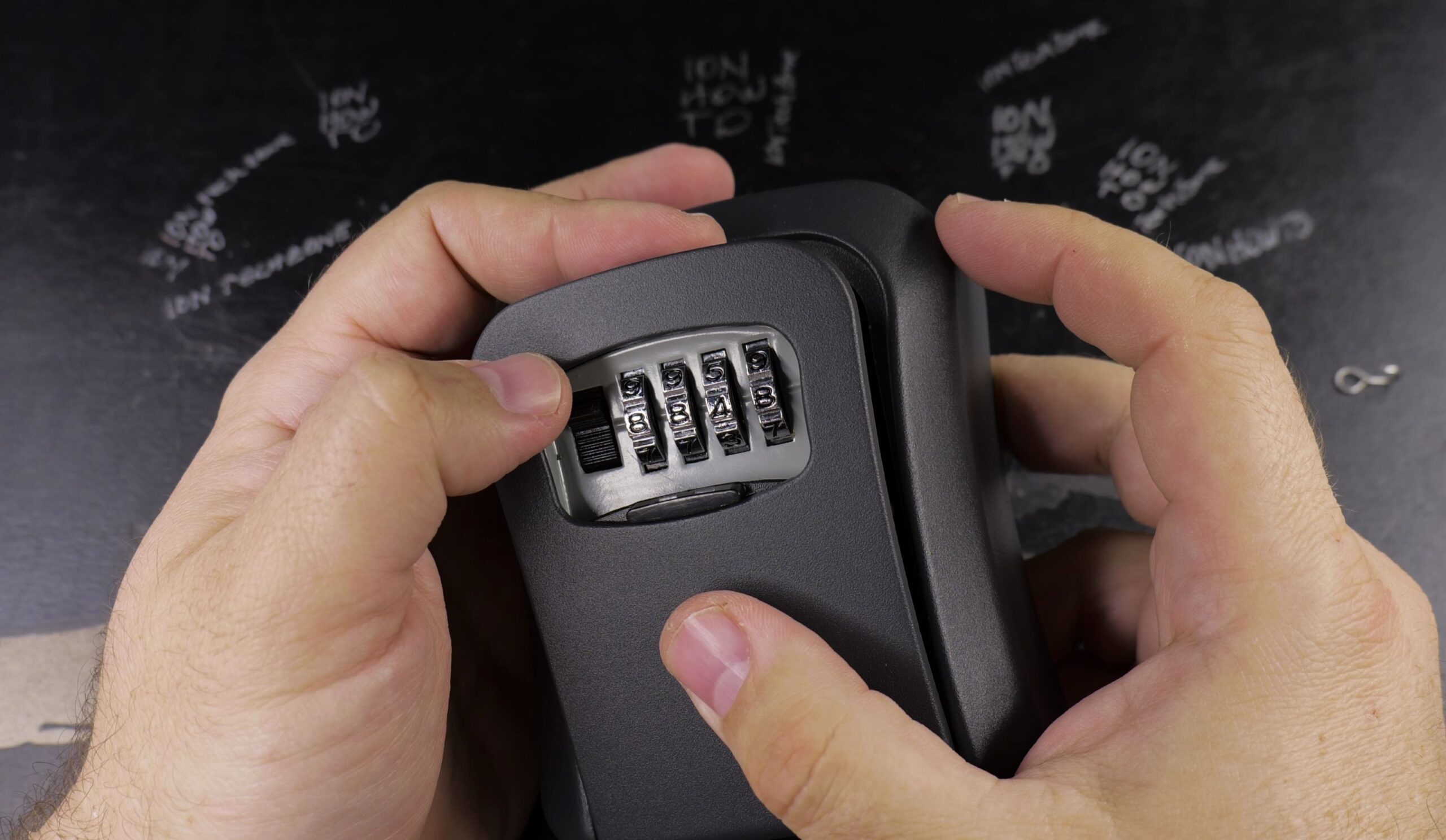
Turn the four number wheels on the front to line up your current combination along the center indicator mark.
Push down the small black release latch next to the dials.
Pull the heavy front face forward to swing the lock door fully open.

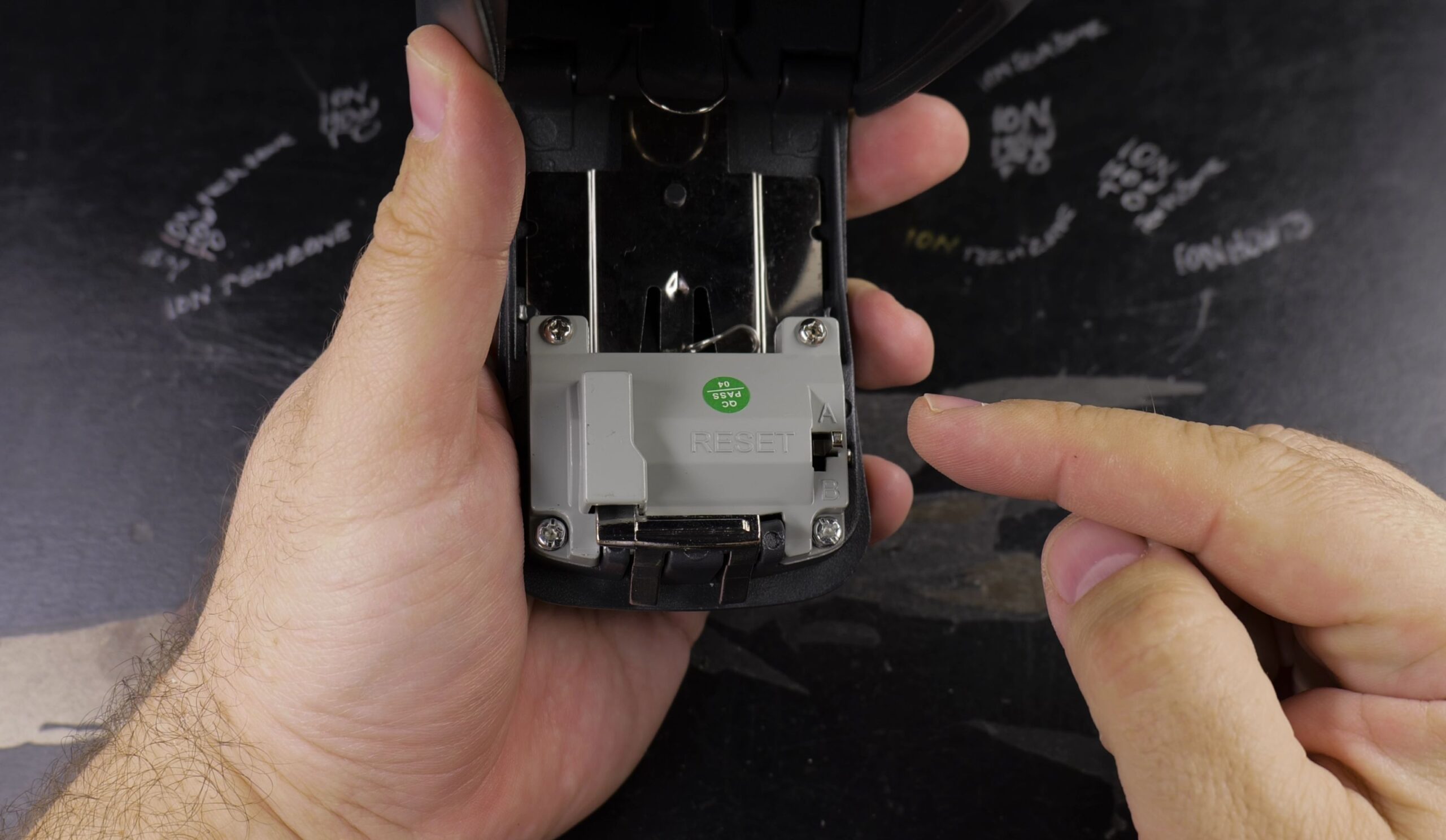
2. Shift the Reset Lever from Position A to B
Look at the inside back of the open door behind the dials.
You will find a small metal reset lever currently sitting in position A.
Push the lever sideways to the right and then upward so it clicks securely into position B.
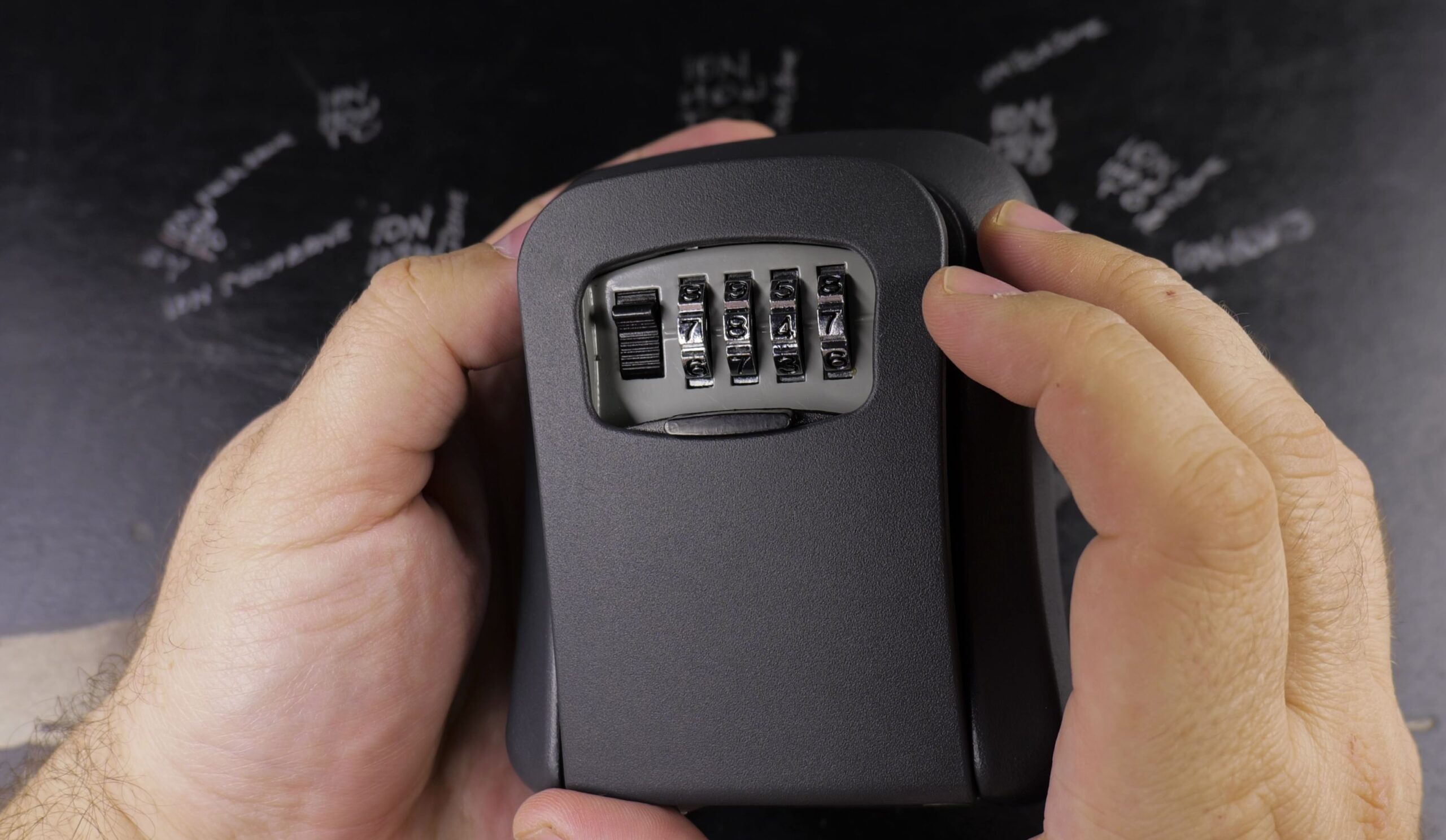
3. Set Your New 4-Digit Combination
With the lever held in position B, turn the front number dials to your desired new 4-digit code.
Make sure each wheel sits centered cleanly in its number slot.
Write your new numbers down immediately on paper before locking the safe.
4. Return Reset Lever to Position A and Test
Push the metal reset lever downward and back to the left into position A to lock in your combination.
While the door is still open, push the front release latch down to confirm the latch moves freely with your new code.
Close the box door and spin all four number wheels randomly to scramble the lock.
Helpful Tips
Never close and scramble the door before testing the latch with your new code while the box is open. If a number was misaligned during reset, testing with the door open prevents accidental lockouts.
For more home security and maintenance guides, explore our Home Improvement and Household Repairs collections.
Leave a Reply Cancel reply