


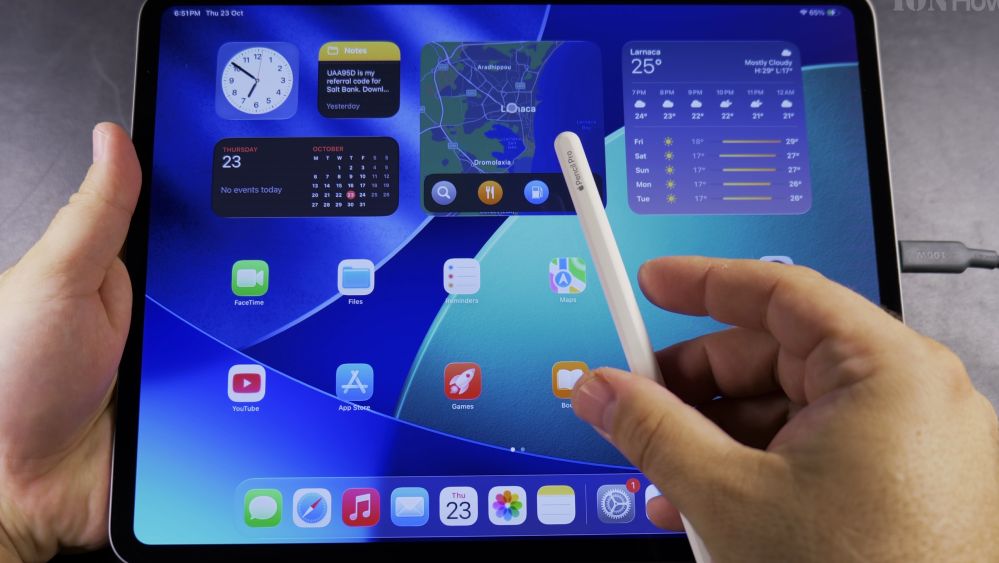
If you just purchased an Apple Pencil Pro for your iPad Pro M5, charging it is completely cord-free. I’ll show you how to snap your stylus magnetically onto the edge of your tablet and check its battery percentage.

1. Locate the Magnetic Connector
Turn your iPad Pro so the camera is facing up in landscape orientation. The magnetic charging strip runs along the top long edge.

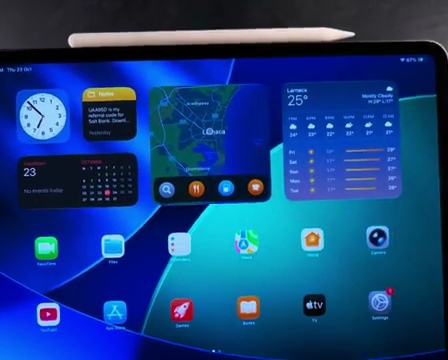
2. Align the Flat Edge of Your Pencil
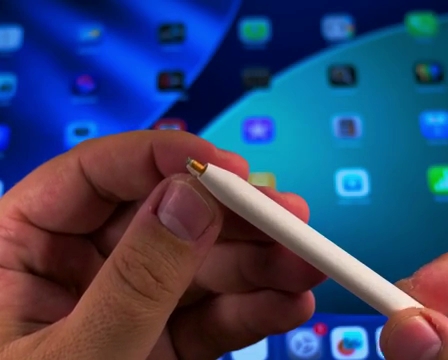
Find the flat side of your Apple Pencil Pro where the small Apple logo is engraved.
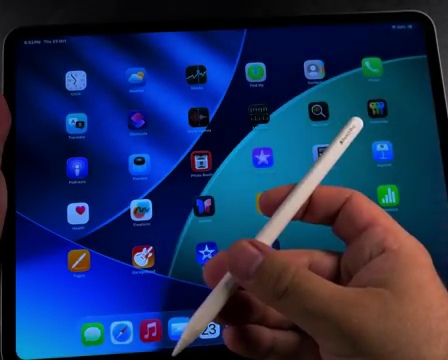
3. Snap the Pencil into Place
Place the flat side against the middle of the iPad’s top edge. The internal magnets will snap it securely into alignment.
4. Look for the Charging Notification
A rounded badge will briefly appear at the top of your screen displaying **Apple Pencil** and its current battery percentage.
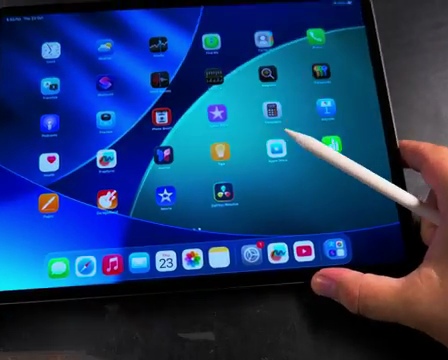
5. Monitor Battery Life in the Widget
You can leave the pencil attached whenever you are not writing. Check the Batteries widget on your home screen anytime to see when it reaches 100%.
Helpful Tips
Thick third-party protective cases may prevent the magnetic connection from charging properly. If the pencil does not charge, remove the case to ensure direct contact. For more tablet guides, visit our iPad Guides hub.
Leave a Reply Cancel reply