


Learn how to disable your SIM card on an Android device when you need to temporarily turn off cellular service.
Amazon links
As an Amazon Associate I earn from qualifying purchases:
- Phone Cases
- Mobile Tripods
- Usb-c charger
- Usb-c cable
- Docking stations
- Wireless car chargers
- Wireless charger stand
- SIM card removal tool
- SIM card holder
How to Disable SIM Card on Android Phones video

Quick Steps and Scenarios Overview
| What You Need to Do | Quick Jump |
|---|---|
| How to Temporarily Disable Your SIM Card | Jump to Step 1 |
| Open the Settings app on your Android | Jump to Step 1 |
| Tap "Network & internet" (or "Connections" | Jump to Step 2 |
| Select "SIM cards" (may be called "Mobile | Jump to Step 3 |
| Find the SIM you want to disable | Jump to Step 4 |
| Toggle off the switch next | Jump to Step 5 |
I show you the steps to deactivate your SIM card if you want to stop calls and texts, save battery, or troubleshoot network issues.
How to Temporarily Disable Your SIM Card
1. Open the Settings app on your Android
Open the Settings app on your Android phone.

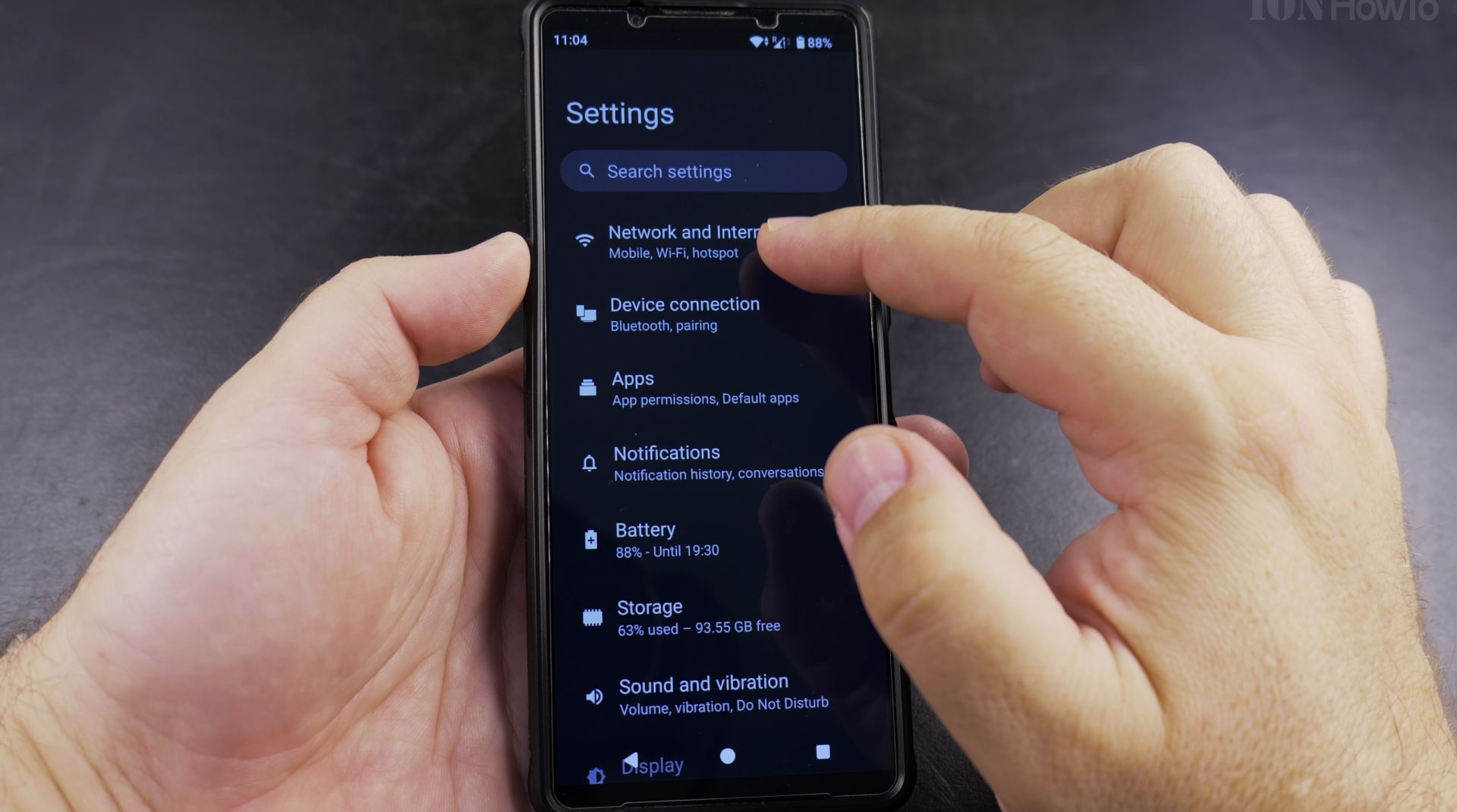
2. Tap “Network & internet” (or “Connections”
Tap “Network & internet” (or “Connections” on some devices).
3. Select “SIM cards” (may be called “Mobile
Select “SIM cards” (may be called “Mobile network” on some phones).
4. Find the SIM you want to disable
Find the SIM you want to disable.

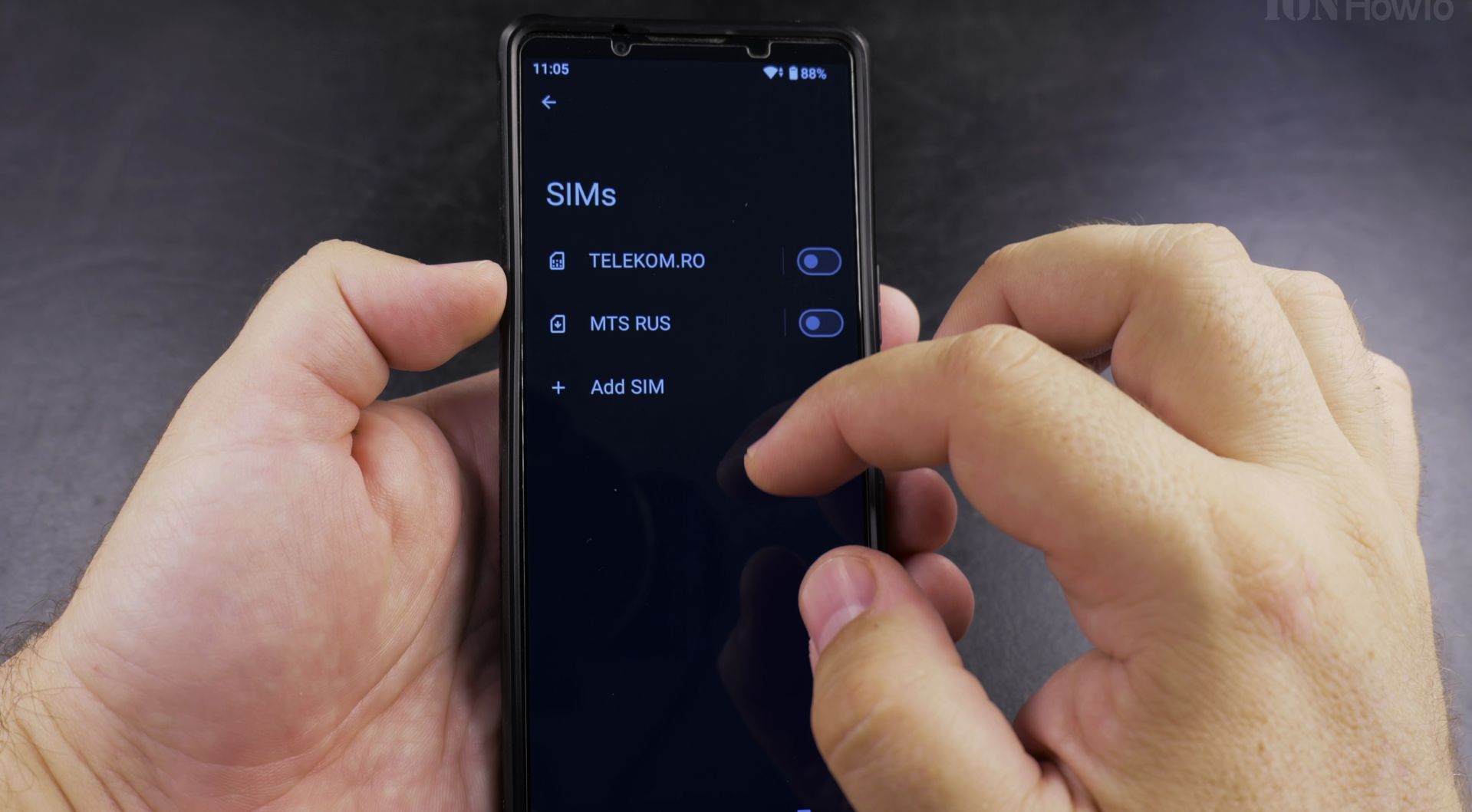
5. Toggle off the switch next
Toggle off the switch next to your SIM card.
What Happens When You Disable Your SIM
- You won’t receive calls or texts
- Mobile data will stop working
- Your phone number won’t be active
- Emergency calls may still work
- Wi-Fi will continue functioning normally
How to Disable One SIM on Dual SIM Phones
6. Go to Settings > Network & internet
Go to Settings > Network & internet > SIM cards.

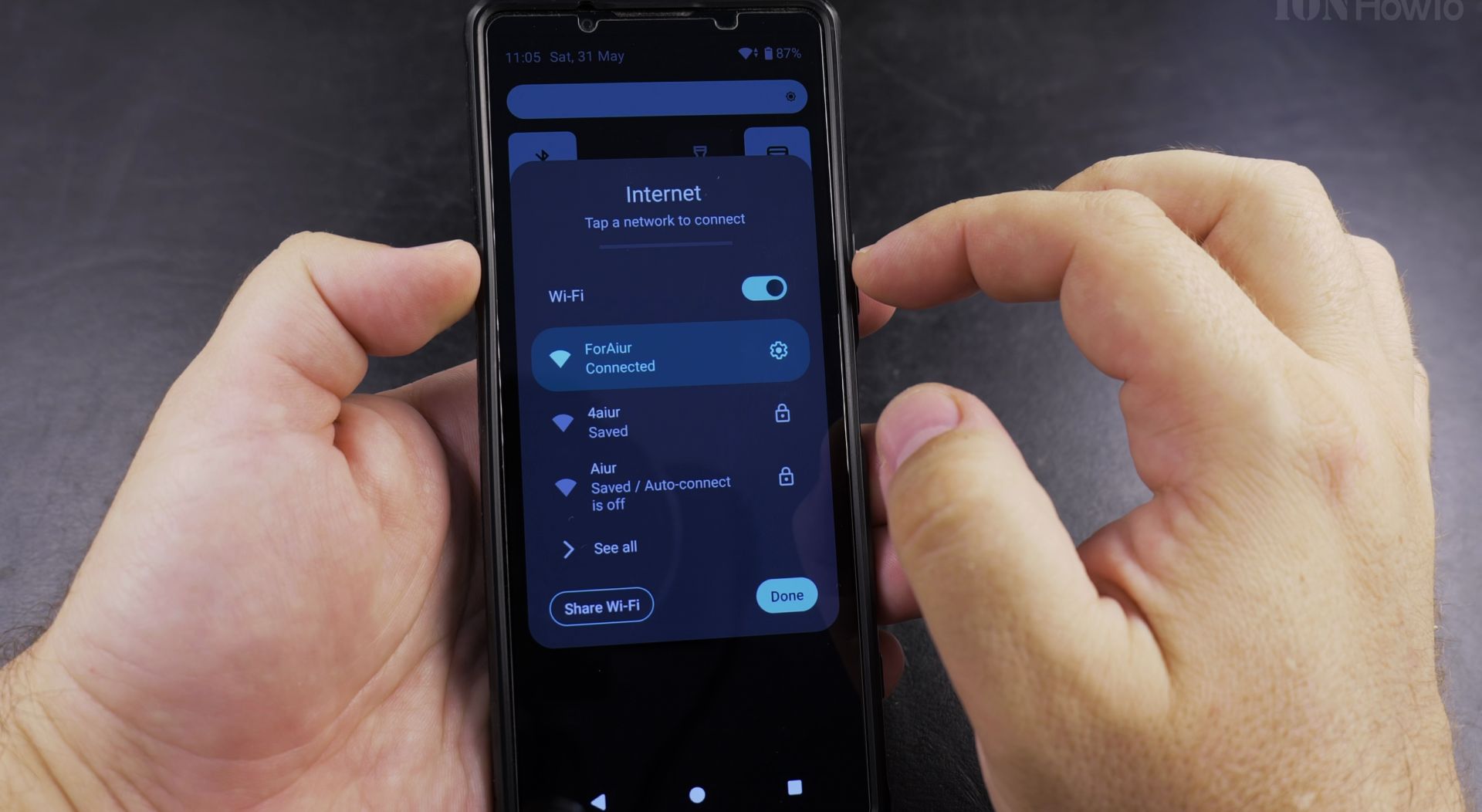
7. Select the SIM card you want
Select the SIM card you want to disable.

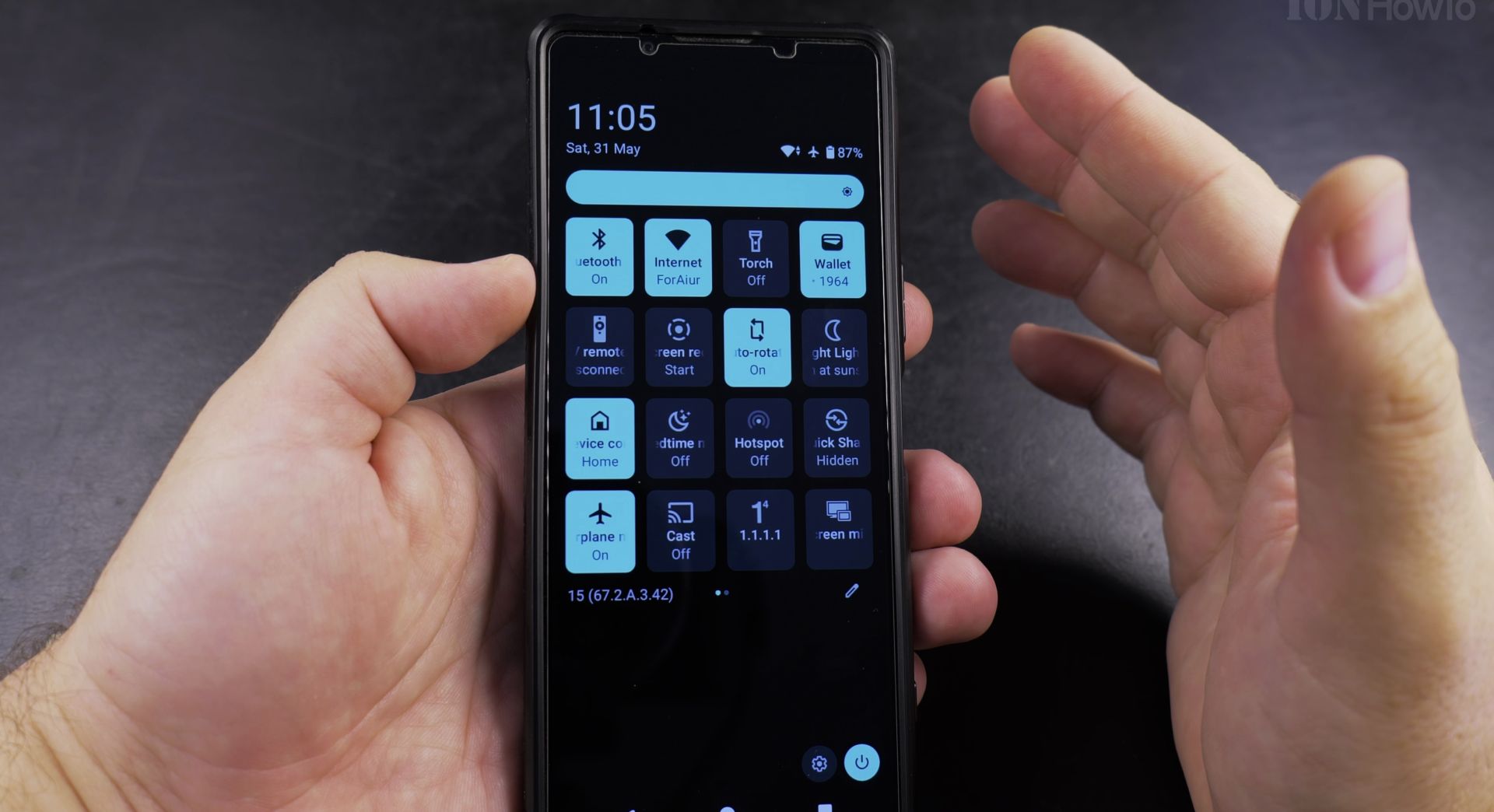
8. Toggle off “Use SIM” or the similar
Toggle off “Use SIM” or the similar option.

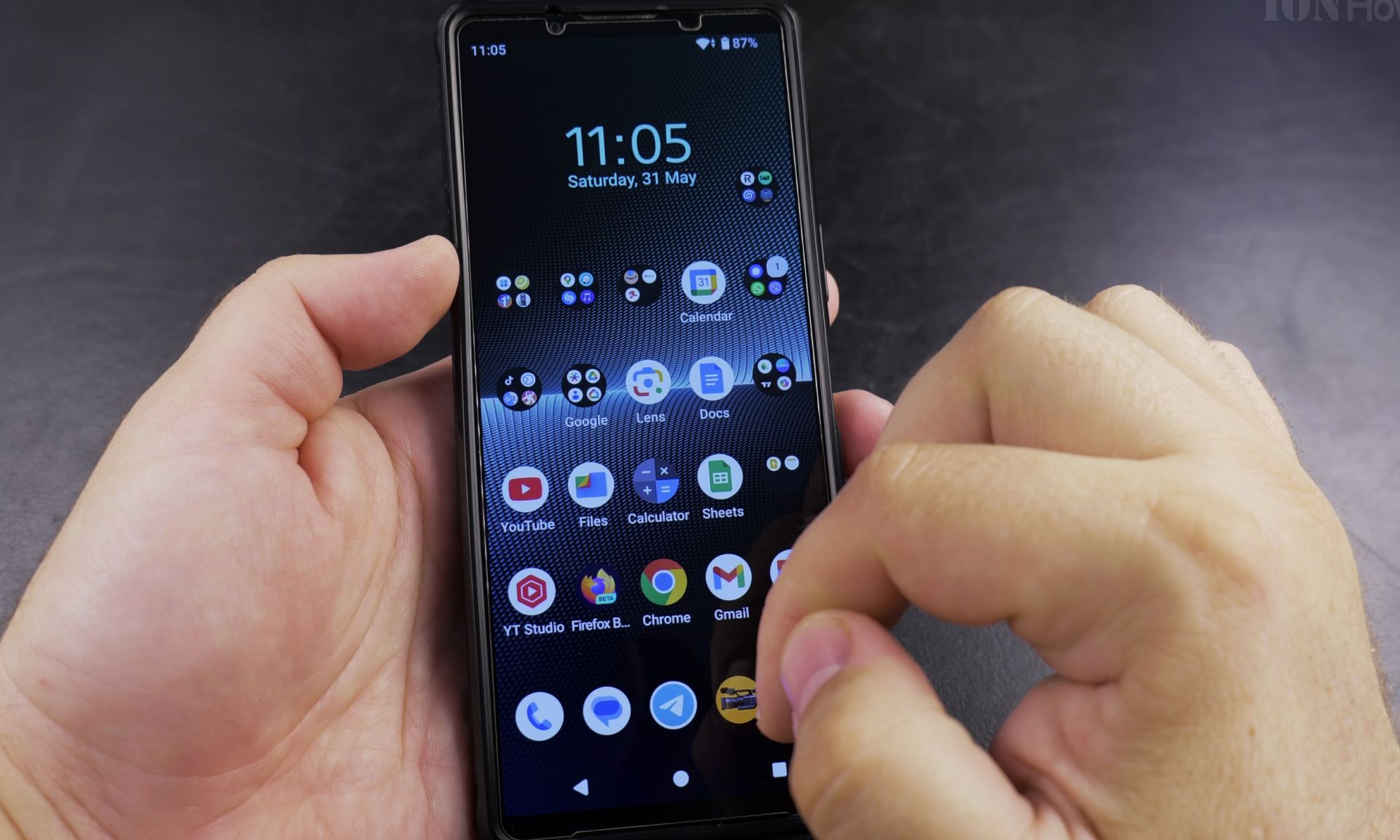
9. The other SIM will remain active
The other SIM will remain active.

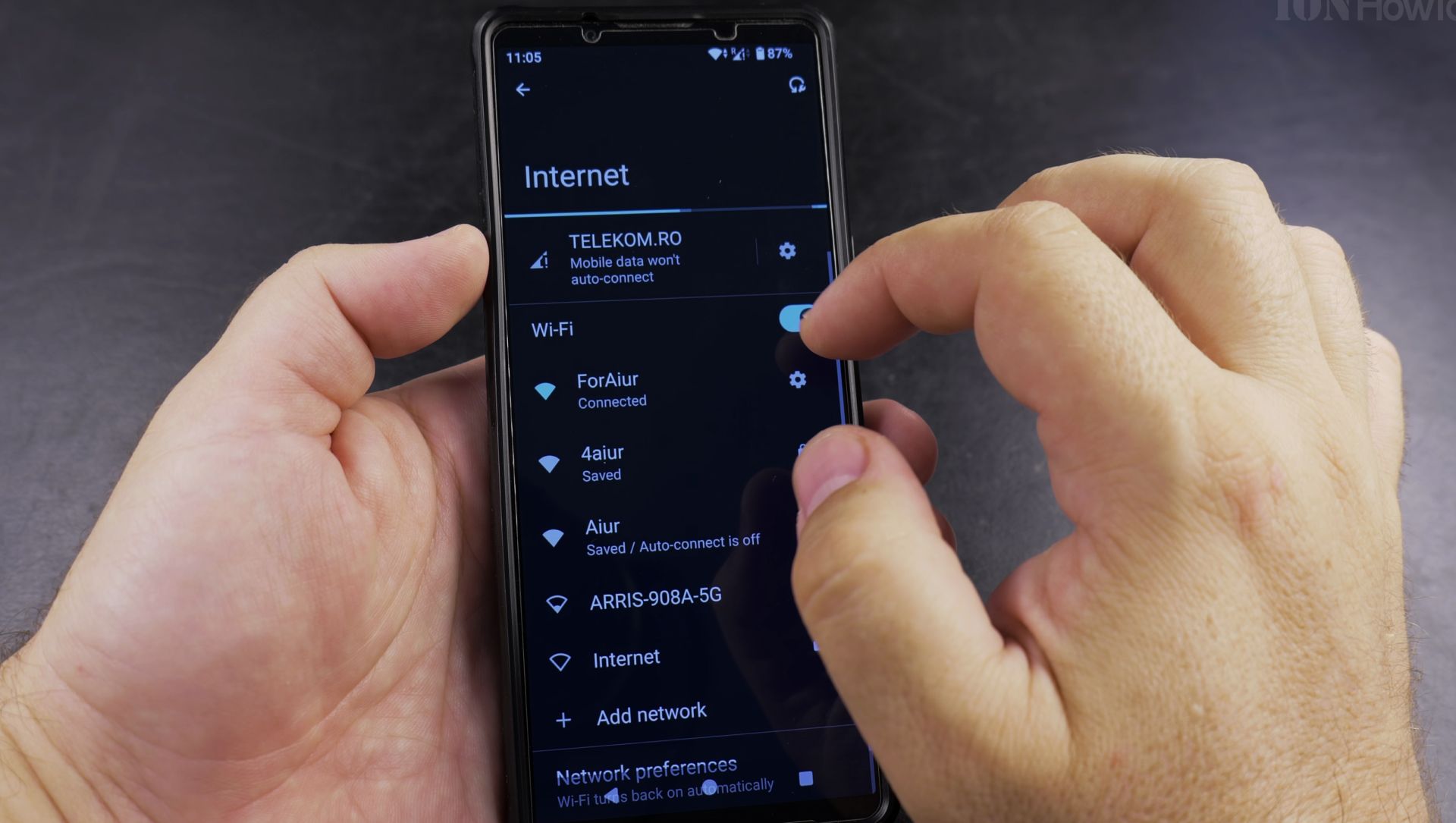
When to Disable Your SIM Card
- When traveling to avoid roaming charges
- To troubleshoot network connection issues
- When you need a break from calls and messages
- To conserve battery when cellular service isn’t needed
Important Notes
- Disabling is different than removing your SIM card
- Some system services may still try to use the disabled SIM
- You can easily re-enable it by toggling the switch back on
- For permanent deactivation, contact your carrier
This method works on most modern Android phones. The exact menu names might vary slightly depending on your device manufacturer and Android version. If you don’t see these options, check your phone’s manual or support site for model-specific instructions.
Remember that while your SIM is disabled, people calling you will typically get your voicemail or hear that your phone is unreachable. All normal service will resume when you turn the SIM back on.
Helpful Tips
Take your time and check the screen carefully after each tap so you can confirm the setting changed as expected. If an option appears in a slightly different spot on your device, watch the embedded video above for a closer look.
Related Guides
- Activate New SIM Card on Android – How to Activate a New SIM Card on Android.
- How to Activate a New SIM Card on Android – Learn how to activate a new SIM card on your Android phone.
- Samsung Android Remove and Replace SIM Card – How to Remove and Replace SIM Card and microSD Card on Samsung Galaxy and Other Android Phones
- Android & Mobile Guides – Browse more tutorials and practical guides in this section.


Leave a Reply Cancel reply