


How to Get Free Keys in Roblox Rivals – 3 Simple Methods
Introductions
Learn how to get free keys in Roblox Rivals without spending Robux. If you have a new account or an account you have been playing with for a while and want to get items that cost keys, there are several easy methods. I will show you the best ways to earn keys by just playing, completing tasks, and redeeming codes.
Method 1: Play Games and Complete Tasks
The Easiest Way to Earn Keys.
You play games and you don’t even notice keys are gathering.
Roblox Rivals How to get Free Keys Video

The simplest method to get keys is to just play games. The more games you play, the more keys you get. It really is that straightforward.
Check Your Tasks on the Left Side of the Screen
Look at the left side of your screen. You will see information about which tasks to complete. When you first start, you might need to do basic tasks like getting a scythe. Once you go above a certain level, you will get daily tasks where you play games and earn keys.
Steps to Earn Keys by Playing
- Launch Roblox Rivals and look at the left side of your screen for task information
- Complete the basic tasks shown there, like equipping weapons
- Keep playing matches regularly
- Check your daily tasks once you reach higher levels
- Complete those daily tasks to earn bonus keys
The more you play, the more keys you collect over time. This works for both new accounts and older accounts.
Method 2: Follow Developers to Unlock Code Redemption
Why You Need to Follow the Developers.
How to Enter Codes for Free Keys
Follow Roblox Rivals Developers Video

Before you can redeem any codes in Roblox Rivals, you must follow the game’s developers. This is a requirement to enable the code redemption feature.
Steps to Follow the Developers
- Open Roblox and go to the Roblox Rivals game page
- Find the community section for Roblox Rivals
- Look for Nosy Games (the developer)
- Follow these developer accounts:
· Nosy Games account
· Sensei Warrior account
· Scriptor account - Go to the members section to find all three accounts
- Follow each one
How to Verify and Enable Codes
Once you have followed all three developer accounts:
- Go back into Roblox Rivals
- Look at the top of the screen where you see your key count
- Click on the plus sign next to the keys
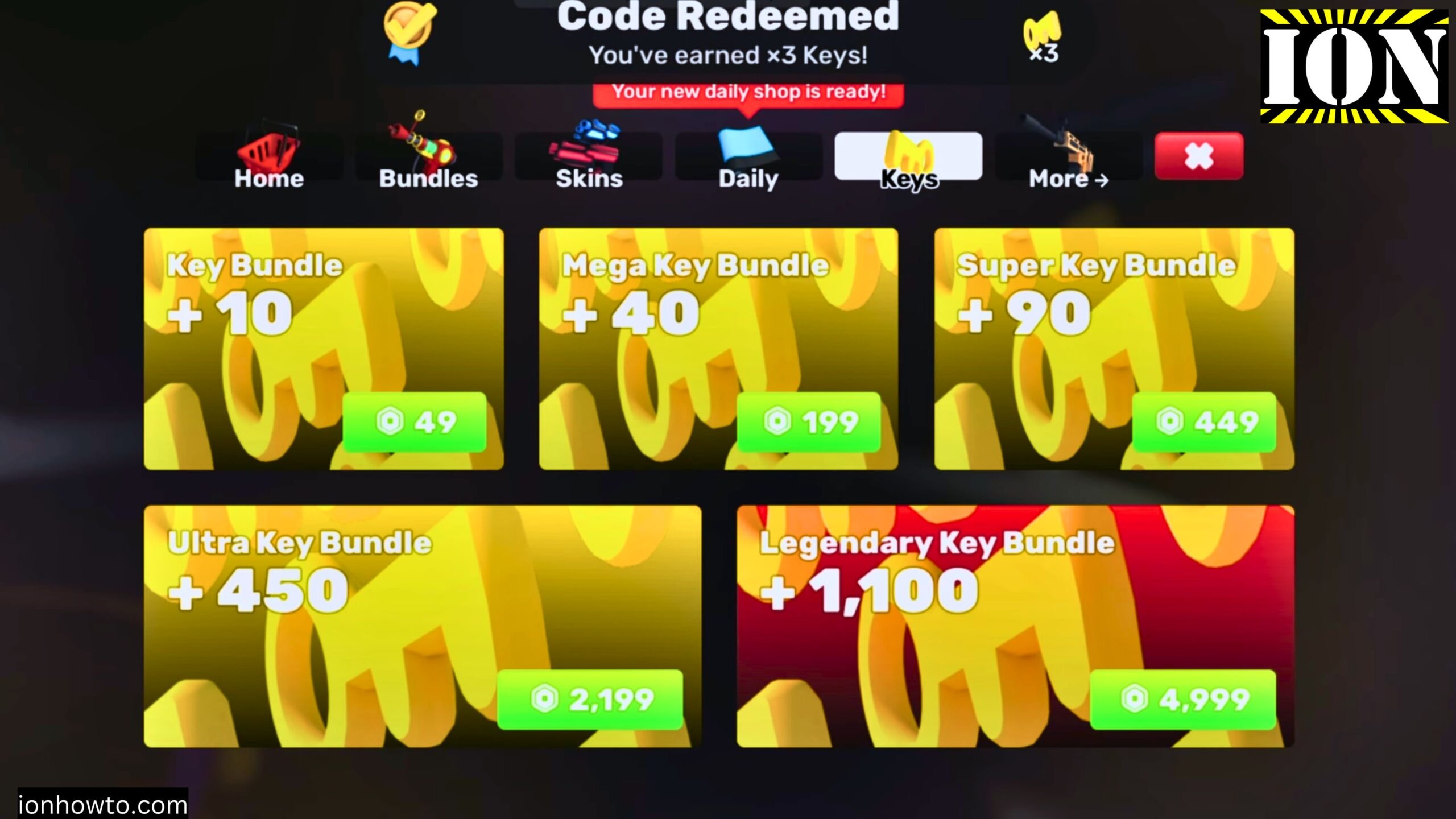
- Click on “more” and then “codes”
- Enter your Roblox username
- Click verify
After verification completes, you can redeem codes at any time. If verification does not work right away, wait a bit and try again. Sometimes it takes a moment for the system to recognize that you followed the accounts.
Method 3: Redeem Active Codes for Free Keys
How to Enter Codes after you enable codes in Rivals.
Roblox Rivals Codes 2026 April Free Keys

After you have followed the developers and verified your account:
- Look at the top of the screen where your keys are shown
- Tap the plus sign next to the keys
- Tap “more”
- Tap “codes”
- Type or paste a code into the text box
- Tap redeem
Active Codes for April 2026
Here are the codes working right now:
· ROBLOX_RTC – 5 keys
· FREE169 – 3 keys
· BONUS – 1 key
· BOOST – 1 key
· COMMUNITY22 – 1 Community Wrap (random weapon)
Codes That Do Not Give Rewards
· ELBILLUG – This is a troll code that rewards nothing. It is just a joke code but I believe you should still use it just in case it might give you something later.
Limited Time Code
Check the in-game announcement board for codes like “UP” which may give you 3 boxes. These limited codes change often, so redeem them quickly when you see them.
What to Do If a Code Does Not Work
If you try a code and get a message saying it is already used, you have already redeemed that code. Keep track of which codes you have used. Some codes also expire after special events like Christmas, Halloween, or Easter. If a code is expired, it will not work.
Where to Find New Codes
Check these places for new codes:
· The in-game announcement board in the lobby before playing
· Google searches for current Roblox Rivals codes
· The creator’s most recent videos on this subject
Codes change each month. The codes shown here are for April 2026. If you watch this later, the current month codes might be different.
Quick Summary
Here is a recap of all the ways to get free keys in Roblox Rivals:
- Play games regularly, more games mean more keys
- Complete your daily tasks once you reach higher levels
- Follow the three developer accounts to enable code redemption
- Verify your account in the codes menu
- Redeem active codes for bonus keys
- Check the announcement board for limited time codes
Using all these methods together will help you collect keys faster. The best part is that none of these methods require spending Robux. Just play, complete tasks, and redeem codes.
Leave a Reply Cancel reply