


If you previously turned off automatic renewal on your Roblox Plus 1000 (or Roblox Premium) membership, your subscription remains active until the end of the current billing cycle—but what if you change your mind and want to resume monthly payments before it expires? Here is how to add a payment card and resubscribe in your Roblox account settings.

Log In to Your Roblox Account and Open Settings
Sign in to your Roblox account in a web browser or the desktop app. Click the gear icon in the top-right corner of the screen and select Settings from the dropdown menu.
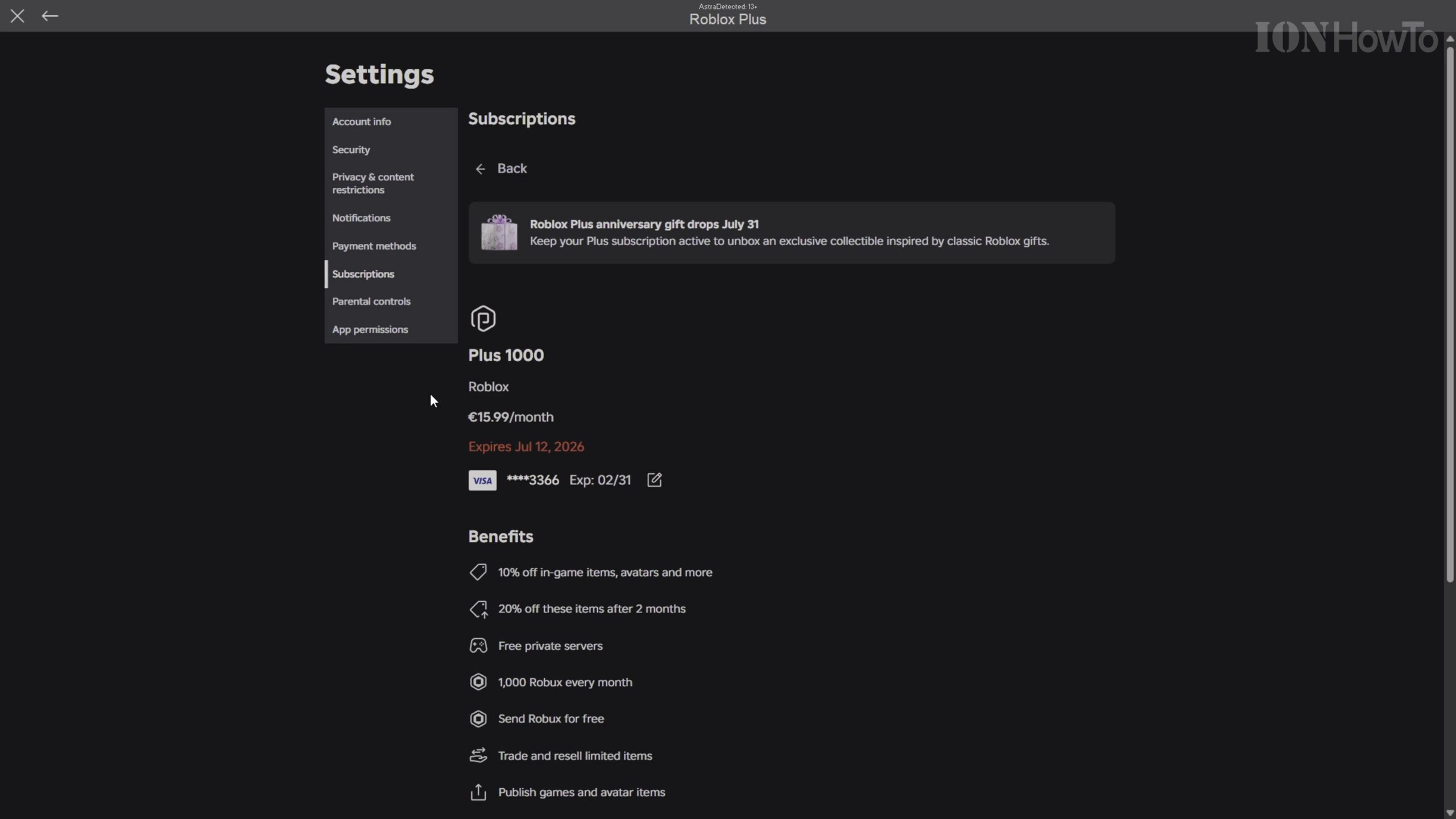
Navigate to the Payment Methods Tab and Add Your Card
Before you can re-enable automatic renewal on a cancelled membership, make sure a valid payment method is saved on file. Click Payment Methods in the left sidebar and enter your credit or debit card details if no card is currently listed.
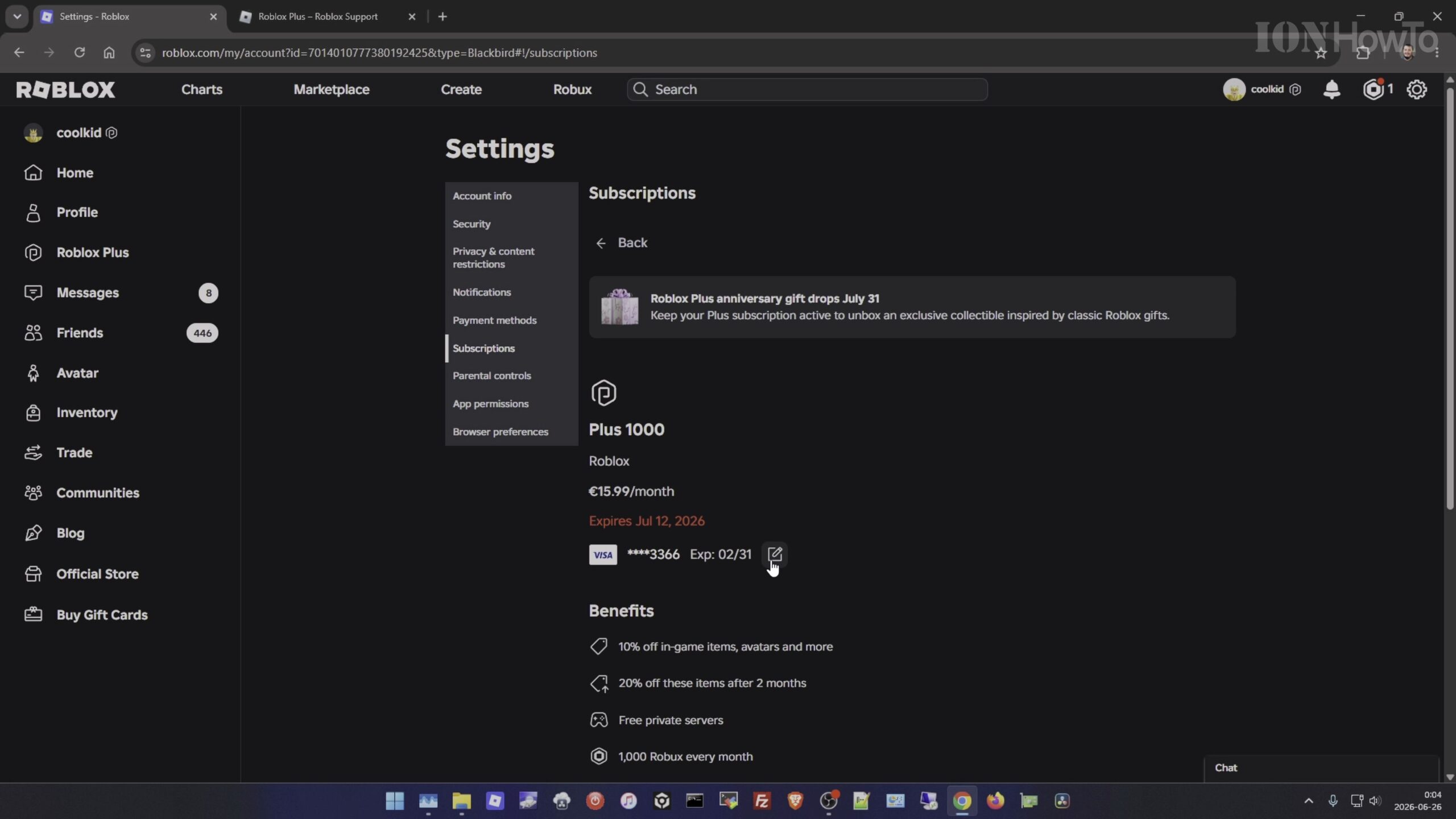
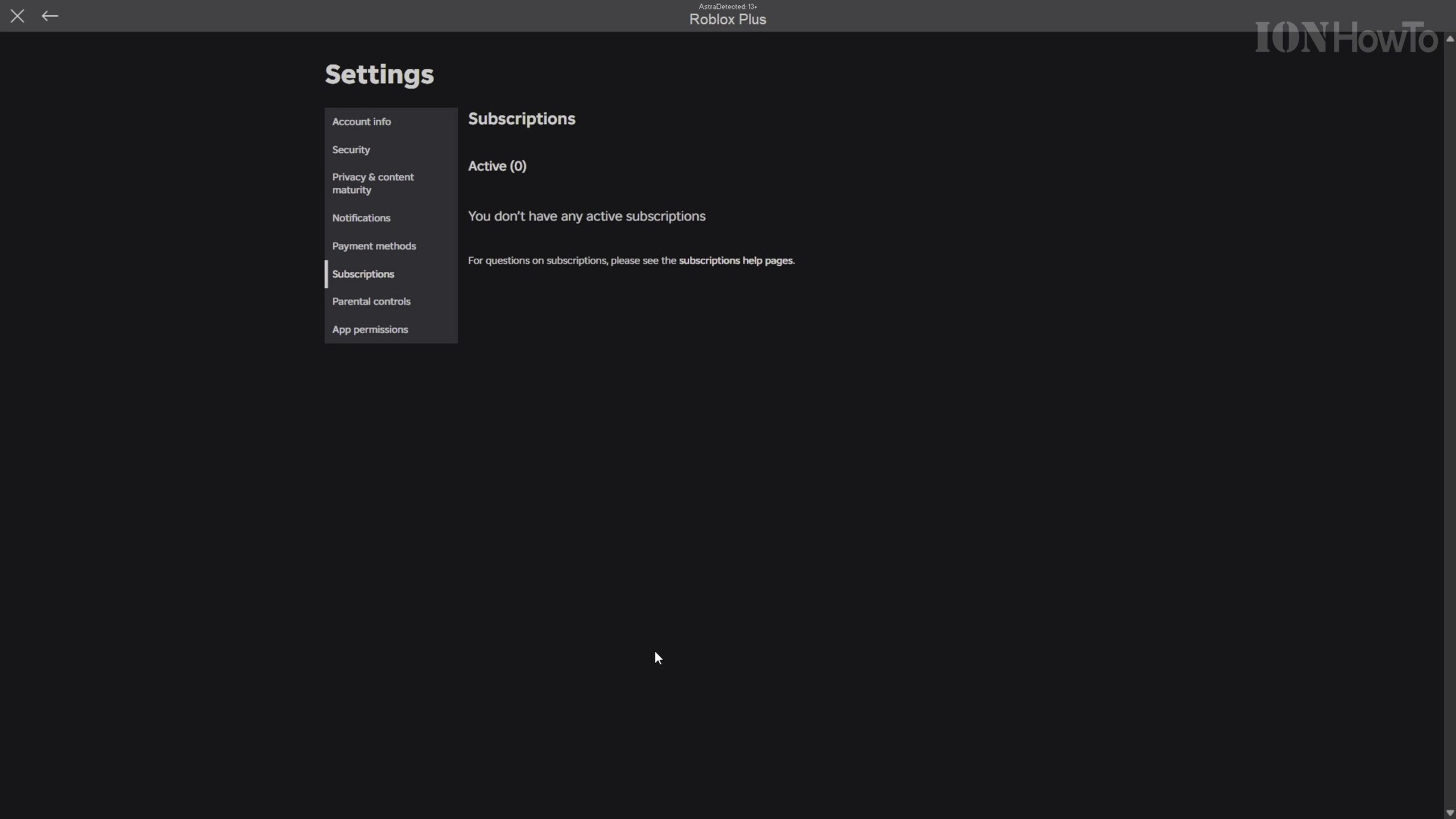
Open the Subscriptions Tab to View Your Active Membership
Click Subscriptions in the left-hand settings menu. Here you will see your current Roblox Plus 1000 (or Premium) plan along with the exact expiration date where automatic renewal was turned off.
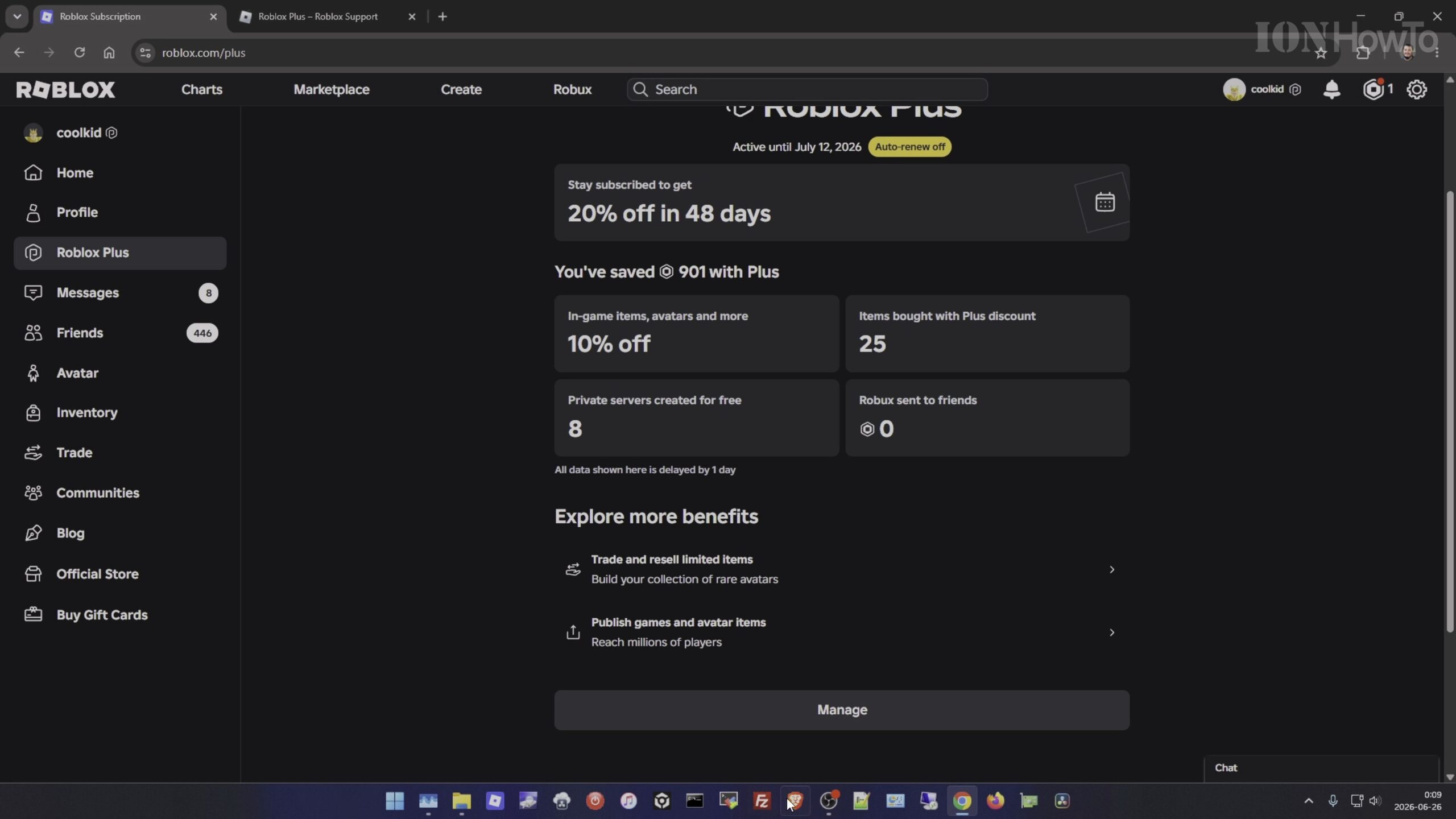
Click Resubscribe to Resume Monthly Automatic Renewal
Select your active Roblox Plus subscription entry and click the Resubscribe button. Review the monthly price and next billing date shown in the confirmation window—you will not be charged again until your current paid period ends.
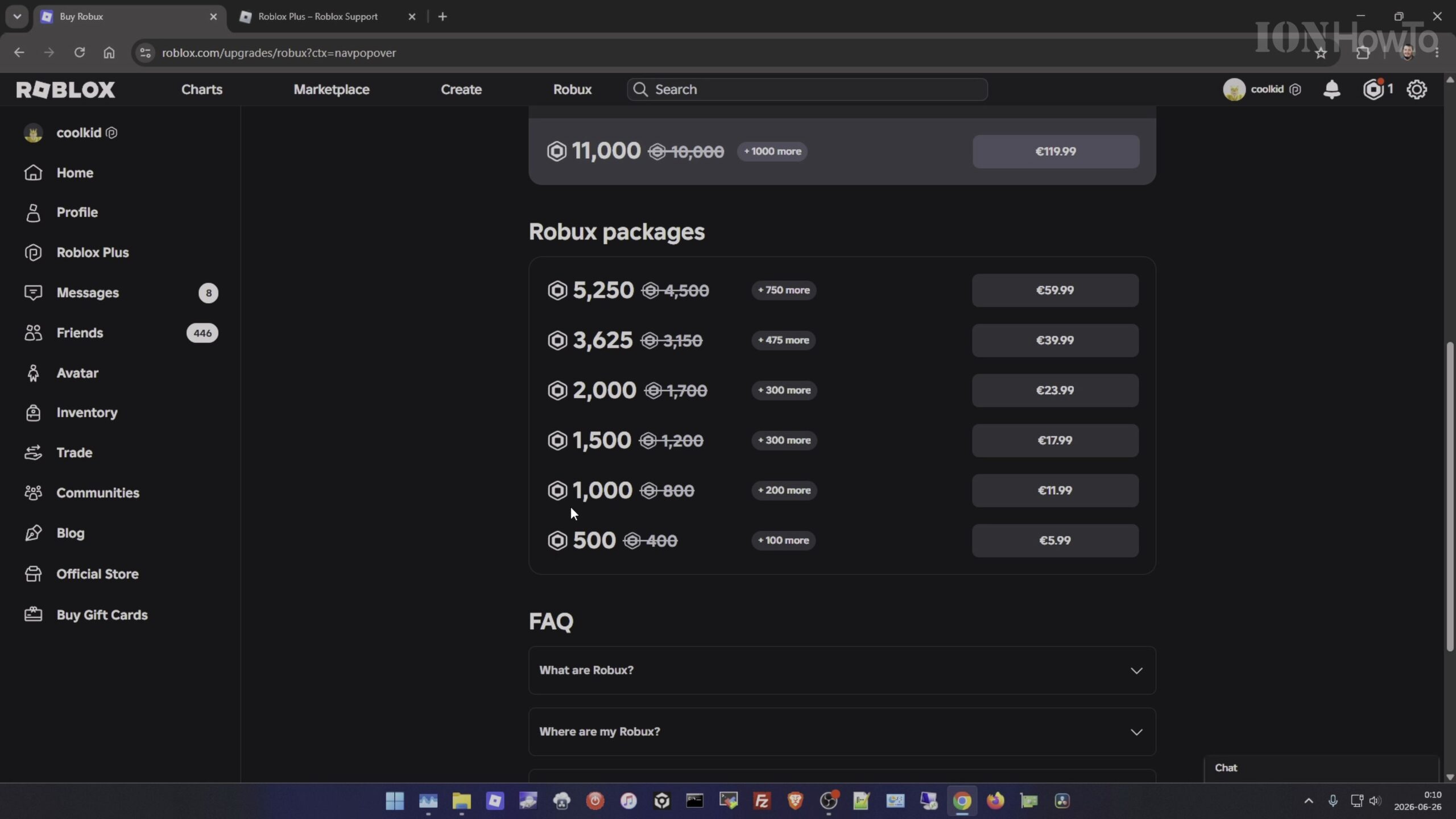
Confirm That Your Subscription Status Shows Active Renewal
Once confirmed, verify that the status badge updates from ‘Expires on’ to ‘Renews on’ with your saved payment card attached, ensuring uninterrupted monthly Robux stipends and membership benefits.
Helpful Tips and Related Guides
Resubscribing before your current billing date ends keeps your recurring renewal schedule seamless without double-charging you for the current month. Check out more tutorials in our Roblox How-To Guides, visit our Roblox Games category, or read our guide on Fixing Roblox Integrity Errors 317 and 319.
Leave a Reply Cancel reply