


Choosing between the 15-inch MacBook Air M5 and the 14-inch MacBook Pro M5 comes down to whether you prioritize a larger, thinner screen or a brighter ProMotion display with active cooling and extra ports. In this side-by-side comparison, we look closely at the chassis dimensions, screen real estate, port selection, and everyday handling of both M5 laptops.

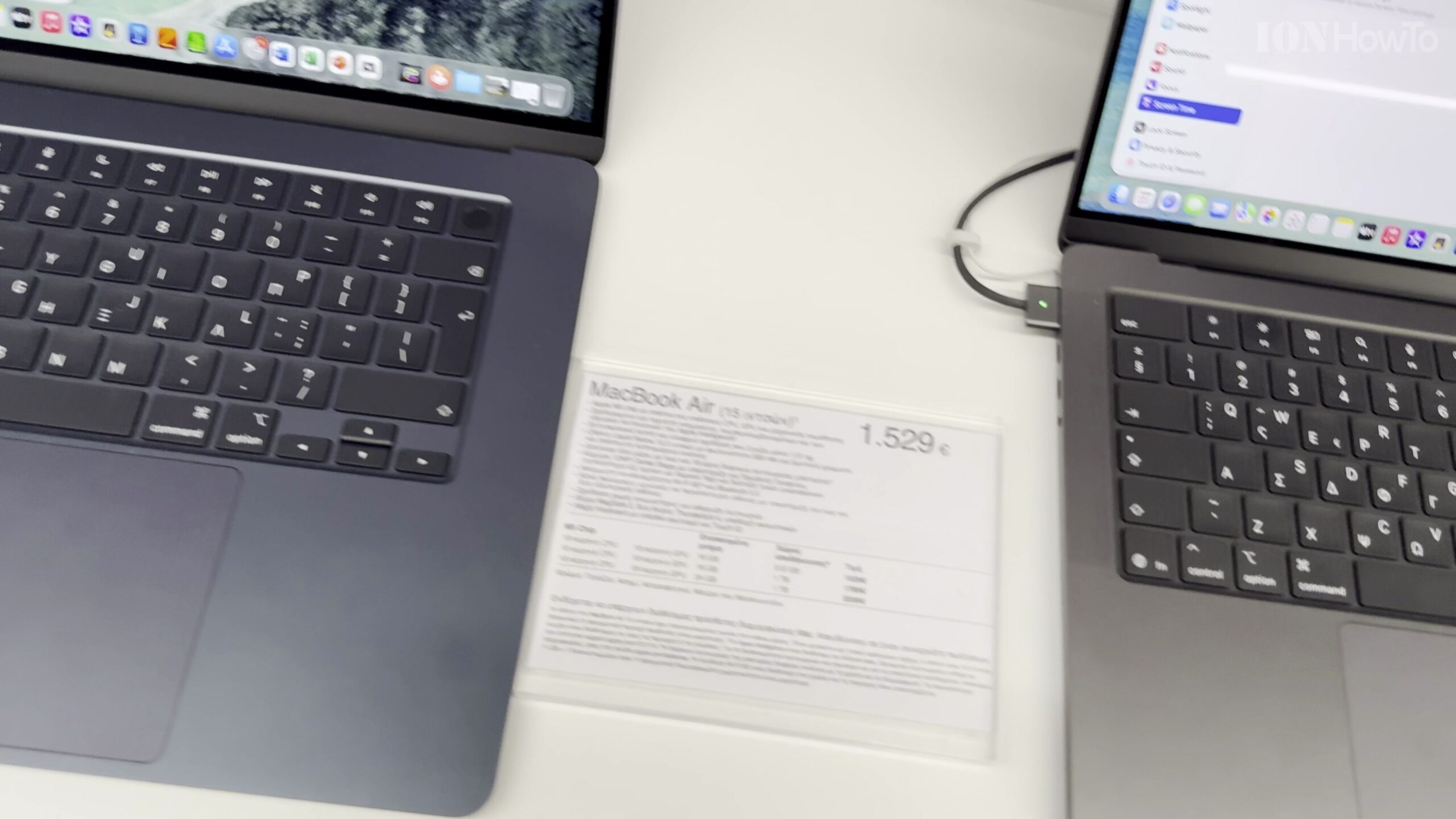
Compare Overall Footprint and Chassis Thickness Side by Side
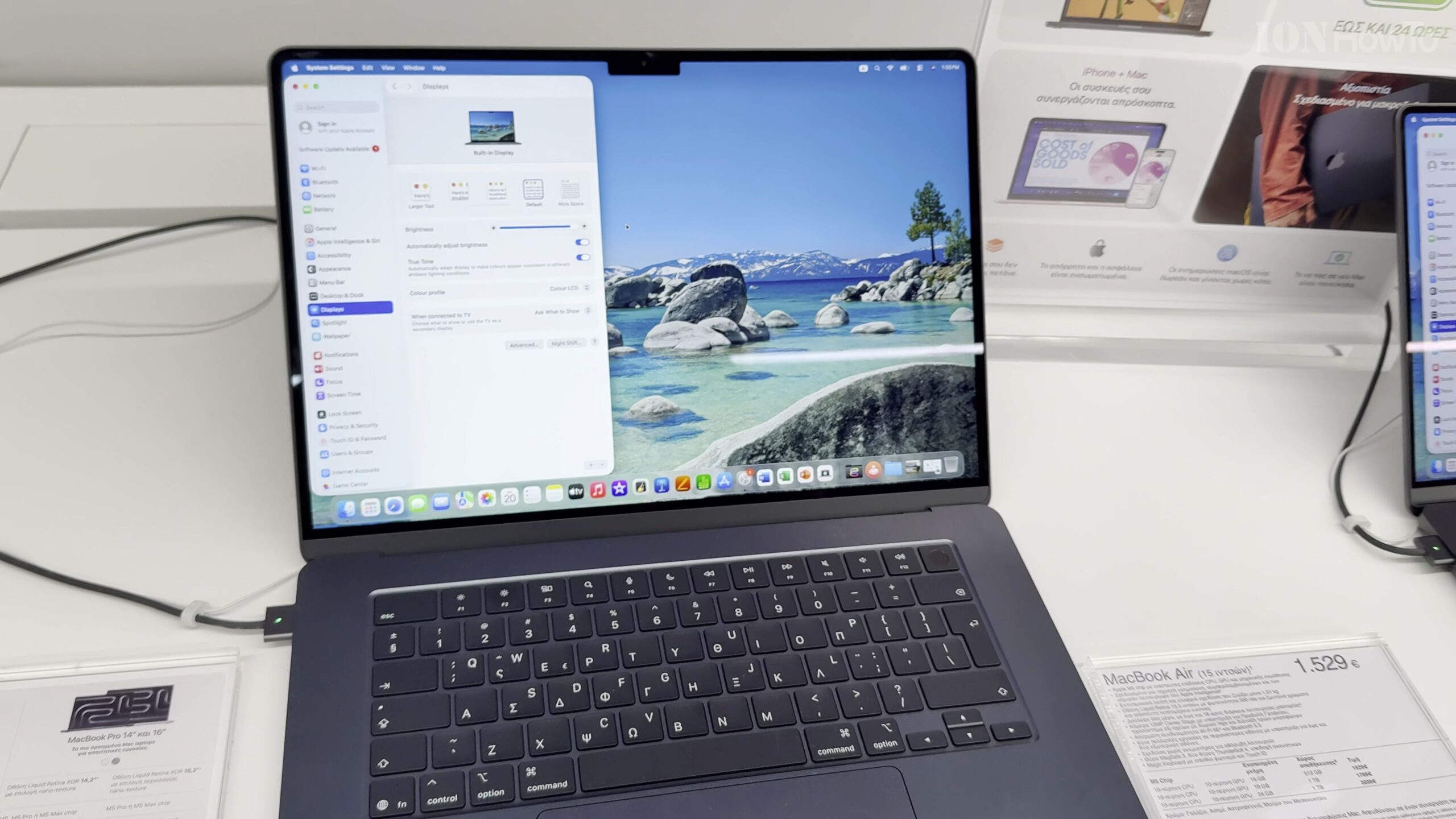
Placing the 15-inch MacBook Air M5 next to the 14-inch MacBook Pro M5 immediately shows the footprint difference: the 15-inch Air has a wider, deeper deck for a larger workspace, while the 14-inch Pro is slightly more compact horizontally yet noticeably thicker to house its internal cooling fan.
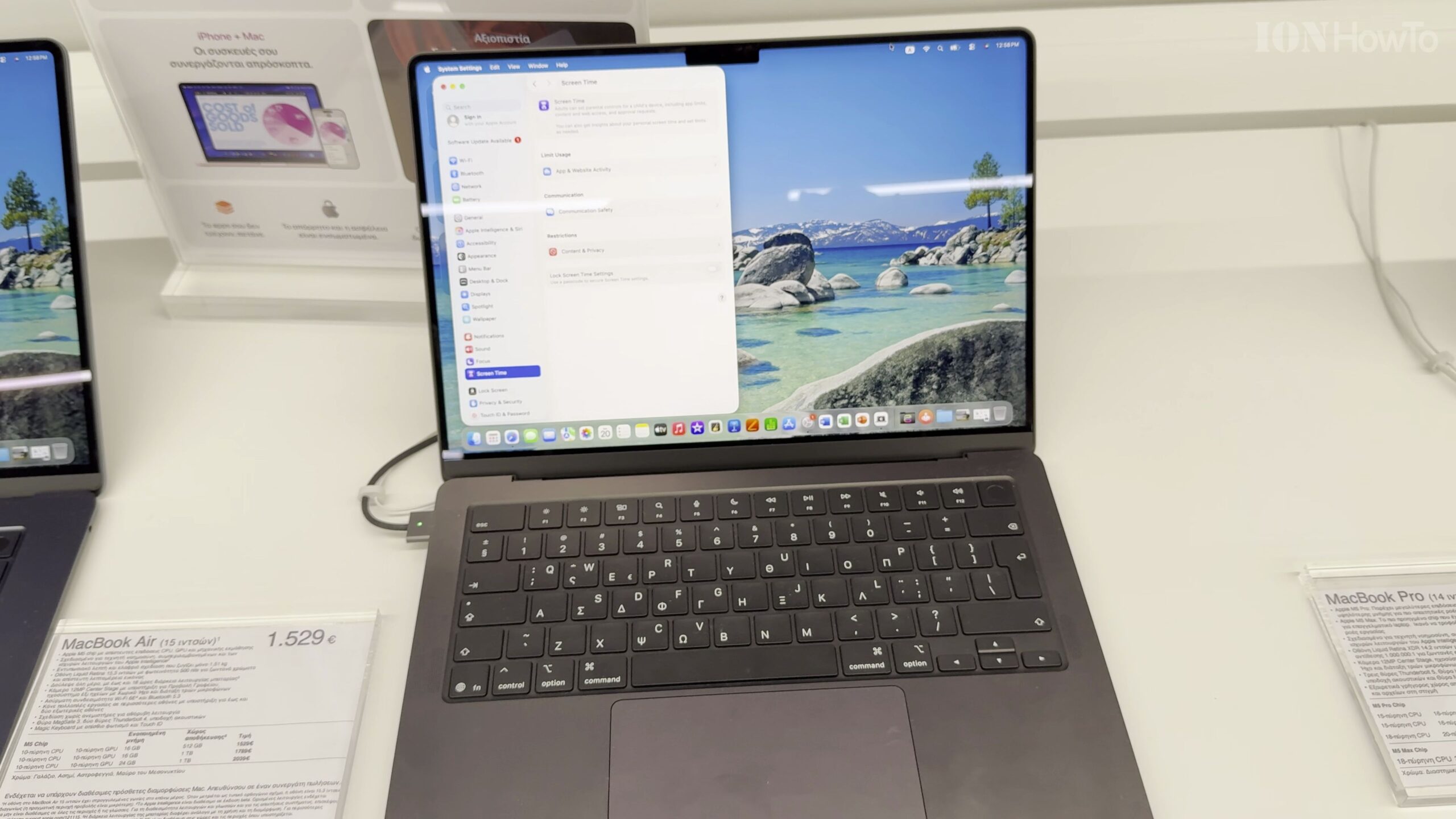
Examine Screen Size vs Liquid Retina XDR Display Quality
The 15-inch MacBook Air M5 gives you extra screen diagonal for side-by-side windows, whereas the 14-inch MacBook Pro M5 features a mini-LED Liquid Retina XDR display with deeper contrast, higher HDR brightness, and a smoother 120Hz ProMotion refresh rate.
Inspect Left and Right Side Port Selection
On the left edge, both laptops feature MagSafe 3, two Thunderbolt (USB-C) ports, and a headphone jack. However, checking the right side of the 14-inch MacBook Pro M5 reveals a full-size HDMI port, an SDXC card reader, and a third Thunderbolt port that the MacBook Air lacks.
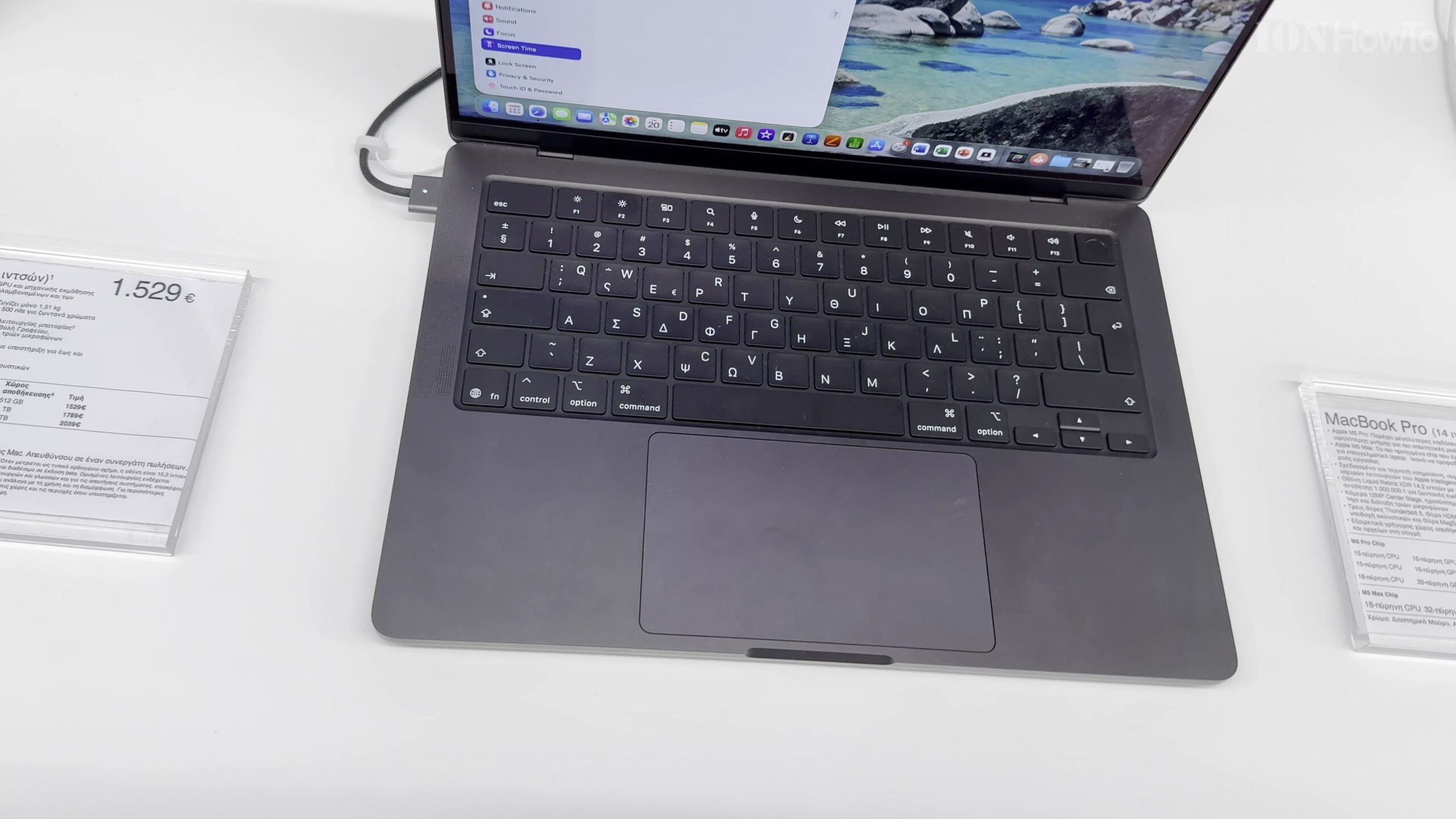
Compare Keyboard Deck, Speaker Grilles, and Trackpad Area
Opening both laptops side by side shows the 14-inch MacBook Pro’s top-firing speaker grilles flanking the keyboard and its all-black anodized key well, compared to the clean aluminum deck and larger palm rest area on the 15-inch MacBook Air M5.
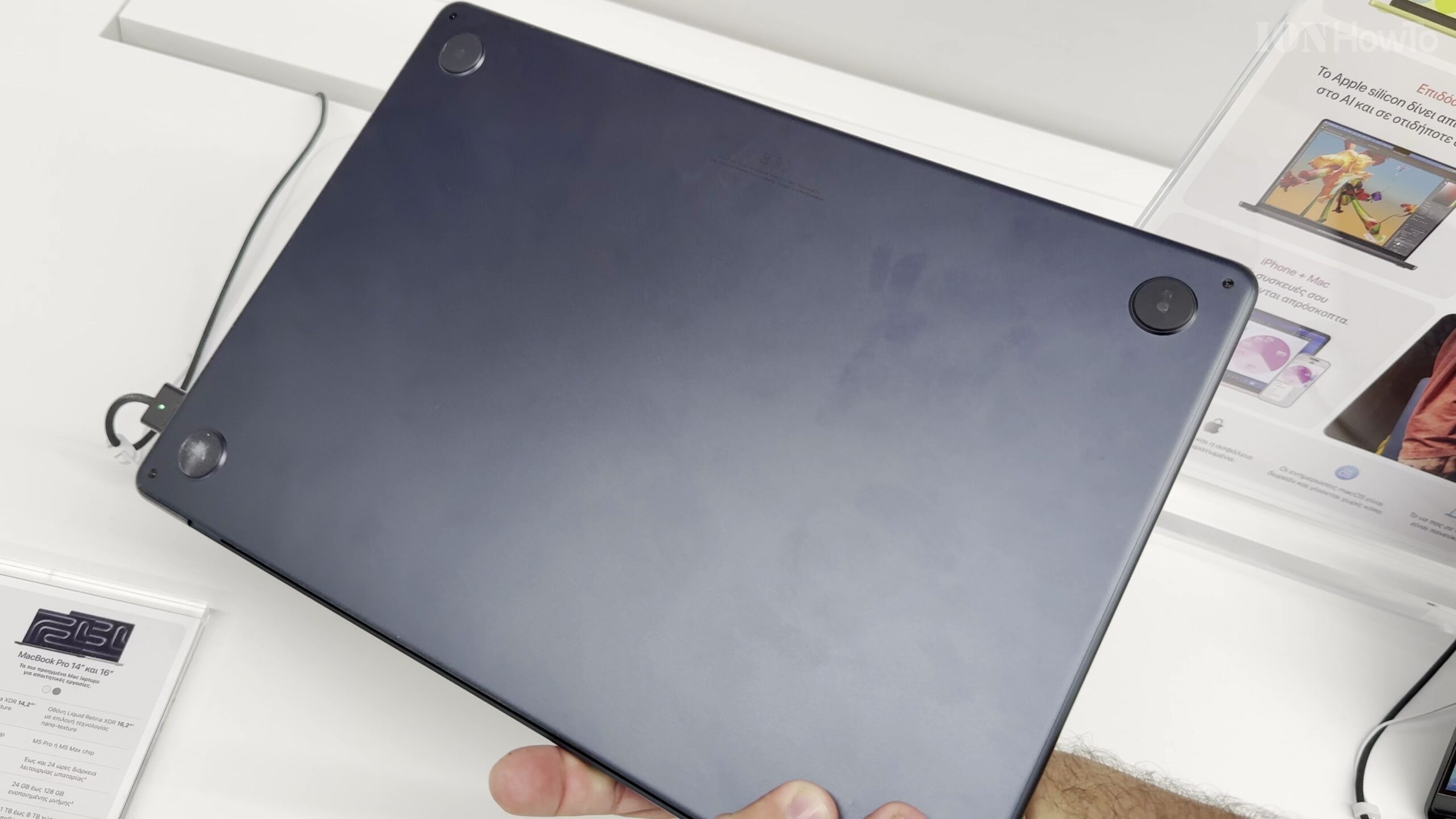
Weigh Portability vs Sustained Pro Performance
Both laptops weigh roughly the same in a backpack, making the choice straightforward: pick the 15-inch MacBook Air M5 if you want silent fanless operation and a bigger screen for multitasking, or choose the 14-inch MacBook Pro M5 if you need SD/HDMI ports and active cooling for heavy 4K rendering.
Helpful Tips and Related Guides
If you frequently connect external monitors or cameras without carrying a USB-C dongle, the built-in HDMI and SD card slots on the 14-inch MacBook Pro M5 are a major convenience. Browse more comparisons in our MacBook Air M5 category, visit our MacBook section, or read our MacBook Air M5 13-Inch Review.
Leave a Reply Cancel reply