


If you want the most portable Apple M5 laptop, how much size and weight do you actually save with the 13-inch MacBook Air M5 compared to stepping up to the 14-inch MacBook Pro M5? Here is our hands-on visual comparison covering thickness, weight, display borders, ports, and ergonomics.

Stack Both Laptops to Compare Footprint and Thinness
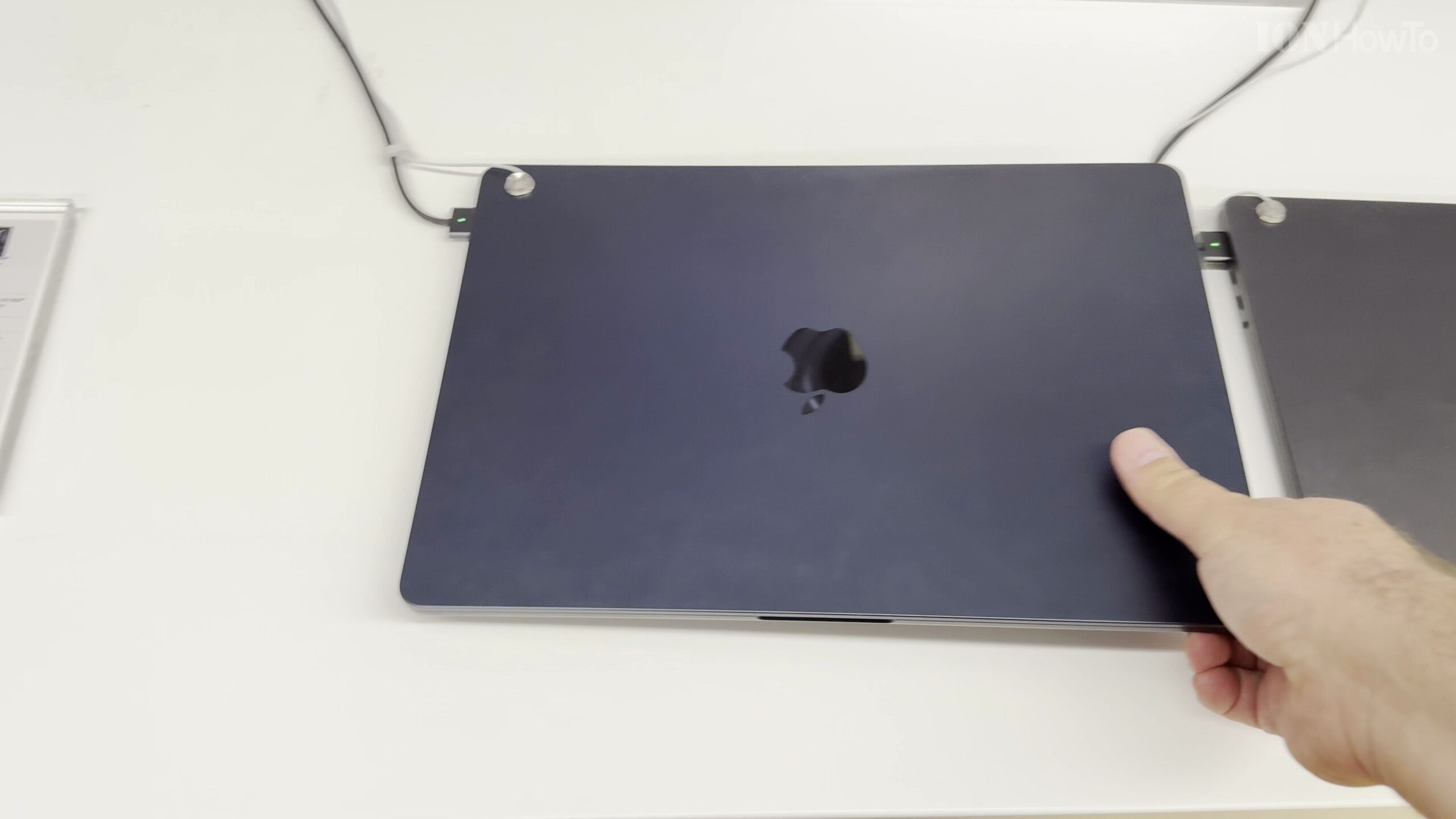
Stacking the 13-inch MacBook Air M5 on top of the 14-inch MacBook Pro M5 highlights how remarkably slim and lightweight the 13.6-inch Air is at just 1.13 cm thin and 1.24 kg, compared to the chunkier, flatter-edged body of the 14-inch Pro.
Compare the 13.6-Inch Liquid Retina vs 14.2-Inch XDR Display
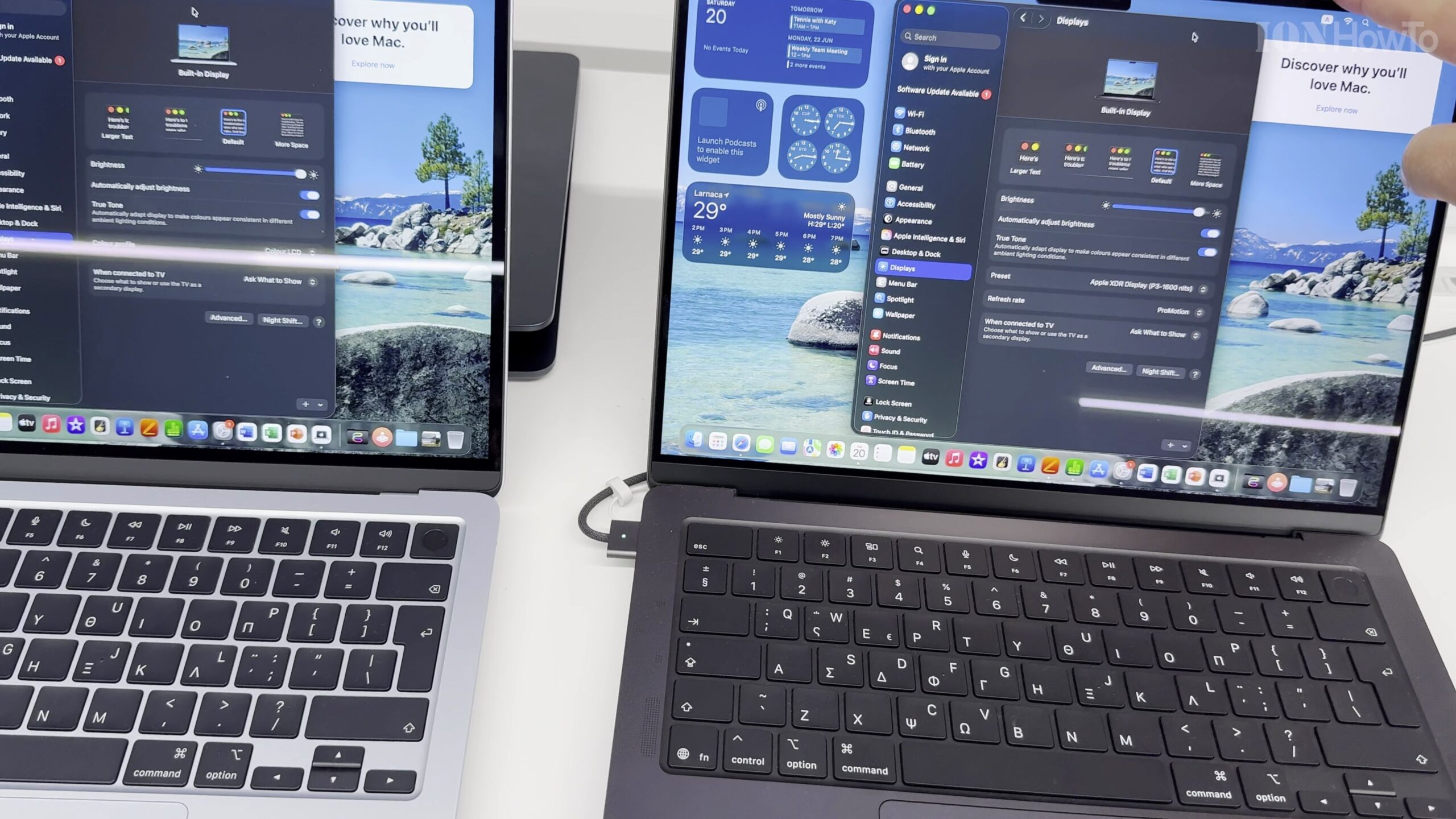
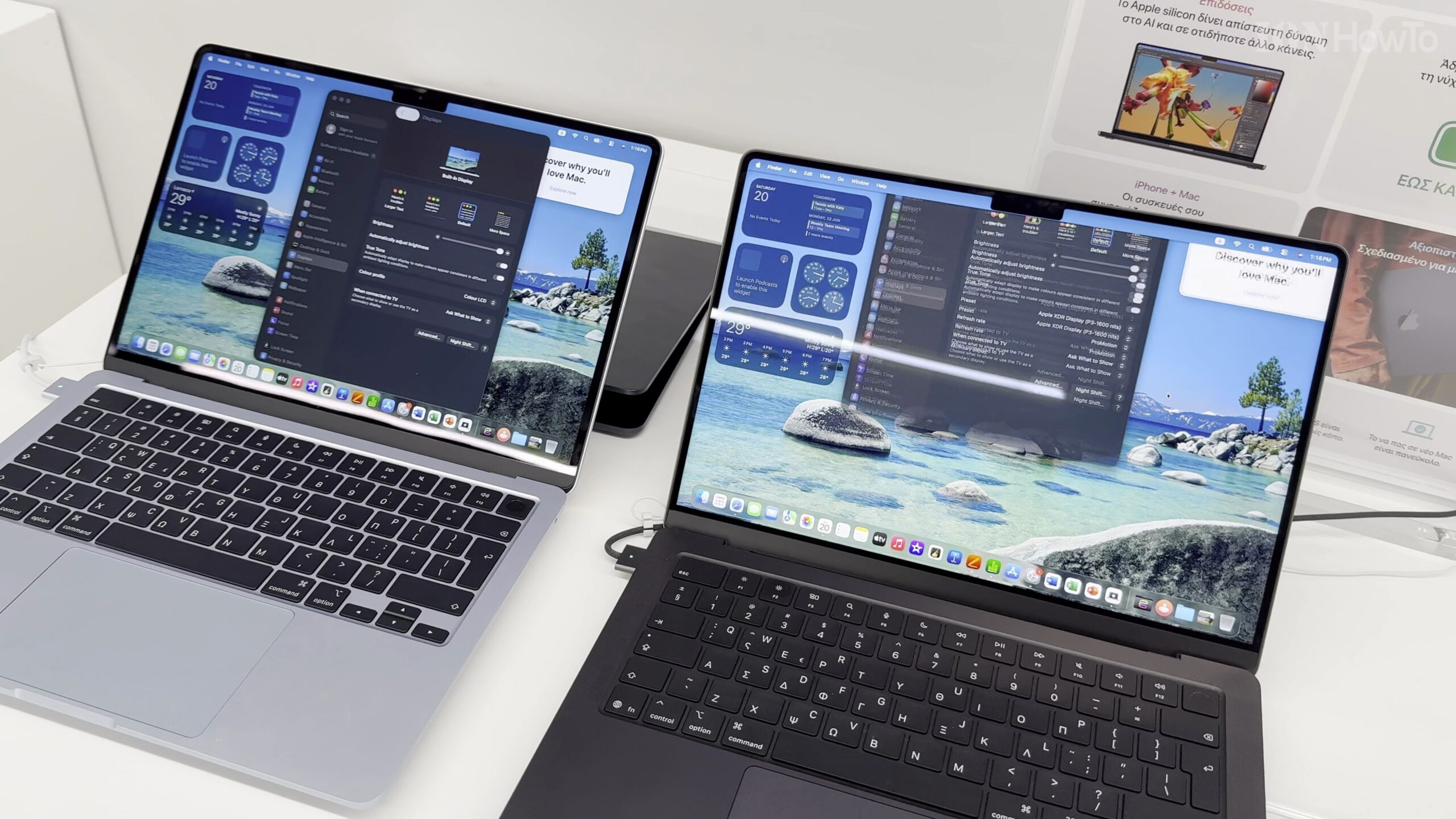
With both lids open side by side, the 14-inch MacBook Pro M5 offers slightly more vertical and horizontal screen space along with thinner bezels, 120Hz ProMotion, and mini-LED HDR brightness, while the 13.6-inch Liquid Retina display on the Air remains crisp and vibrant for daily work.
Check the Extra HDMI, SDXC, and Thunderbolt Ports on the Pro
Inspecting the sides shows that the 13-inch MacBook Air M5 keeps things minimal with MagSafe 3, two left-side Thunderbolt 4 ports, and an audio jack, whereas the 14-inch MacBook Pro M5 adds a right-side HDMI port, SD card slot, and a third USB-C port.
Look at the Magic Keyboard Layout and Speaker Design
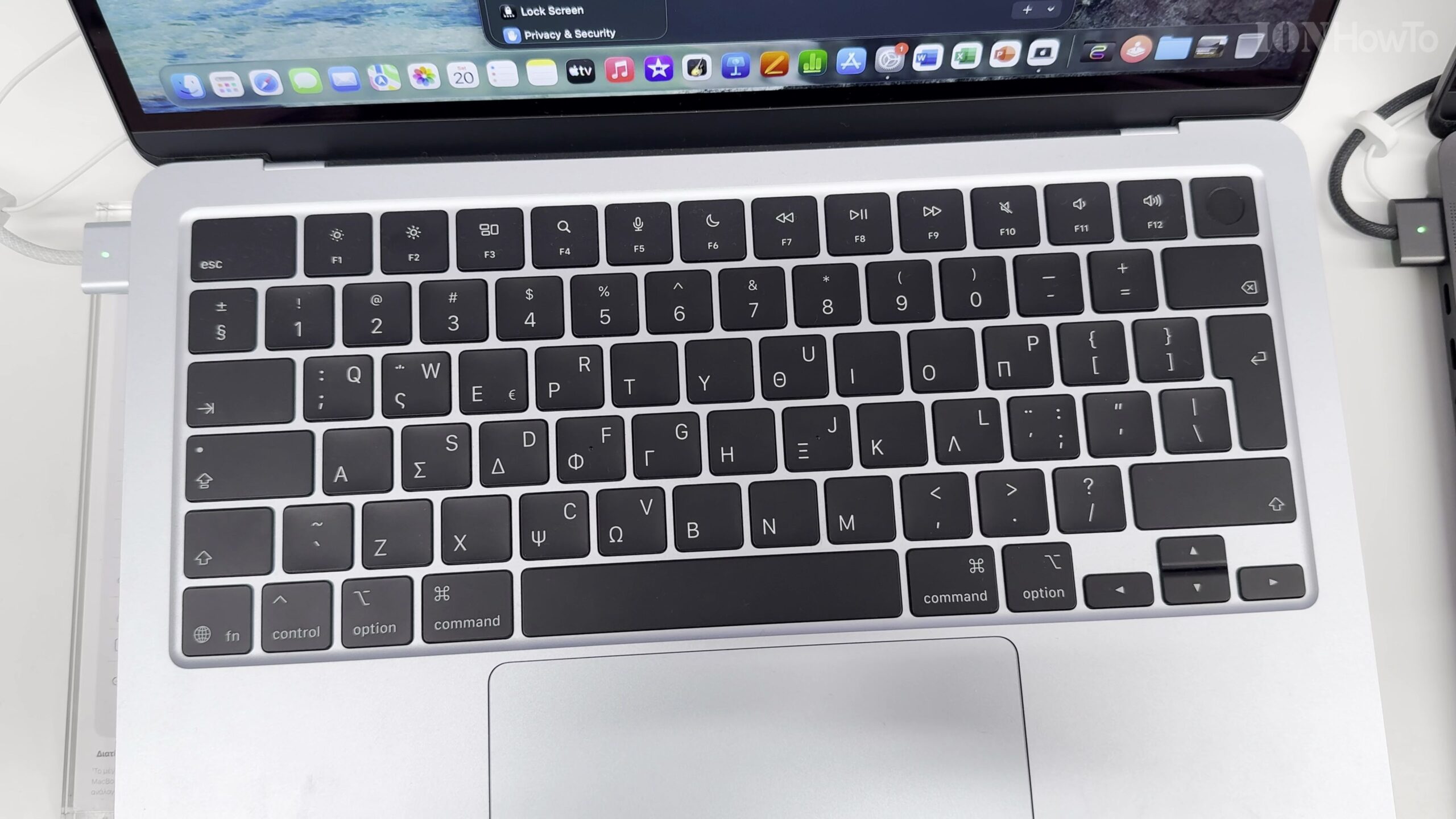
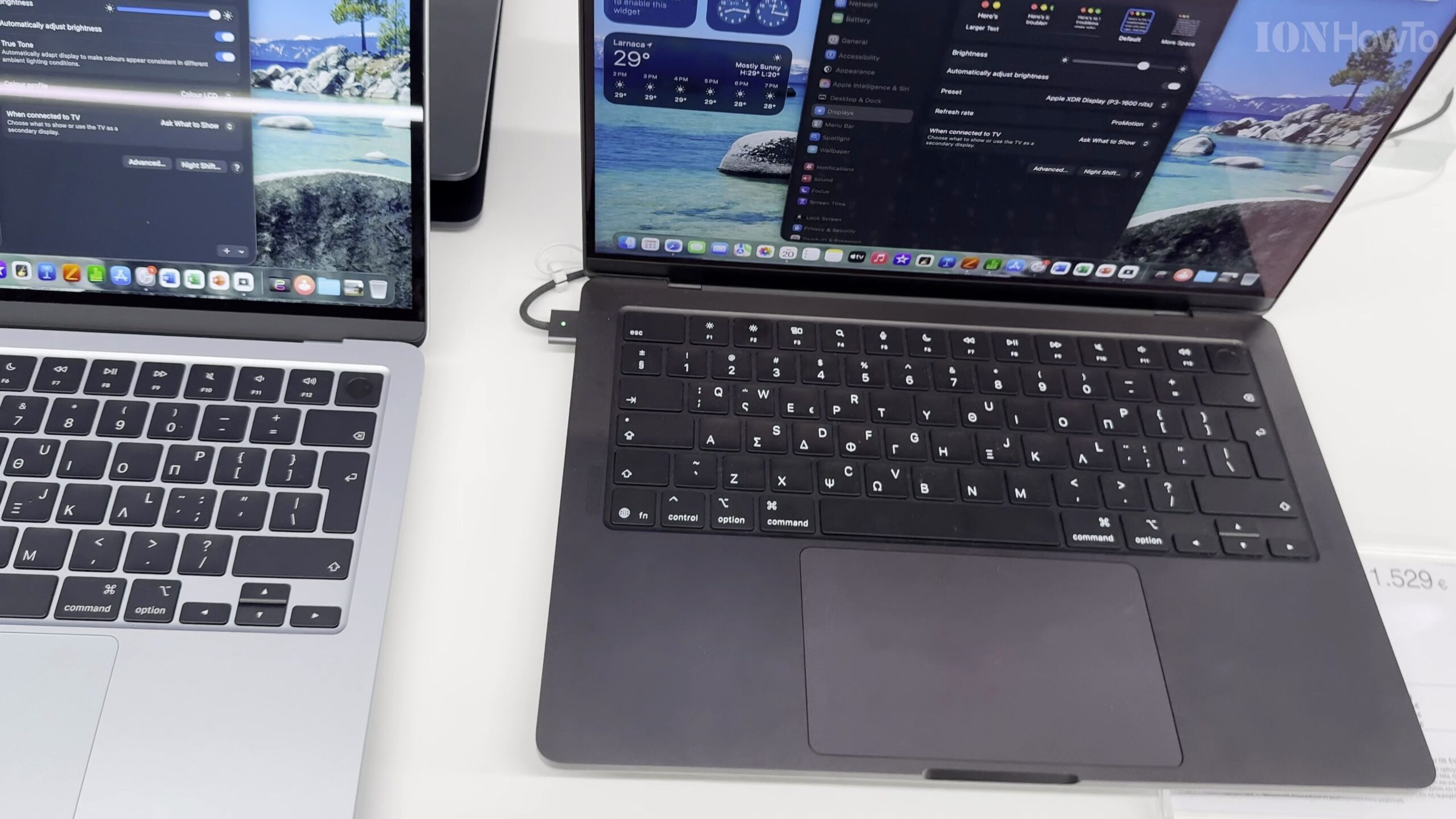
Both laptops feature a full-size backlit Magic Keyboard with Touch ID and a responsive Force Touch trackpad, though the 14-inch MacBook Pro includes high-fidelity six-speaker grilles beside the keyboard while the 13-inch Air hides its four-speaker system cleanly inside the hinge.
Choose the Right M5 MacBook for Your Daily Workflow
For travel, couch browsing, office productivity, and light 4K editing, the 13-inch MacBook Air M5 is unbeatable in comfort and portability; for sustained long renders and studio connectivity, the 14-inch MacBook Pro M5 justifies its extra weight.
Helpful Tips and Related Guides
Even the base 13-inch MacBook Air M5 with 16GB unified memory handles 4K video editing smoothly, as shown in our MacBook Air M5 4K Editing and SSD Speed Test. Explore more in our MacBook Air M5 hub and our Apple tutorials.
Leave a Reply Cancel reply