


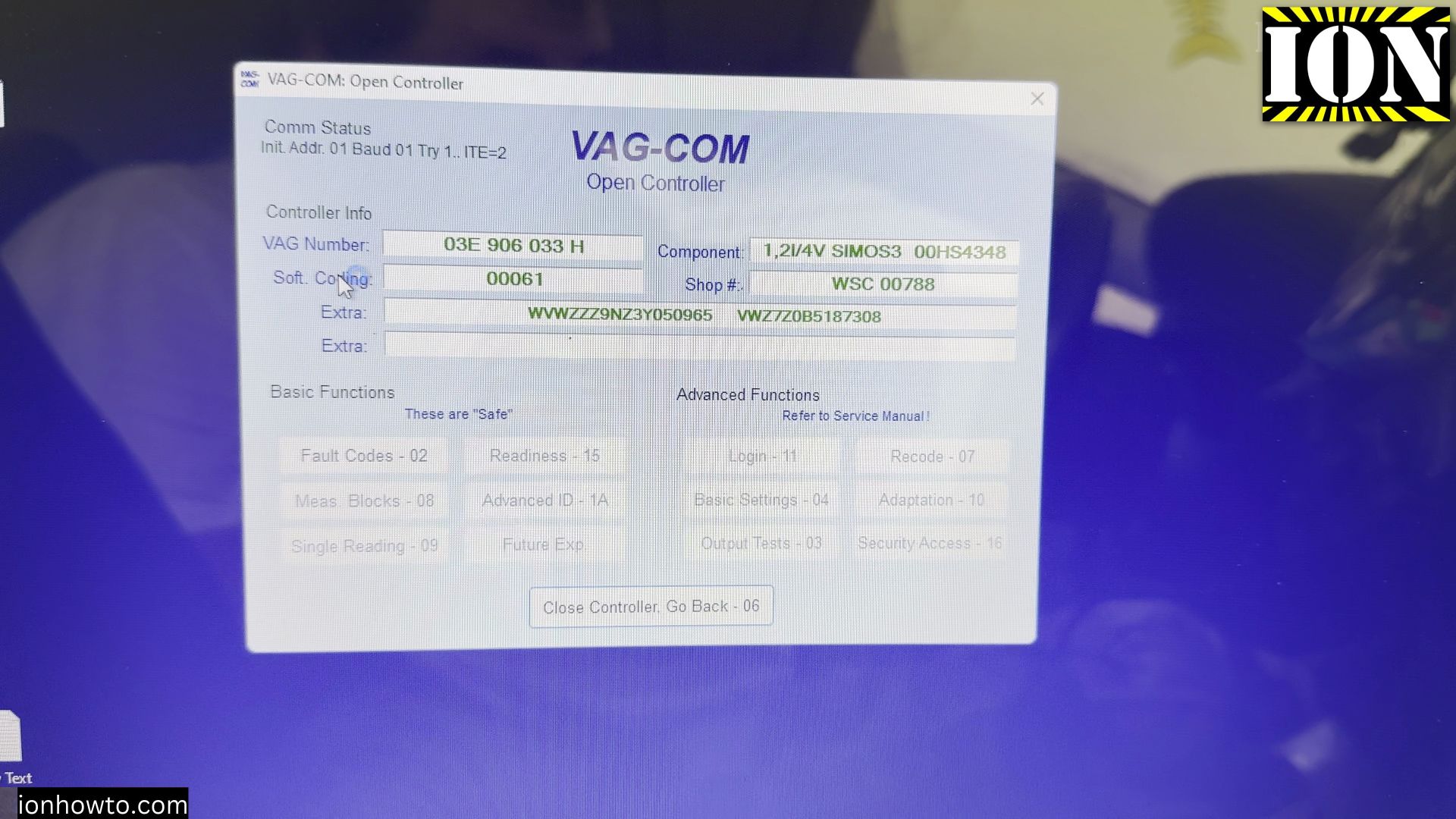
If the airbag warning light stays lit on your VW Polo 9N dashboard after battery work or a loose instrument cluster plug, clearing stored error codes brings it back to normal. I will show you step by step how I scan and reset the engine, CAN bus, and airbag modules using VCDS on a Windows laptop.

Quick Step-by-Step Guide
- Check the Dashboard Warning Lights Before Scanning
- Connect the OBD2 Cable and Open VCDS Control Modules
- Scan Engine, ABS, and CAN Gateway Fault Codes
- Open the Airbag Controller and Clear Stored Errors
- Verify the Warning Light Turns Off During a Key Cycle
Helpful Tools and Supplies
As an Amazon Associate I earn from qualifying purchases at no extra cost to you:
1. Check the Dashboard Warning Lights Before Scanning
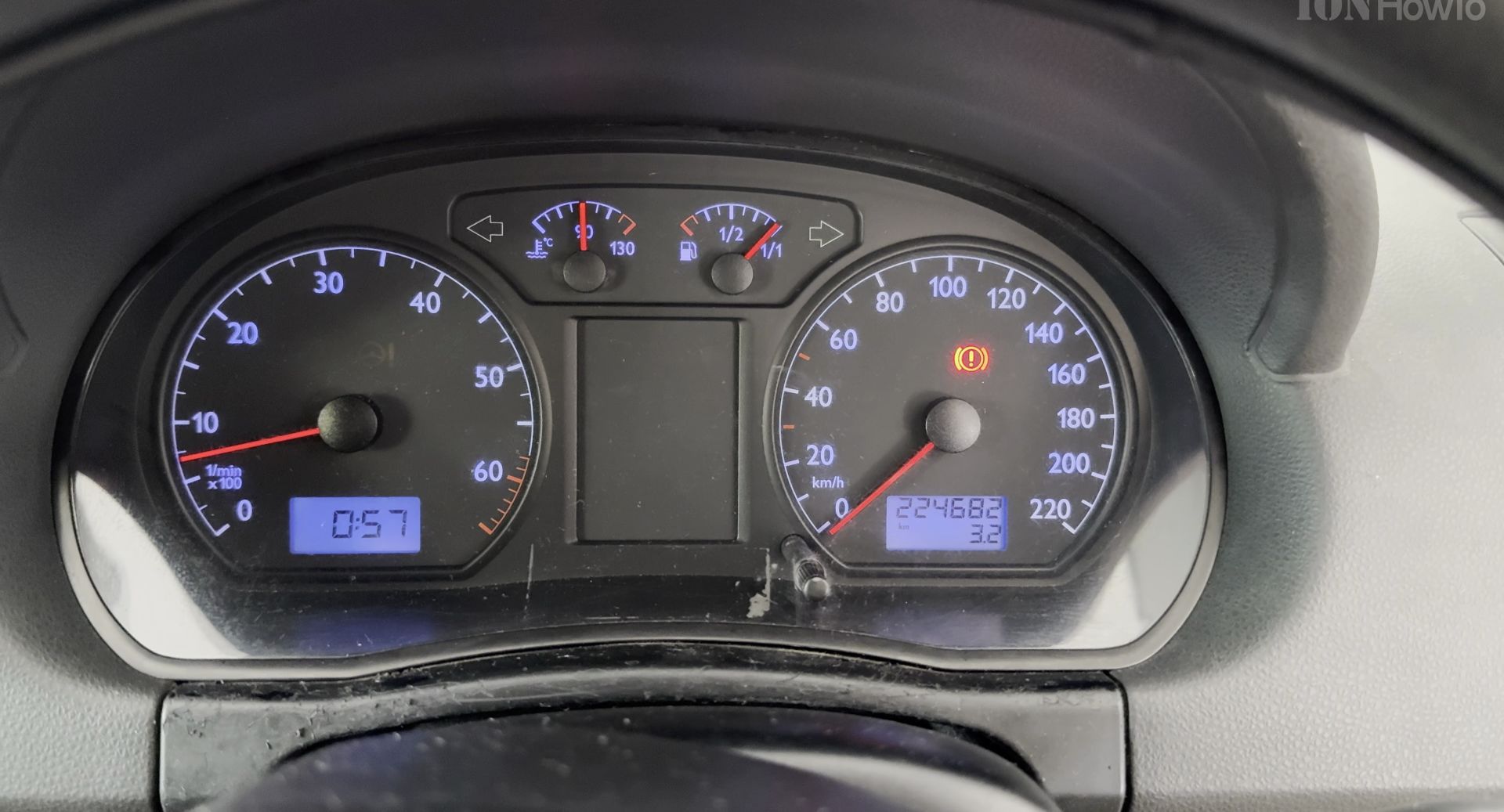
Turn the ignition key to the on position so all dashboard lights illuminate without cranking the starter motor. Notice if the airbag lamp or immobilizer key icon continues flashing after the self-check finishes.

2. Connect the OBD2 Cable and Open VCDS Control Modules
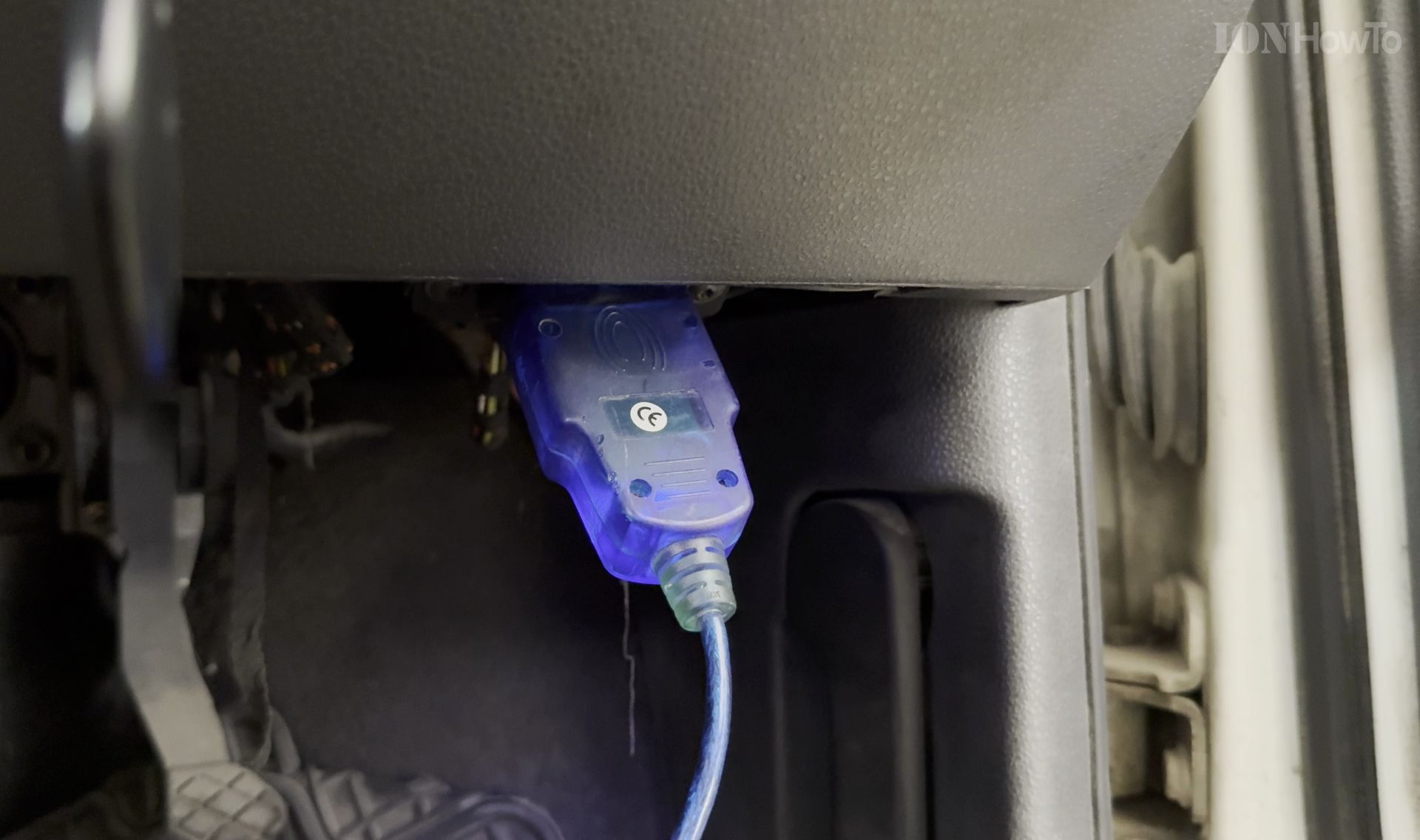
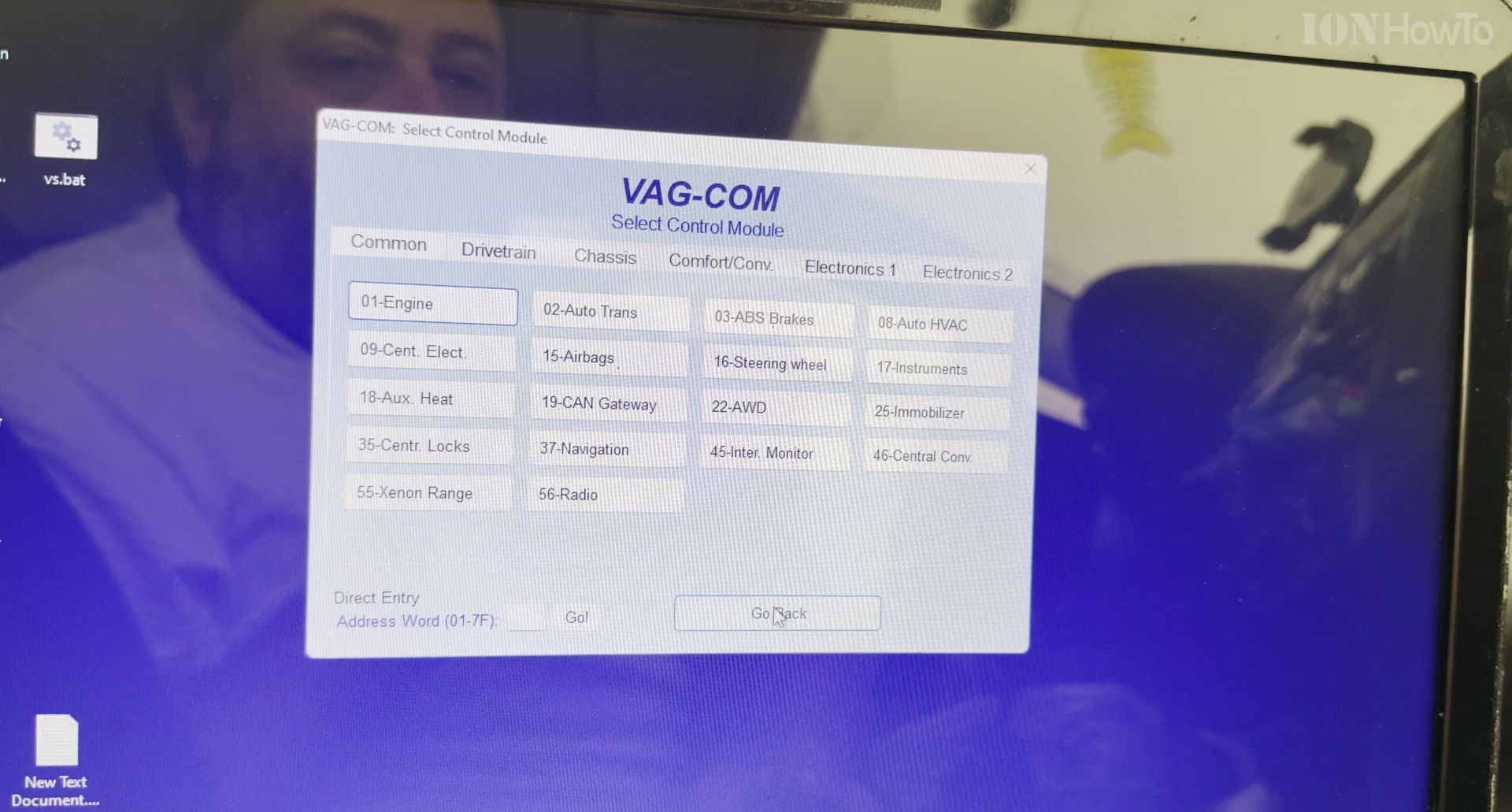
Plug your USB OBD2 interface cable into the port under the steering wheel and connect the other end to your laptop. Open the VAG-COM or VCDS program on screen and select the main Select Control Module menu.

3. Scan Engine, ABS, and CAN Gateway Fault Codes
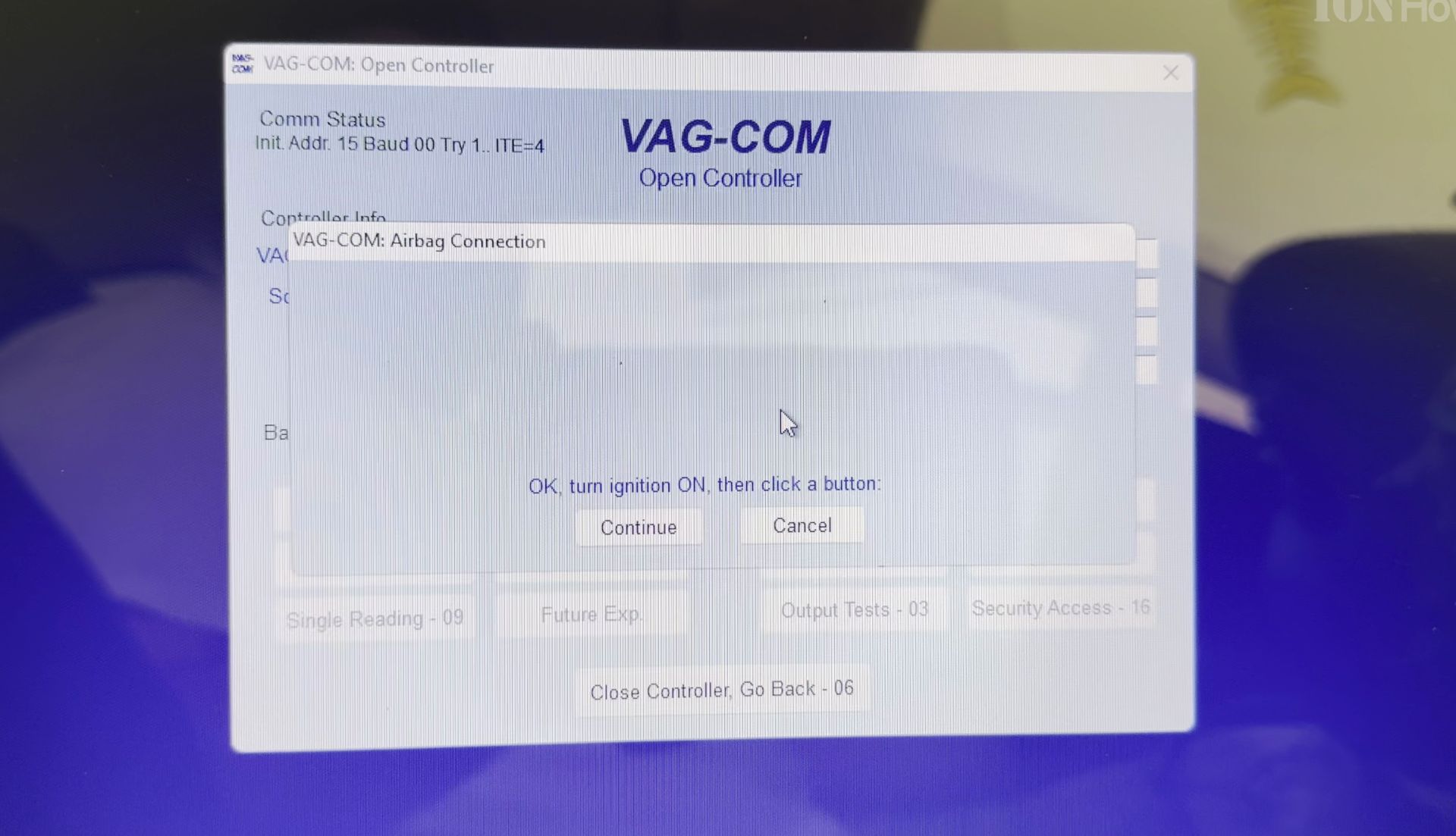
Open the Engine controller, Central Electronics, and CAN Gateway modules one by one to check which intermittent errors were triggered. Take a photo or save a copy of every code before resetting anything in case a sensor still needs attention.

4. Open the Airbag Controller and Clear Stored Errors
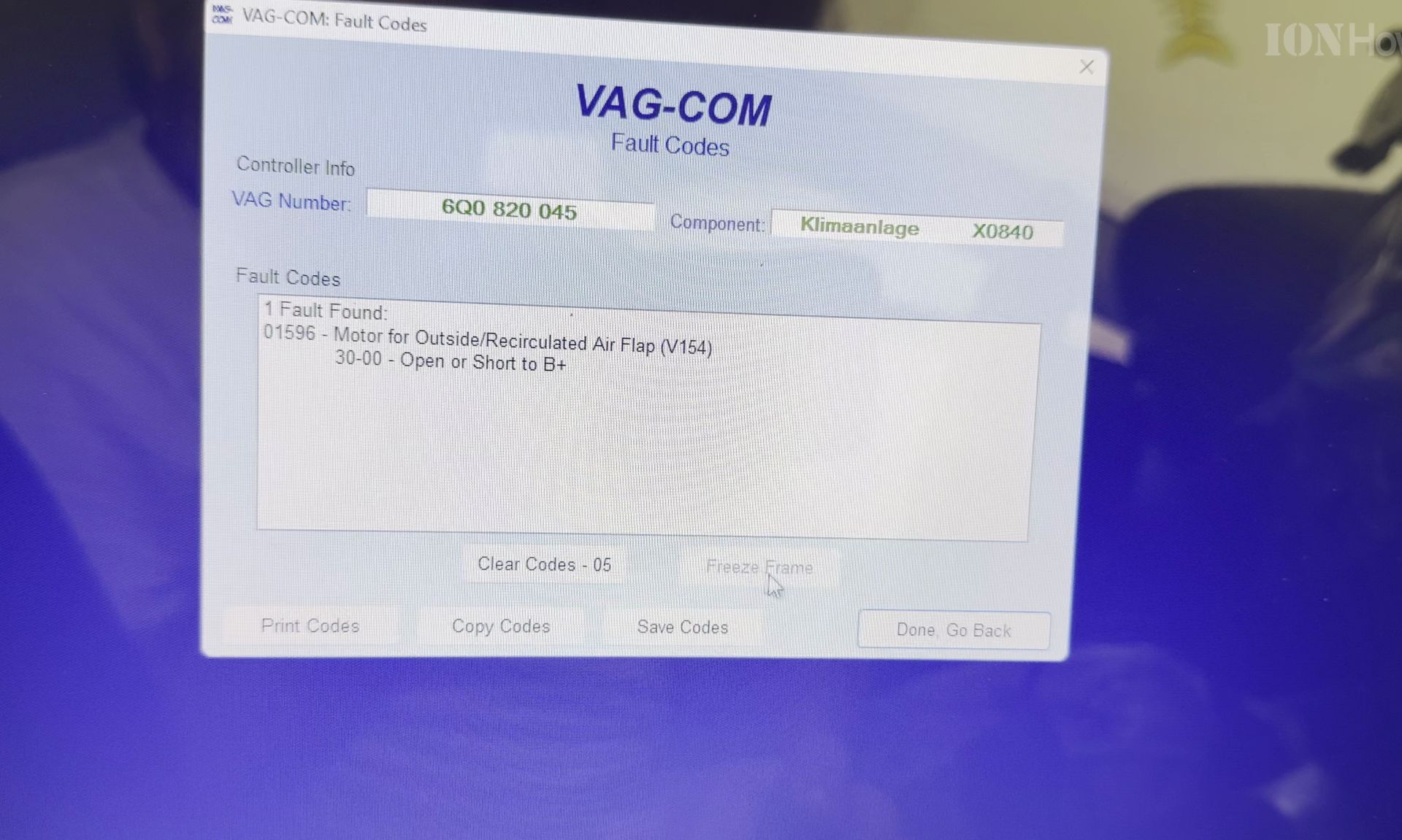
Select controller 15 for Airbags in the VCDS list, wait for the status window to connect, and click Clear Codes – 05 once. Only do this if your battery voltage is steady and you are confident any unplugged cluster connector is firmly seated again.

5. Verify the Warning Light Turns Off During a Key Cycle
Switch the ignition off for ten seconds, start the engine normally, and watch the instrument cluster to confirm the airbag light goes out after a few seconds. Take the car for a short test drive and rescan if the light comes right back on.

Helpful Tips
- Wait 5 to 10 minutes before restarting if the immobilizer key light flashes on warm days, because cold solder joints on VW Polo 9N cluster pins often cause intermittent non-starts.
- Always disconnect the negative car battery terminal and wait 10 minutes before unplugging instrument cluster connectors or seats with side airbags.
- If an airbag warning light returns immediately after clearing codes, have a qualified mechanic test the clock spring or under-seat wiring harness.
Related Guides
- How to Fix EPC Light on VW Cars Polo MK4 9N – The EPC light problem happens while starting or even the EPC can turn on while driving.
- Open Stuck Glove Box on VW Polo Mk4 9N – How to Open a Stuck Glove Box on a VW Polo 9N.
- DIY Brake Fluid Flush and Brake Service for VW Polo 9N Mk4 – DIY Brake Fluid Flush and Brake Service for VW Polo 9N Mk4: A One-Person Guide
- VW Polo 9N Mk4 – Browse more tutorials and practical guides in this section.
Leave a Reply Cancel reply