


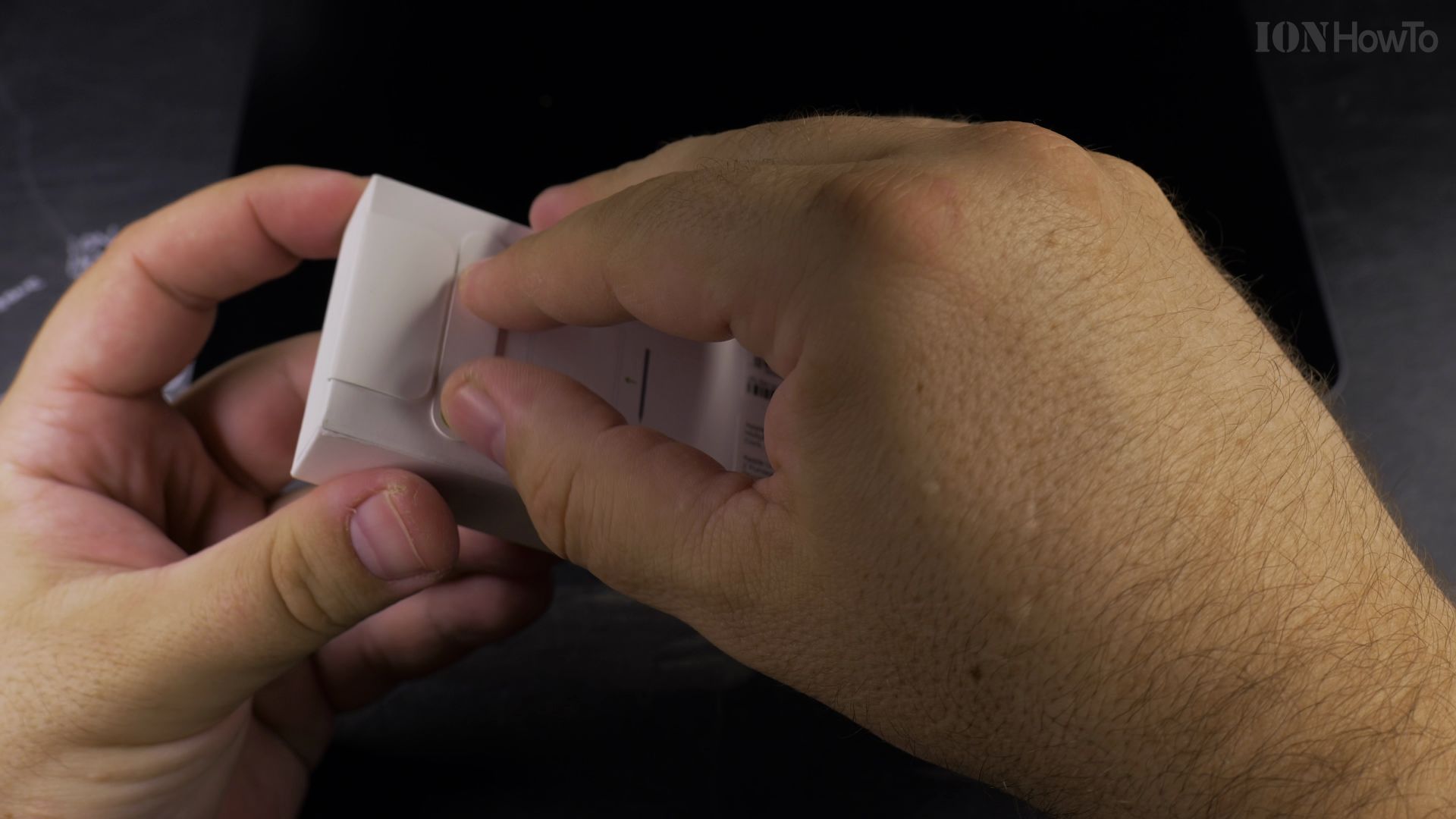
If you leave your iPad and Apple Pencil Pro untouched in a drawer for weeks, you might wonder if the stylus battery will drain completely. I’ll show you how the magnetic charging system behaves and how to protect your pencil’s battery life.

1. Understand Magnetic Trickle Charging
When snapped to the side of your iPad, the Apple Pencil Pro continuously receives power from the tablet. As long as your iPad retains battery power, the pencil stays at 100%.
2. Watch for iPad Battery Depletion
If your iPad drains down to 0% and shuts off, the pencil stops receiving current. The stylus will slowly self-discharge over 2 to 3 weeks.
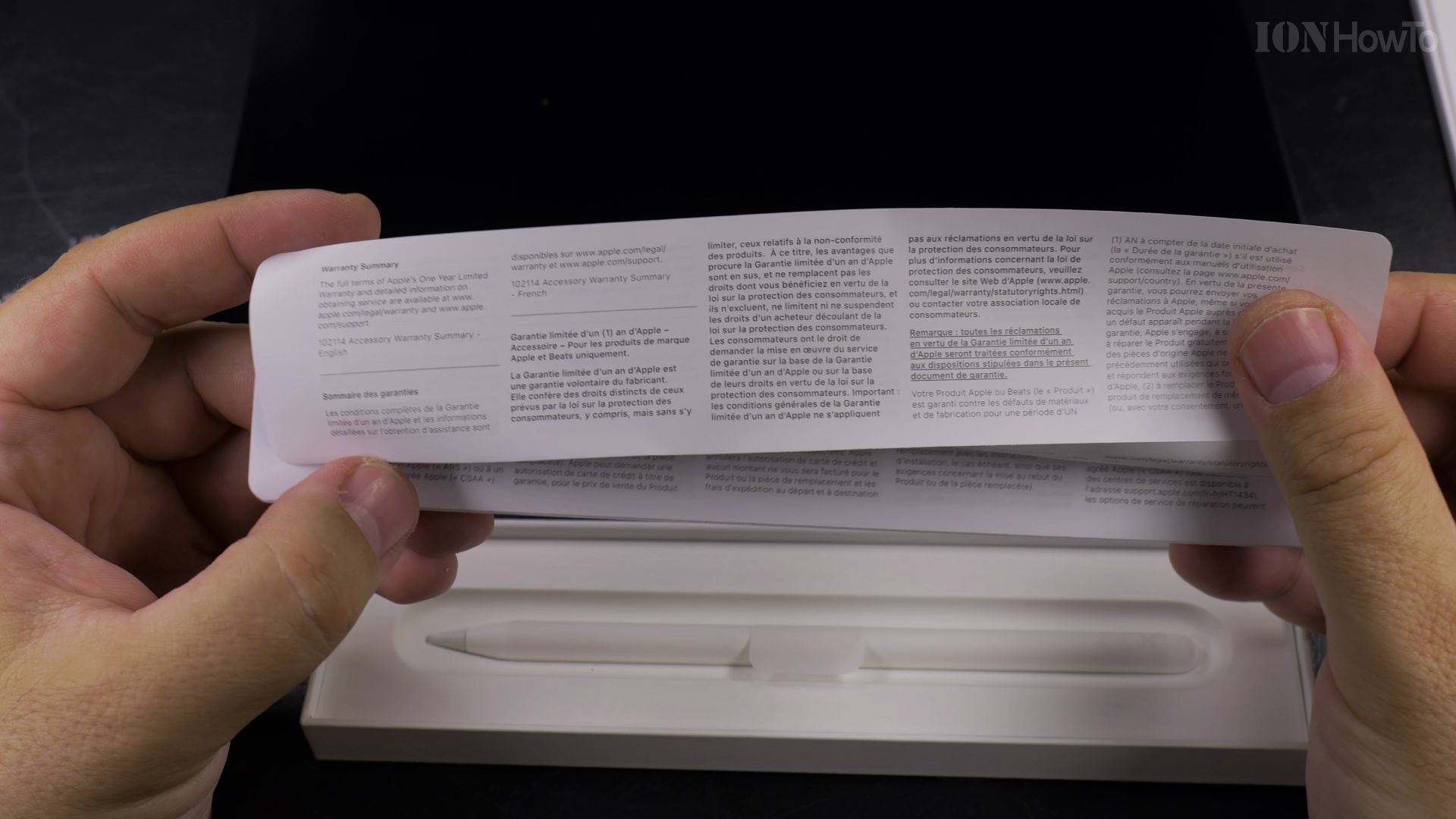
3. Prevent Deep Lithium Cell Discharge
Never leave your Apple Pencil Pro disconnected in a desk drawer for months at 0% charge. A completely flat lithium battery can enter sleep mode and refuse to charge again.
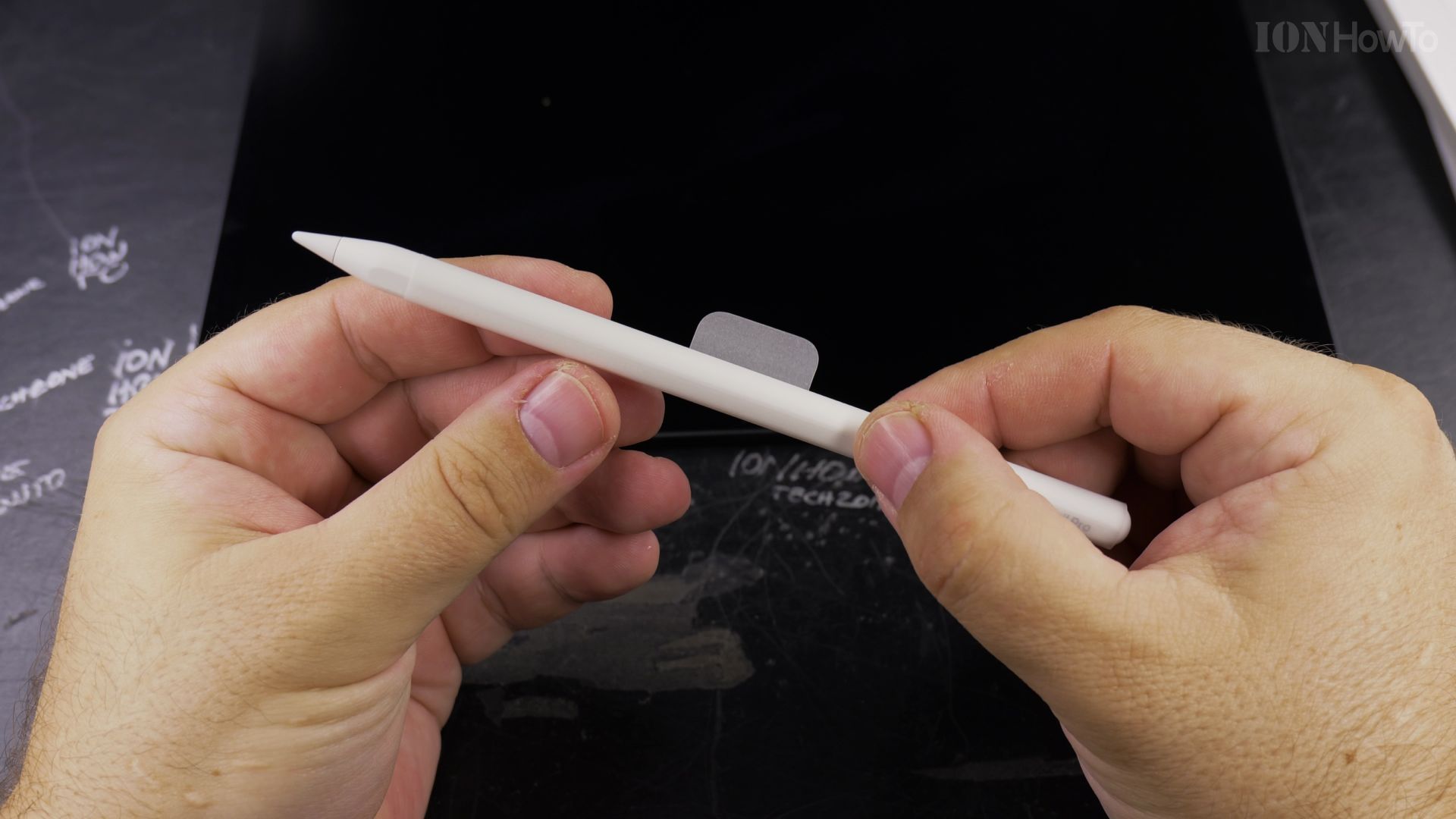
4. Snap It In to Revive Standby Power
Snap the pencil back onto the magnetic strip and plug your iPad into its wall charger. A green battery pop-up on the screen confirms charging is restored.
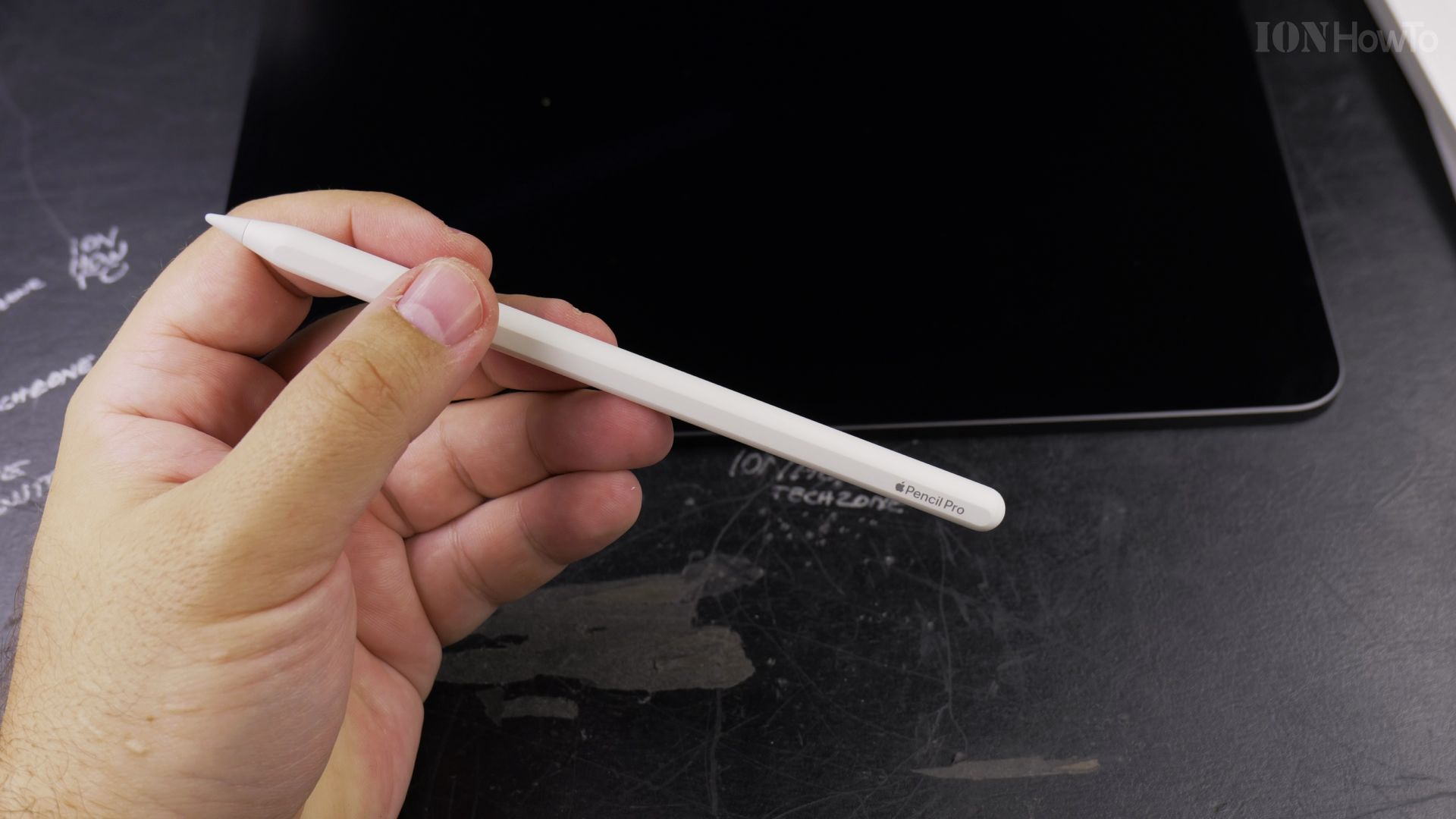
Helpful Tips
If your pencil does not register after long storage, leave it attached to a charging iPad for at least 30 minutes to revive the low-voltage cell. Read more tablet maintenance advice in our Apple iPad category or browse Apple & iOS.
Leave a Reply Cancel reply