
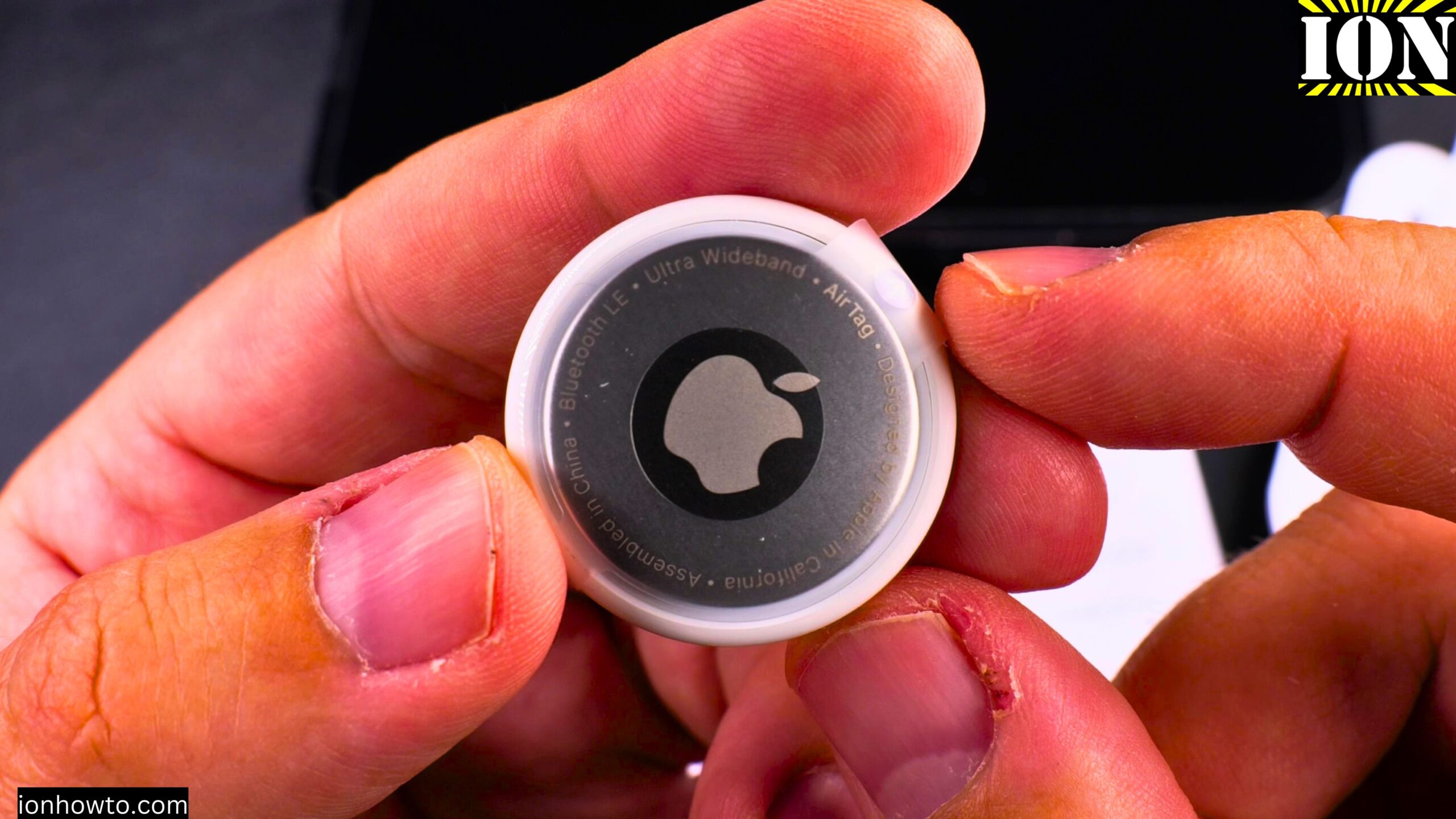
How to Open and Replace the Battery in the Lidl Silvercrest Smart Tracker SSTS3 A1 HG12823.
Learn how to open the Lidl Silvercrest Smart Tag Finder and change its battery. This tracker works with the Apple Find My Network as an affordable AirTag alternative.
In this guide, I show you how to open the tracker, what the inside looks like, and how to replace the CR2032 battery. I also compare the build quality with the Apple AirTag.
Product Model Information
- Lidl Silvercrest Smart Tag Finder pack of 3
- Model No. HG12823 Version 01/2025
- IAN 502773_2407 – SSTS3 A1
- EAN Barcode 40529165000095
- Made in China by OWIM Germany
Price Difference
The Silvercrest trackers cost 12 Euros for 3 smart tags in the box. That works out to 4 Euros each.
The Apple AirTag cost me 29.9 Euros for a single tag.
The AirTag has much better build quality and more features. But at 4 Euros each, the Silvercrest is a solid budget option.
How to Open the Silvercrest Tracker
The tracker is designed to be opened so you can replace the battery. Here are the steps:
- Look for the small gap or seam around the edge of the tracker
- Use a prying tool (a plastic opening tool works best)
- Gently insert the tool into the seam
- Pry carefully around the edge to separate the two halves
- The case should pop open
It may take a bit of effort to open it the first time. Be patient and work your way around the edge slowly.
What Is Inside
Once you open the tracker, you will see:
- A CR2032 battery (3 volts)
- A small piezo speaker (this makes the beeping sound)
- A circuit board with the tracking chip
- Battery contacts
The inside is much simpler than an Apple AirTag. Most of the thickness of this tracker comes from the battery itself.
The build quality is nowhere near the AirTag. The AirTag is much better built with more robust materials and a tighter seal.
How to Replace the Battery
Here is how to change the battery when it runs low:
- Open the tracker using the steps above
- Remove the old CR2032 battery
- Take a new CR2032 battery (3 volts)
- Insert the new battery, making sure to align the hole in the battery with the metal contact on the tracker
- Press gently until the battery clicks into place
- Close the case – press until you hear it click shut
The battery gives you about 8 months of use before it needs replacing.
Safety Warning about CR2032 Batteries
Keep these batteries away from children. CR2032 batteries are dangerous if swallowed.
The Apple AirTag is much safer around children because it is much harder to open. You need to press and twist the metal cover – a child cannot easily do that.
With the Silvercrest tracker, if you drop it, the case might pop open and the battery could fall out. This is not great for homes with small children.
If you use these trackers around children, I recommend using electrical tape to tape the smart tag closed. This makes it harder to open.
How to Silence the Speaker
If you want to disable the beeping sound while you have the tracker open:
- Locate the small piezo speaker inside
- Put a small piece of tape over the speaker terminals
- Close the tracker back up
The tracker will still work for location tracking, but it will not make any sound when you tap “Play Sound” in the Find My app.
How the Tracker Compares to AirTag for Battery Changes
The AirTag battery change is much easier:
- Press the metal cover
- Twist counterclockwise
- Lift off the cover
- Swap the battery
- Put the cover back and twist clockwise
No tools needed. The AirTag is designed for tool-free battery changes.
The Silvercrest requires a prying tool and some effort to open. It is not as convenient, but it is doable.
Physical Differences
The Silvercrest tracker is actually thinner than the Apple AirTag. This means it can fit into a wallet more easily. The AirTag is bulkier and creates a noticeable bump in a wallet.
The Silvercrest also has a small button. When you press it, the tracker beeps. The AirTag has no button at all.
Where to Use These Trackers
Because the Silvercrest is thinner and cheaper, it works well for:
- Inside a wallet
- Hidden in a backpack pocket
- Luggage
- Keys (using the included silicone lanyard)
- A car glovebox
- Bicycle (hidden under the seat)
The range is about 10 meters – an iPhone needs to come within that distance to update the tracker’s location on the Find My map.
Final Thoughts
The Silvercrest Smart Tag Finder is not built as well as the AirTag. It is harder to open for battery changes, and the case might pop open if dropped. But at 4 Euros each, that is expected.
The big advantage is that it works with the Apple Find My network. No separate app needed. If you need to track many items on a budget, these are worth considering.
Just be careful with them around children. Tape the case closed for safety.
I hope this helps you understand how to open and change the battery in your Silvercrest tracker. If you have any questions, let me know in the comments below.


Leave a Reply