Category: Android & Mobile
Simple, step-by-step Android phone and tablet guides for Samsung Galaxy, Google Pixel, Sony Xperia, and other mobile devices.
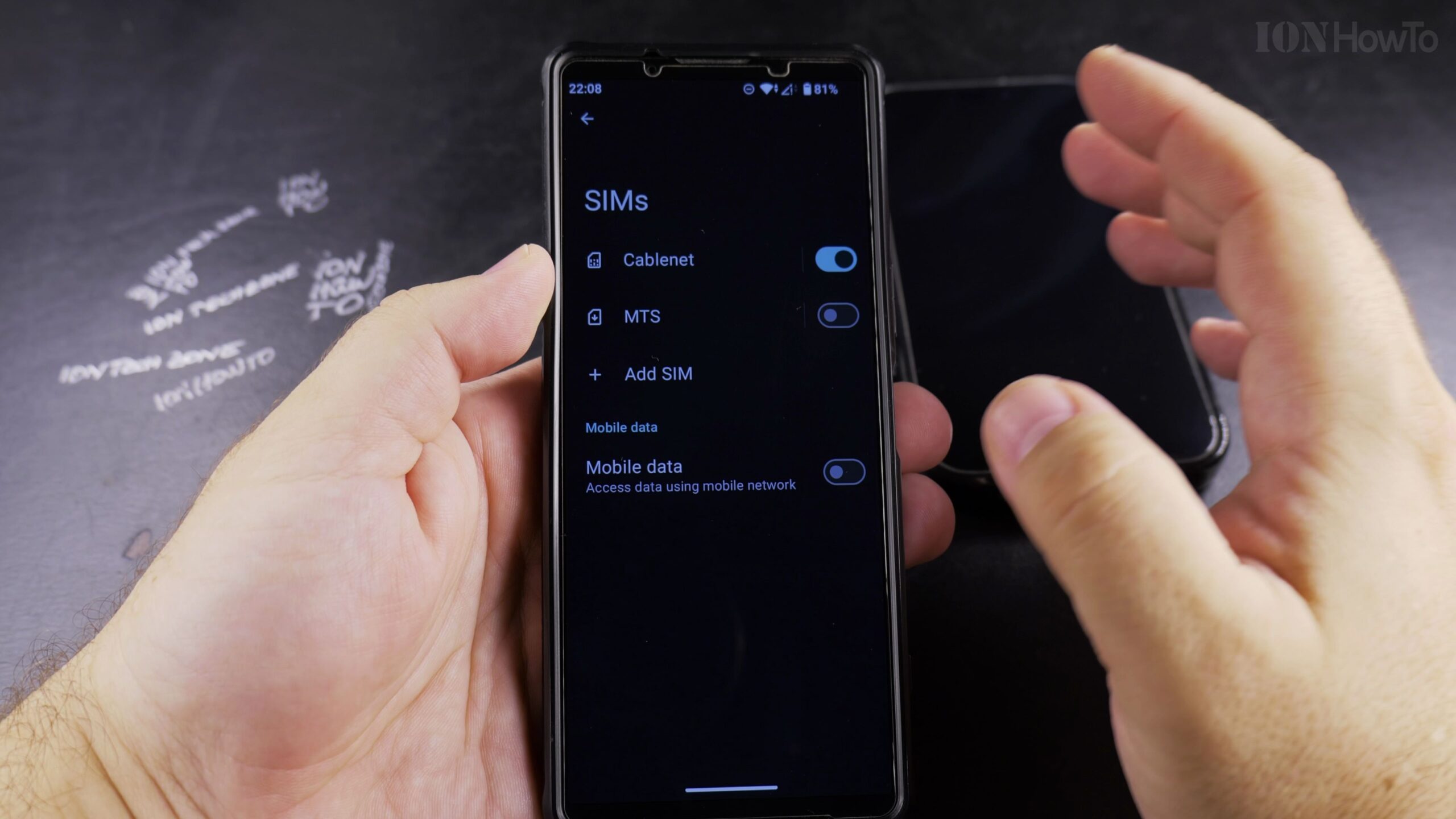
How to Convert a Physical SIM Card to eSIM on Android Using a QR Code Voucher
Converting your physical nano-SIM card to an electronic eSIM profile frees up your phone’s physical SIM slot for travel or secondary lines. Demonstrated using a carrier QR code voucher, here is how to scan and activate an eSIM profile on Android.
How to Remove a Photo from a Contact on Android (Reset to Default Initials)
If a contact’s photo is outdated, blurry, or no longer needed, you can delete the picture and reset their contact avatar back to clean colored initials. Here is how to remove a photo from a contact on Android.
How to Add a Picture or Photo to a Contact on Android
Adding a photo to a contact makes it easy to recognize who is calling with a glance at your screen. Here is the step-by-step way to assign a picture from your photo gallery or take a new photo for any contact on Android.
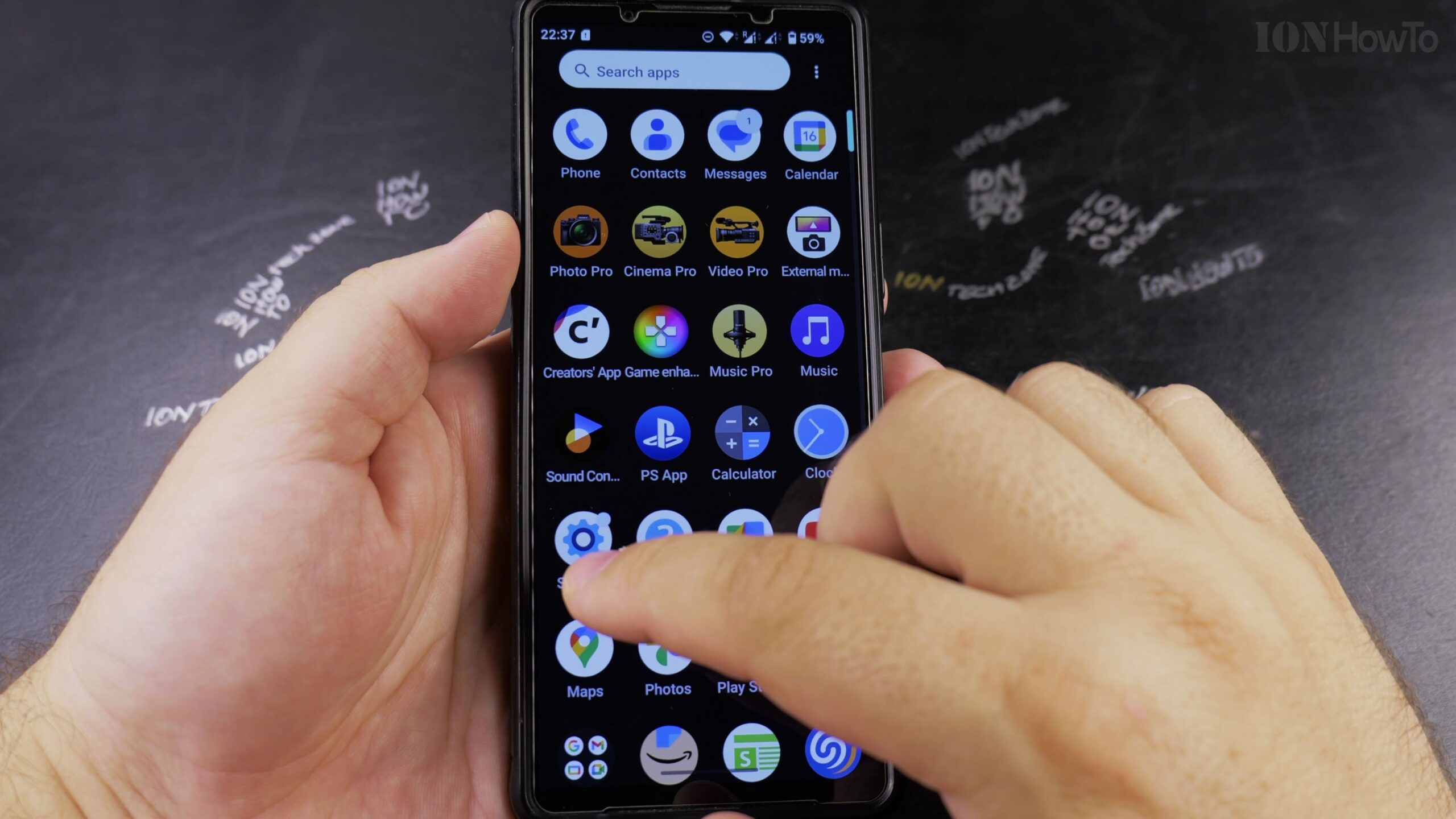
How to Turn Off VoLTE and 4G Calling on Android (Step-by-Step Guide)
While Voice over LTE (VoLTE) enables high-definition audio calls over 4G data networks, turning it off can resolve dropped calls or connectivity glitches in areas with weak 4G LTE coverage. Here is how to disable VoLTE and 4G calling on Android.
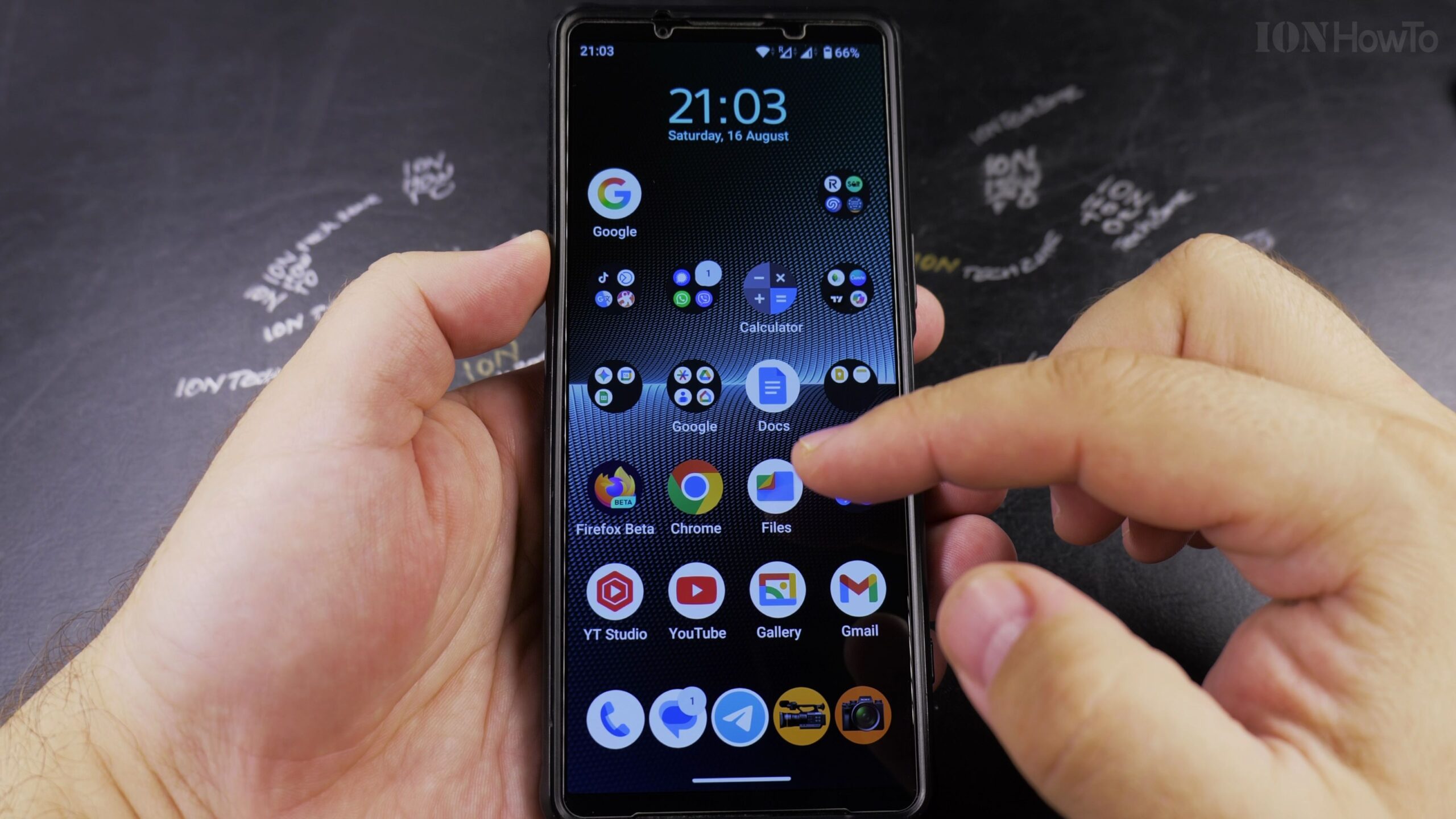
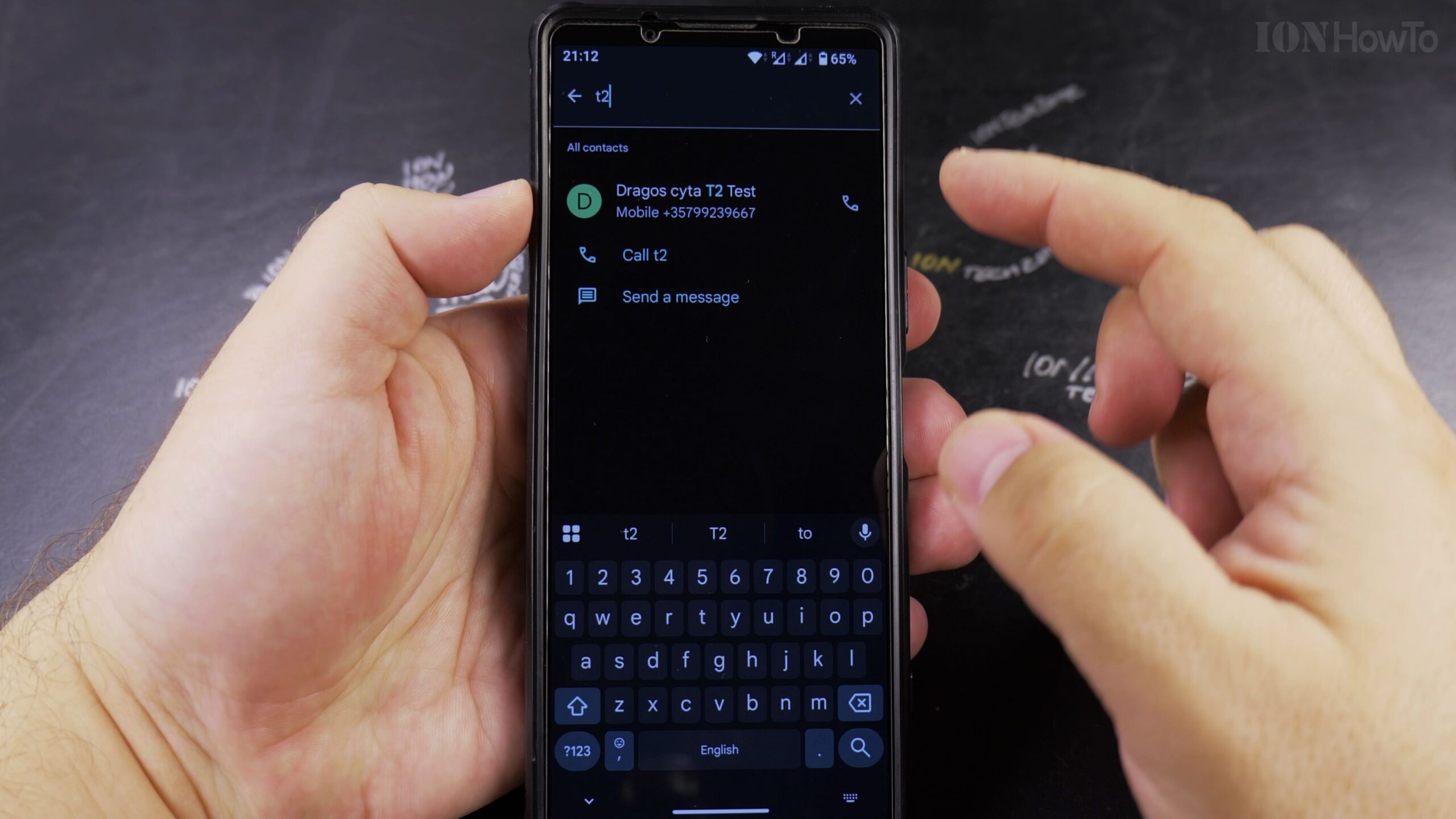
How to Edit a Saved Contact on Android (Update Numbers, Names, and Emails)
Keeping your phone address book updated makes sure you never dial an outdated number or send emails to an old address. In this step-by-step tutorial, I’ll show you how to quickly locate and edit any saved contact on an Android phone.
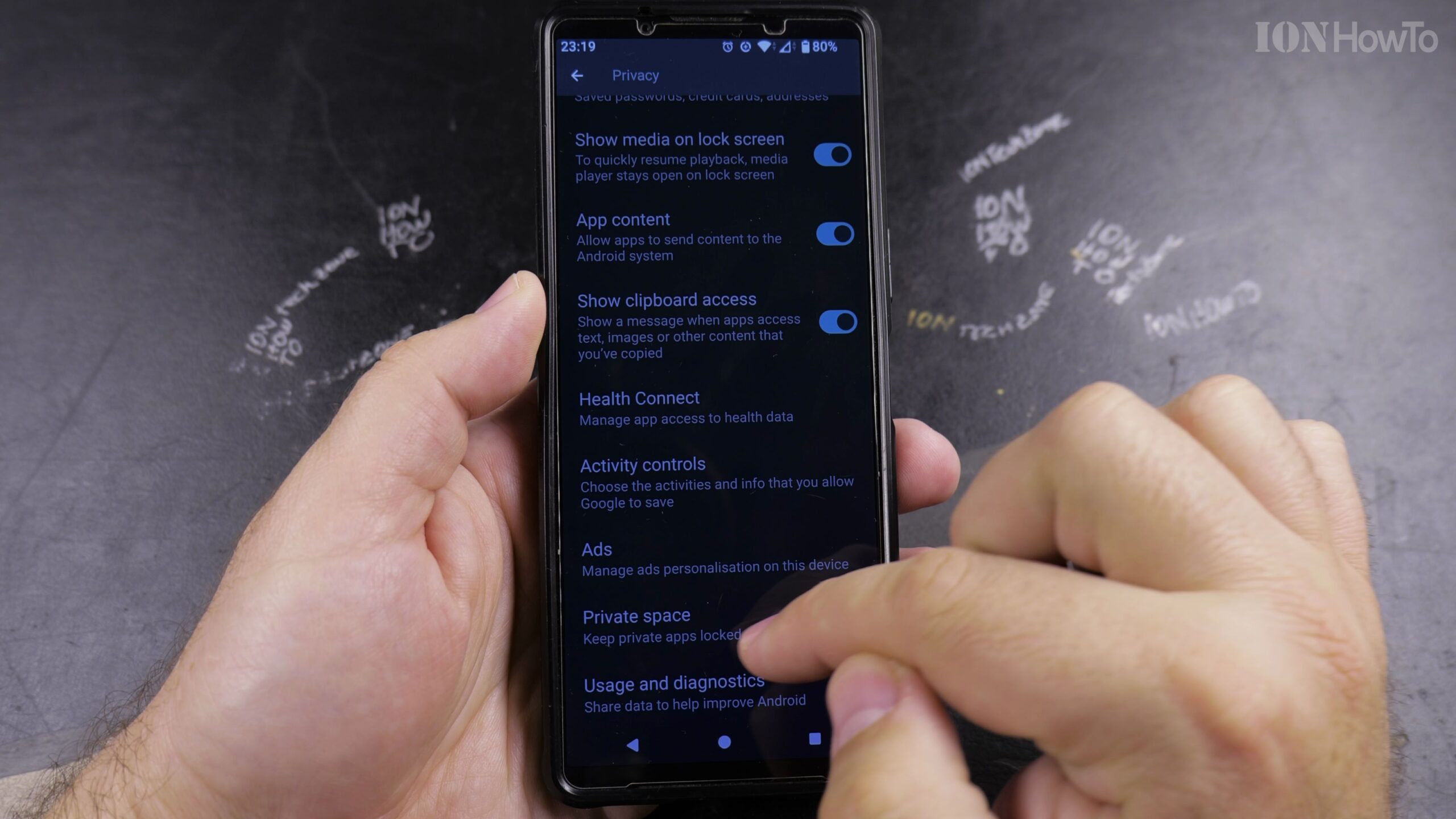
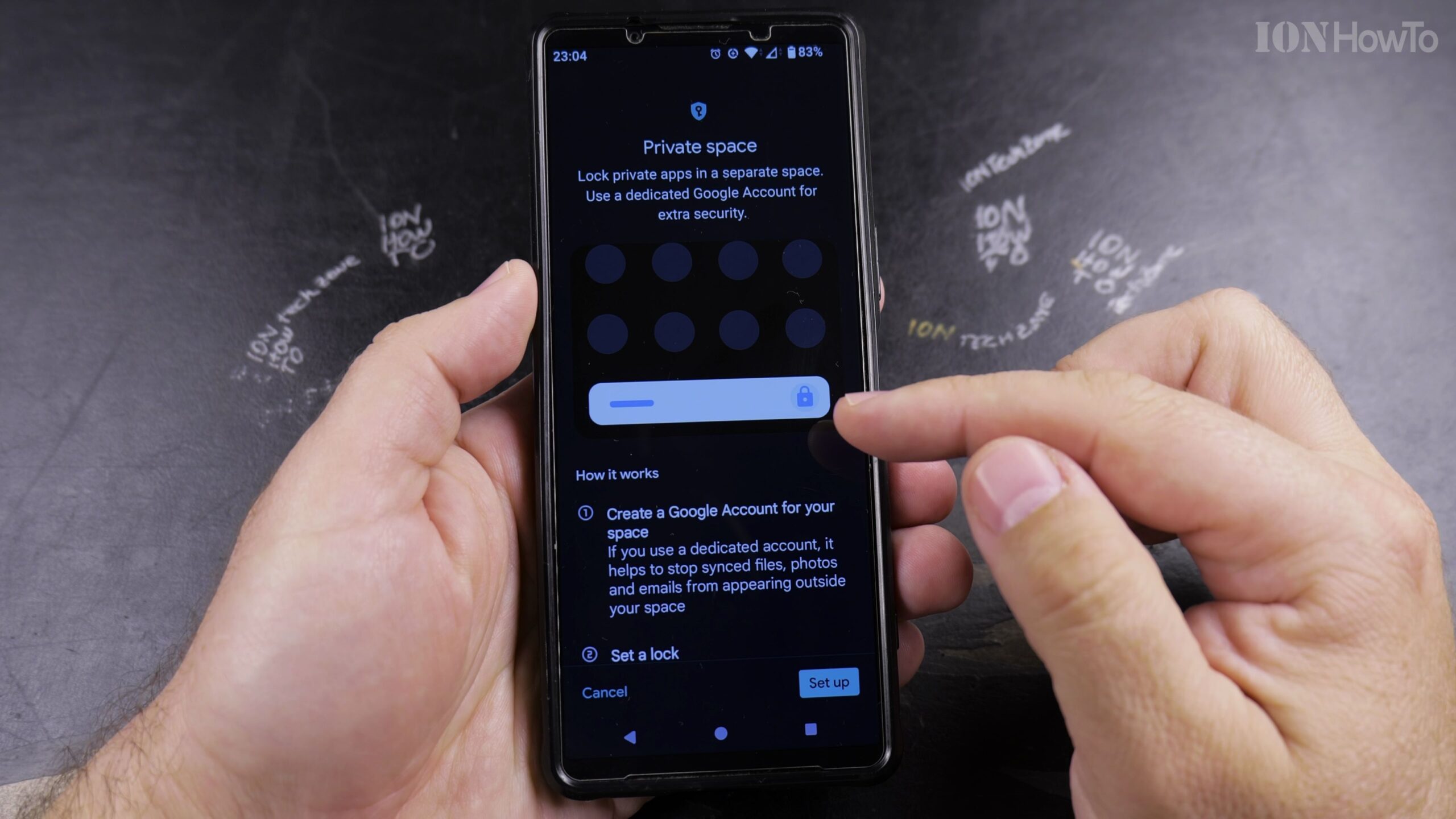
How to Delete Private Space and Erase All Hidden Apps on Android
If you no longer need Private Space on Android or want to wipe all hidden apps, accounts, and private photos stored inside the container, Android provides a one-click deletion setting. Here is how to permanently delete Private Space and reclaim your phone’s storage.
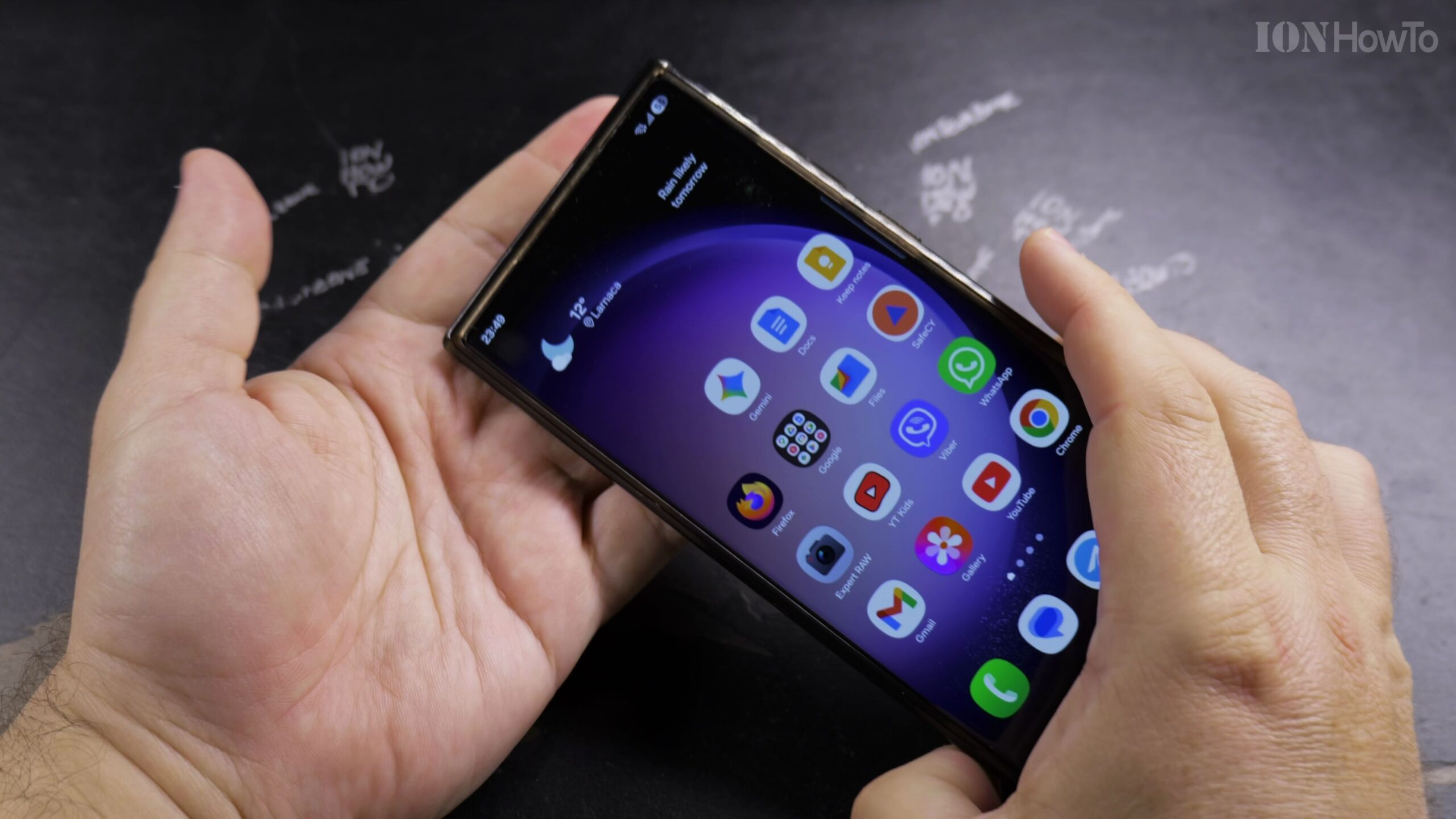
How to Remove Wallpaper on Samsung Galaxy and Set a Clean Plain Background
Because Android requires a background layer on the Home Screen and Lock Screen, removing an unwanted photo wallpaper means replacing it with a minimalist solid color or dark background. Demonstrated on a Samsung Galaxy S23 Ultra running Android 16 and One UI 8, here is how to clean up your display.
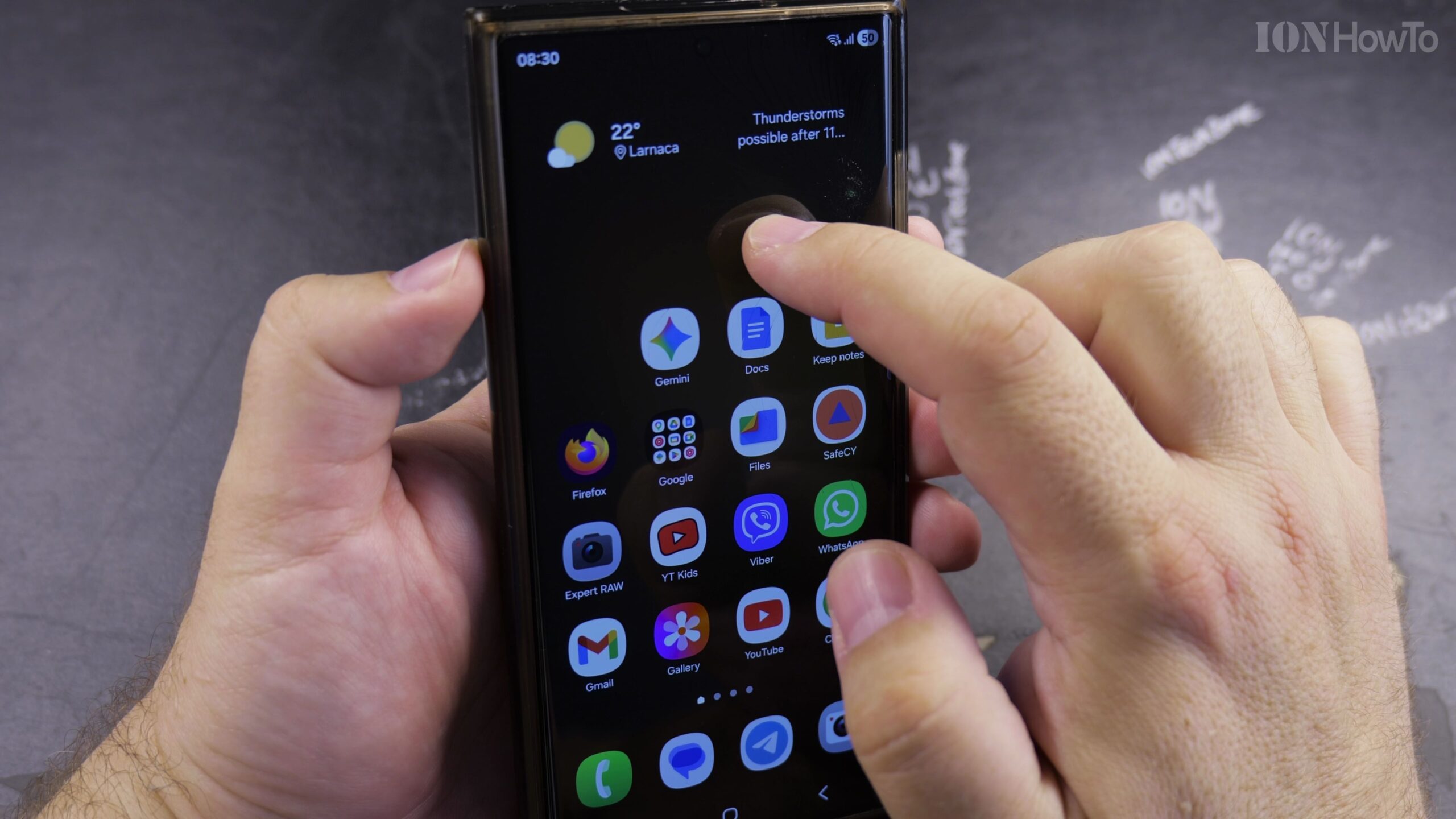
How to Long Press on a Samsung Android Phone to Open Hidden Menus and Shortcuts
Learning how to long press—also called touch and hold—on a Samsung Galaxy Android smartphone unlocks dozens of helpful hidden shortcut menus across your Home Screen, Quick Settings panel, and apps. Demonstrated on a Samsung Galaxy S23 Ultra running Android 16 and One UI 8, here is how to use the long-press gesture effectively.
How to Fix Roblox Error 317 and Error 319 and Google Wallet NFC via Android Google Play Security Updates
If you get kicked out of Roblox Rivals or other Roblox games with ‘Error Code: 319 (Roblox was not able to verify the integrity of the game)’ or ‘Error Code: 317 (This game has enabled additional hardware security requirements)’, or if Google Wallet refuses to add payment cards for NFC tap-to-pay, your phone is failing…