
Category: iPad Guides
Practical iPad and iPadOS guides showing you how to customize widgets, connect accessories, manage files, and fix common settings.
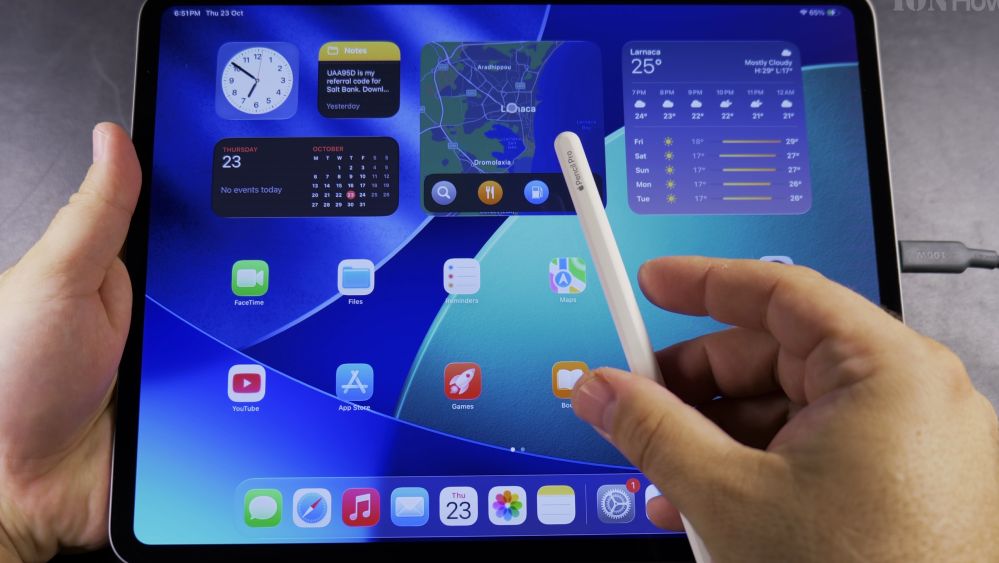
How to Charge the Apple Pencil Pro with iPad Pro M5
Learn how to charge your Apple Pencil Pro wirelessly using the magnetic charging connector on your iPad Pro M5 and monitor battery life.
How to Enable Dictation on iPad
Learn how to turn on dictation on your iPad so you can speak your thoughts and let your tablet convert your voice into text automatically.
iPad Pro M5 Add Flashlight Button to Control Center
If you need a quick light in a dark room, your iPad Pro has a powerful LED camera flash that works just like an iPhone flashlight. I’ll show you how to add the flashlight button to your iPad Control Center in just a few taps.
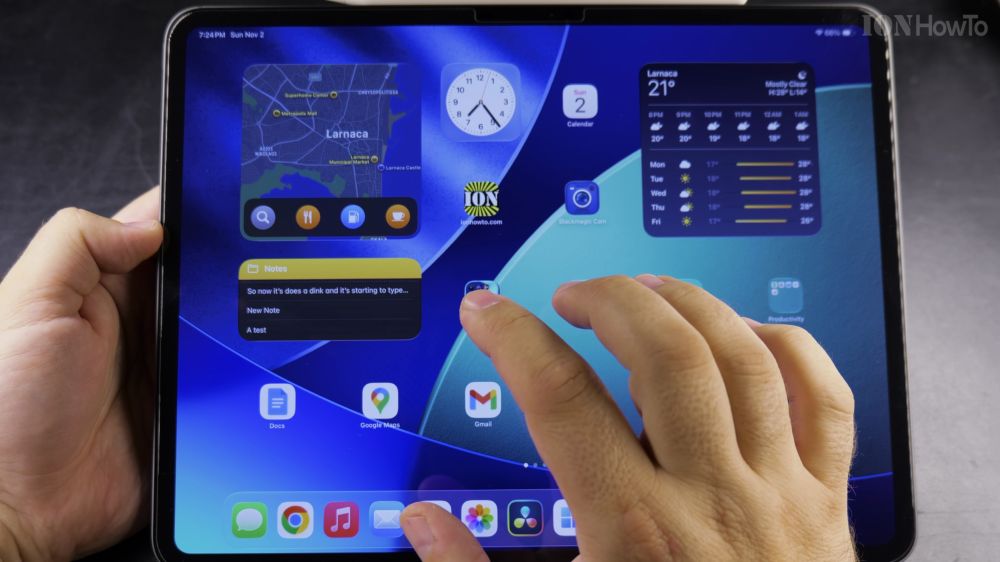
How to Resize Widgets on iPad
Learn how to quickly resize widgets on your iPad home screen using drag handles without deleting and re-adding them.
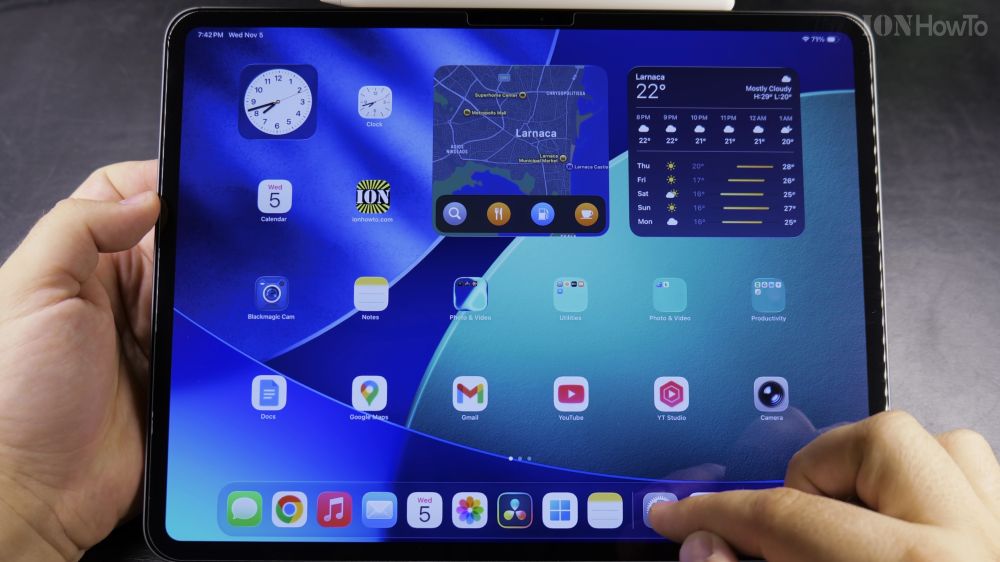
How to Enable Swipe to Open Camera on iPad Lock Screen
Learn how to turn on the swipe left gesture on your iPad lock screen to launch the Camera app instantly without typing your passcode.
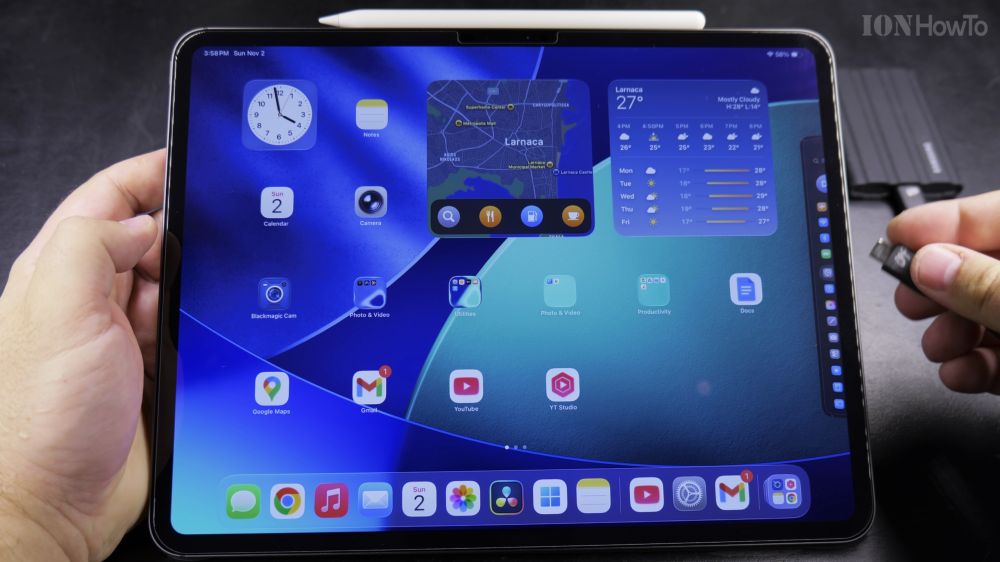
iPad Pro M5 External SSD Speed Test
Learn how fast the iPad Pro M5 transfers files to and from an external NVMe SSD over Thunderbolt USB-C, with real-world read and write benchmarks.
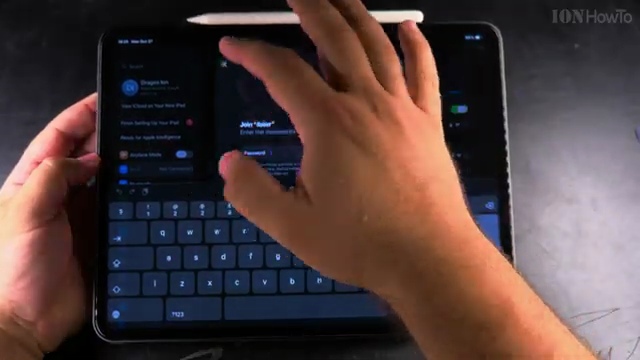
How to Connect iPad to Wi-Fi with a QR Code
Learn how to scan a Wi-Fi QR code with your iPad Camera app to connect to home or guest wireless networks in seconds without typing passwords.
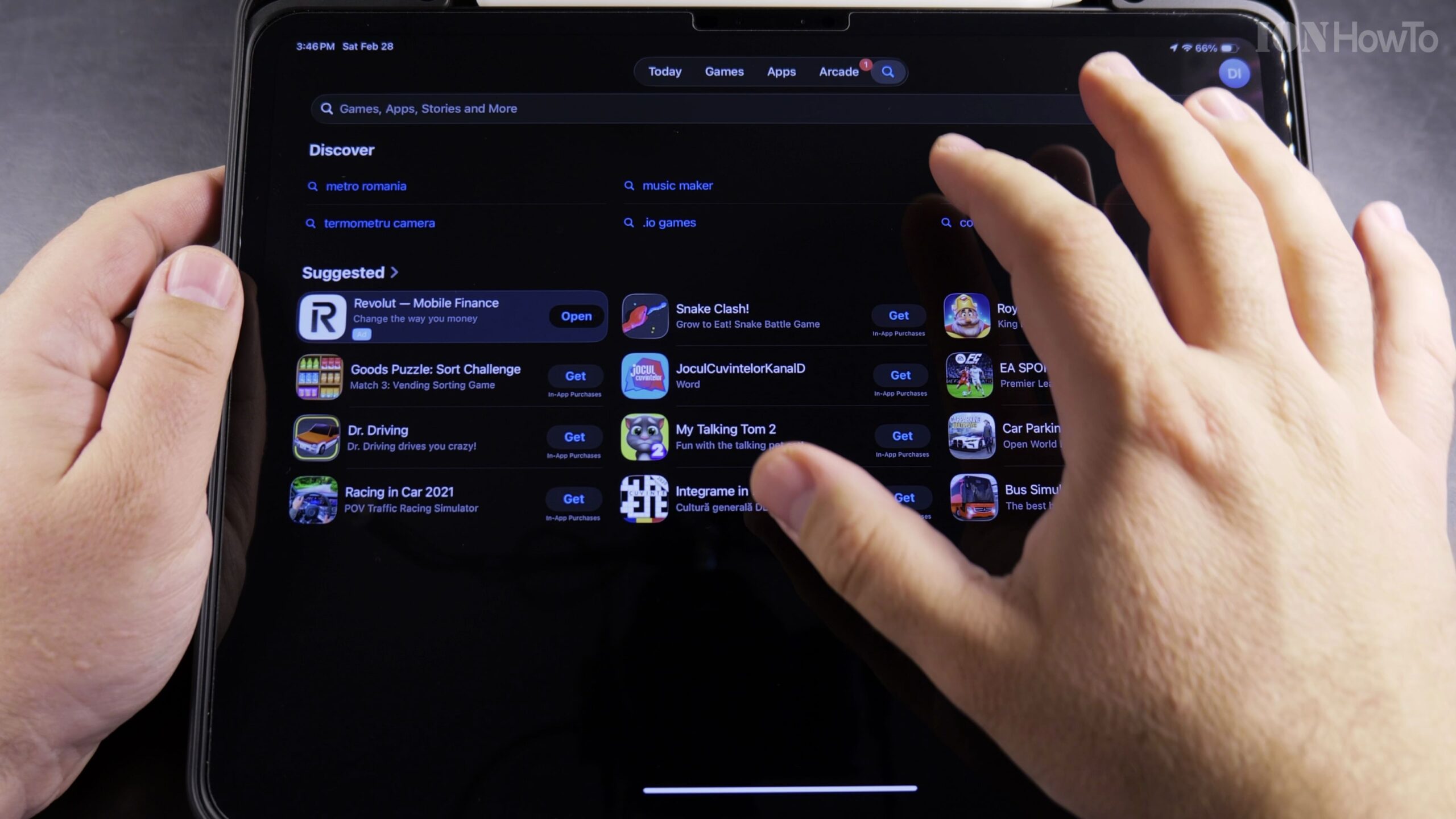
How to Get Apple Creator Studio Pack Free 3 Months on iPad Pro
Apple periodically provides an exclusive 3-month free trial bundle for creative iPad Pro users, featuring pro-tier software including Logic Pro for iPad. In this tutorial, I’ll show you how to claim the 3-month free trial, activate your license, and manage your renewal date safely.
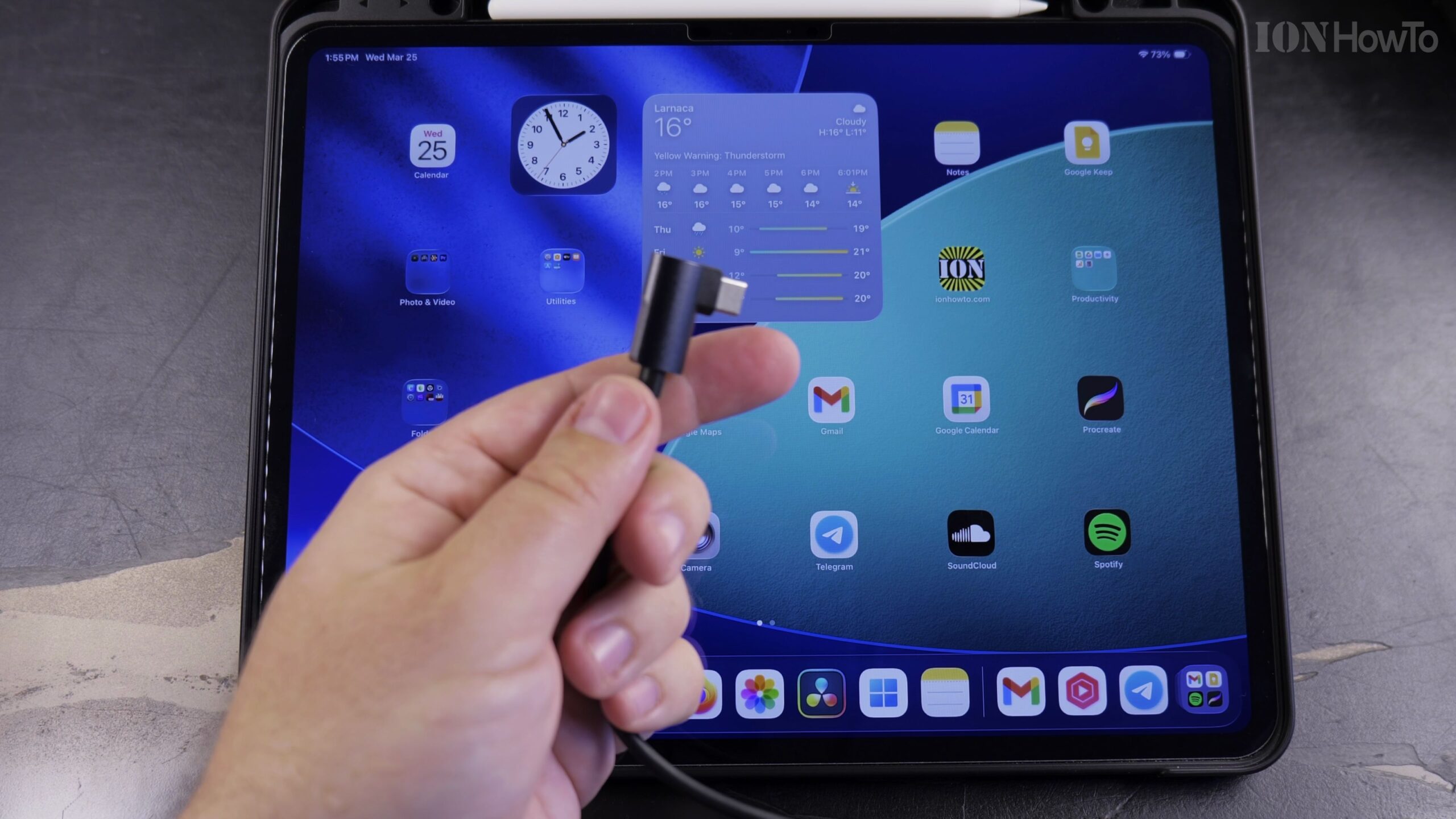
How to Connect an iPad to Wired Ethernet Internet Using a USB-C Cable
When Wi-Fi is spotty or you need zero-latency internet for gaming, video calls, or large file transfers, connecting your iPad directly to an Ethernet cable gives you a blazing-fast wired connection. Here is how to connect and configure Ethernet on an iPad using a USB-C network adapter.
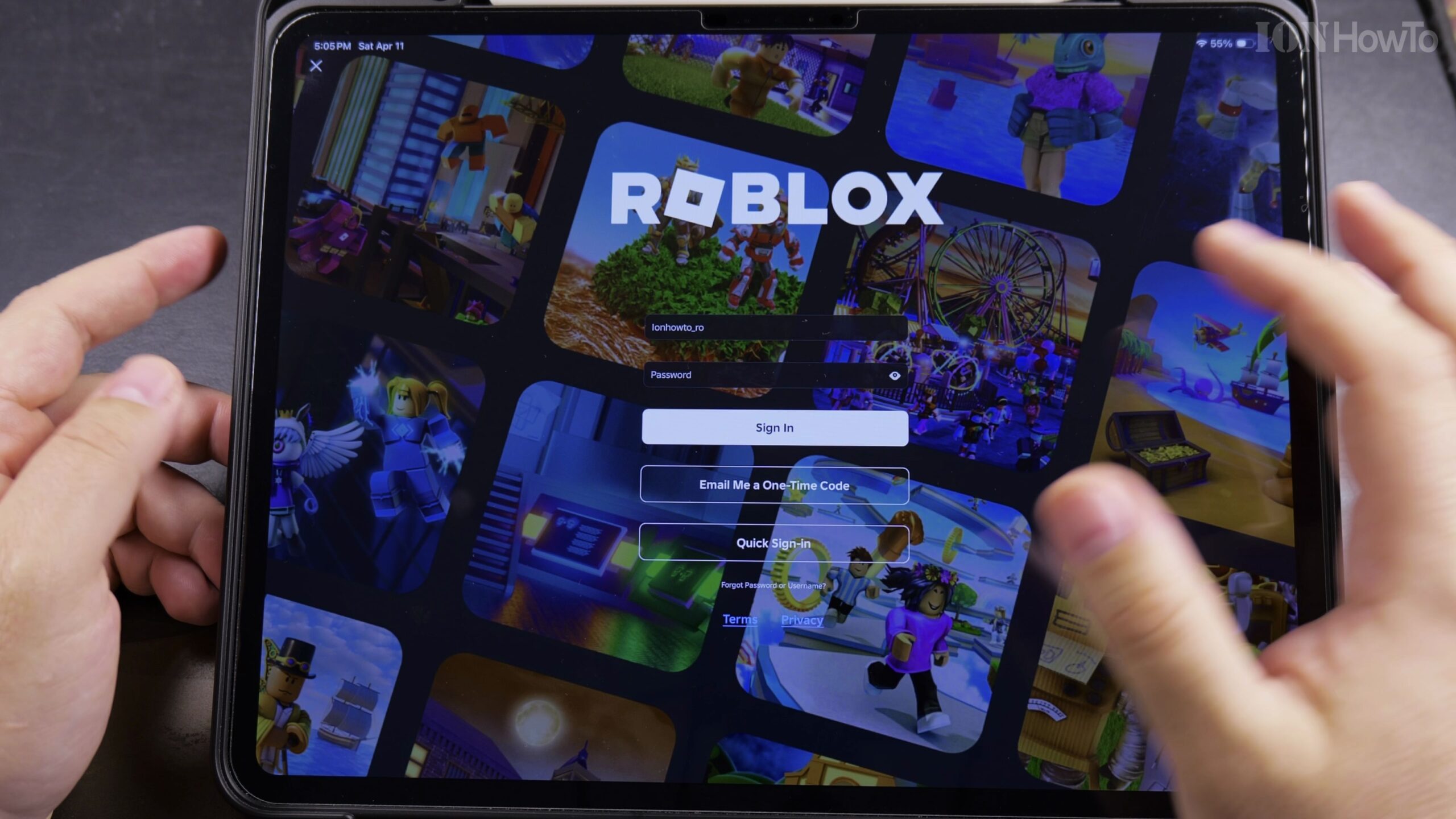
How to Switch Roblox Accounts on iPad, iPhone, and Mobile Devices
If multiple family members share an iPad or mobile device, or if you maintain an alternate Roblox account, the built-in Account Switcher feature lets you hop between accounts seamlessly without typing passwords every time. Here is how to add and switch accounts in the Roblox mobile app.