Category: Apple iPhone

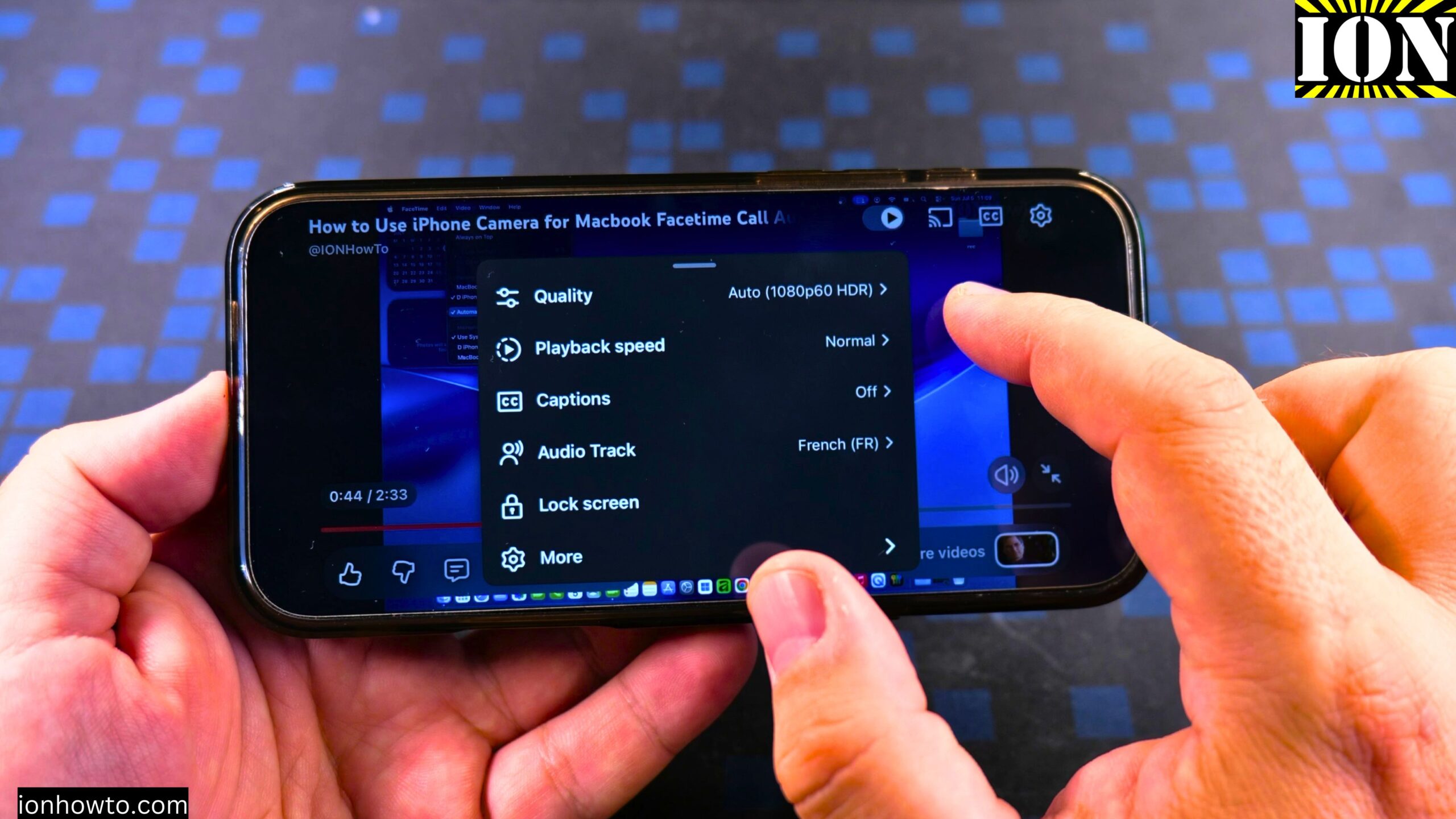
YouTube Video Auto Dubbing Switch Audio
How to Enable YouTube Video Auto Dubbing Language Switch Audio Track on iPhone. What This Feature Does YouTube has a feature called auto dubbing. When you watch a video, you can hear the original sound of the video. But you can also hear a translated version in your own language. This works on iPhone, Android,…
Wired Headphones USB-C to 3.5mm Adapter on iPhone
How to Plug in Wired Headphones and Microphone with USB-C to 3.5mm Adapter on iPhone. In this guide I show you how to connect wired headphones and a microphone to your iPhone using a USB-C to 3.5mm jack adapter. This is useful if you have newer iPhone models without a built-in headphone jack but want…
Turn Off Siri Caller Name Announcement
iPhone: How to Turn Off Caller Name Announcement with Siri. Learn how to turn off caller name announcement on your iPhone. I show you the steps to disable this feature so Siri stops announcing who is calling before you answer. This is useful if you find the announcements disruptive or want more privacy when receiving…
Disable iPhone eSIM Instead of Deleting
iPhone: How to Disable eSIM Instead of Deleting It. Learn how to disable an eSIM on your iPhone without deleting it. I show you the steps to turn off your eSIM plan temporarily. This is useful if you want to stop using a line but keep it on your phone for future use. You can…
Clean USB-C Port with Paper
How to Clean a USB-C Port with Paper. I show you how to clean the USB-C port on your Android phone, iPhone, or iPad. A common problem is when your charger won’t plug in all the way or the connection feels loose, which is often caused by dust and lint stuck in the port. I’ll…
Turn Off the Parallax Effect on iPhone
How to Turn Off the Parallax Effect on iPhone: Turn On Reduce Motion Learn how to turn off the parallax effect on your iPhone. I show you the steps to turn on the Reduce Motion setting. This will stop the 3D-like movement on your home screen and make your icons stay still. This was shown…
Turn Off AutoPlay in Apple Music
Apple Music: How to Turn Off AutoPlay. Learn how to disable AutoPlay in Apple Music. This stops the player from continuing to play recommended songs after the current songs in a playlist or album are finished playing. AutoPlay is a great way to keep music playing even if you only played one song. But if…
Listen Offline in Apple Music
How to Listen Offline in Apple Music. Learn how to listen to music offline in Apple Music. If you are on an airplane and you want to listen to your favorite songs offline without having to use the mobile internet or even Wi-Fi, or if you do not have Wi-Fi, maybe you are in some…
How to Get Apple Music for Free
How to Get Apple Music for Free using the Apple Music Free Trial of 3 months or 6 months when buying Apple Devices. Learn how to get an Apple Music subscription for free using a long free trial. A 3 months free trial for Apple Music was available with the purchase of an iPhone. When…
Sync Apple Music Library Between Devices
How to Sync Apple Music Library Between Devices. Learn how to sync the Apple Music library between your Apple devices. You can sync your Apple Music between your iPhone and iPad easily. Anything that you imported from iTunes or purchases you have in Apple Music will synchronize automatically between your devices. This was shown on…