
The Apple Music app organizes all your custom playlists, favorite tracks, saved albums, and Shazam discoveries inside the Library tab. Here is where to look and how to quickly sort your playlists on iPhone, iPad, or Mac.
Open the Apple Music App and Tap the Library Tab
Launch Apple Music on your device and tap the Library icon in the bottom navigation bar to view your personal music collection.
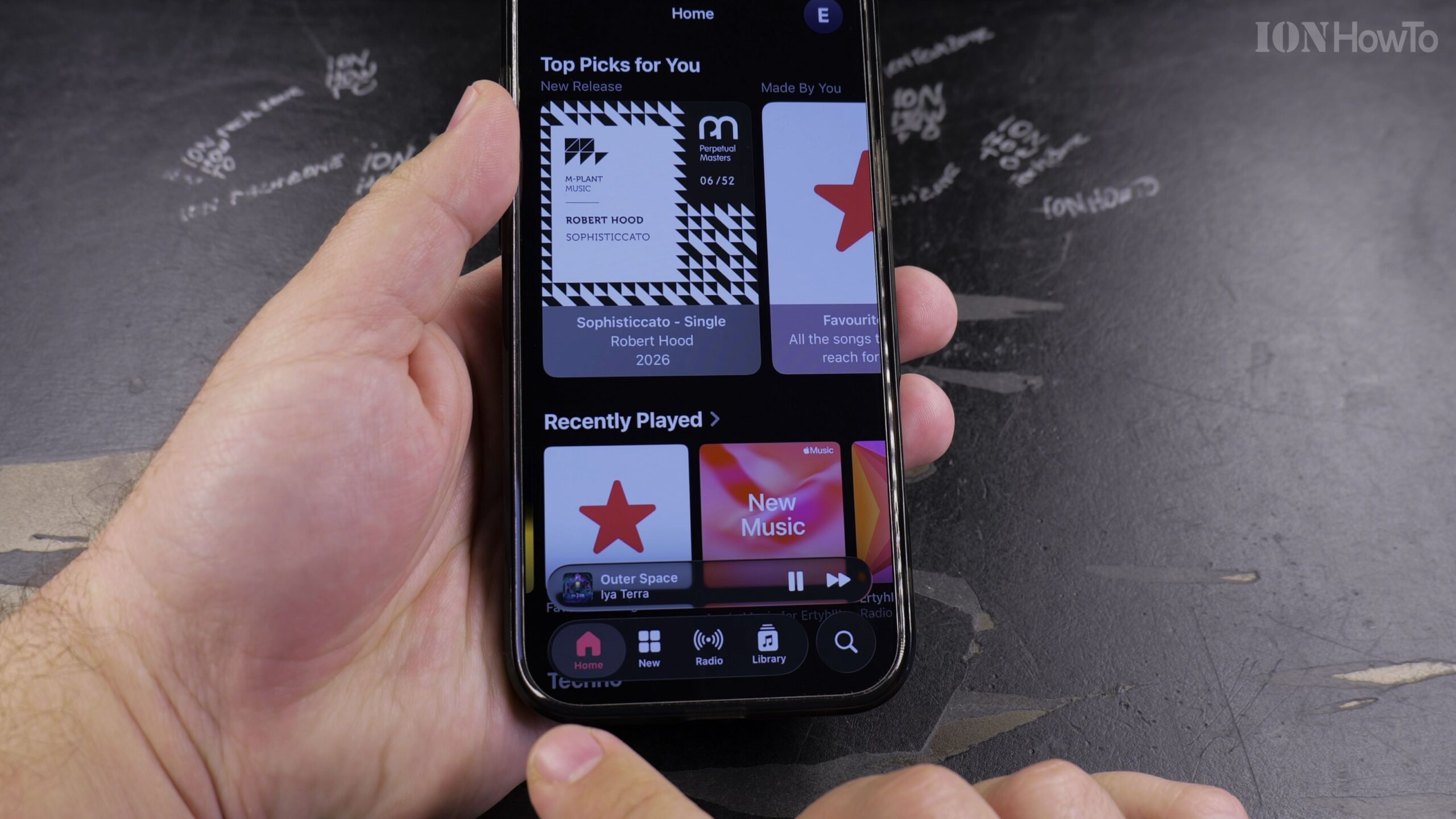
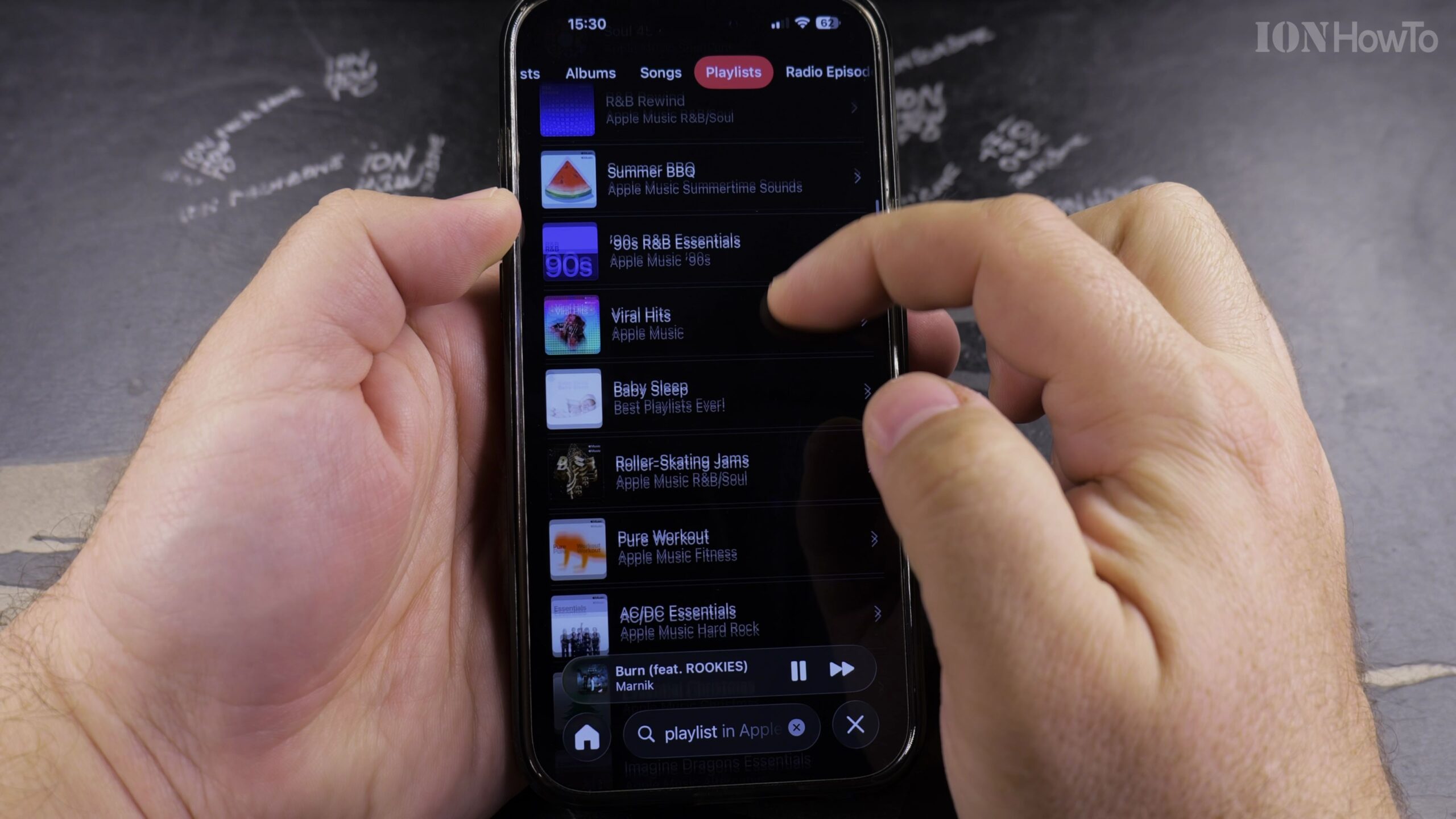
Tap Playlists at the Top of the Library Screen
In the Library menu, tap Playlists. Here you will see all playlists you created alongside any curated Apple Music playlists you added to your library.
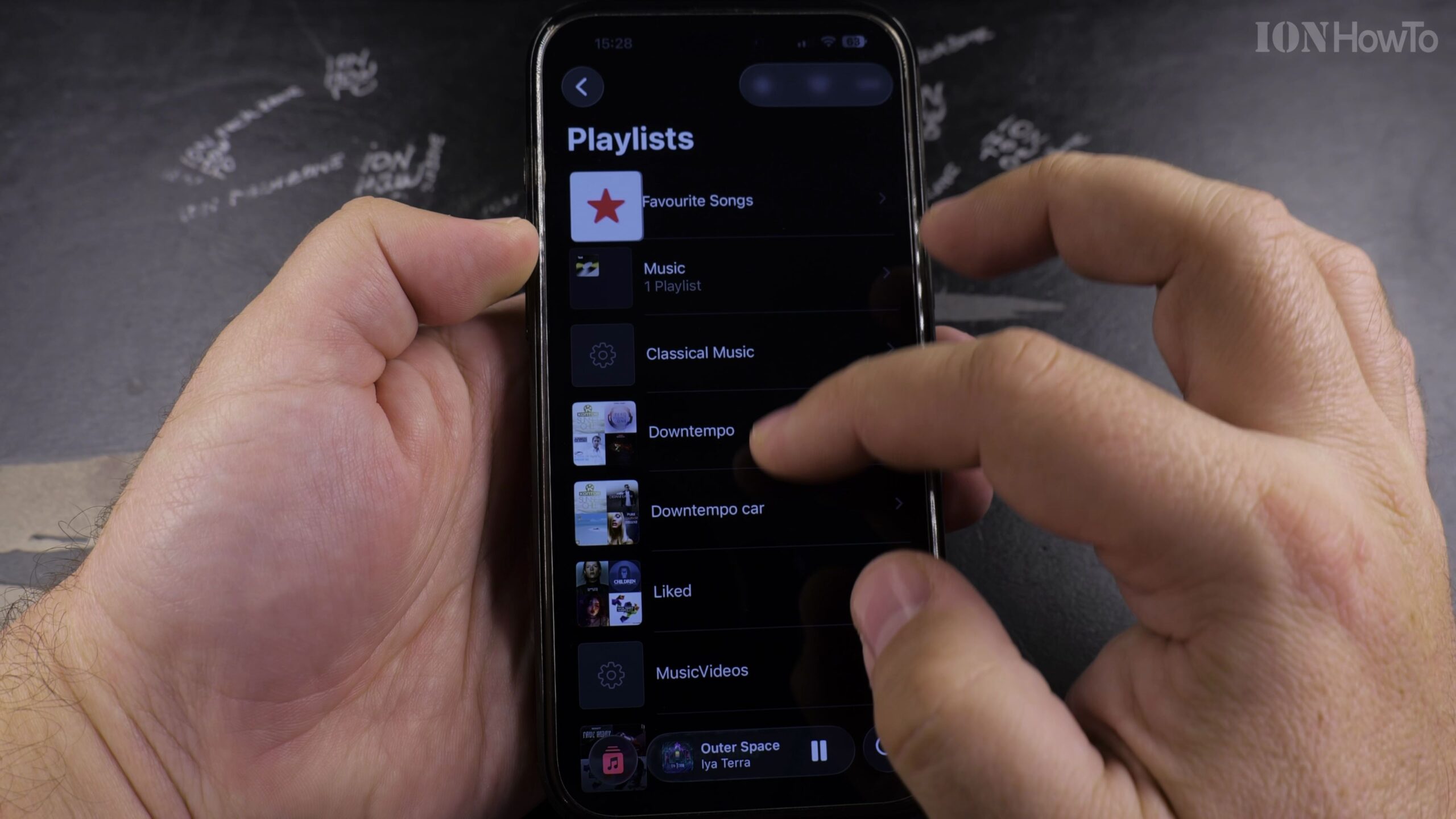
Sort Playlists by Title, Recently Added, or Recently Played
Tap the Sort button in the top-right corner to arrange your playlists alphabetically by Title, by Recently Added, or by Recently Played so your go-to mixes stay on top.
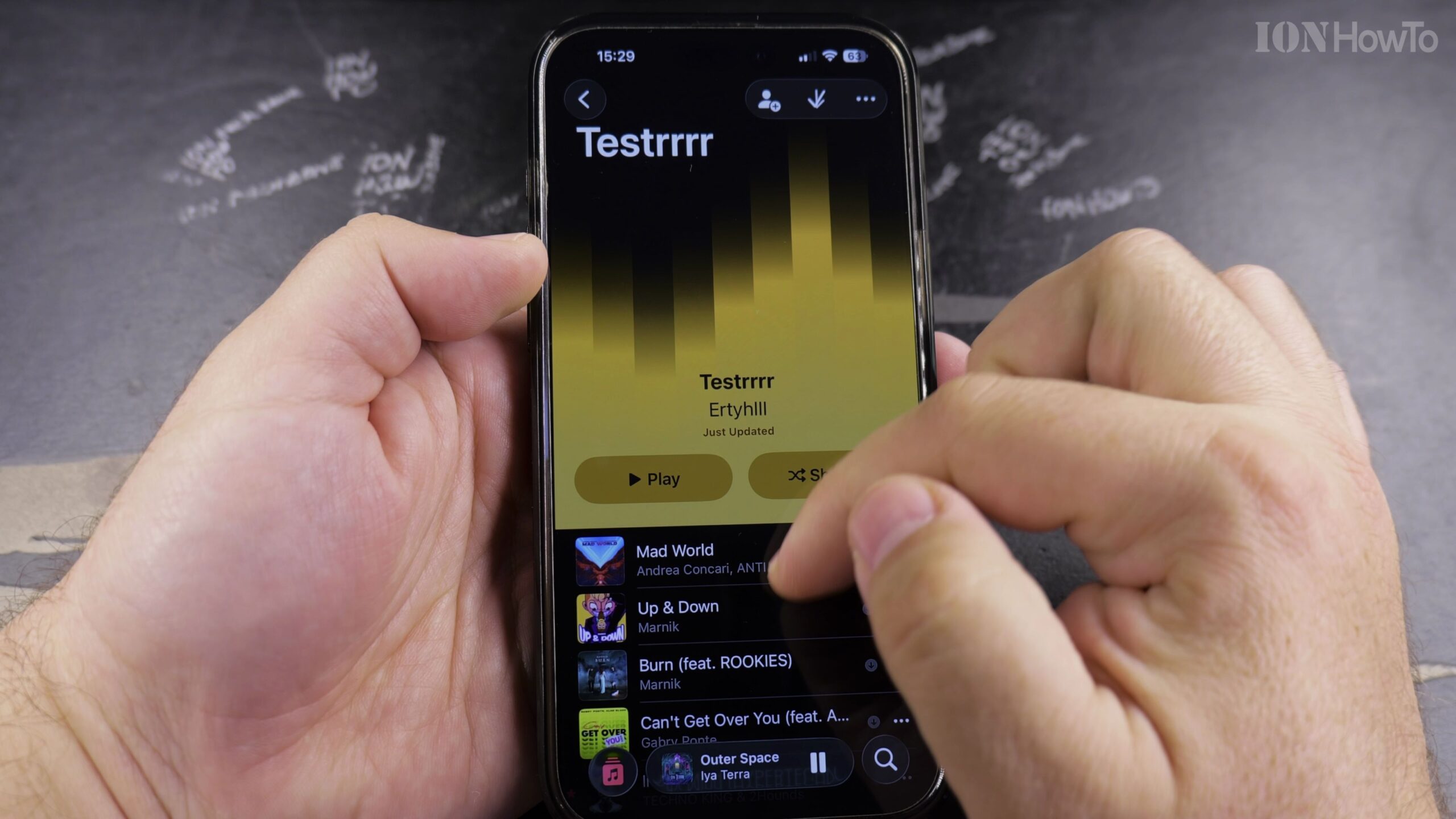
Locate Your Favorite Songs and Shazam Tracks Playlists
Look for the dedicated Favorite Songs playlist and the My Shazam Tracks playlist, which automatically captures every song you identify with Shazam.
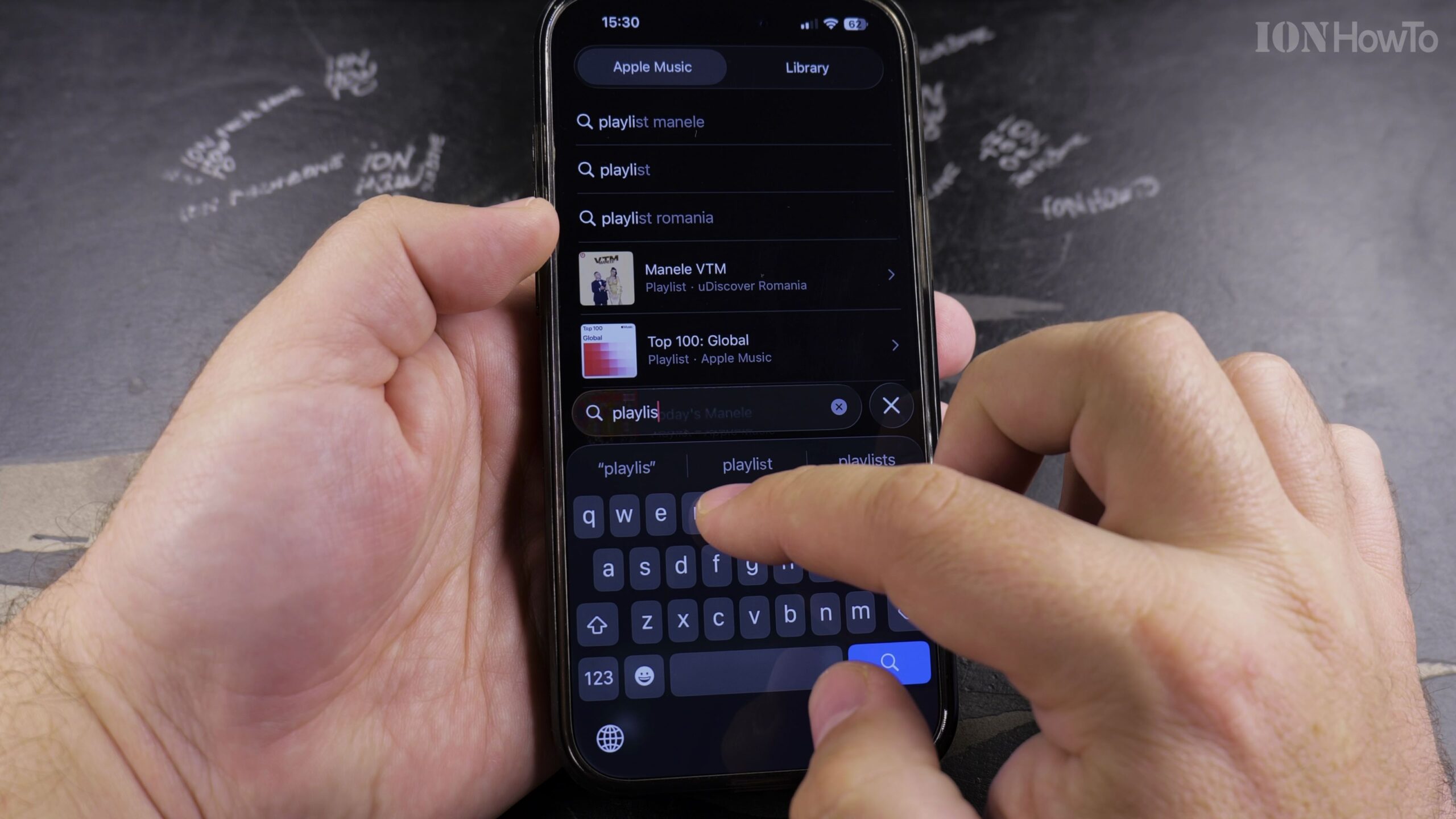
Explore Curated Discover Playlists in Search and Home
Tap the Search or Home tabs to browse official Apple Music mood mixes, decade playlists, and personalized weekly discovery mixes to add to your library.
Helpful Tips and Related Guides
Tapping the star icon on any playing song automatically adds it into your Favorite Songs playlist for easy offline listening. Explore more Apple guides in our Apple Music category, visit our Apple iPhone section, or browse Apple.


Leave a Reply