
Category: Apple Music & Audio
Step-by-step Apple Music tutorials for iPhone, iPad, and Mac. Learn how to manage your queue, playlists, audio quality, and vocal controls.
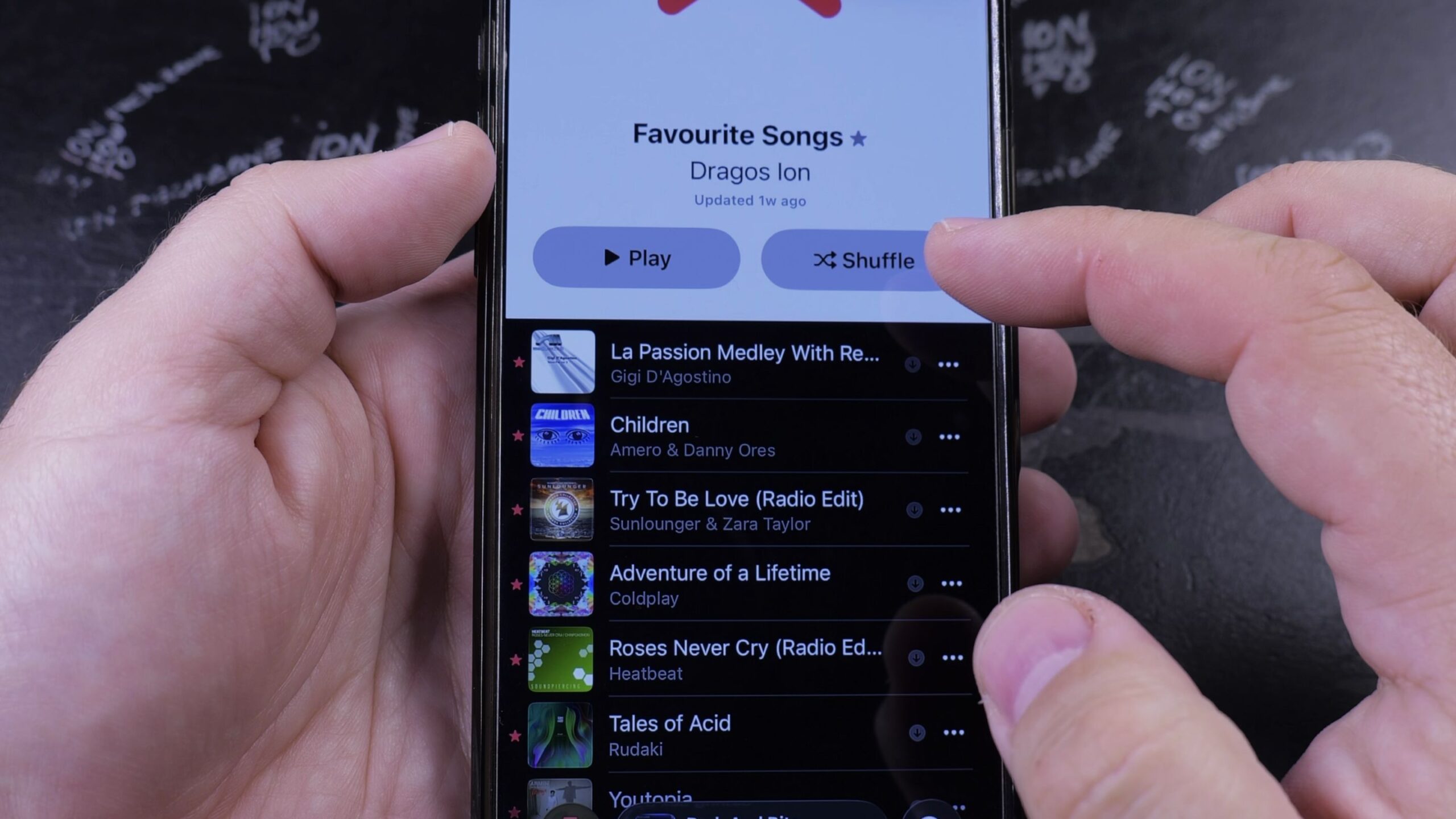
How to See Your Favorite Songs in Apple Music
Learn how to see your favorite songs in Apple Music on iPhone. Step-by-step instructions to open your starred songs playlist and manage favorites.
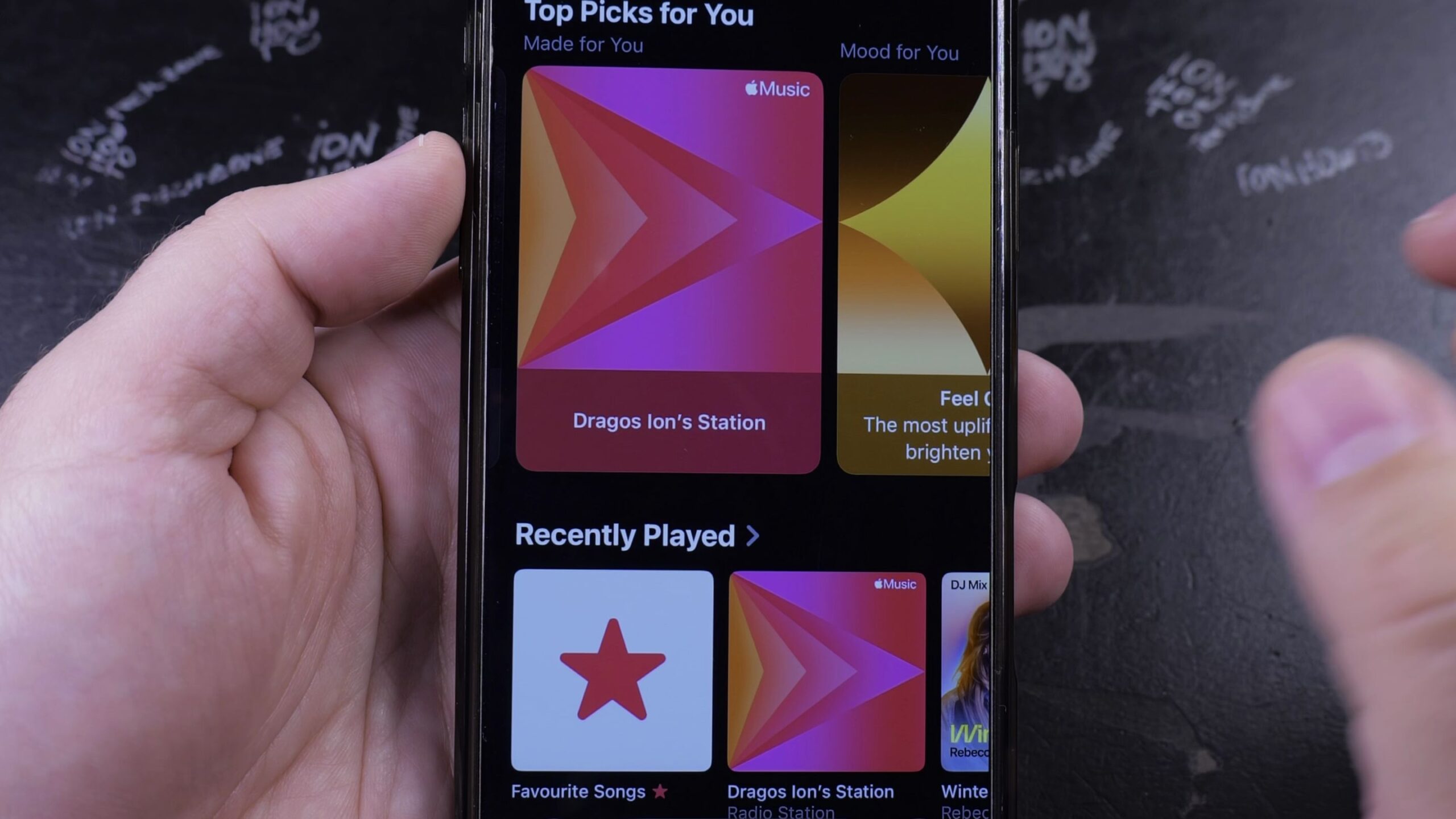
How to Find Your Station in Apple Music
Learn how to find your personalized radio station in Apple Music on iPhone. Step-by-step instructions to launch endless streaming based on your music taste.
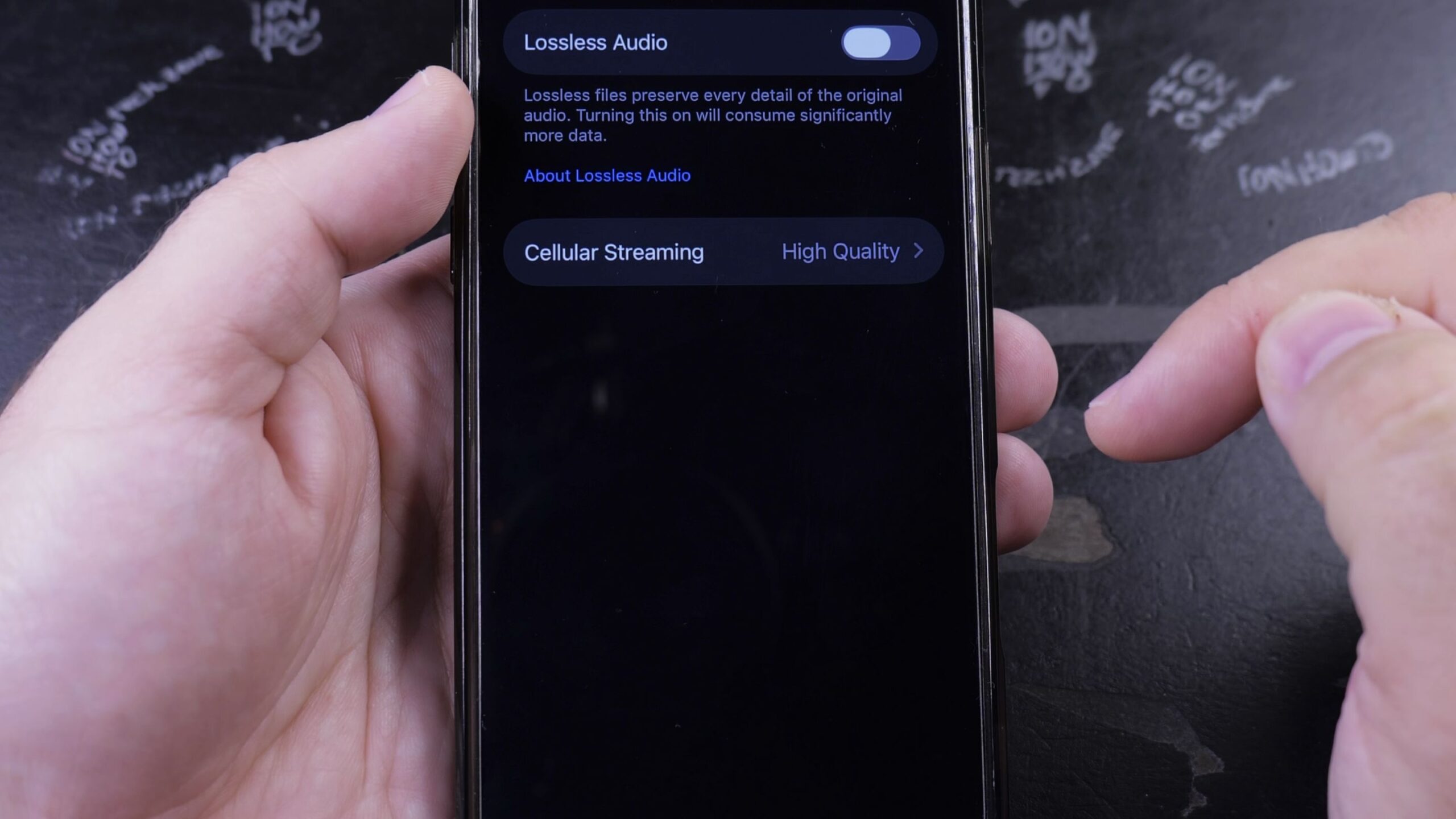
How to Change Sound Quality in Apple Music
Learn how to change sound quality in Apple Music on your iPhone. Step-by-step instructions to turn on Lossless Audio, adjust streaming bitrates, and enable Sound Check.
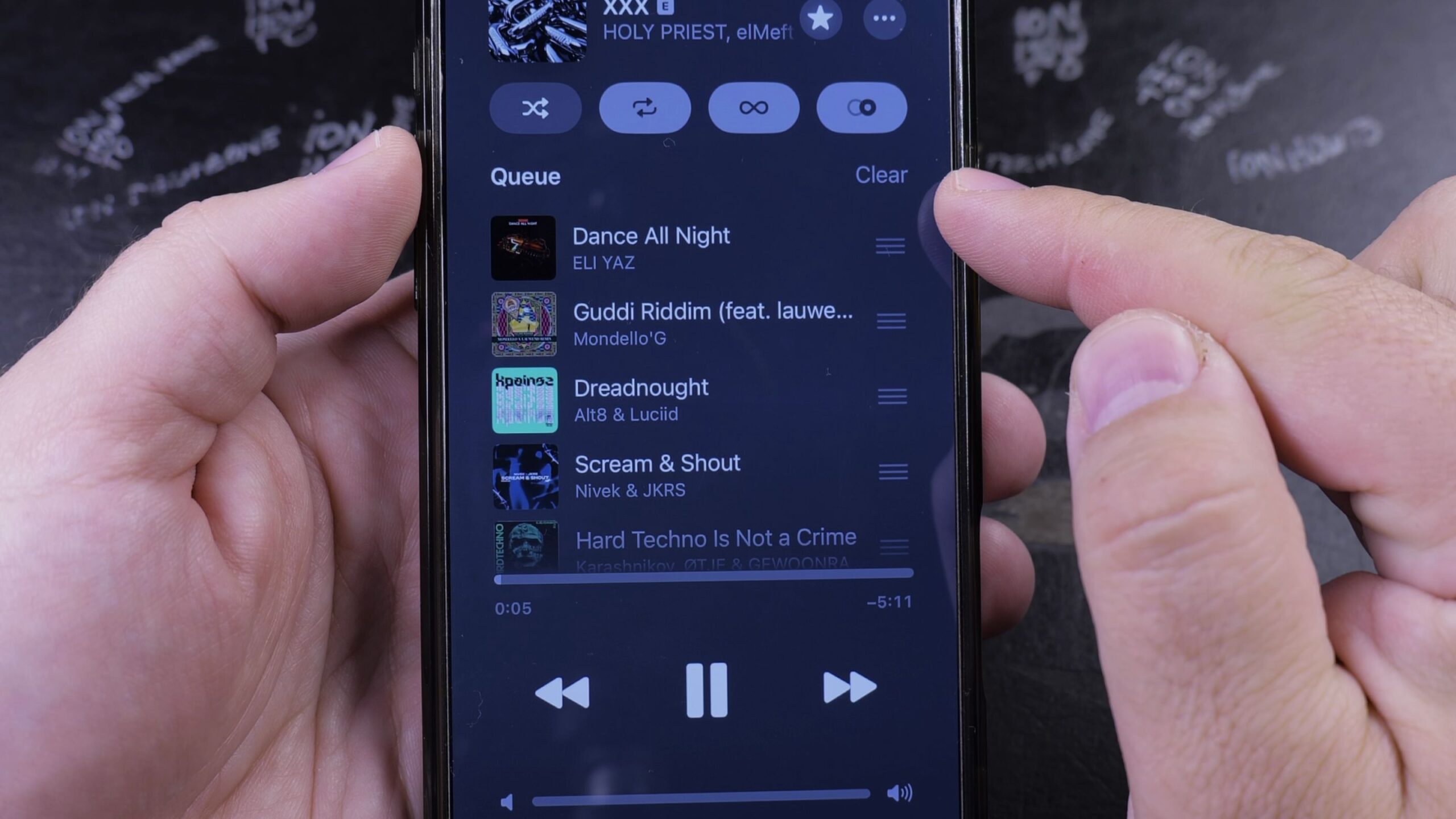
How to Clear Queue in Apple Music
Learn how to clear the upcoming song queue in Apple Music on your iPhone. Step-by-step instructions to empty your Playing Next list and manage AutoPlay.
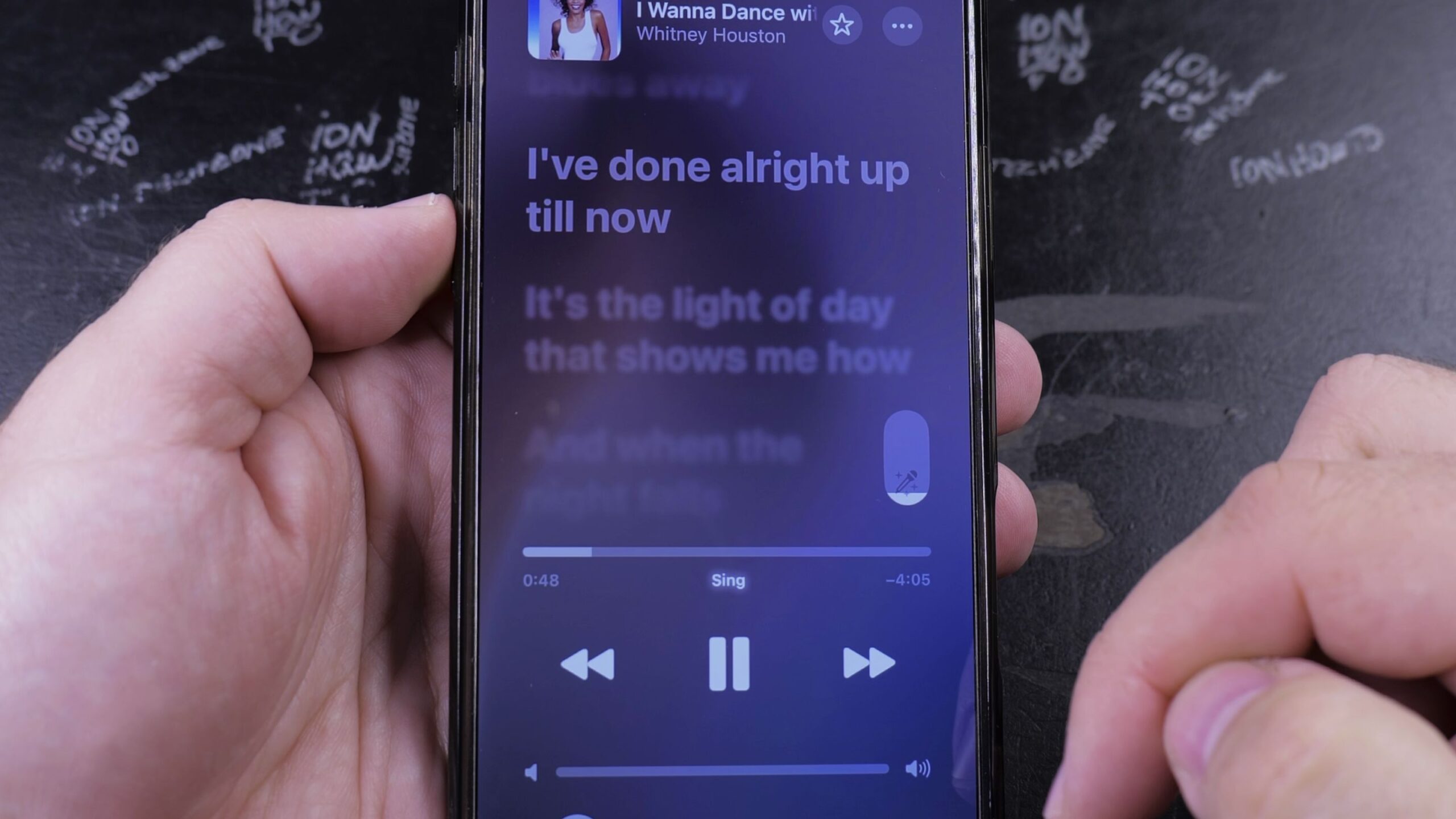
How to Remove Vocals on Apple Music
Learn how to remove vocals on Apple Music using Apple Music Sing. Step-by-step guide to adjust vocal levels and turn any song into an instrumental karaoke track.
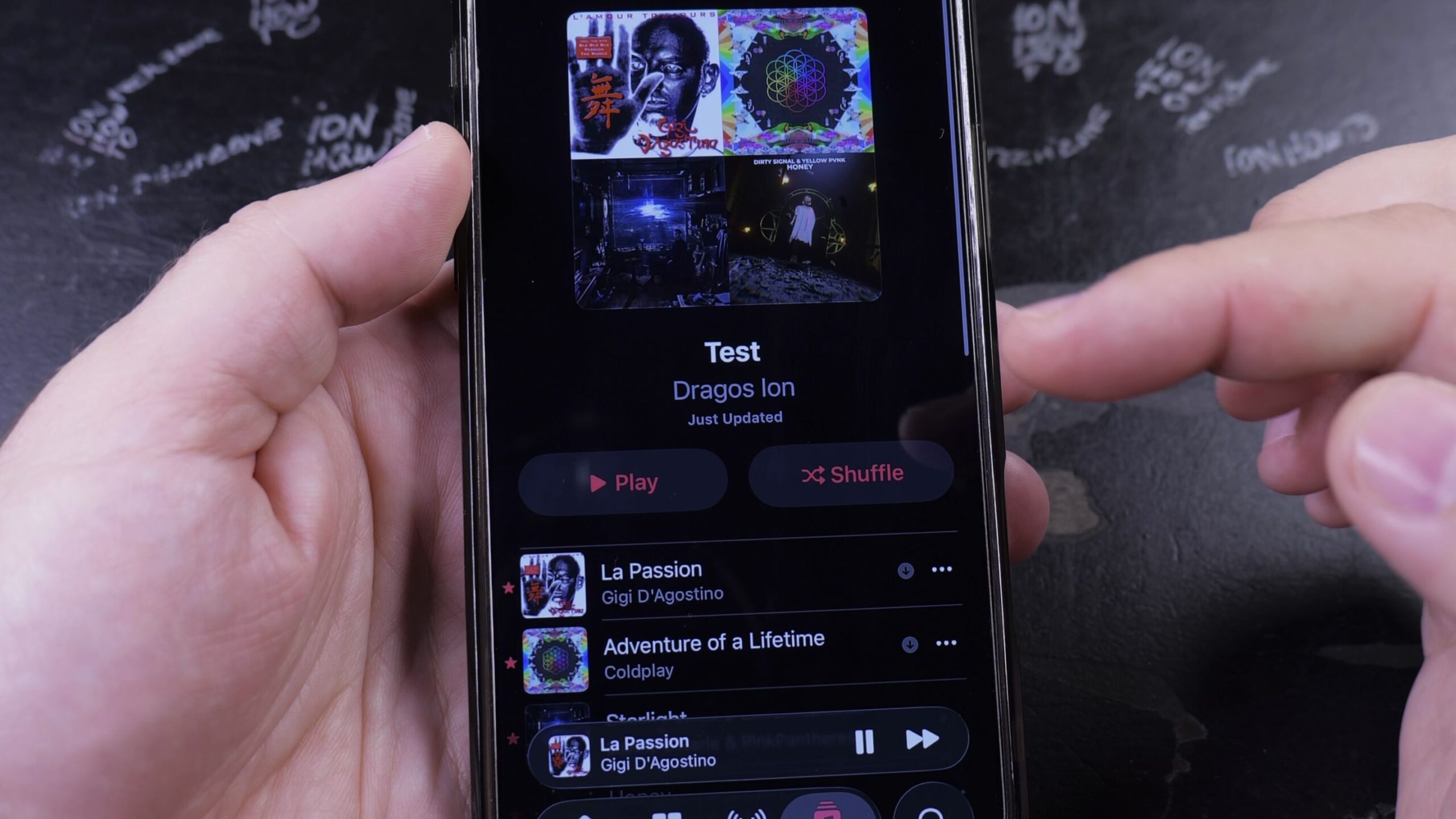
How to Create a Playlist in Apple Music
Learn how to create a playlist in Apple Music on your iPhone. Step-by-step instructions to name your collection, choose privacy settings, and add favorite songs.
How to See Your Most Played Songs in Apple Music
Learn how to see your most played songs and play count in Apple Music on iPhone and computer. Find your top tracks, monthly stats, and Replay highlights.
How to Set a Sleep Timer for Apple Music
Learn how to set a sleep timer for Apple Music on your iPhone. Step-by-step instructions to turn off music automatically using the Clock app or Siri.
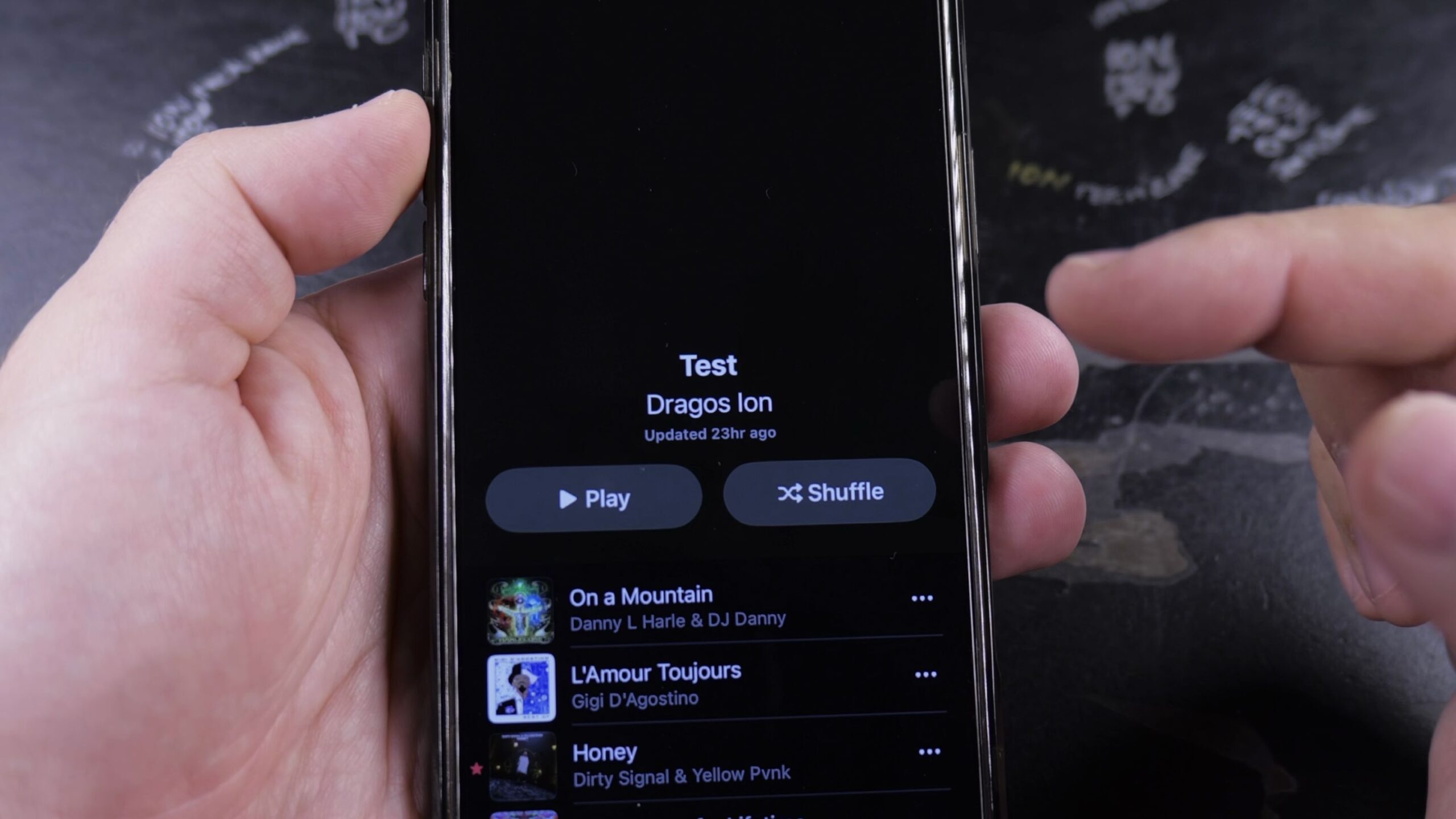
How to Repeat a Playlist in Apple Music
Learn how to repeat a playlist in Apple Music on your iPhone. Step-by-step guide to loop your entire playlist or repeat a single favorite song.
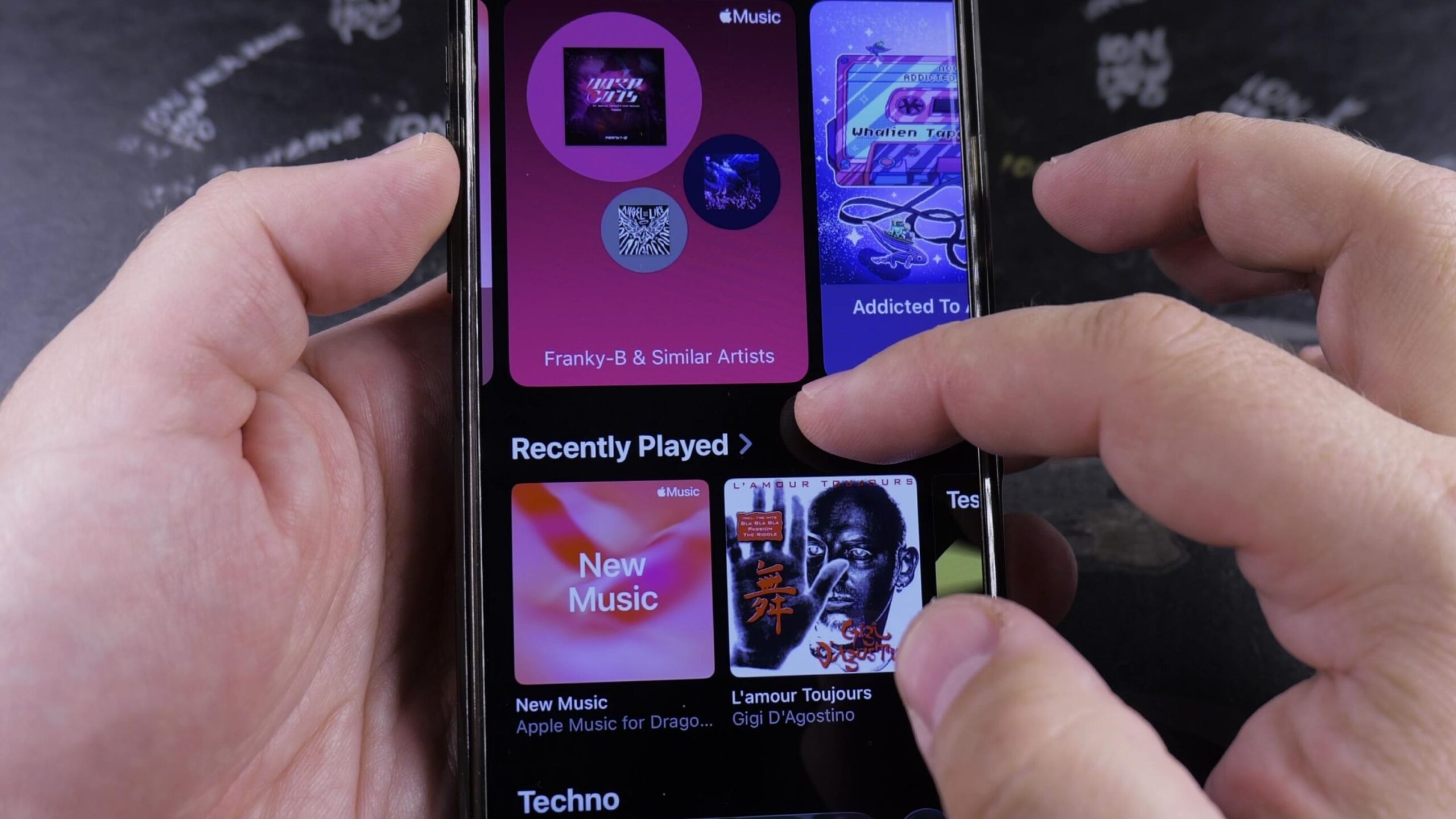
How to Play Random Songs in Apple Music
Learn how to play random songs in Apple Music on your iPhone. Step-by-step instructions to shuffle playlists, albums, and the Playing Next queue.