
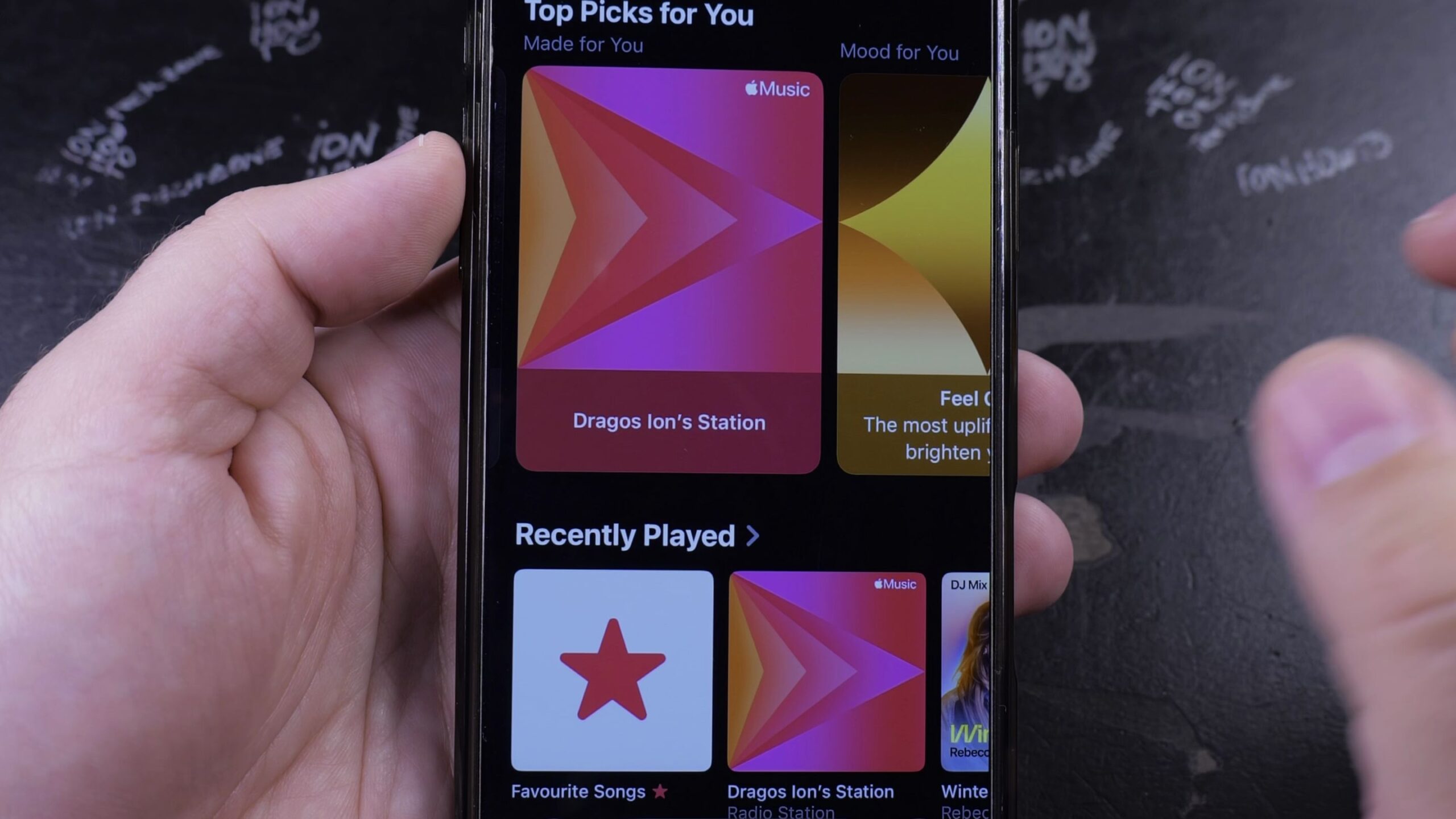
If you want endless music without having to pick songs one by one, Apple Music creates an infinite personal radio station based on your favorites. I’ll show you how to find your station in Apple Music on your iPhone in just a few taps.
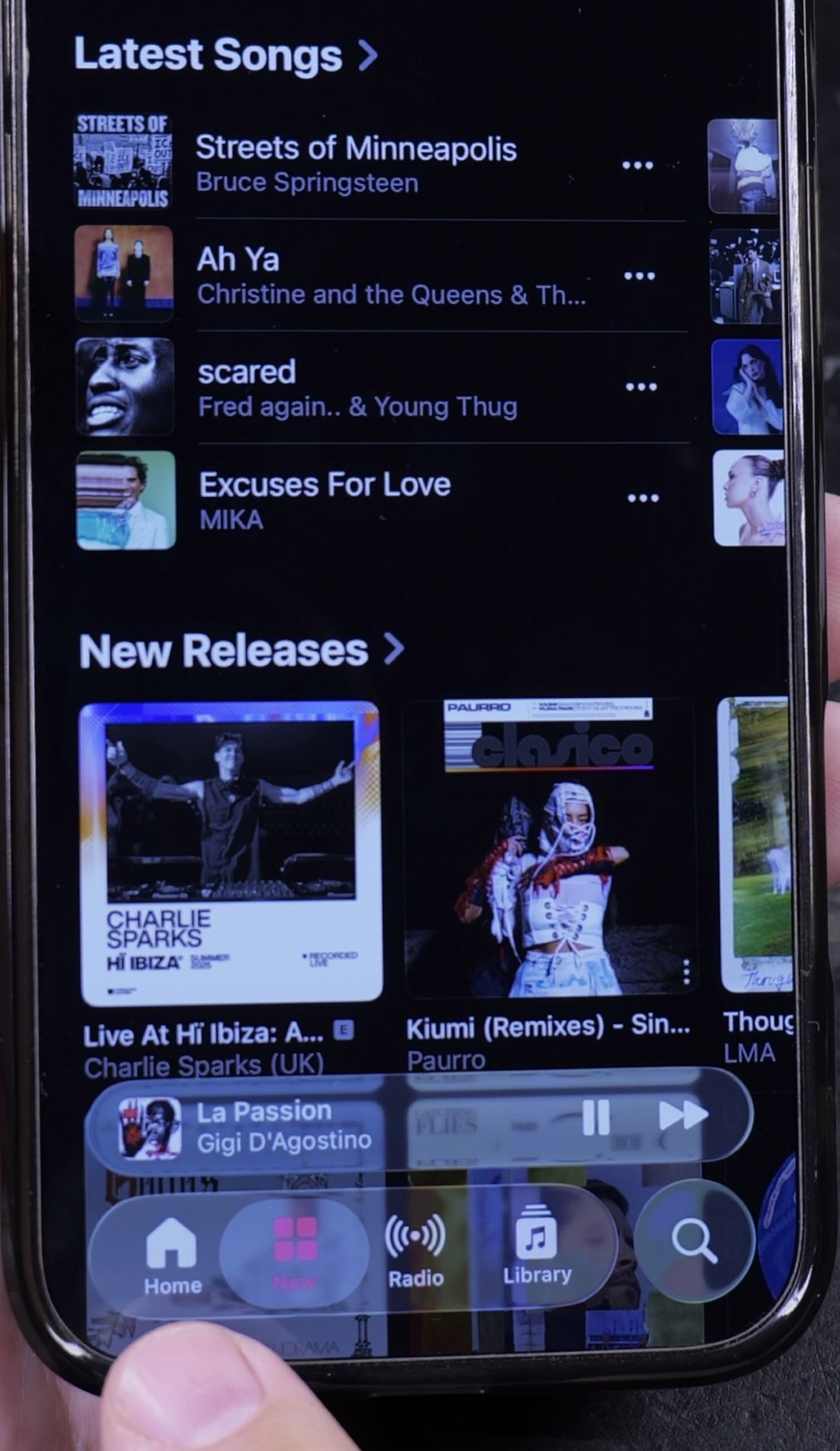
1. Open the Home Tab in Apple Music
Open the Music app on your iPhone.
Look at the bottom navigation row. In the bottom-left corner, tap the Home tab.
2. Find the Made for You Section
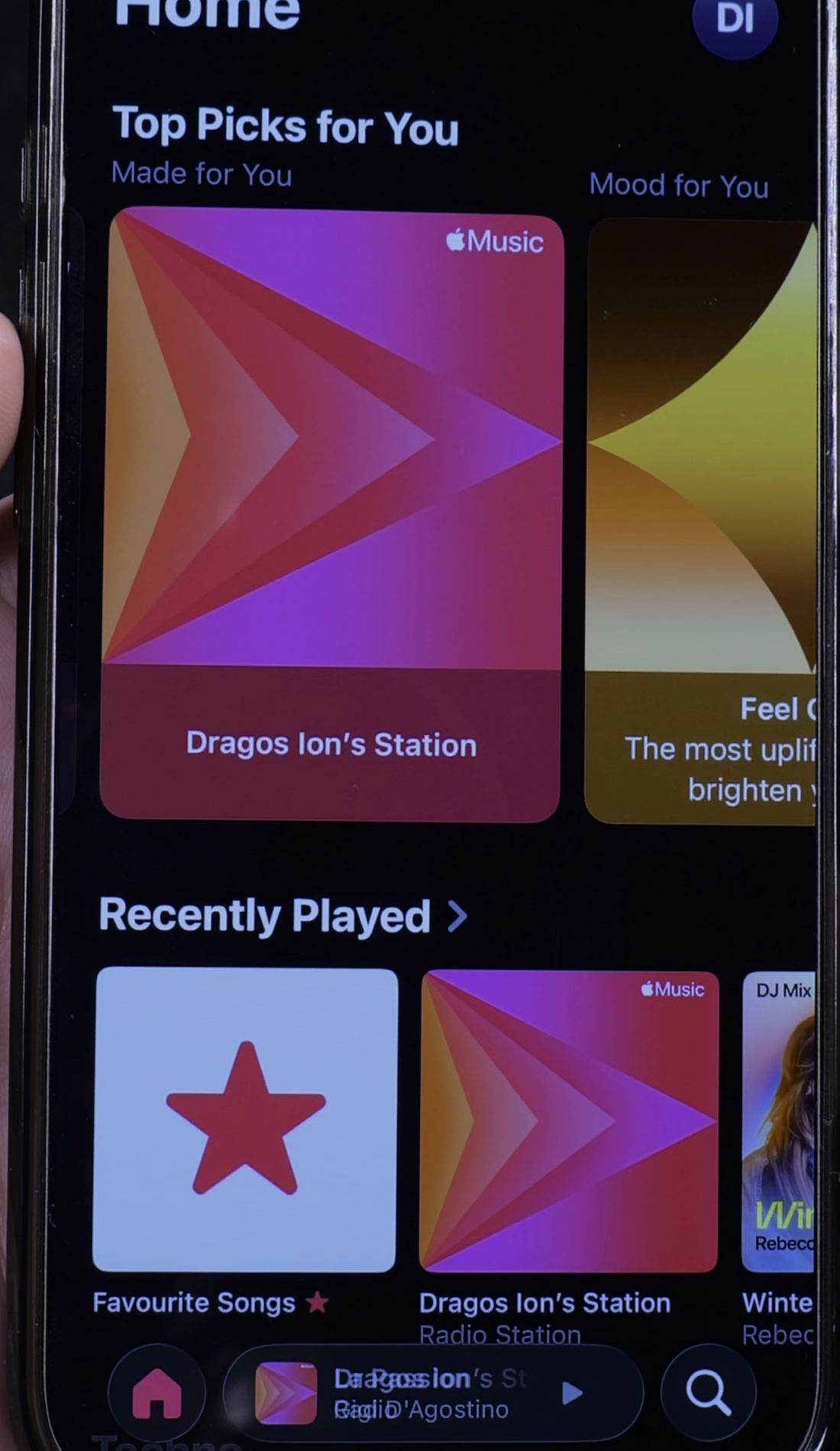
Scroll down past recently played albums to find the Made for You row.
Look for the square card featuring your first name and the label Station with a bright colorful icon.
3. Tap to Start Continuous Playback
Tap directly on your station card.
Music starts playing immediately. The station continuously mixes songs you love with new discoveries that match your tastes.
4. Tune Your Station with Favorite or Suggest Less
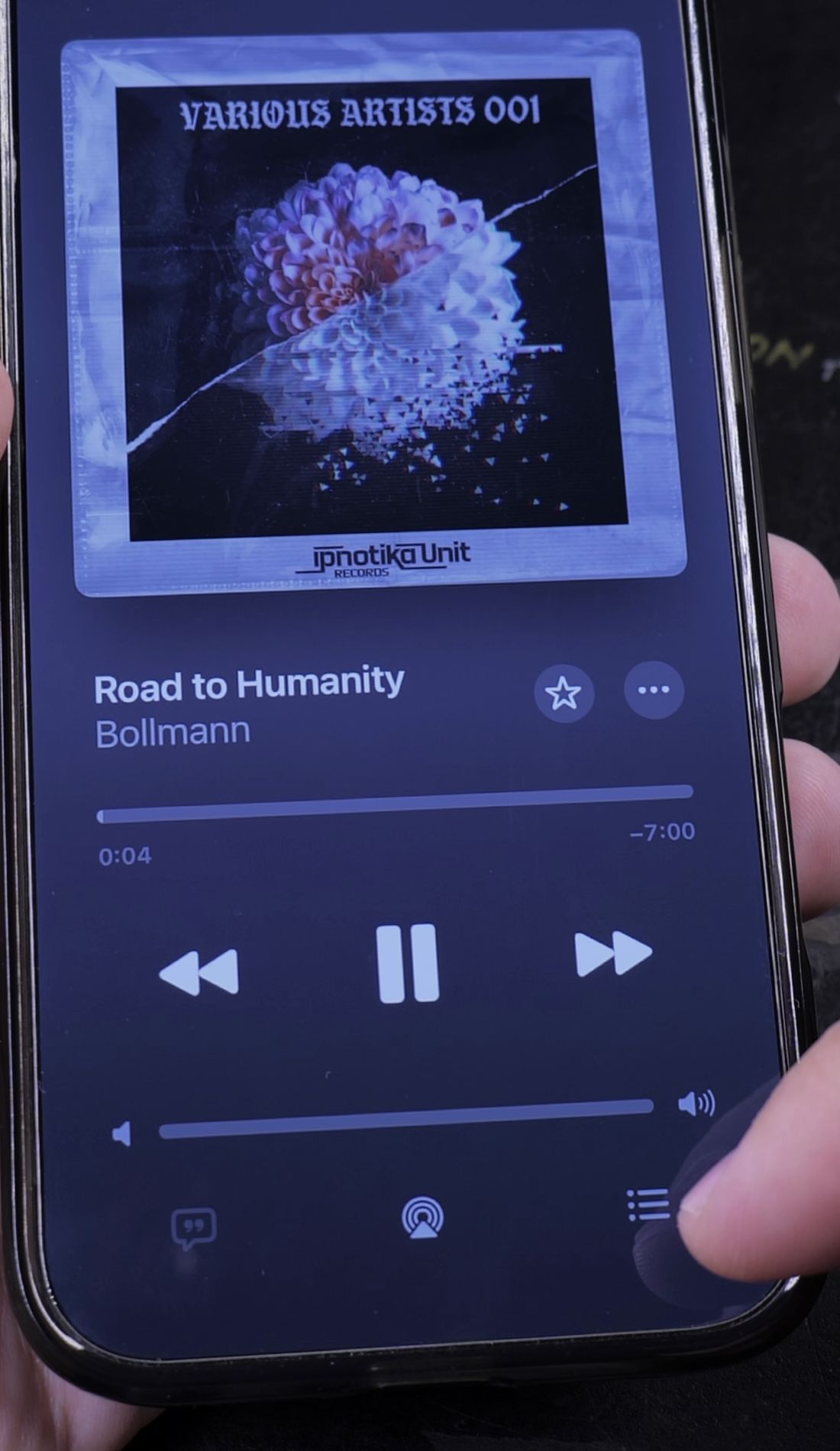
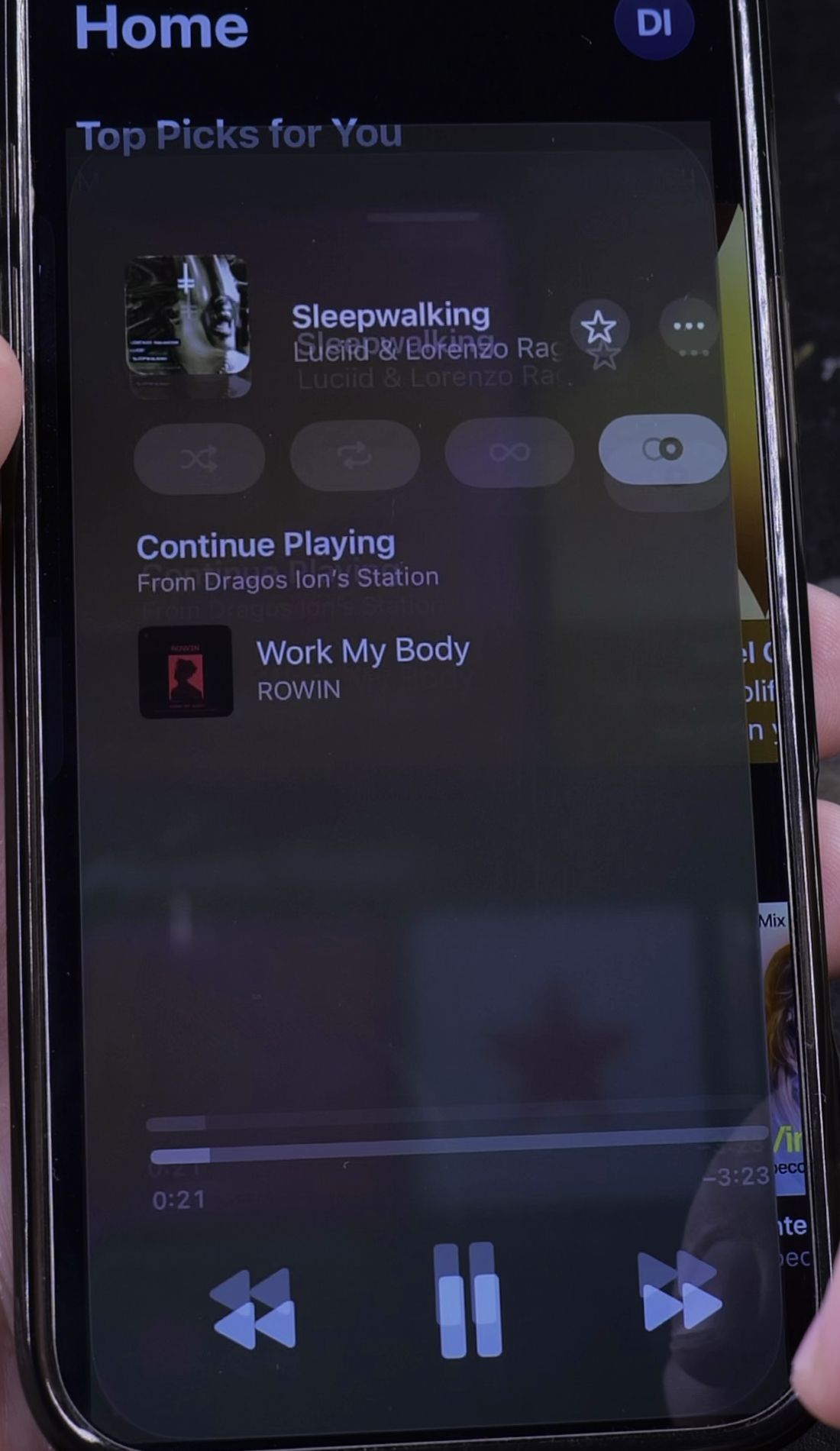
To teach the radio station what you prefer, open the full-screen player while a track is playing.
Tap the Star icon to favorite songs you enjoy so the station plays similar tracks more often.
If a song does not fit your mood, tap the three dots menu and tap Suggest Less to remove similar music from future recommendations.
Helpful Tips
You can also ask Siri at any time by saying “Hey Siri, play my station.” Siri will start streaming your custom radio mix instantly without touching your phone.
If you prefer saving specific tunes into permanent collections, check our guide on how to create a playlist in Apple Music. You can also learn how to change sound quality in Apple Music, or browse all of our Apple Music guides.


Leave a Reply