
Category: iPhone Guides
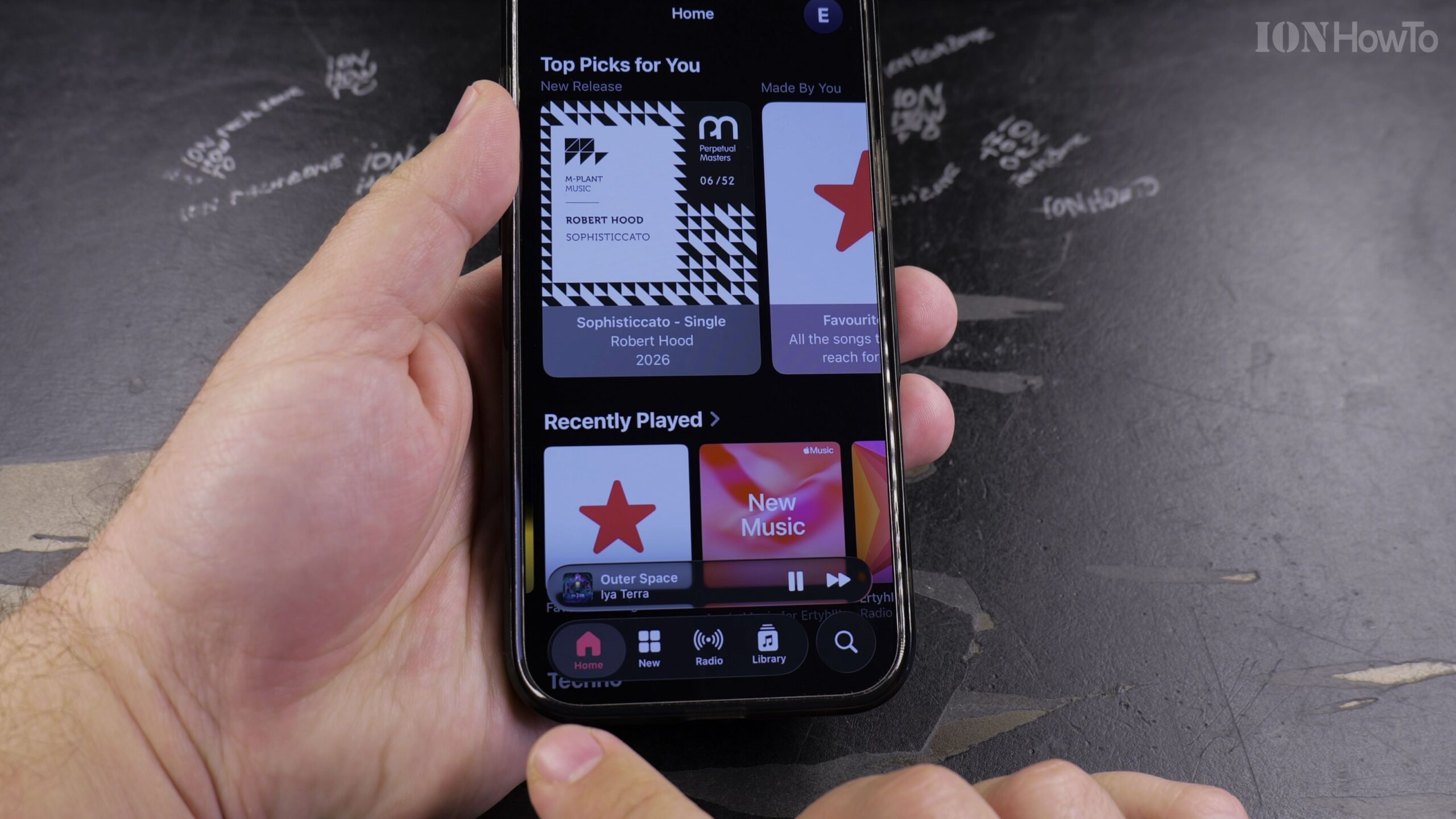
How to Find Your Playlists, Favorites, and Shazam Tracks in Apple Music
The Apple Music app organizes all your custom playlists, favorite tracks, saved albums, and Shazam discoveries inside the Library tab. Here is where to look and how to quickly sort your playlists on iPhone, iPad, or Mac.
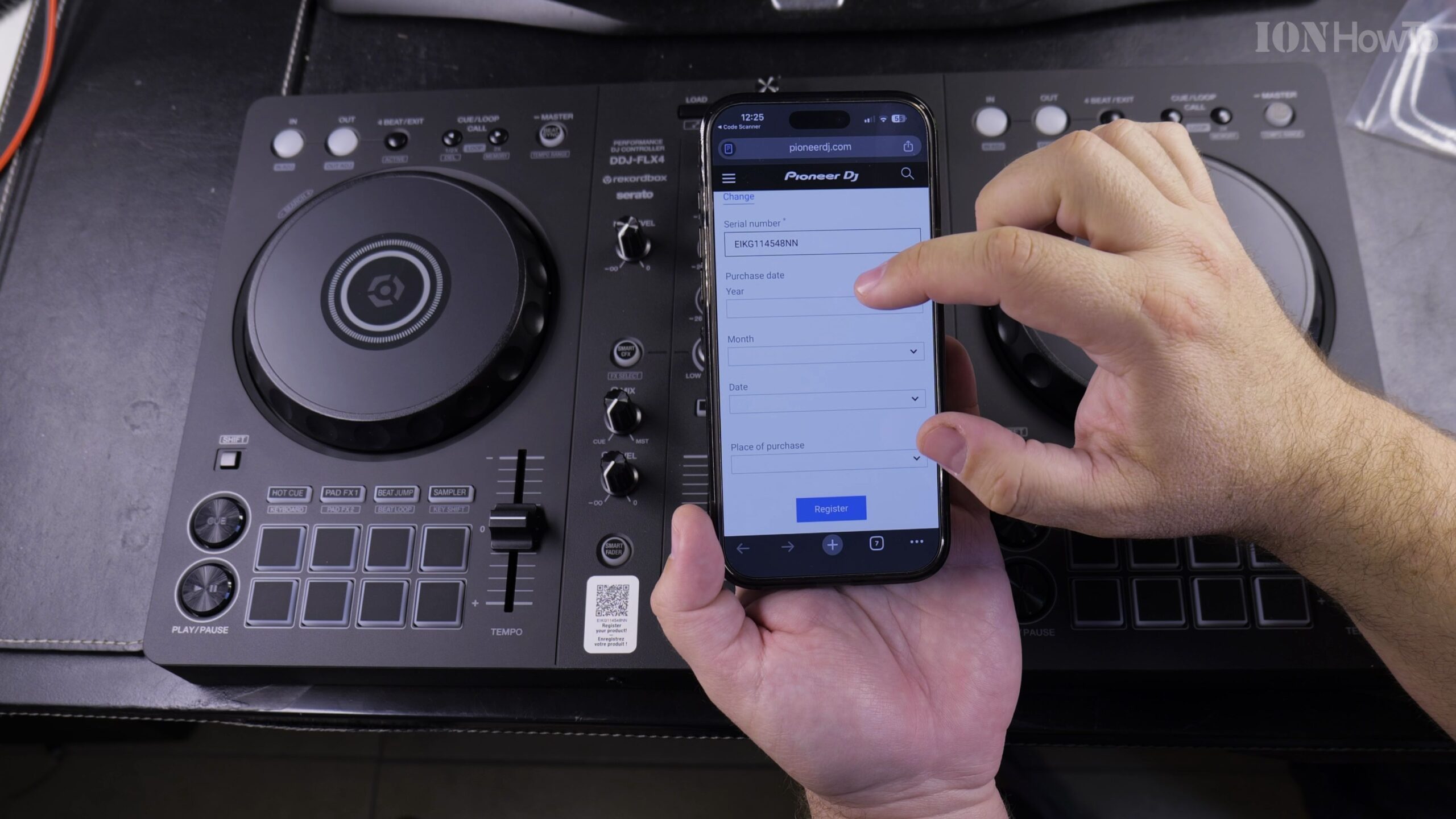
Pioneer DJ DDJ-FLX4 iPhone Setup: Ownership Registration and Rekordbox App Walkthrough
You do not need a bulky laptop to mix music—the Pioneer DJ DDJ-FLX4 controller connects directly to an iPhone running the mobile Rekordbox app via USB-C or Bluetooth LE. In this extended guide, I'll show you how to wire external power, connect your iPhone, and complete ownership registration to unlock Rekordbox Free Plus.
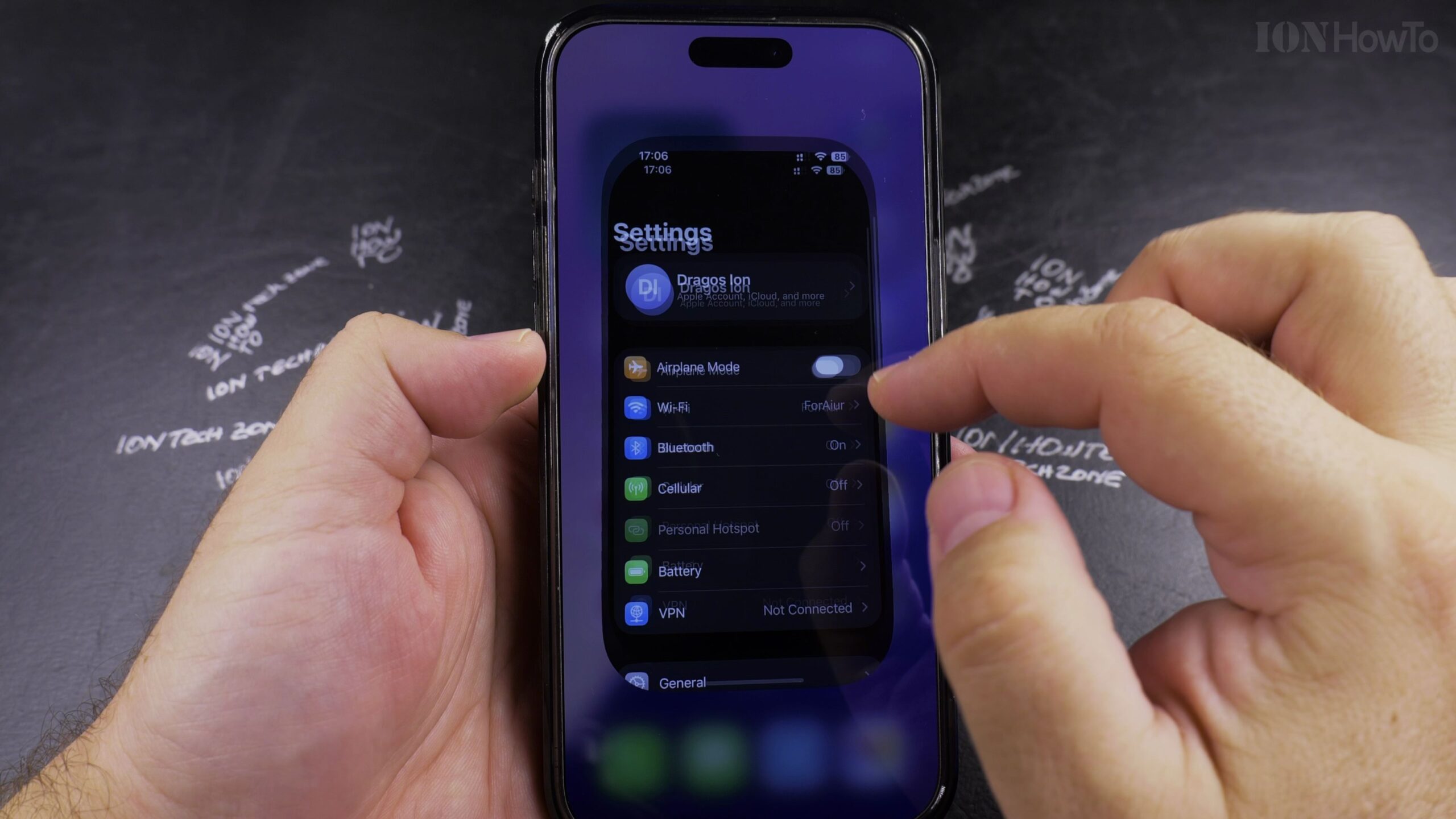
How to Set or Change Your Default Payment Card in Apple Wallet for Apple Pay
When you have multiple credit or debit cards added to Apple Wallet, setting your favorite rewards card as the default ensures it is selected automatically whenever you double-click the side button for contactless tap-to-pay in stores. Here is how to change your default payment card in Apple Wallet.
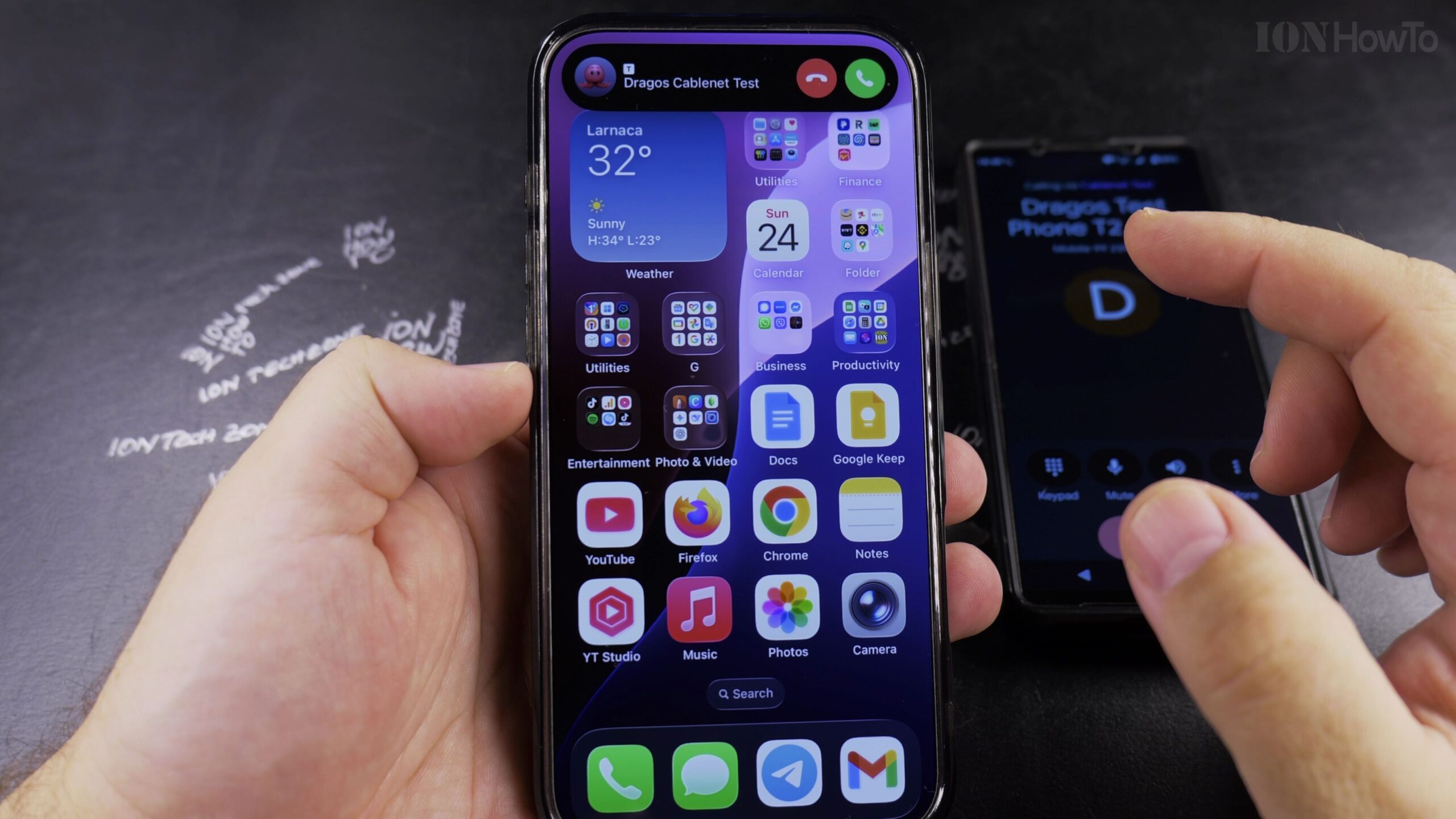
How to Disable Siri Announce Calls on iPhone (Stop Caller Name Announcements)
Having Siri speak the name of an incoming caller out loud through your iPhone speaker or connected Bluetooth headphones can be disruptive in quiet rooms or public settings. Here is how to turn off the Announce Calls feature in iOS Settings.
How to Prevent Airplane Mode from Being Turned On While Your iPhone Is Locked
When a thief steals an iPhone, their first instinct is to swipe down the Control Center and toggle on Airplane Mode so the phone cannot be tracked via Find My. In this guide, I'll show you how to disable Control Center on the Lock Screen and enable Stolen Device Protection to keep your iPhone secure.
How to Remove a Saved Passkey from the iCloud Passwords App on iPhone
Learn how to remove a saved passkey from the iCloud Passwords app on your iPhone. When you want to clean up old login credentials or delete passkeys from iCloud Keychain without accidentally erasing your standard password for an account, I'll show you exactly where to look inside the Passwords app.
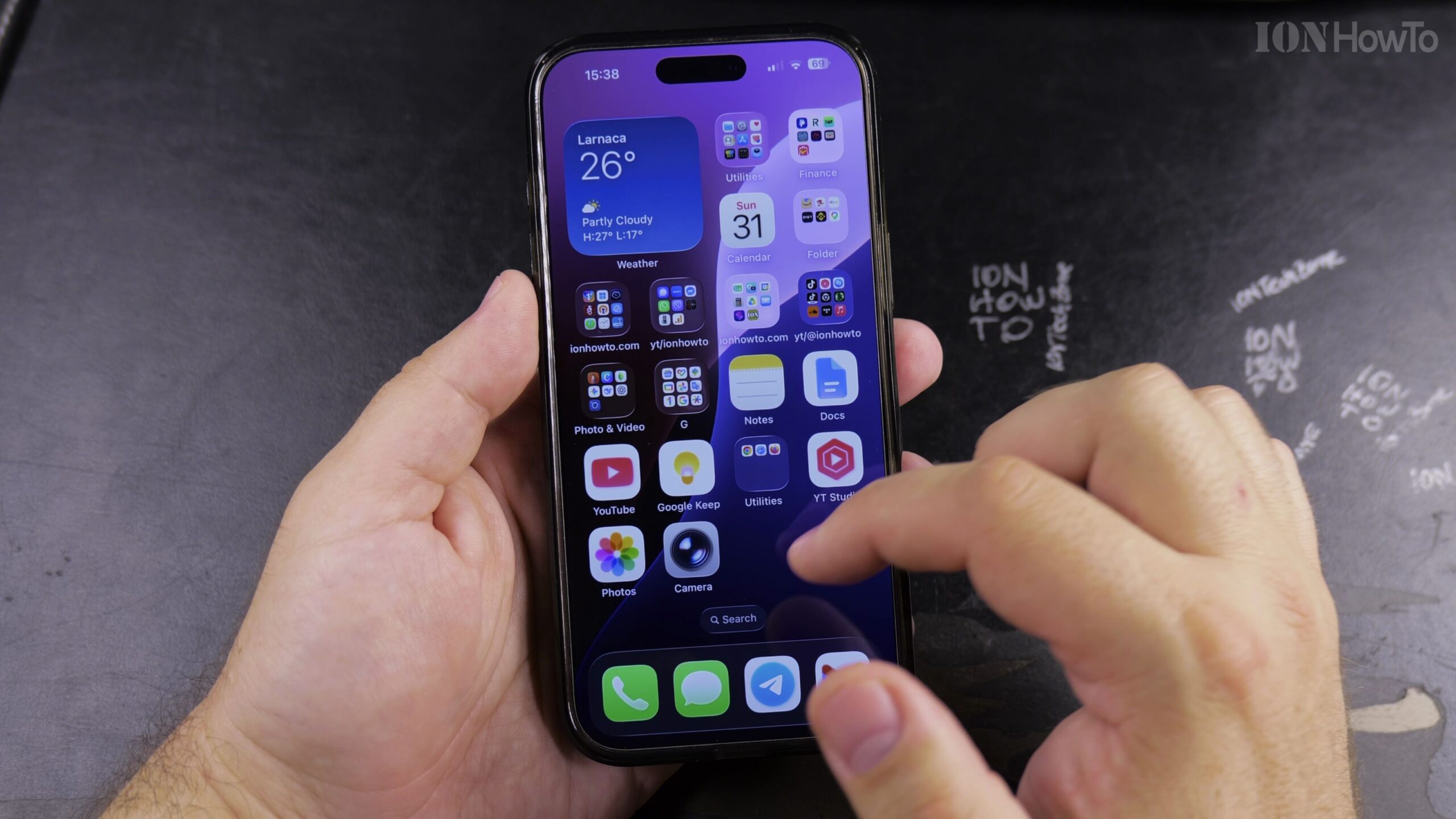
How to Add an App Icon Back to the Home Screen on iPhone
If an application icon disappeared from your iPhone Home Screen even though the app is still installed on your device, it is stored safely inside the App Library. In this step-by-step guide, I'll show you how to find any missing app in the iPhone App Library and add its icon right back to your Home…
How to Clear Browsing History on iPhone Safari Browser: Quick Privacy Guide
Over time, your web browser accumulates megabytes of tracking cookies, temporary scripts, and search records. Clearing this data frees up mobile storage space, resolves website loading glitches, and keeps your private searches confidential. Why Clearing Safari History Protects Your Privacy Over time, your web browser accumulates megabytes of tracking cookies, temporary scripts, and search records.…
Wired Headphones USB-C to 3.5mm Adapter on iPhone
How to Plug in Wired Headphones and Microphone with USB-C to 3.5mm Adapter on iPhone. In this guide I show you how to connect wired headphones and a microphone to your iPhone using a USB-C to 3.5mm jack adapter. This is useful if you have newer iPhone models without a built-in headphone jack but want…
Turn Off Siri Caller Name Announcement
iPhone: How to Turn Off Caller Name Announcement with Siri. Learn how to turn off caller name announcement on your iPhone. I show you the steps to disable this feature so Siri stops announcing who is calling before you answer. This is useful if you find the announcements disruptive or want more privacy when receiving…