
Category: iPhone Guides
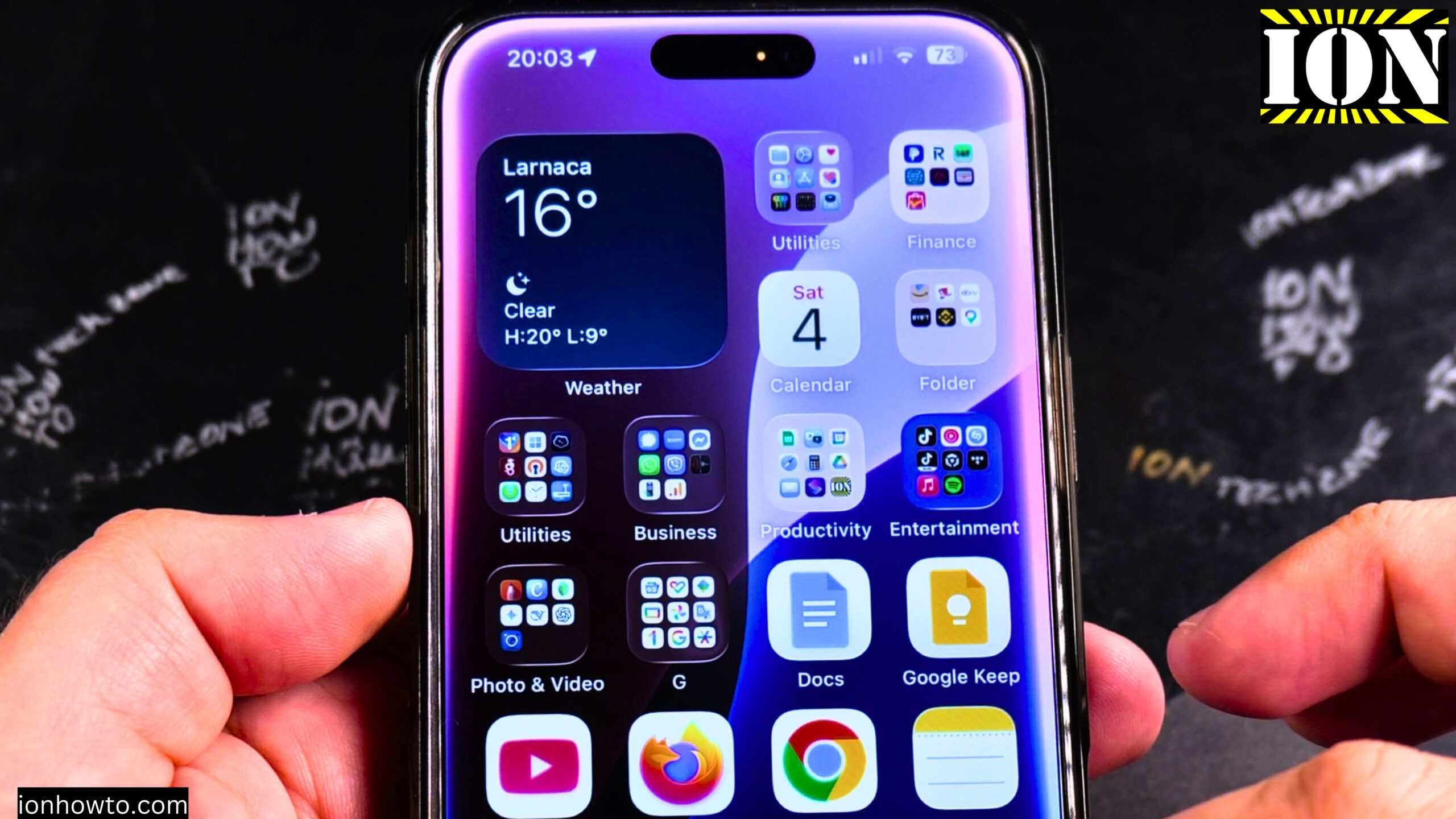
Disable iPhone eSIM Instead of Deleting
iPhone: How to Disable eSIM Instead of Deleting It. Learn how to disable an eSIM on your iPhone without deleting it. I show you the steps to turn off your eSIM plan temporarily. This is useful if you want to stop using a line but keep it on your phone for future use. You can…
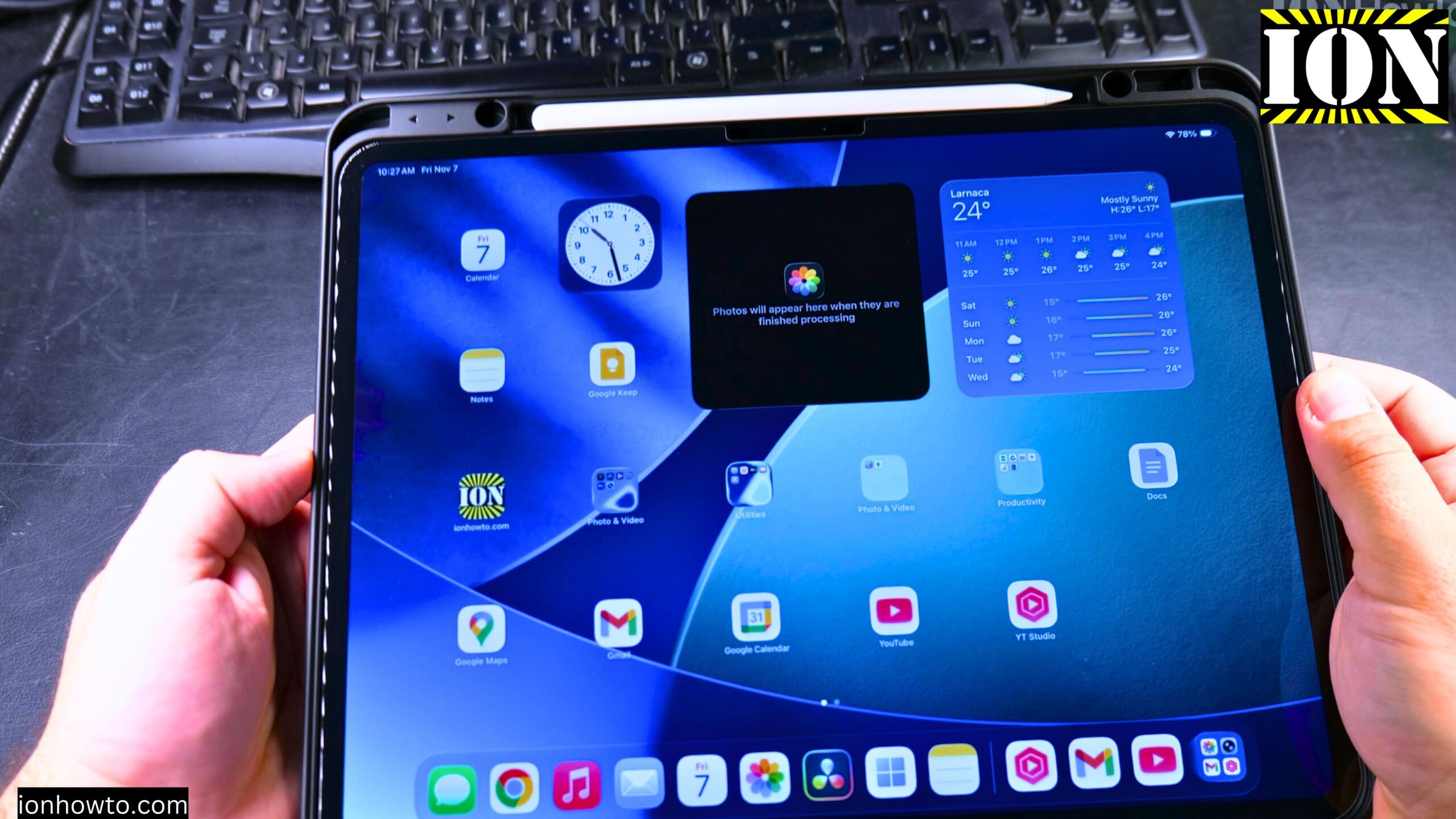
Install Chrome on iPad
How to Install Chrome on iPad. In this post, I show you how to install the Chrome browser on your iPad. I guide you through the steps to get Chrome on your iPad using the App Store. This is a simple process, and I’ll show you exactly what to do. I’ll show you on iPadOS…
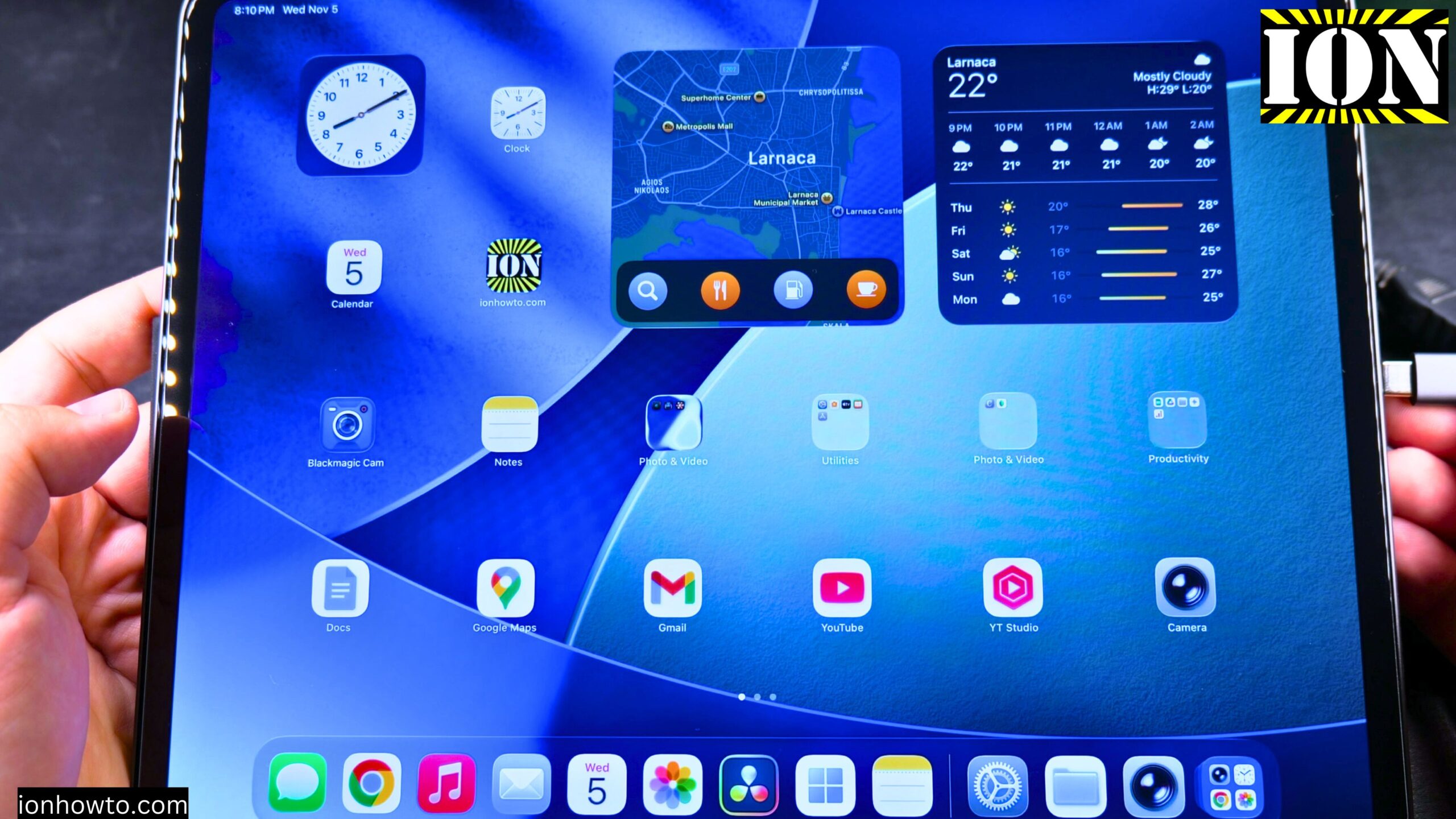
Connect HDMI to Extend iPad Screen
How to Connect an HDMI External Display and Extend Your iPad Screen. I show you how to connect your iPad to an external display using HDMI and extend your screen. This lets you use the external monitor as a separate workspace, not just a mirror of your iPad. I’ll show you on iPadOS 26 on…
Use Wired Headphones with Your iPad Pro
How to Use Wired Headphones with Your iPad Pro USB-C Port. Learn how to use wired headphones with a 3.5mm jack on your iPad Pro. Since the iPad Pro uses a USB-C port, you need a specific adapter to connect standard headphones. I’ll show you on iPadOS 26 on iPad Pro M5 13 Inch 2025…
Check iPad Display for Stuck Pixels or Lines
How to Check iPad Display for Stuck Pixels or Lines on Screen. Learn how to check your iPad display for stuck pixels or lines on the screen. This is helpful if you buy a used iPad or just want to make sure your display is in good shape. This was shown on iPadOS 26 on…
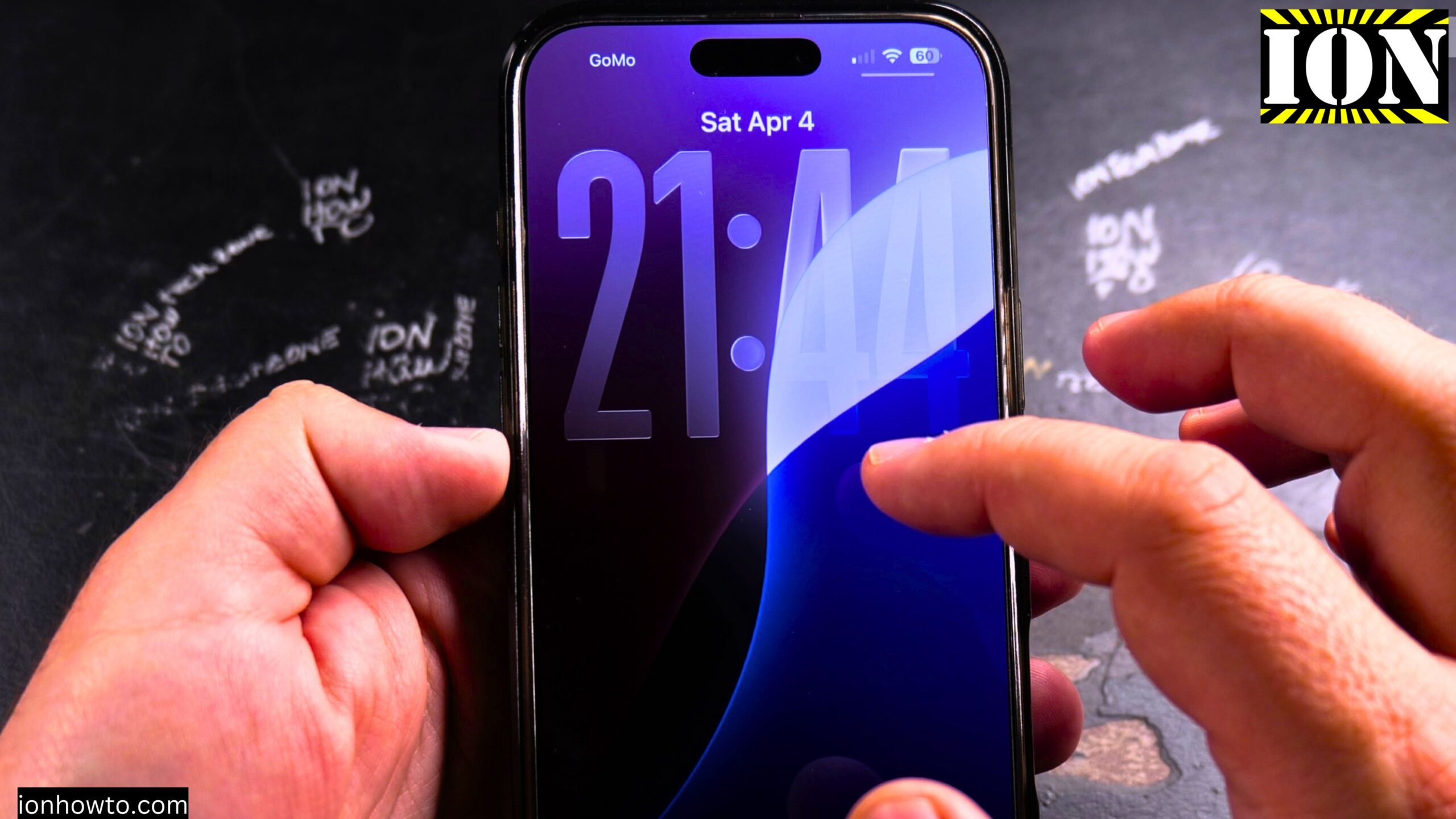
Turn Off the Parallax Effect on iPhone
How to Turn Off the Parallax Effect on iPhone: Turn On Reduce Motion Learn how to turn off the parallax effect on your iPhone. I show you the steps to turn on the Reduce Motion setting. This will stop the 3D-like movement on your home screen and make your icons stay still. This was shown…
Set Up Your New iPad Pro M5 with iPhone and iCloud
How to Set Up Your New iPad Pro M5 with iPhone and iCloud Backup. Learn how to set up your new iPad Pro M5. This guide is perfect if you just got your iPad and want to start using it quickly. I show you the steps to transfer all your data from your iPhone using…
Turn Off AutoPlay in Apple Music
Apple Music: How to Turn Off AutoPlay. Learn how to disable AutoPlay in Apple Music. This stops the player from continuing to play recommended songs after the current songs in a playlist or album are finished playing. AutoPlay is a great way to keep music playing even if you only played one song. But if…
Listen Offline in Apple Music
How to Listen Offline in Apple Music. Learn how to listen to music offline in Apple Music. If you are on an airplane and you want to listen to your favorite songs offline without having to use the mobile internet or even Wi-Fi, or if you do not have Wi-Fi, maybe you are in some…
How to Get Apple Music for Free
How to Get Apple Music for Free using the Apple Music Free Trial of 3 months or 6 months when buying Apple Devices. Learn how to get an Apple Music subscription for free using a long free trial. A 3 months free trial for Apple Music was available with the purchase of an iPhone. When…