
Category: Android & Mobile
Simple, step-by-step Android phone and tablet guides for Samsung Galaxy, Google Pixel, Sony Xperia, and other mobile devices.
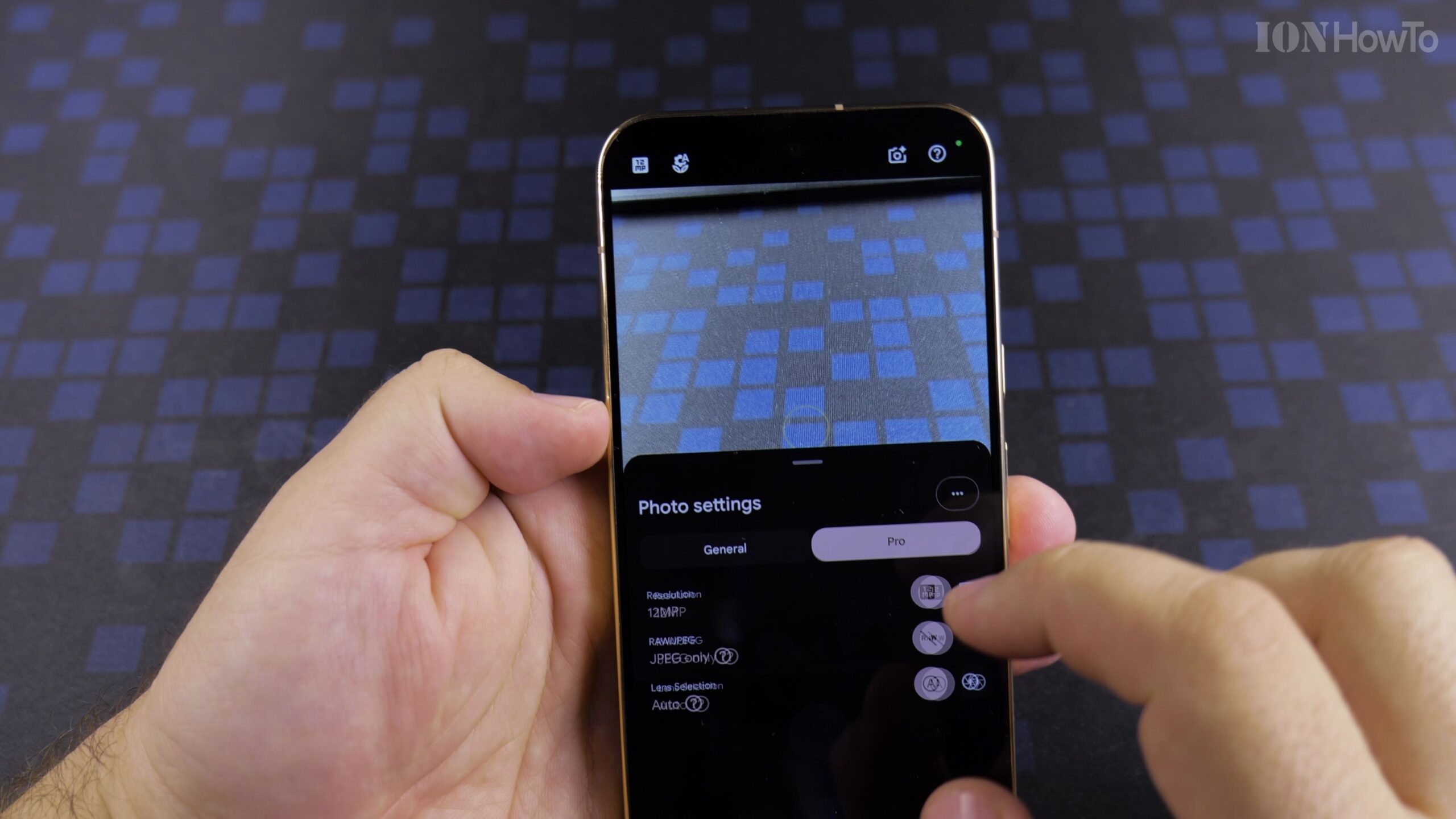
Change Google Pixel 11 Pro XL Settings After Setup: GCam Camera Settings Guide
The Google Pixel 11 Pro XL features state-of-the-art camera hardware, but default factory settings compress images to 12.5 megapixels and limit video recording to save storage. Adjusting your settings unlocks high-resolution 50MP capture and cinema-grade 4K 60fps video. Why Default Camera Settings Need Adjustment The Google Pixel 11 Pro XL features state-of-the-art camera hardware, but…
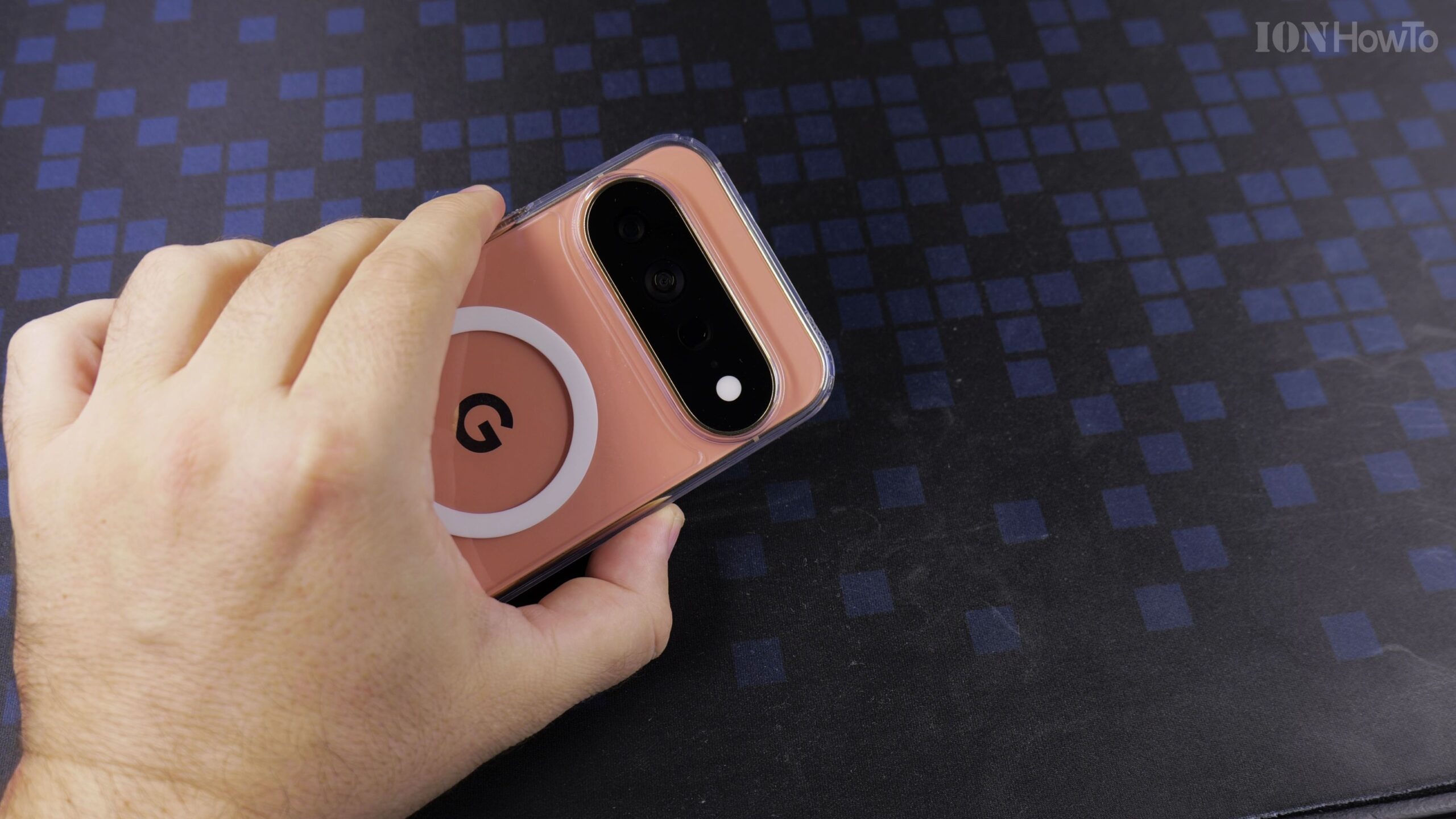
How to Set a Custom HiLight Color for Contact Phone Call on Google Pixel 11 Pro XL Android
The Google Pixel 11 Pro XL introduces HiLight notification lighting, an intelligent perimeter glow that signals alerts and incoming calls. By assigning custom colors to specific family members or colleagues, you can tell who is calling across a room without checking the screen. What Is HiLight on Google Pixel 11 Pro XL? The Google Pixel…
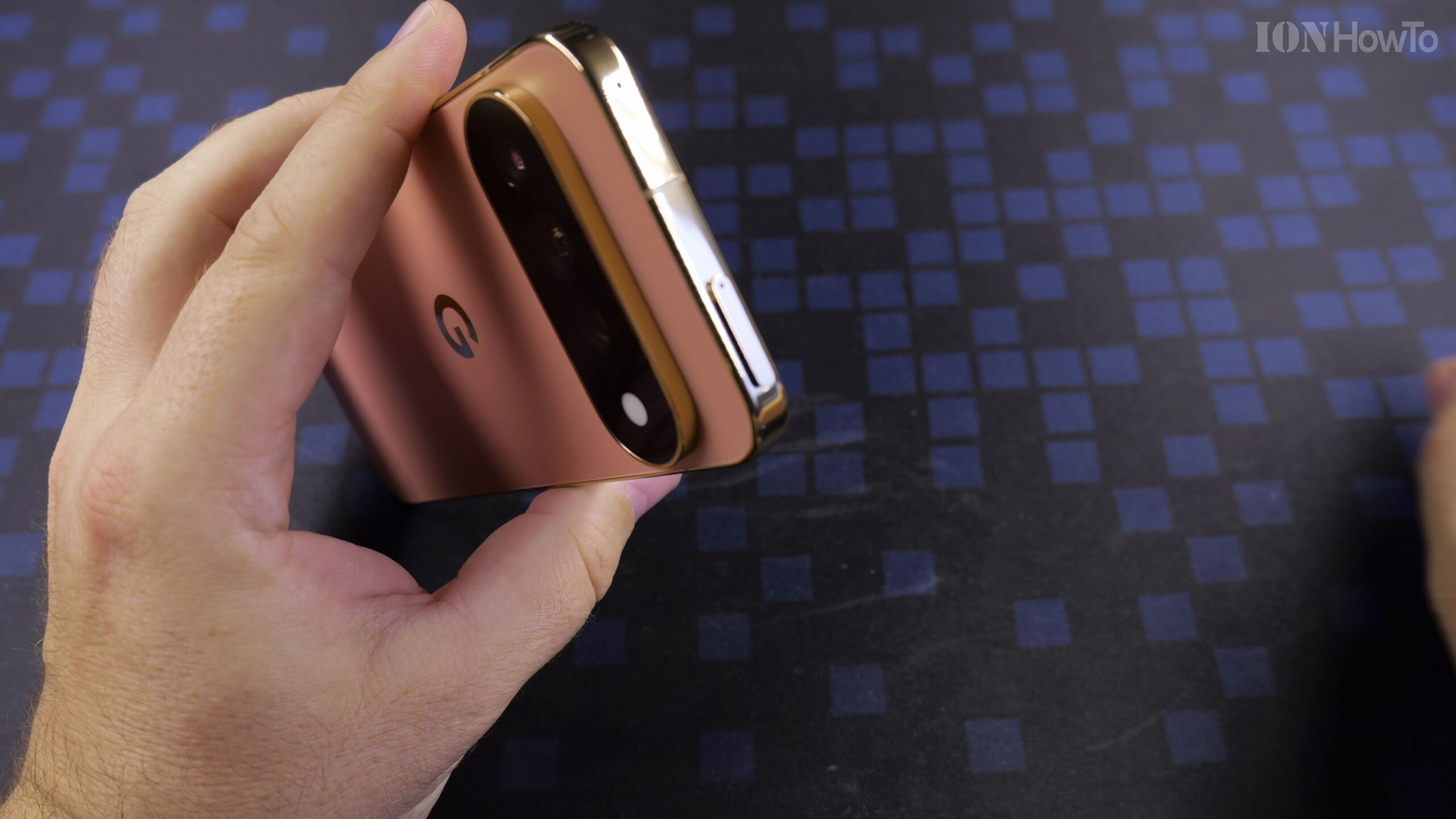
How to Remove SIM Card Tray on Google Pixel 11 Pro XL: Safe Eject Guide
Modern flagship smartphones have multiple tiny openings on their metal frame. On the Google Pixel 11 Pro XL, the SIM tray is positioned along the bottom edge. Crucially, the tray has its own pinhole inside the tray outline. Do not insert the tool into the secondary microphone hole located on the opposite side of the…
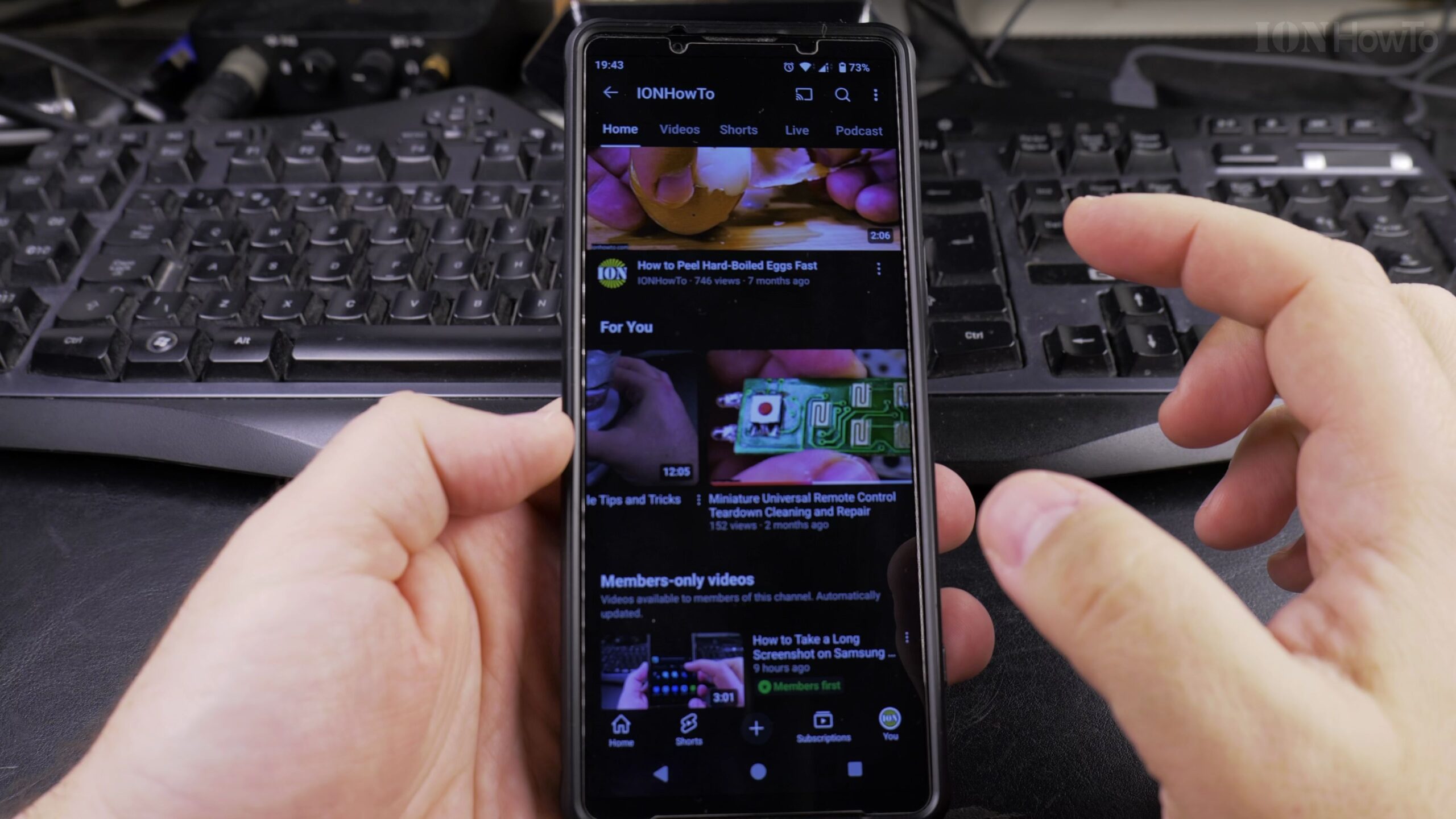
How to Use YouTube App Ambient Mode on Android Devices: Step-by-Step Guide
YouTube Ambient Mode samples the dominant colors in the video you are watching and projects a soft, diffused lighting effect directly onto the surrounding black interface. It creates a theater-like immersion when watching videos in a dimmed room. What Is YouTube Ambient Mode and How Does It Work? YouTube Ambient Mode samples the dominant colors…
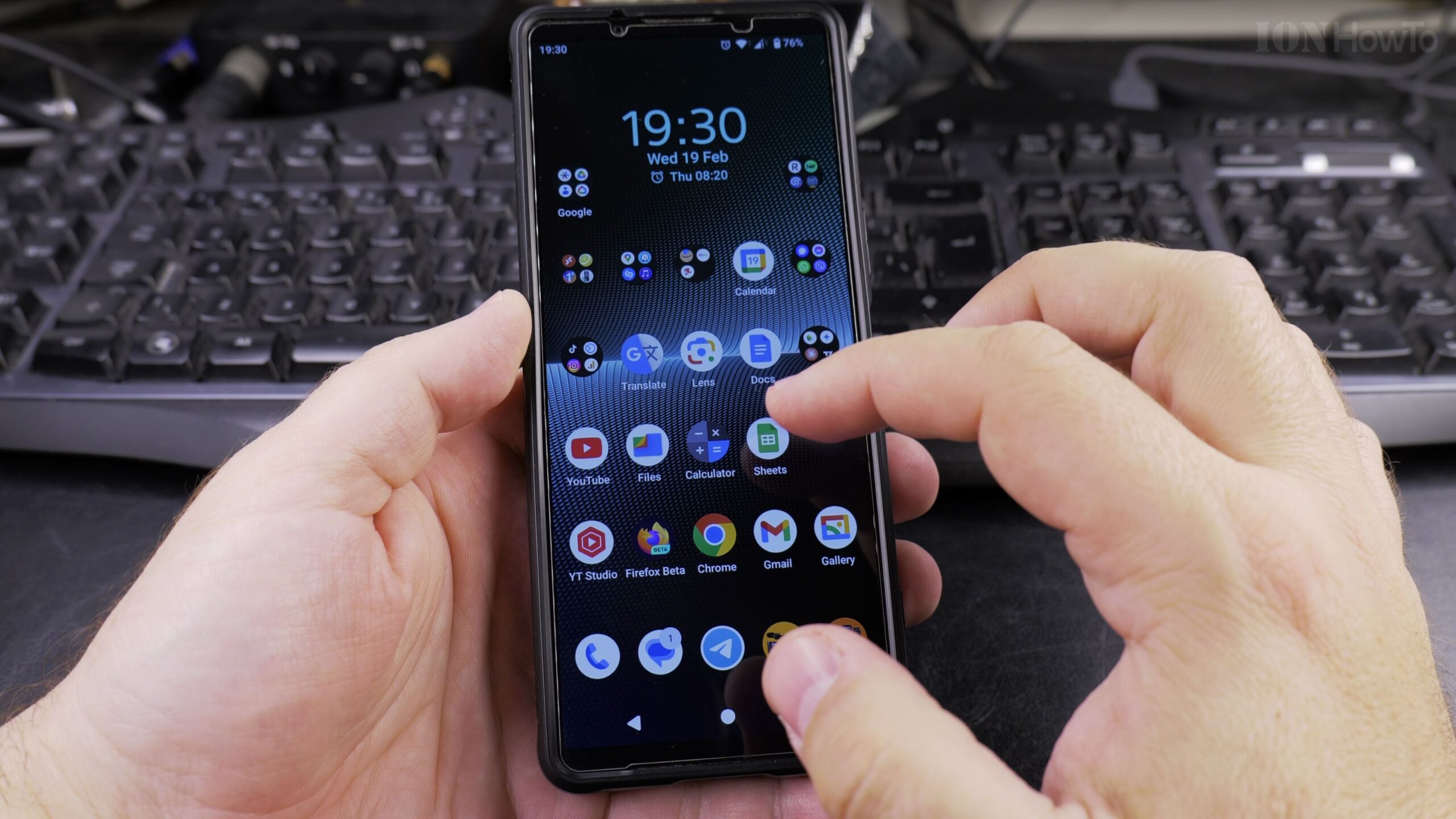
How to Delete Downloads on Android: Free Up Storage Space Guide
Every time you open an email attachment, save a receipt, or download a wallpaper, Android stores the file in your internal Downloads folder. Over time, these forgotten files accumulate and take up gigabytes of valuable storage. Why Regularly Clearing Downloads Matters Every time you open an email attachment, save a receipt, or download a wallpaper,…
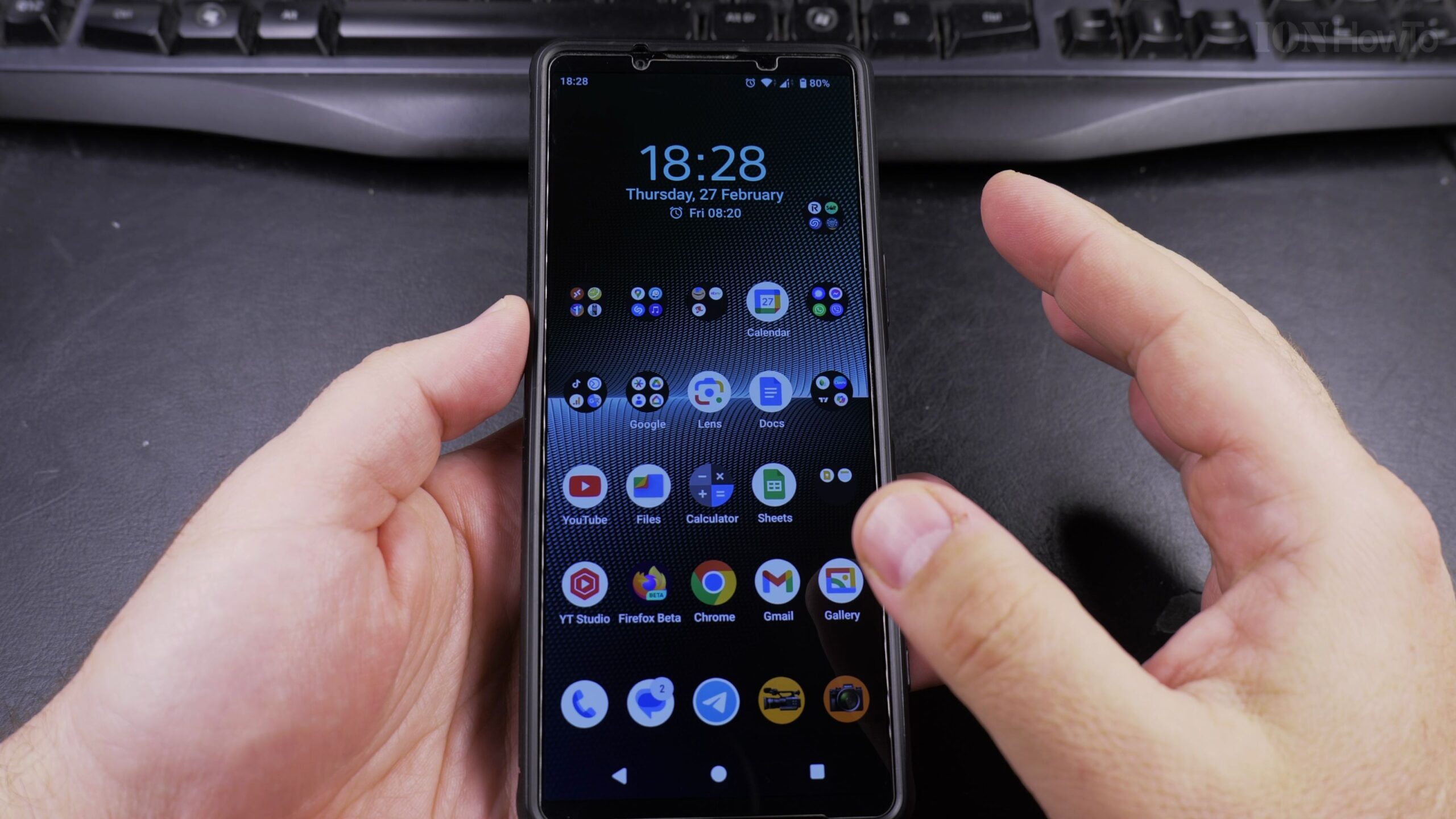
How to Change Device Name on Android: Easy Step-by-Step Guide
By default, Android phones are assigned technical model codes such as XQ-DQ54 or generic manufacturer tags. When pairing with Bluetooth headphones, cars, or sharing files with Quick Share, a personalized name ensures you always connect to the right device without confusion. Why Renaming Your Android Phone Is Helpful By default, Android phones are assigned technical…
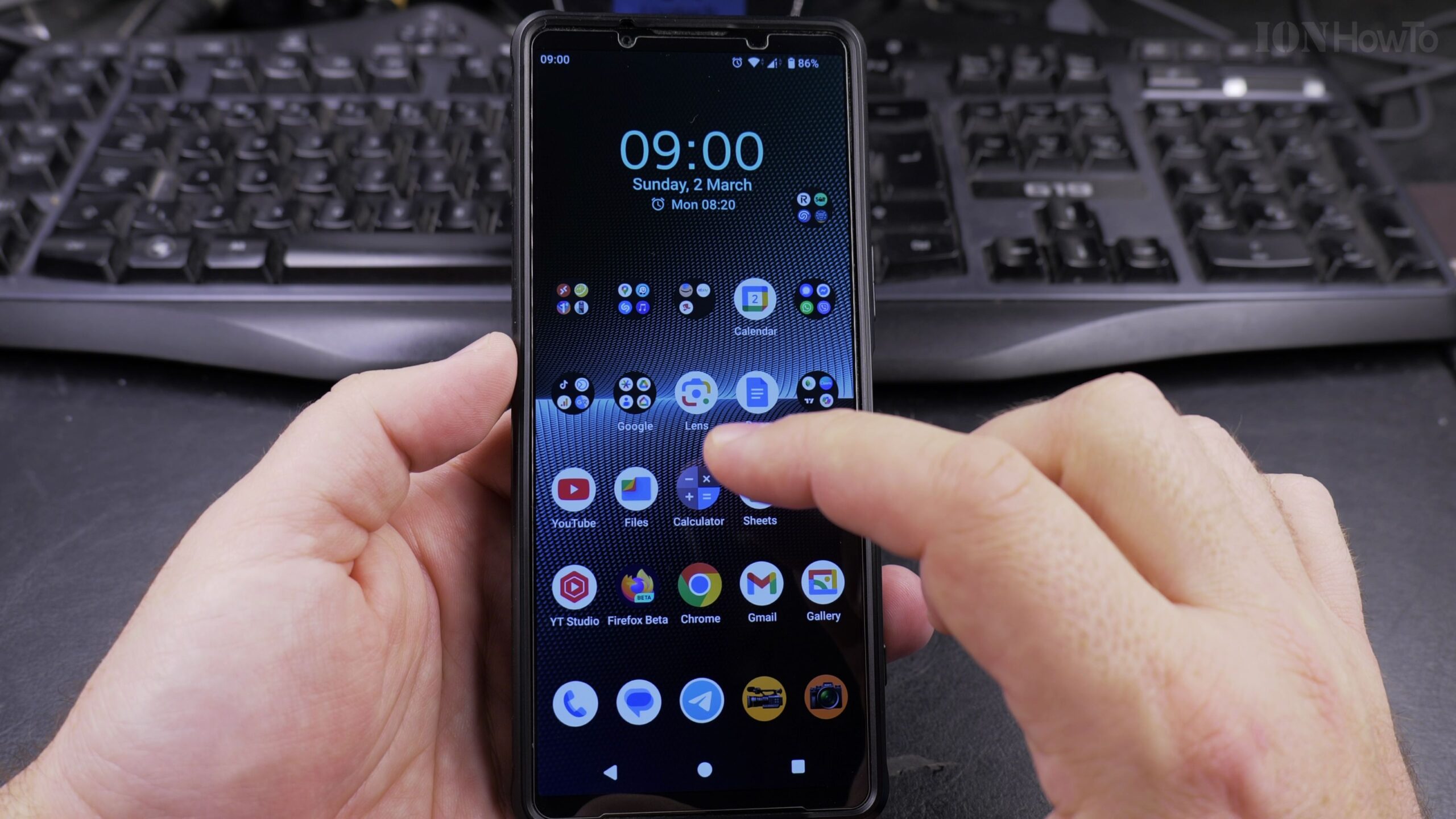
How to Increase Contrast on Android for Better Text Visibility: Step-by-Step Readability Guide
Reading small gray text on a bright screen can quickly cause eye fatigue, particularly under strong outdoor sunlight or for individuals with changing eyesight. Android includes a dedicated accessibility feature called High Contrast Text that sharpens letterforms by converting text into solid black or white with crisp contrasting borders. In this step-by-step guide, I will…
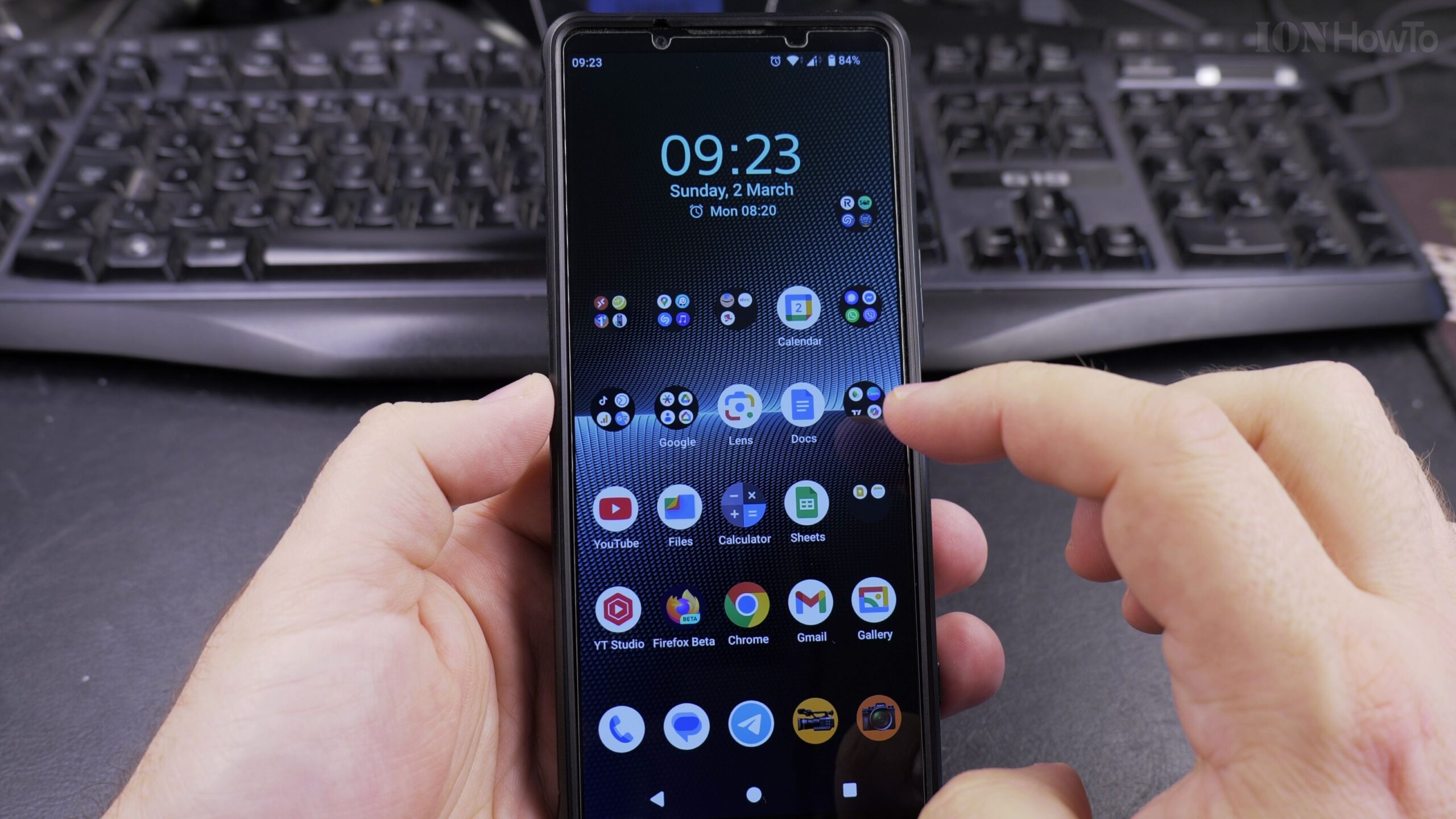
How to Change Keyboard Language on Android Devices: Simple Multilingual Typing Guide
Typing text messages, search queries, or emails on an Android phone is much easier when your virtual keyboard is set to the correct language. If you speak or write in more than one language, having the wrong keyboard active causes frustrating auto-correct mistakes, changes words into English unexpectedly, and hides necessary accent marks. In this…
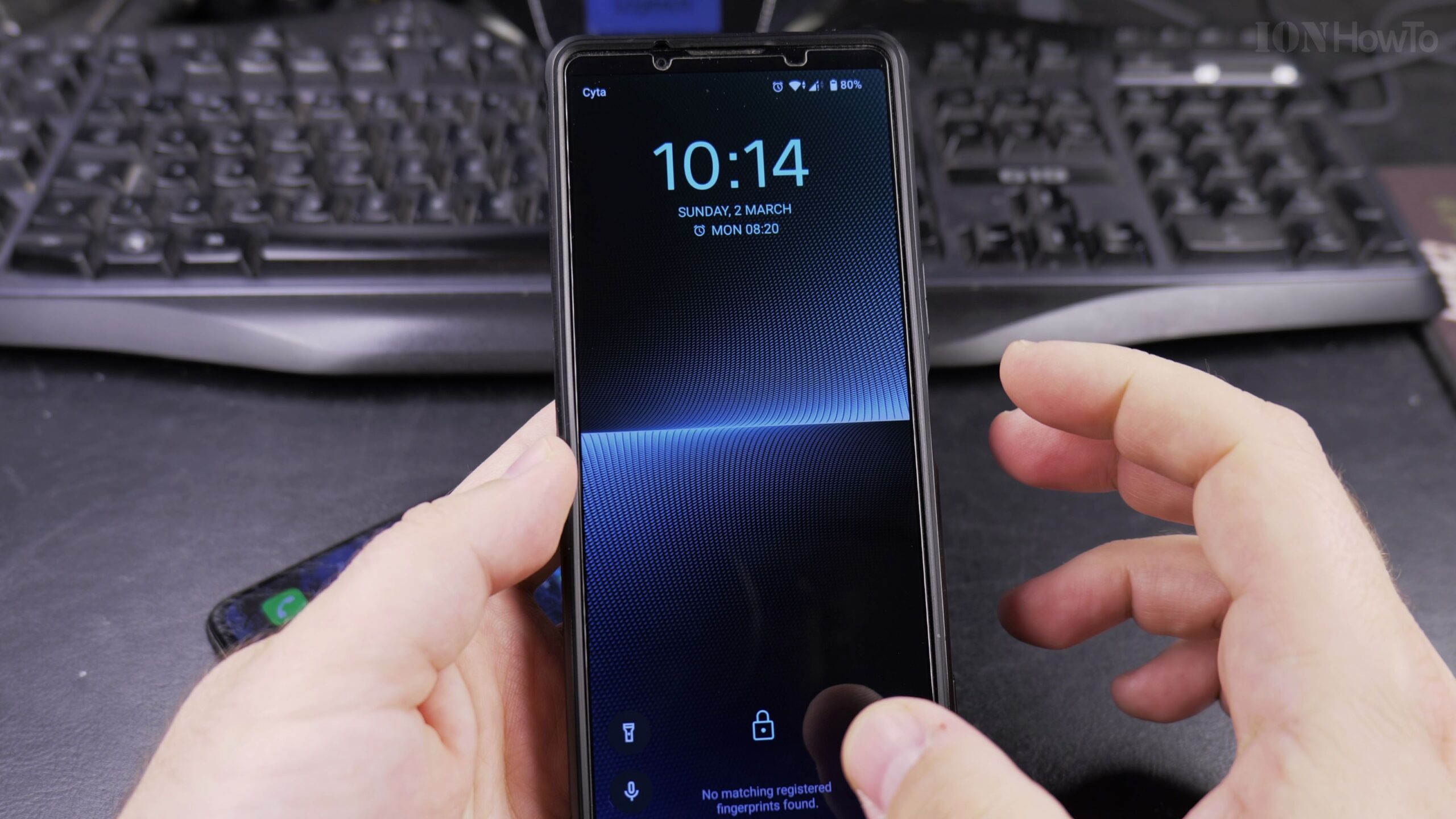
How to Add a Phone Password or PIN on Android Devices: Easy Step-by-Step Guide
Keeping your personal photos, emails, banking applications, and private messages secure is one of the most important steps when setting up any smartphone. If your phone is unlocked, anyone who picks it up can access your information. In this senior-friendly guide, I show you how to set up a secure screen lock PIN or password…
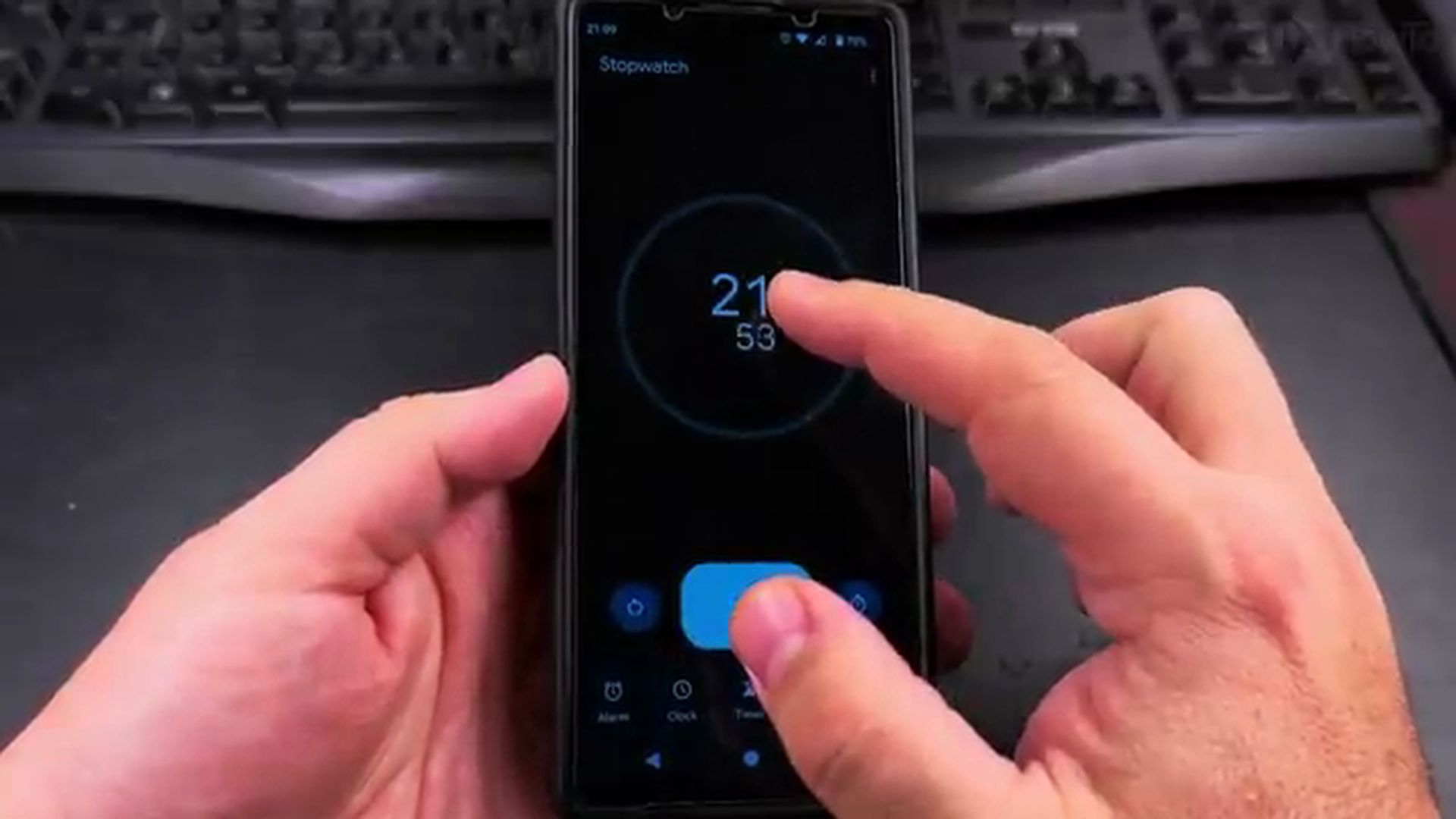
How to Use the Stopwatch on Android Devices: Easy Step-by-Step Guide
Tracking time accurately is essential whether you are boiling eggs in the kitchen, timing your morning walk, or tracking rest intervals during physical therapy exercises. While many people wear a physical wristwatch or digital chronograph, your Android smartphone already has a built-in stopwatch that is accurate right down to the hundredth of a second. In…