
Category: Android & Mobile
Simple, step-by-step Android phone and tablet guides for Samsung Galaxy, Google Pixel, Sony Xperia, and other mobile devices.
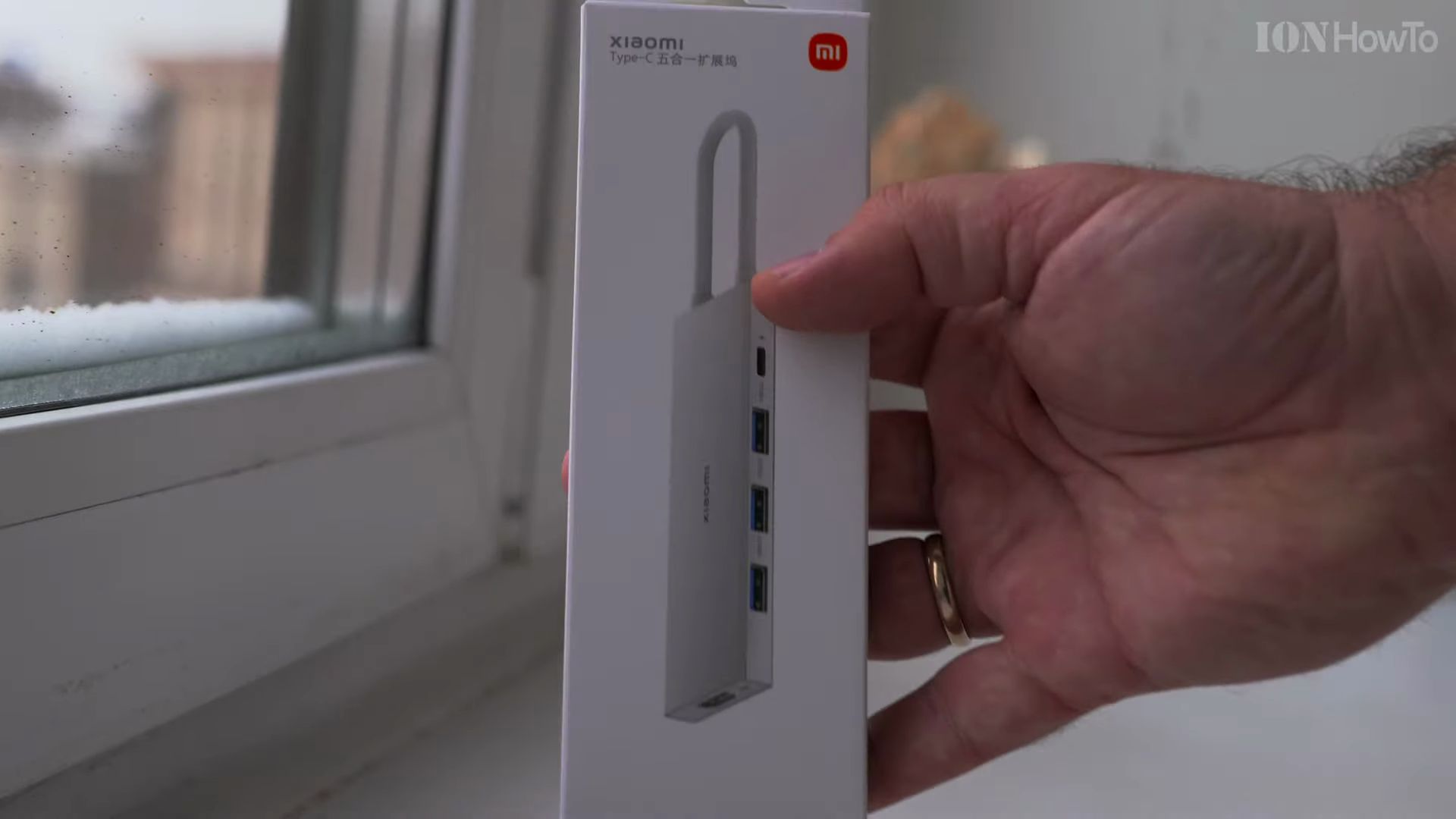
Xiaomi 5 in 1 Type-C Docking Station XMDS05YM: Unboxing, Features, and Setup Guide
Modern laptops, tablets, and smartphones are thinner and faster than ever, but they often arrive with only one or two Type-C connections. If you want to connect a regular flash drive, hook up an external computer screen, or keep your device powered all day, a reliable multi-port adapter is an absolute necessity. In this hands-on…
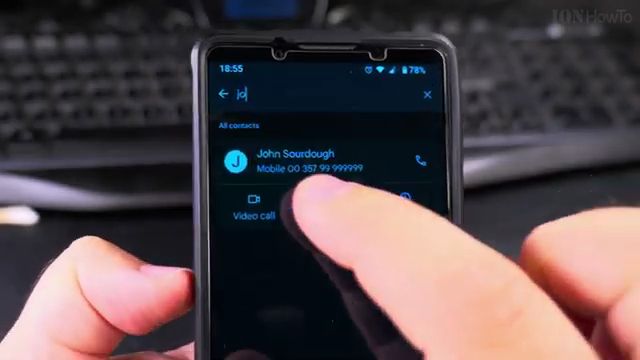
How to Add a Picture to a Contact on Android: Simple Step-by-Step Tutorial
Learn how to add a photo to your phone contacts on Android so you can instantly recognize callers on your screen. Adding custom profile pictures makes your address book easier to browse and helps you spot calls from friends and family members at a glance. In this guide, I show you the steps to set,…
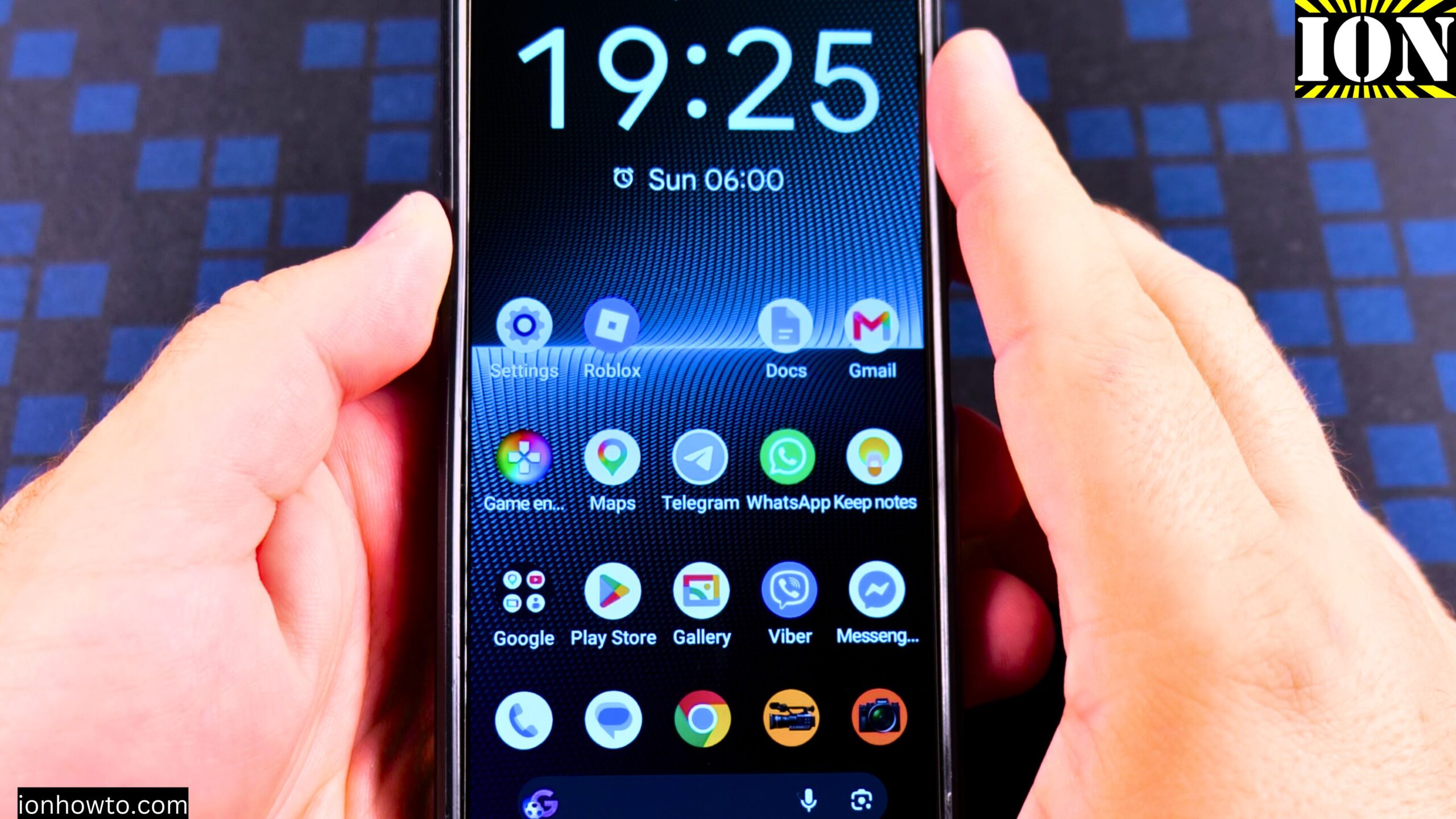
How to Disable 2G on Android
How to Disable 2G on Android Phones and Devices. Learn how to disable 2G on Android phones and tablet devices with this simple step-by-step guide. If you want to turn off 2G network on Android to prevent 2G connection on Android phones, this tutorial shows you exactly where to find the setting and what to…
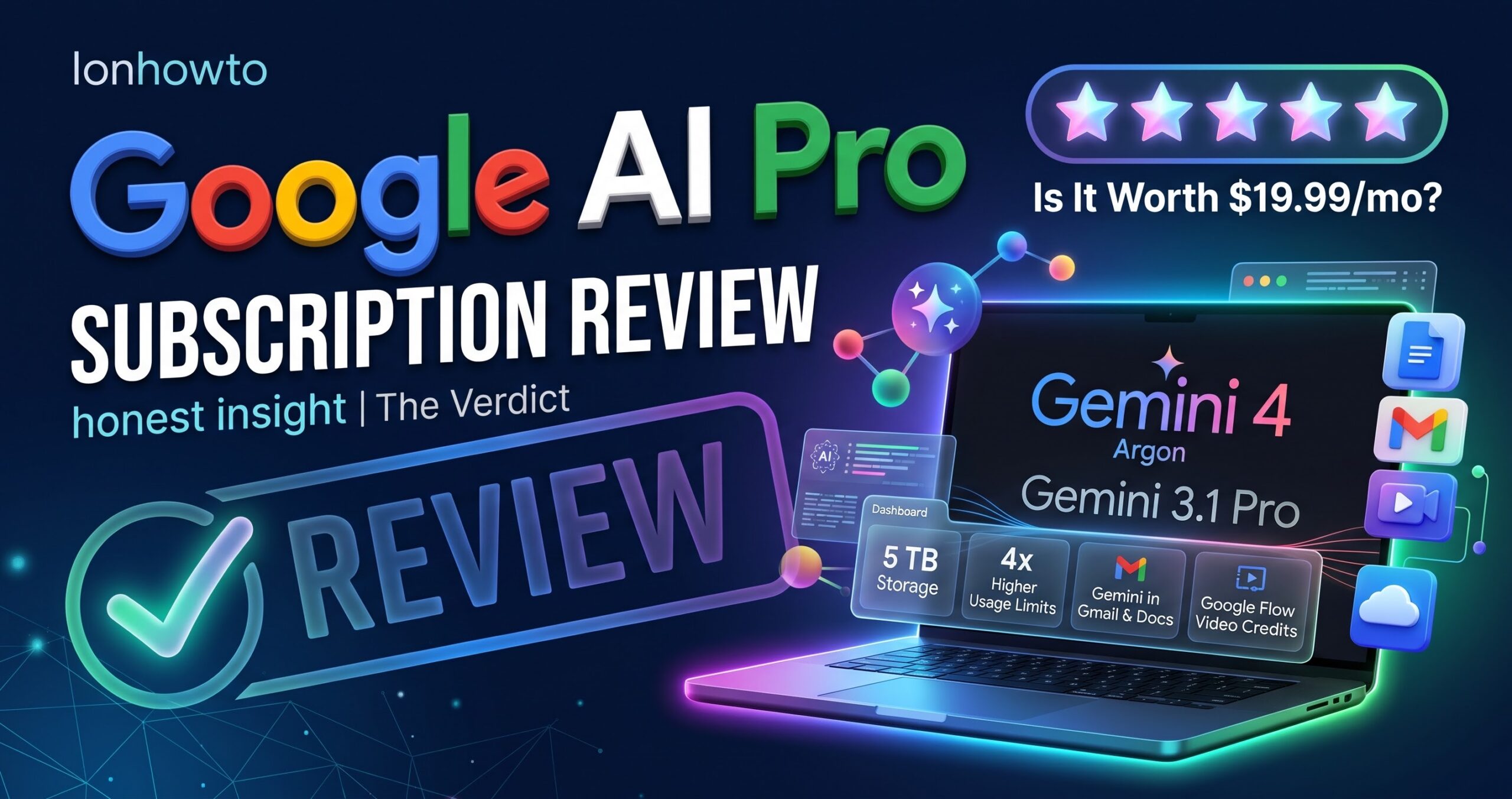
Google Gemini 4 Argon Review Real World Uses
Google AI Pro Subscription Review. Using the Google AI Pro Subscription so far is pretty fun and saved me some time.I have a 6 month free trial for Google One – Google AI Pro subscription because of buying the Google Pixel 11 Pro XL phone. Other than making a few AI videos with Google Flow…
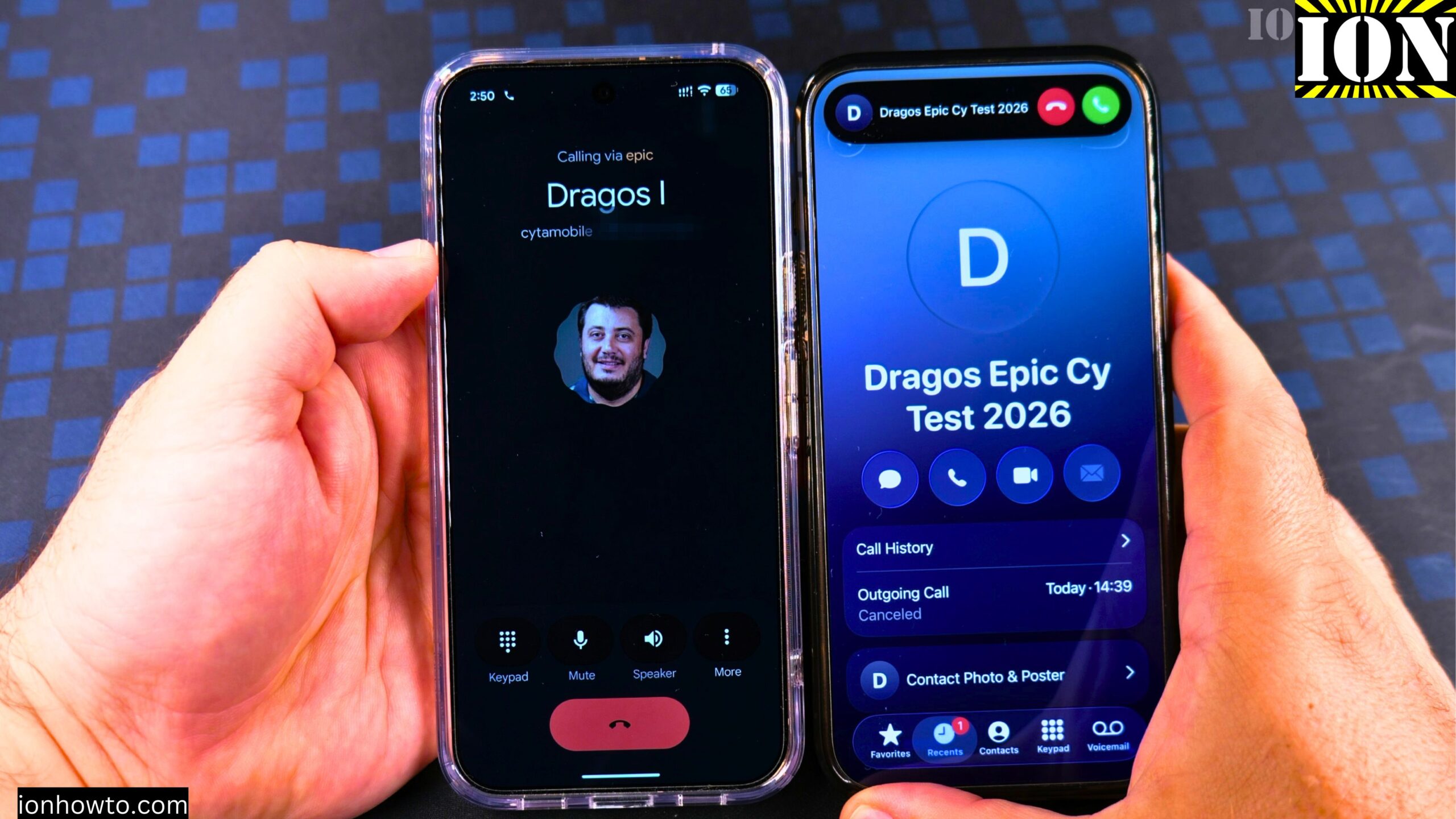
Answer Phone Calls on Android
How to Answer Phone Calls on Android 17. Learn how to answer phone calls on your Google Pixel Android phone. This guide uses the Google Pixel 11 Pro XL running Android 17 as an example. The steps are simple, and I’ll show you exactly what to do when someone calls you. Answering a Call When…
How to Make a Phone Call on Android 17
How to Make a Phone Call on Android 17 Google Pixel 11 Pro XL. What This Guide Covers Learn how to make a phone call on your Google Pixel Android phone. I show you how to do this on a Google Pixel 11 Pro XL running Android 17. I use an iPhone next to it…
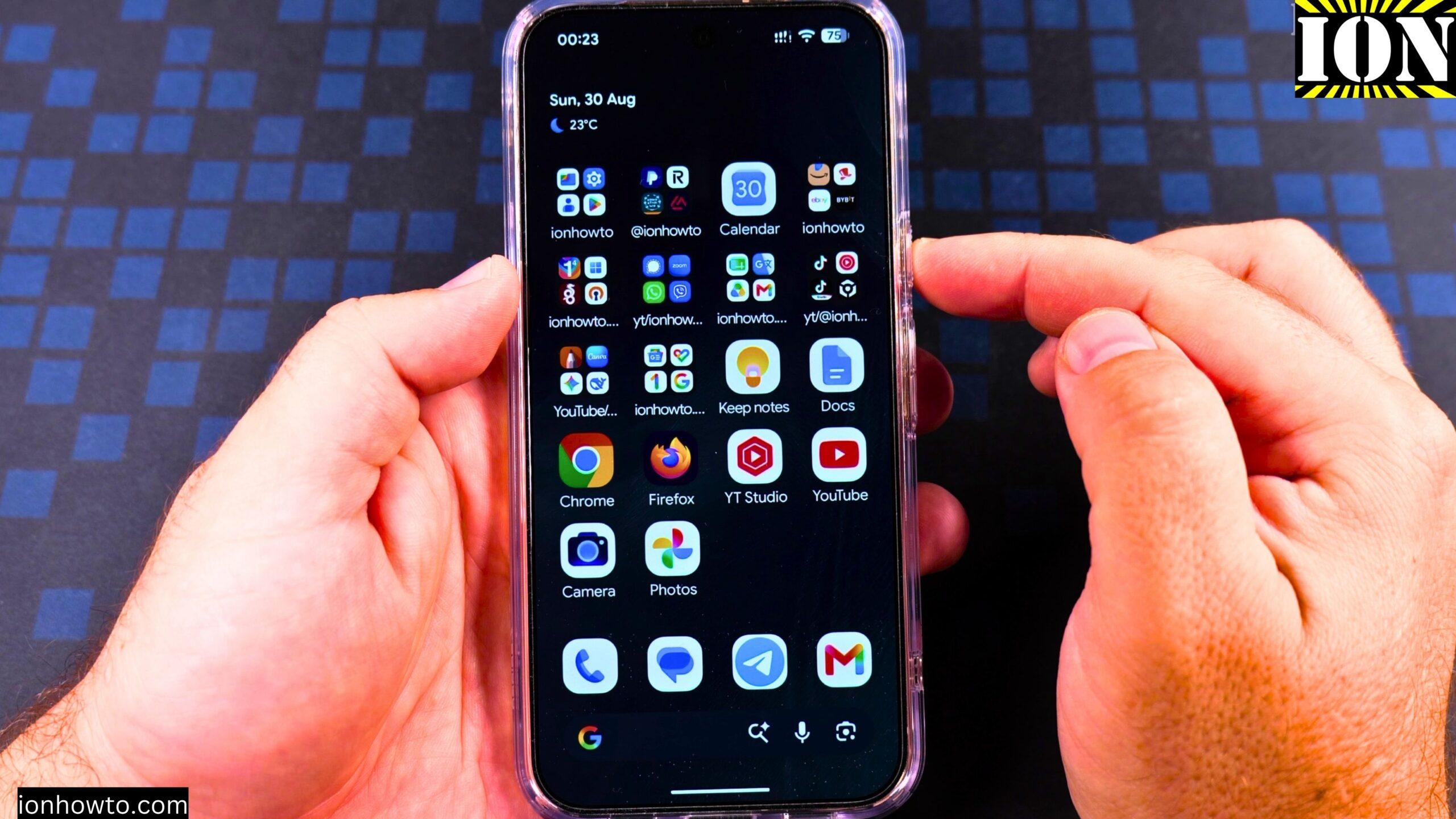
Enable Google Gemini AI Assistant on Android Google Pixel
How to Enable Google Gemini AI Assistant on Google Pixel 11 Pro XL. What This Guide Covers Learn how to turn on the Google Gemini AI assistant on your Android phone when you have no digital assistant active. I show you how to do this on a Google Pixel 11 Pro XL running Android 17.…
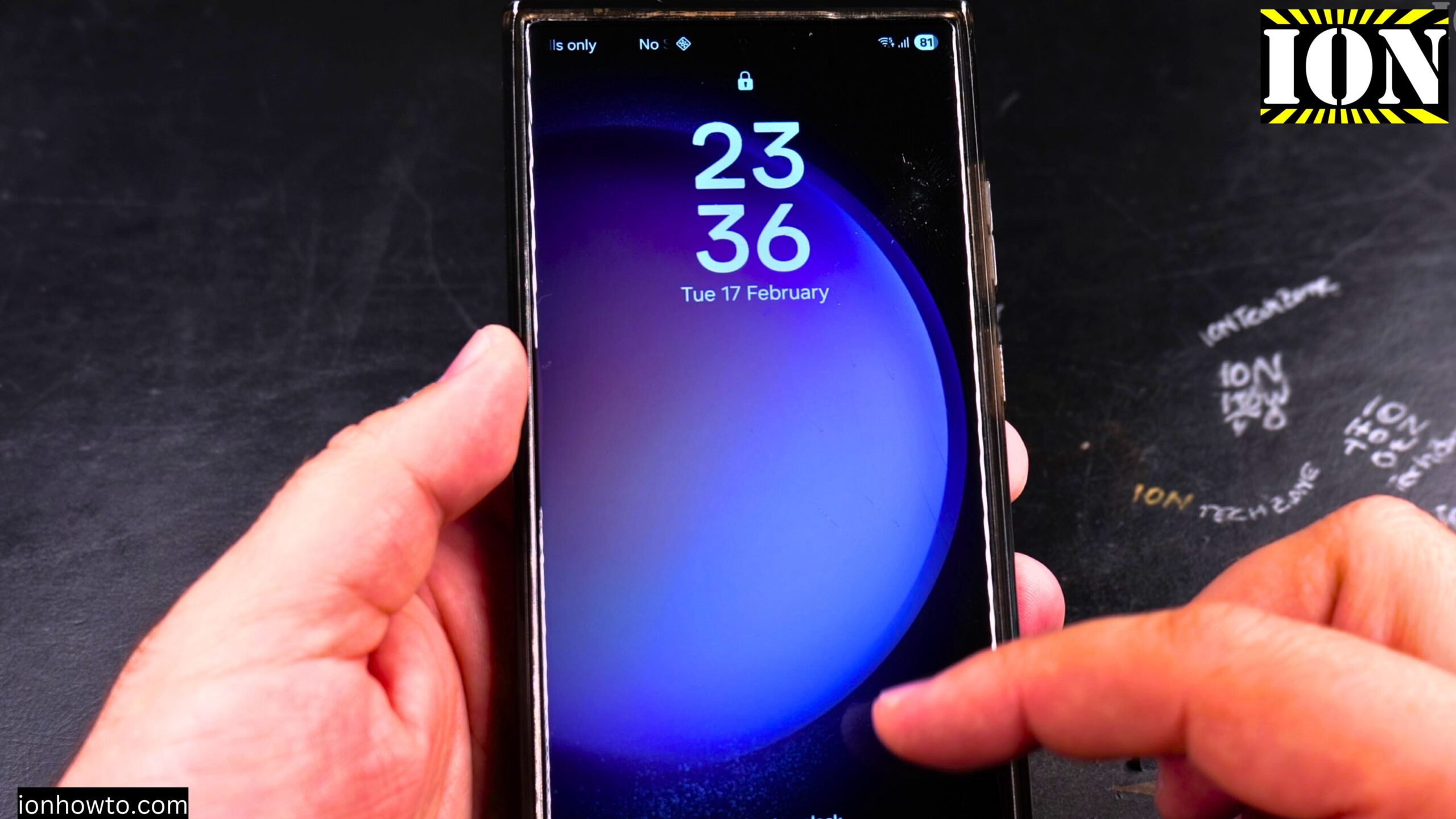
Turn Off Automatic Updates on Samsung Android
How to Turn Off Automatic Updates on Samsung Android Devices. I show you how to turn off automatic updates on your Samsung phone. This guide covers how to stop apps from updating on their own and how to disable automatic system software updates. I’m showing you this on a Samsung S23 Ultra running Android 15…
Copy SMS RCS Text Messages on Samsung Android
How to Copy Text Messages on Samsung Phones SMS and RCS. I show you how to copy text messages on your Samsung phone. This guide works for both standard SMS and newer RCS chats. You can use this method to paste your messages into emails, notes, or other apps. I’m showing you this on a…
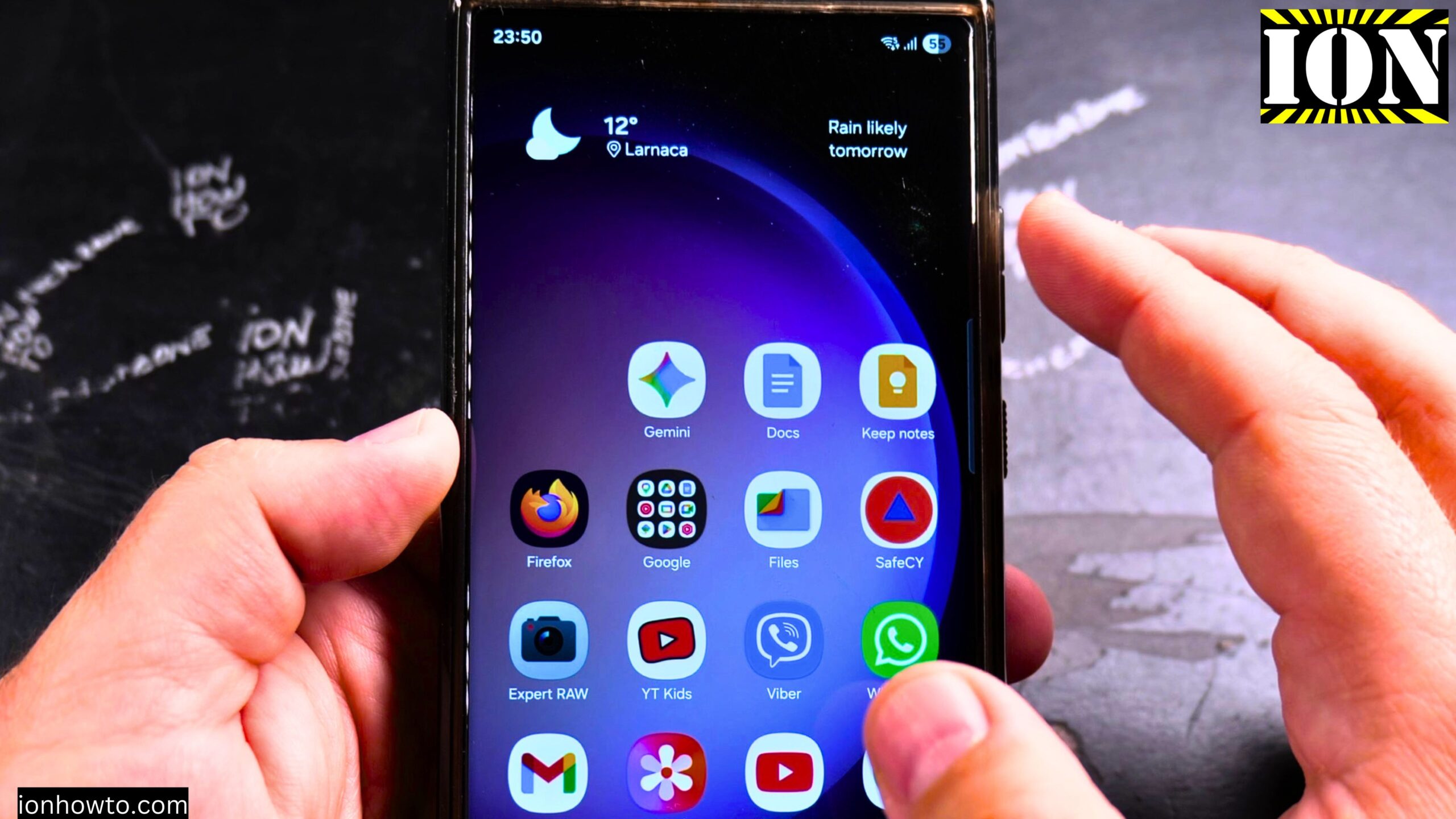
Remove Apps from Samsung Android Home Screen
How to Remove Apps from Home Screen on Samsung Android. I show you how to remove apps from the home screen on your Samsung Android phone. This is a simple process for cleaning up your home screen and organizing your apps. I’m showing you this on a Samsung S23 Ultra running Android 15 with OneUI…