


If you just unboxed the Google Pixel 11 Pro XL and want a fast, straightforward walkthrough to get it running as a new phone without transferring old device clutter, this concise step-by-step guide covers the essential Android 17 setup screens.

Power On the Device and Select Your Language
Press and hold the side power button for a few seconds until the screen lights up. Choose your preferred language and country from the initial Android 17 menu and tap Get Started.
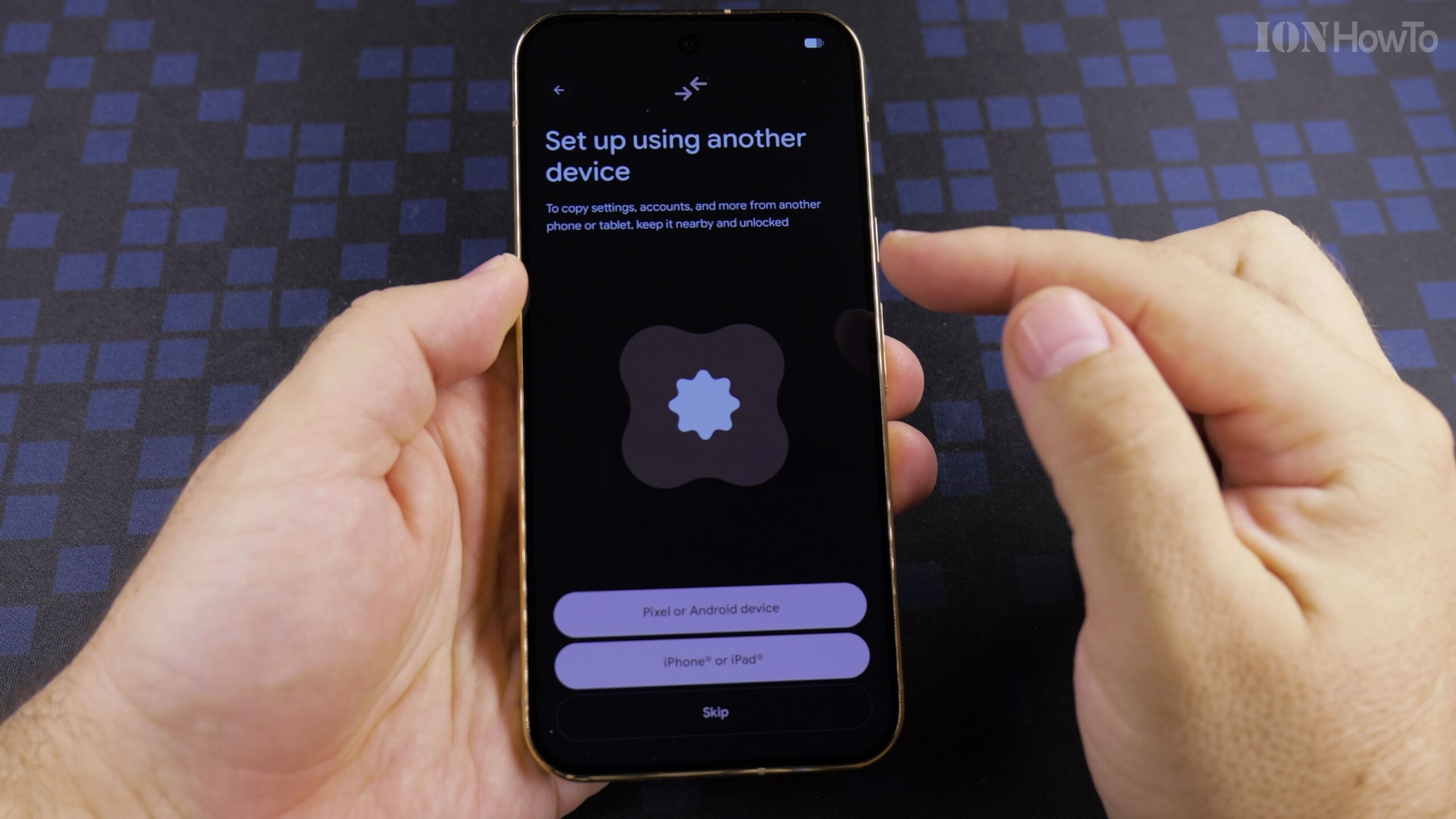
Choose Set Up Without Another Device and Join Wi-Fi
Select the option to set up as a new phone rather than copying from an old device. Pick your wireless network from the list and enter your Wi-Fi password so the Pixel 11 Pro XL can connect to Google services.
Log In with Your Google Account and Configure Backups
Sign in using your existing Google account credentials or create a new account right on the screen. Review the Google services toggles and keep automatic device backup enabled to protect your data.
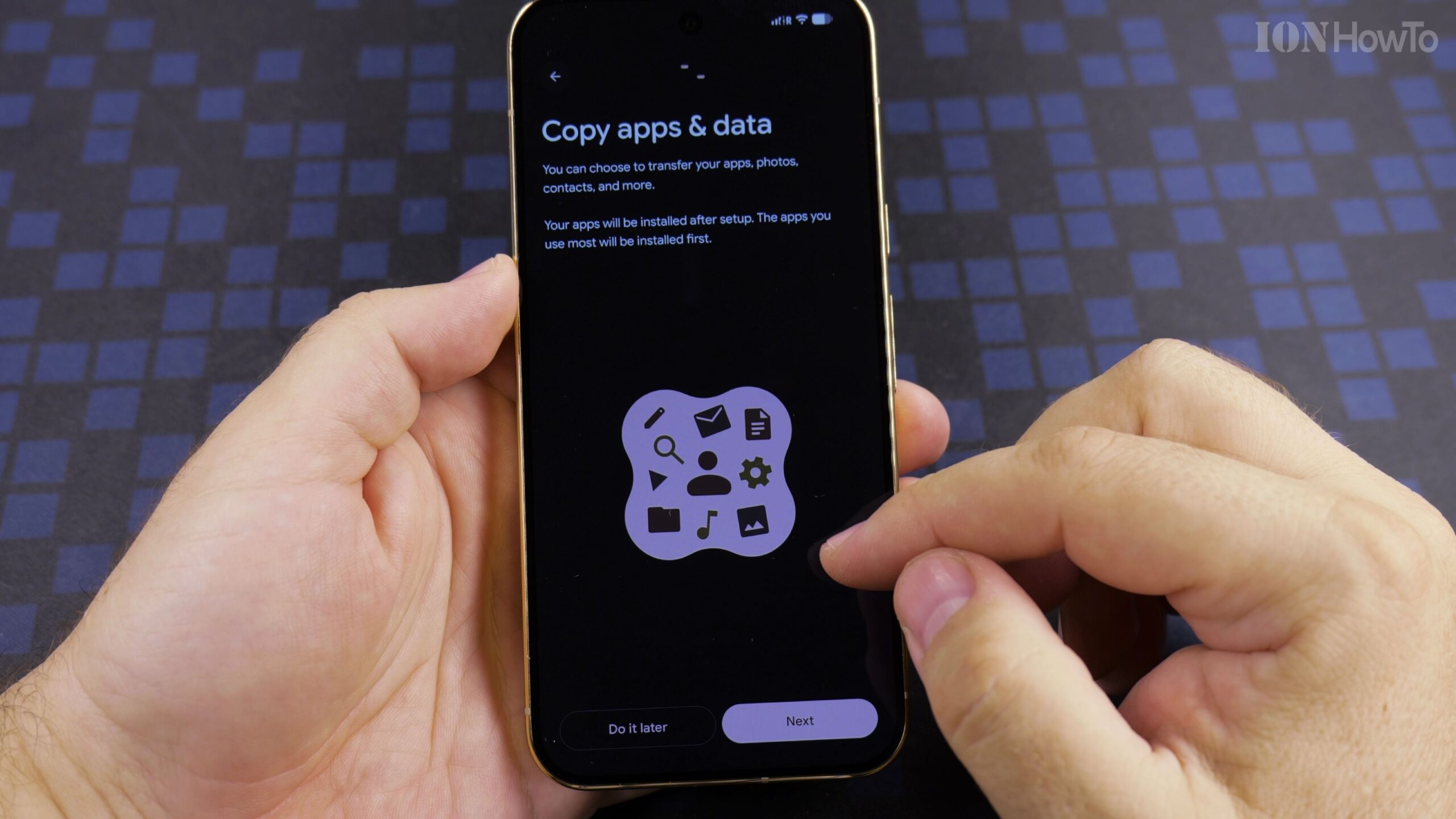
Register Your PIN, Fingerprint Sensor, and Face Unlock
Set a memorable PIN code as your primary backup credential, then enroll your fingerprint on the screen sensor and scan your face so you can unlock the phone effortlessly in any lighting condition.
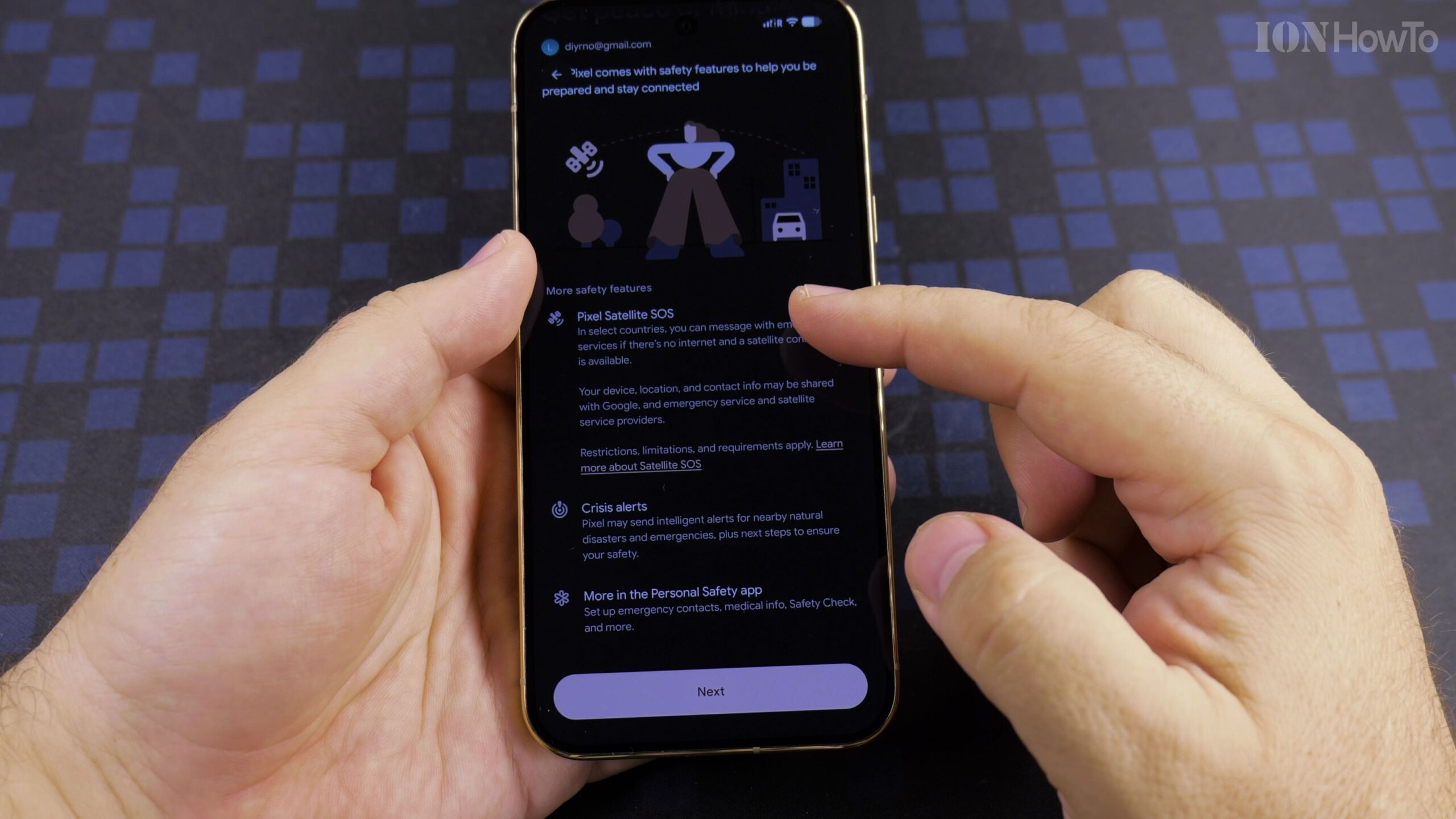
Finish the Android 17 Wizard and Check System Settings
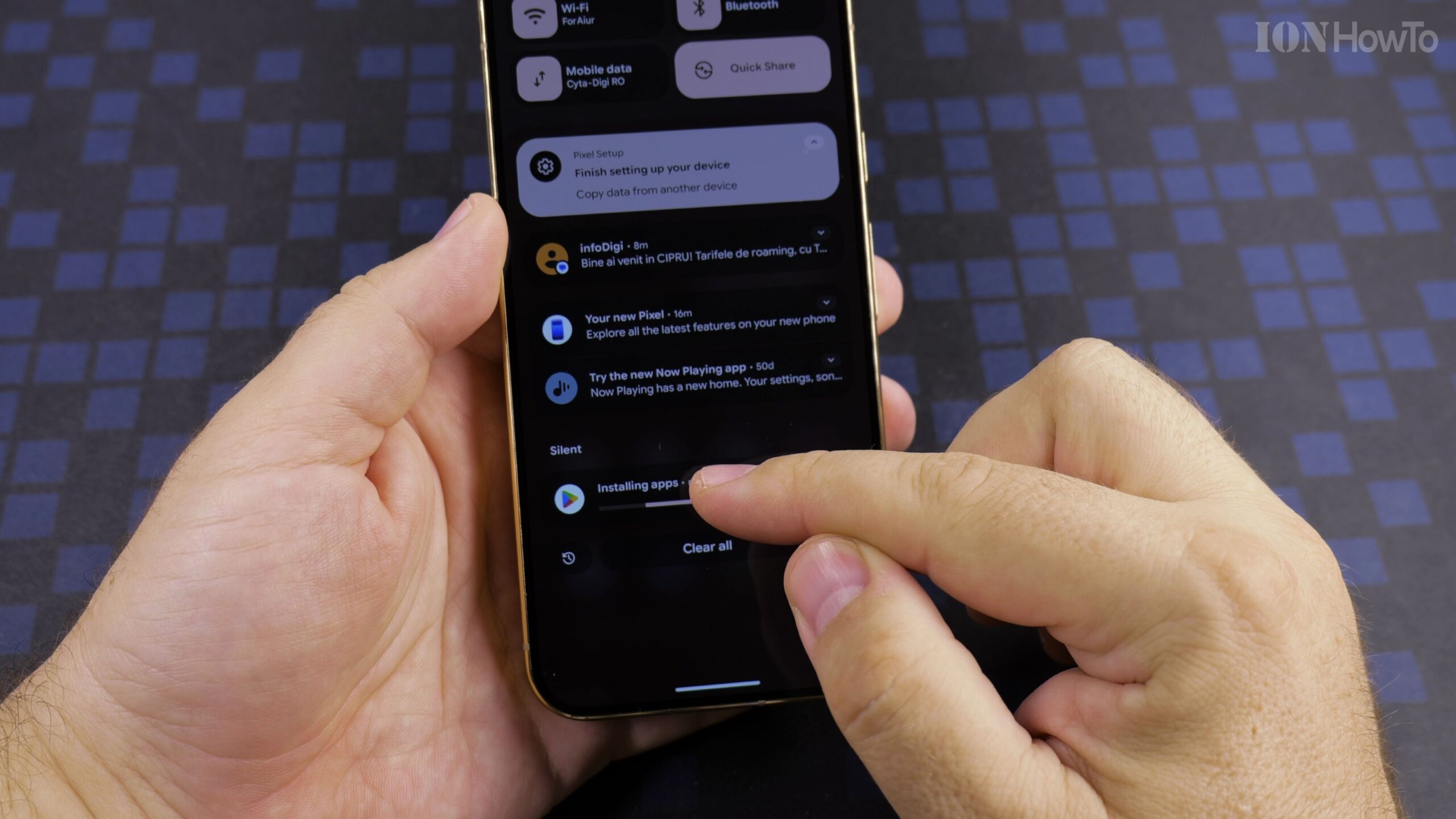
Choose your preferred system theme and navigation style to reach the home screen. Swipe down the notification shade or open Settings to verify that all preinstalled apps and Android 17 features are ready to use.
Helpful Tips and Related Guides
Even when setting up your Google Pixel 11 Pro XL as a new device, signing in with your Google account automatically restores cloud-synced contacts and Google Photos without copying old app caches. Visit our Google Pixel 11 Pro XL section, explore Android Tips, or check our Android 17 Full Screen Camera Cutout Guide.
Leave a Reply Cancel reply