


Curious what comes inside the box when you pick up the 512GB Google Pixel 11 Pro XL in Canyon? In this concise unboxing overview, we inspect the packaging labels, the 16GB RAM hardware upgrade, the EU energy efficiency specifications, and every accessory included with Model G4HCD.

Review the Box Specifications and Energy Class B Label
Check the outer box details confirming the Google Pixel 11 Pro XL Canyon 512GB model (G4HCD) with 16GB RAM and preinstalled Android 17. The EU Energy Label highlights a 50h 10m battery rating, Class A drop resistance, Class B repairability, and IP68 water protection.
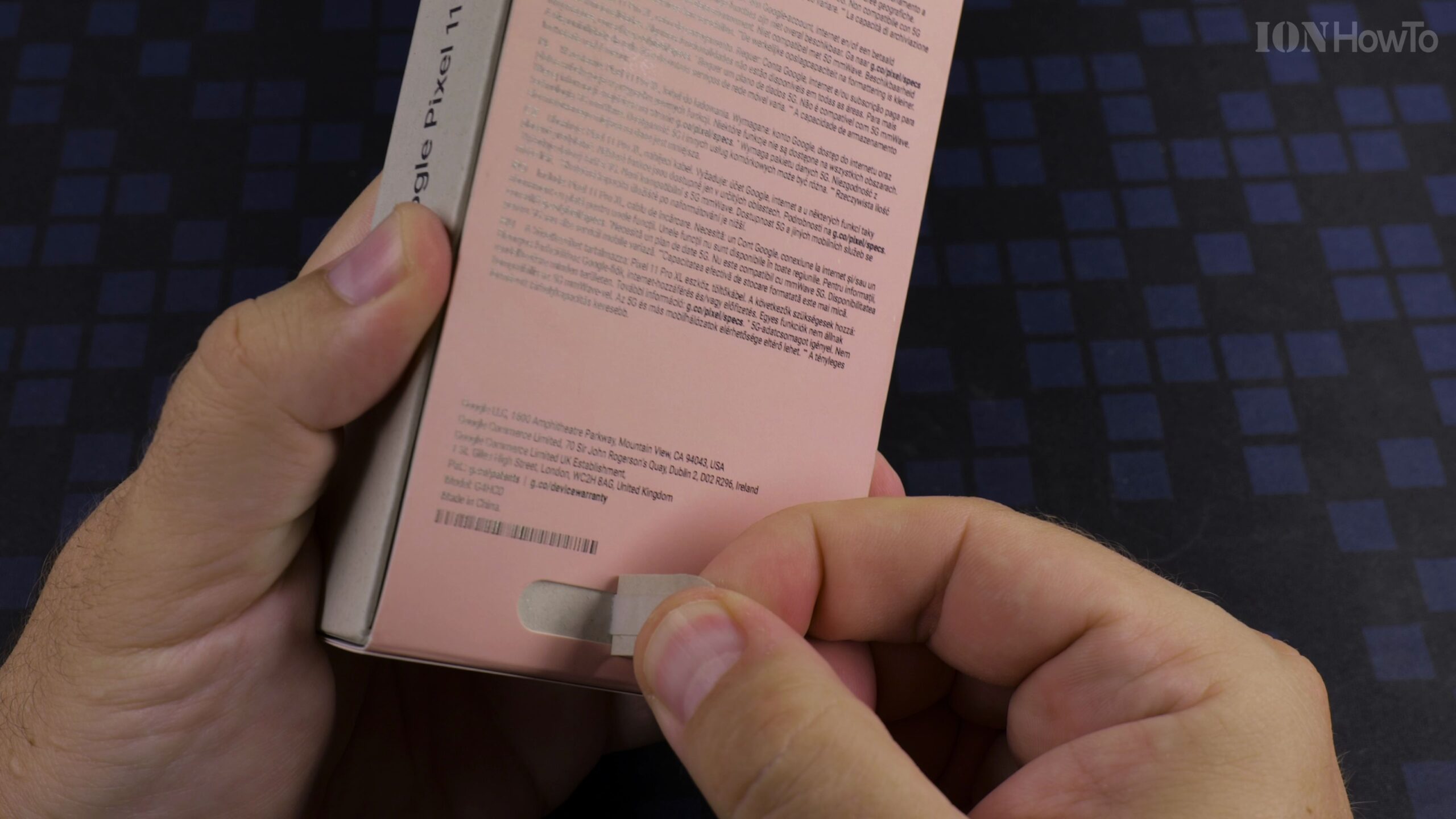
Open the Security Seals and Lift the Lid
Peel off the top and bottom security seals on the underside of the retail package, then remove the top cover to expose the phone inside its molded fiber cradle.
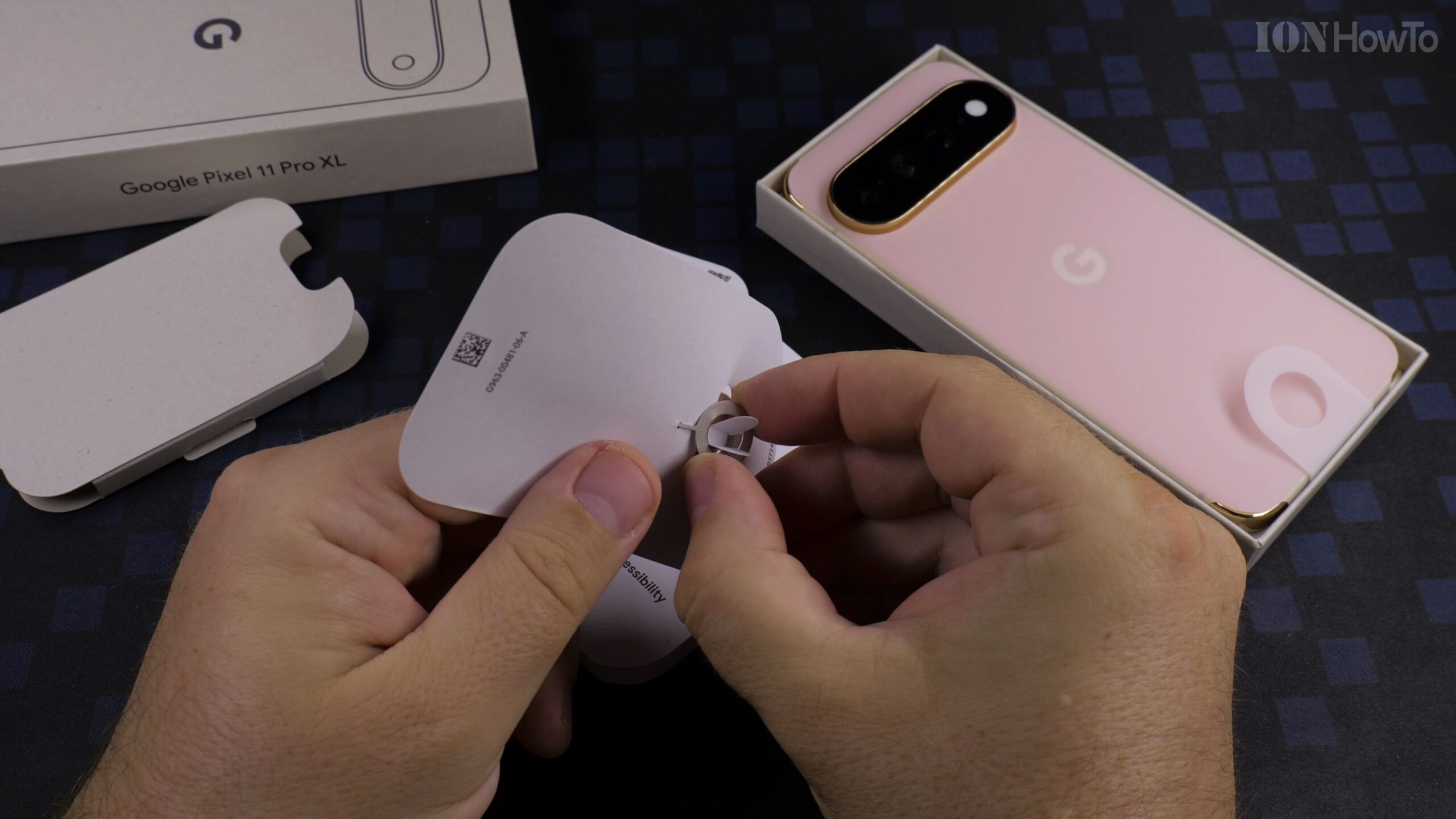
Lift Out the Canyon Google Pixel 11 Pro XL Smartphone
Grasp the pull tab to remove the handset and peel off the protective screen film. Take a look at the Canyon matte finish, sculpted camera visor, and bright OLED display.
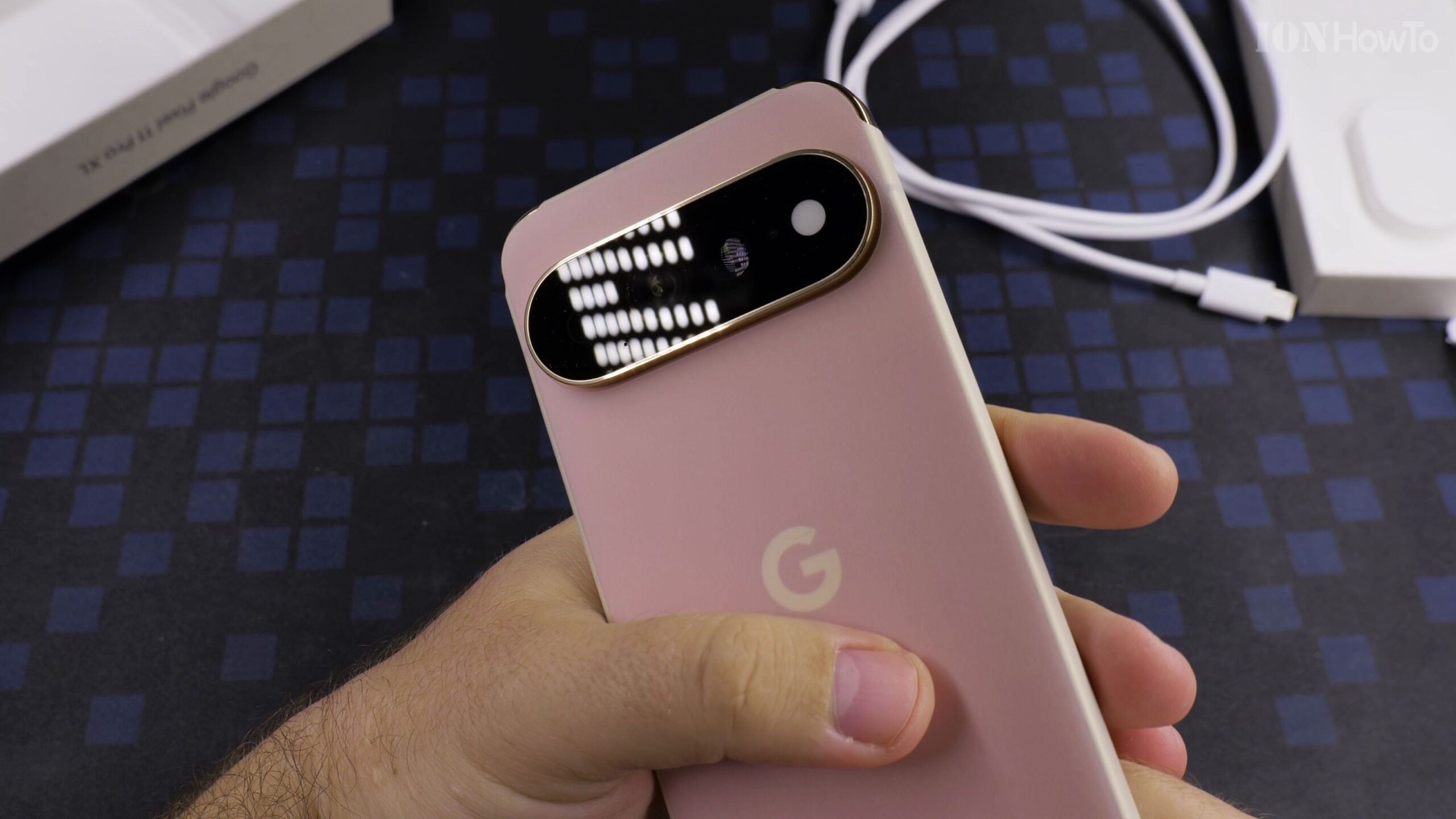
Unpack the USB-C Charging Cable and SIM Ejector Pin
Open the accessory compartment underneath the phone tray to retrieve the USB-C to USB-C charging and data cable, the metal SIM ejector tool, and the printed warranty and energy booklet.
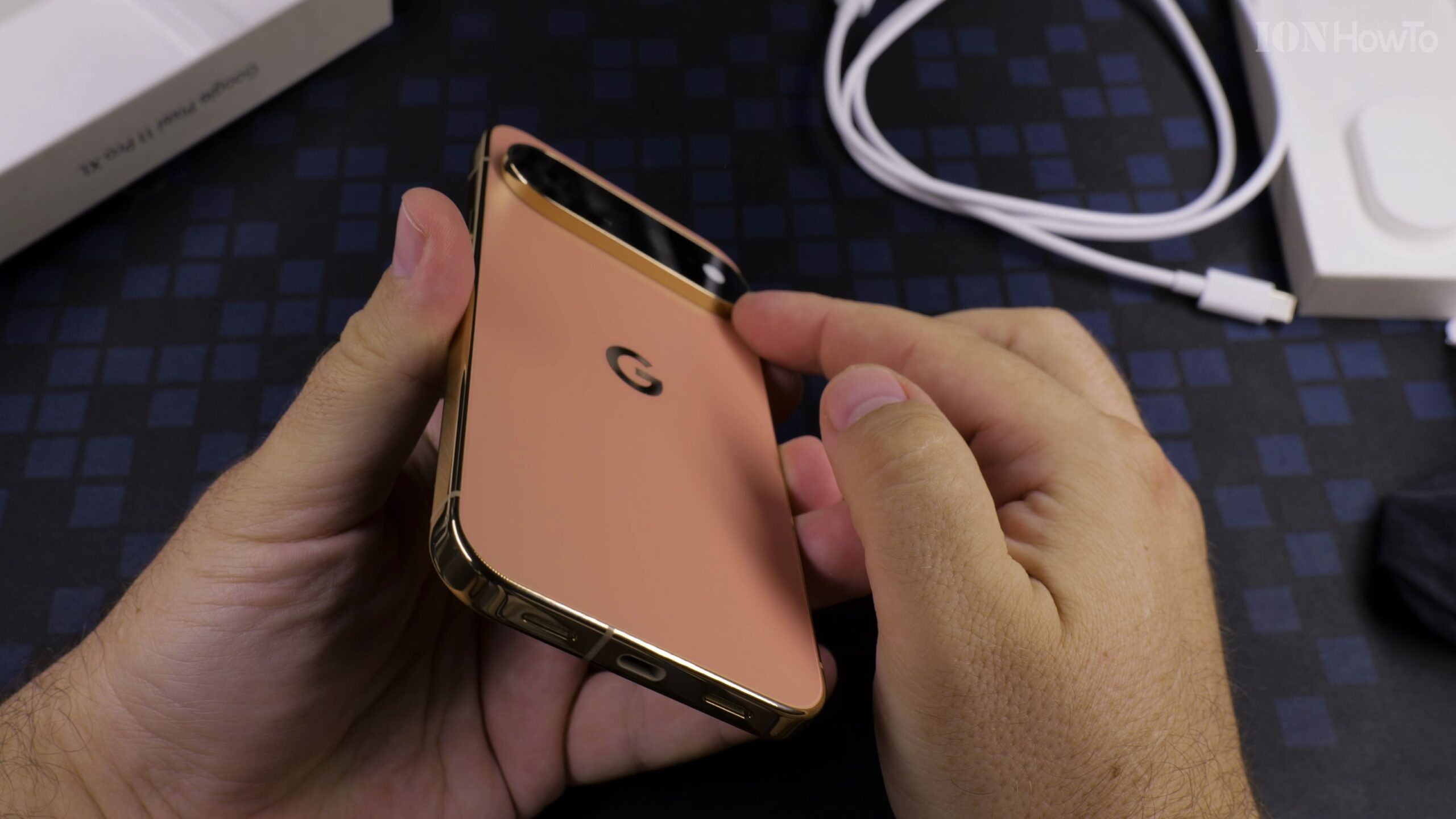
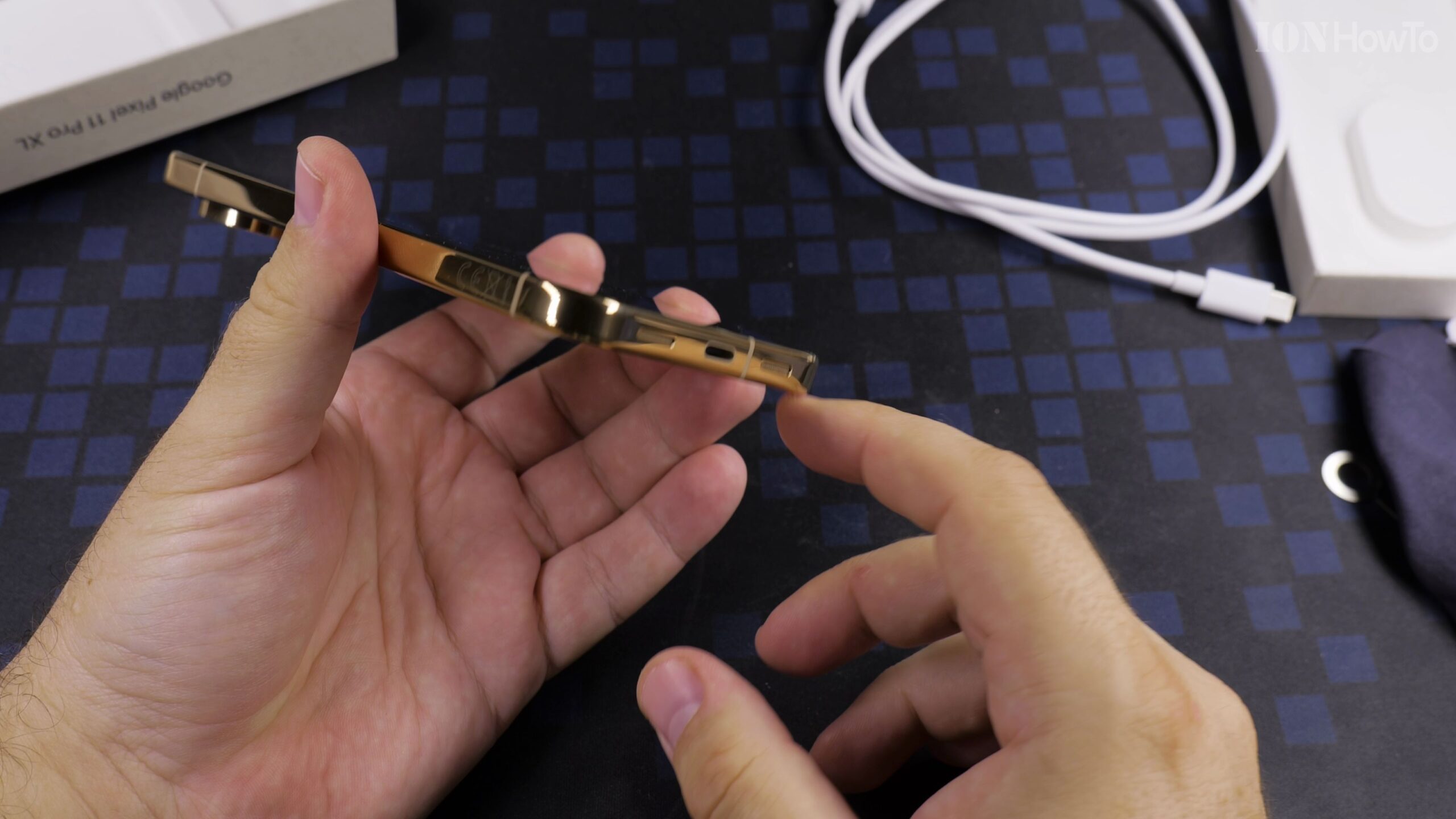
Inspect the Physical Ports, Buttons, and Camera Visor
Verify the tactile power and volume buttons on the right side, the bottom USB-C port and SIM tray slot, and the rear multi-lens camera bar before powering on the phone for its first setup.
Helpful Tips and Related Guides
Choosing the 512GB storage version of the Google Pixel 11 Pro XL gives you double the space of the 256GB base model and bumps the memory from 12GB RAM to 16GB RAM. Discover more in our Google Pixel 11 Pro XL tutorials, our Google Pixel Phone category, and our 50MP High Resolution Camera Settings Guide.
Leave a Reply Cancel reply