


Before powering on a new flagship smartphone, taking a close look at the retail packaging, hardware specifications, and included accessories helps you verify everything in the box. Here is our extended step-by-step unboxing of the Google Pixel 11 Pro XL in the Canyon color finish with 512GB storage and 16GB RAM (Model G4HCD) preinstalled with Android 17.

Inspect the Retail Box, Model G4HCD Specs, and EU Energy Label
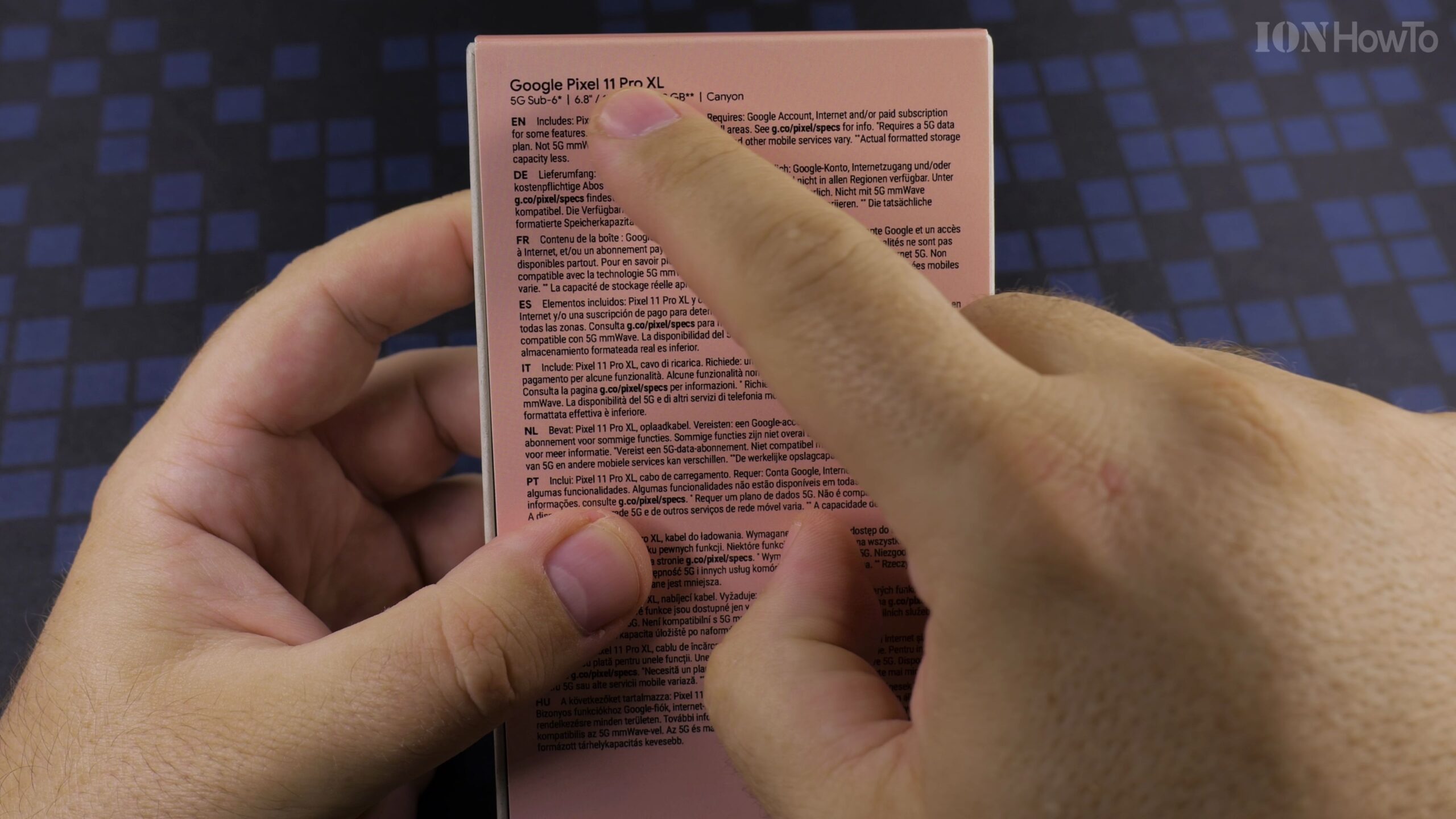
Examine the front and back of the Google Pixel 11 Pro XL packaging to confirm the 512GB storage tier, 16GB RAM upgrade, and Model G4HCD identifier. The included energy efficiency label rates the phone at Energy Class B with 50 hours 10 minutes battery endurance, Class A drop resistance, IP68 water resistance, and 1000 charge cycles.
Peel the Security Pull Tabs and Open the Box
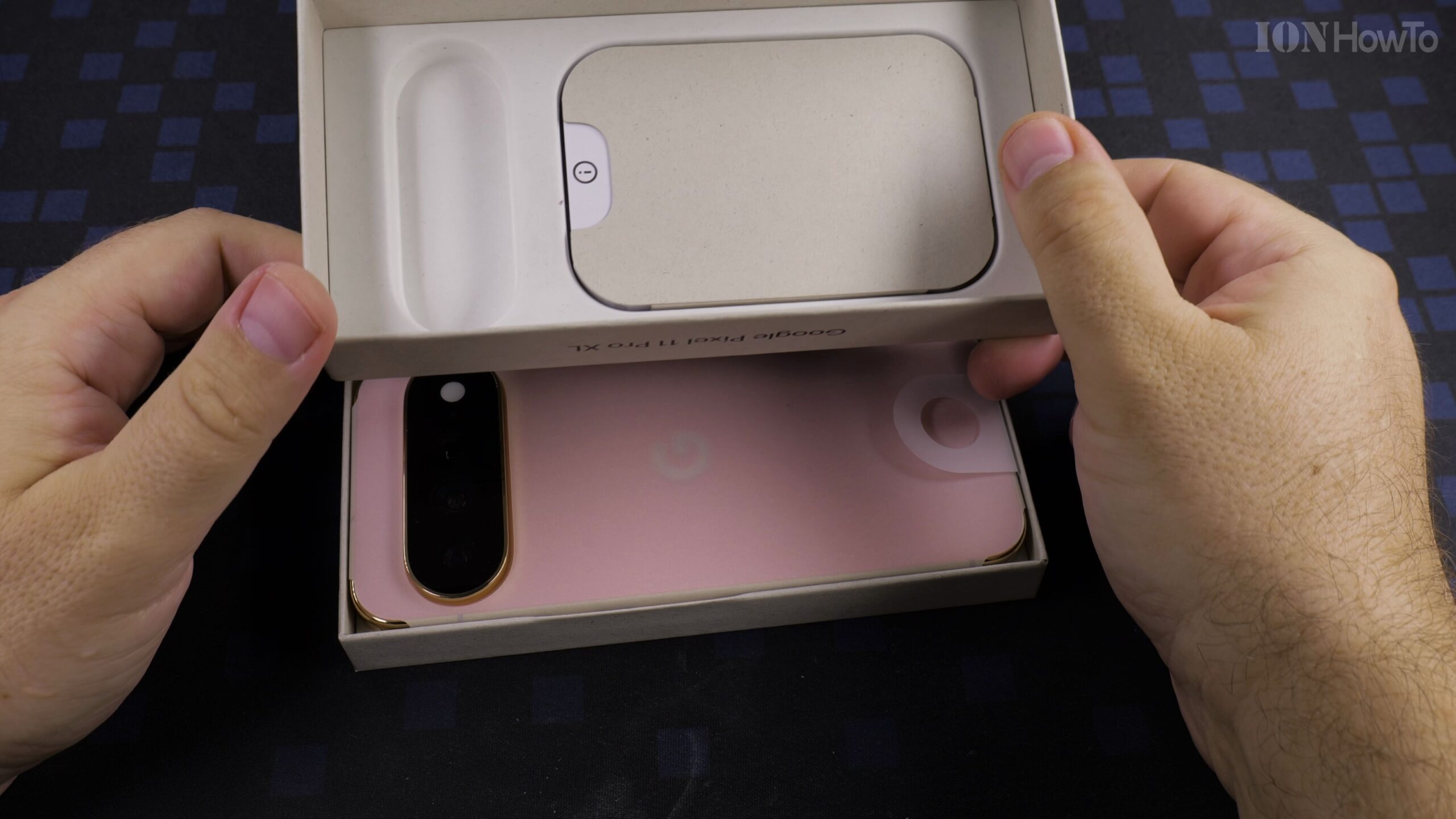
Turn the box over and gently pull both paper tear-strips at the top and bottom edges. Lift the top lid straight up to reveal the Google Pixel 11 Pro XL resting face down inside its protective cardboard tray.
Remove the Google Pixel 11 Pro XL and Screen Protection Liner
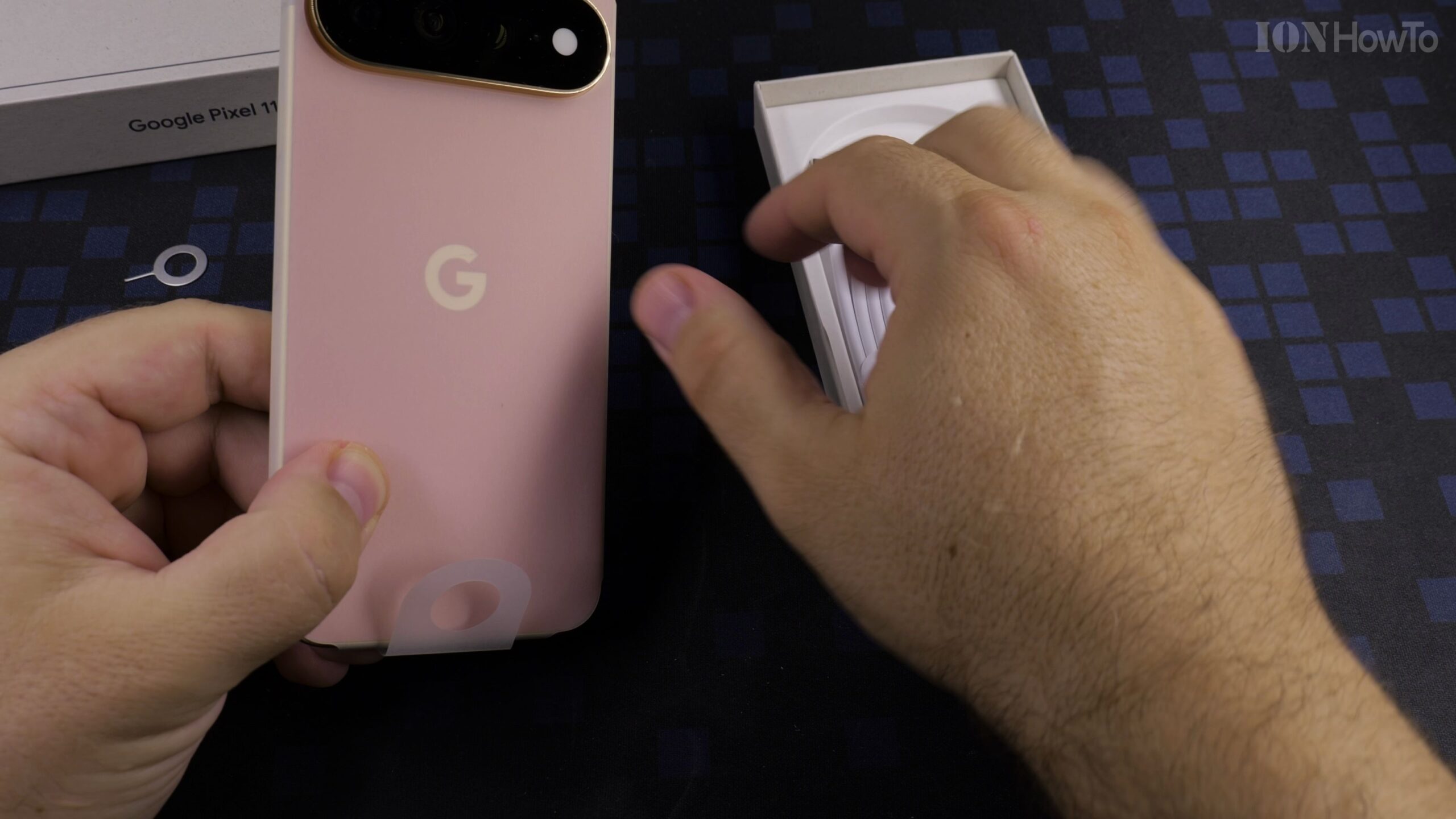
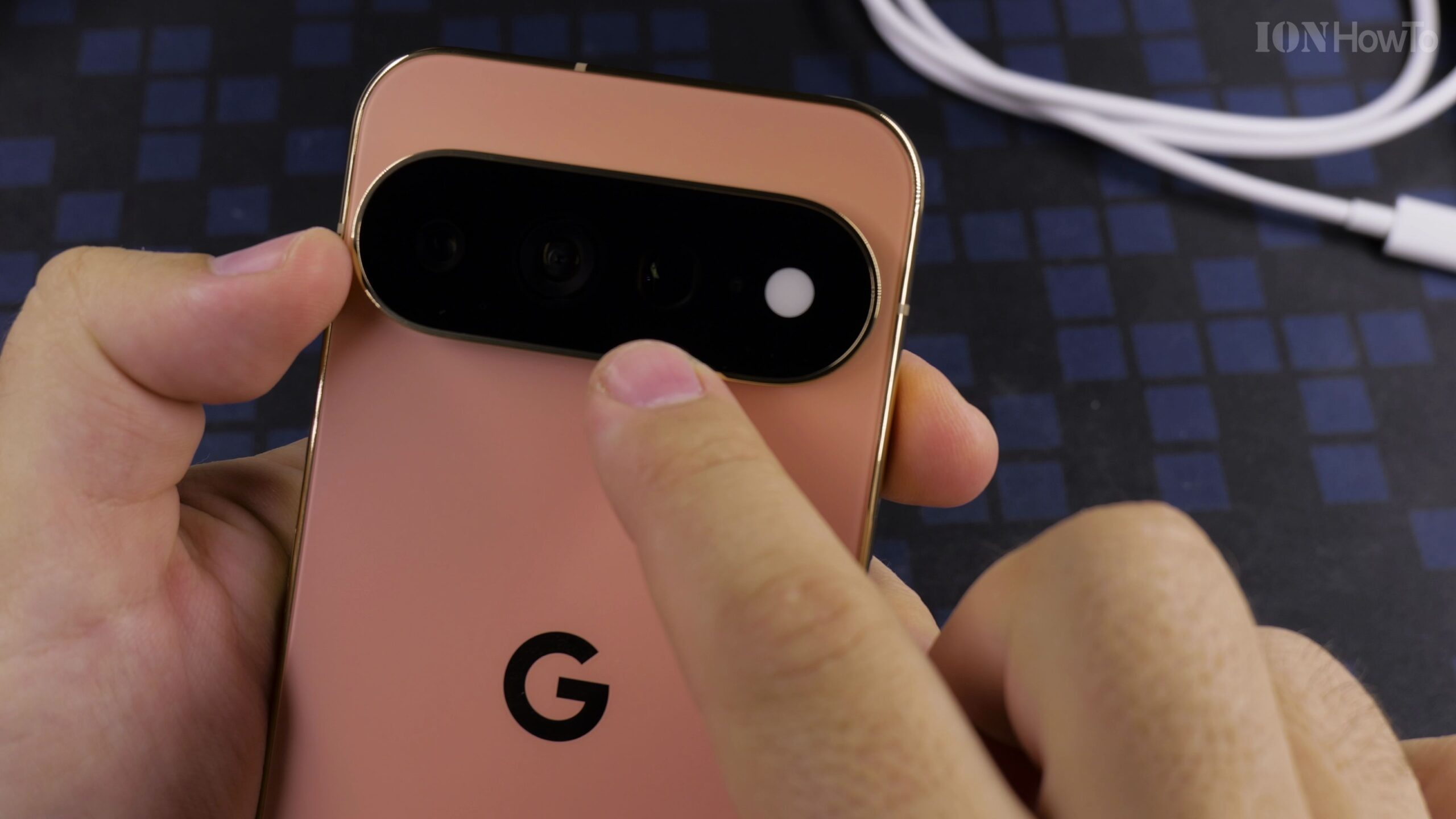
Use the paper pull tab to lift the smartphone out of the tray and peel back the white protective display paper. The Canyon colorway features a matte back glass finish paired with a polished camera bar housing the triple rear camera system.
Check the Included USB-C Cable, SIM Ejector Tool, and Manuals
Lift out the inner accessory packet to find the 1-meter USB-C to USB-C charging and data transfer cable, the metallic SIM card tray ejector pin, and the quick-start safety and regulatory documentation booklet.
Examine the Buttons, Bottom USB-C Port, and SIM Card Tray
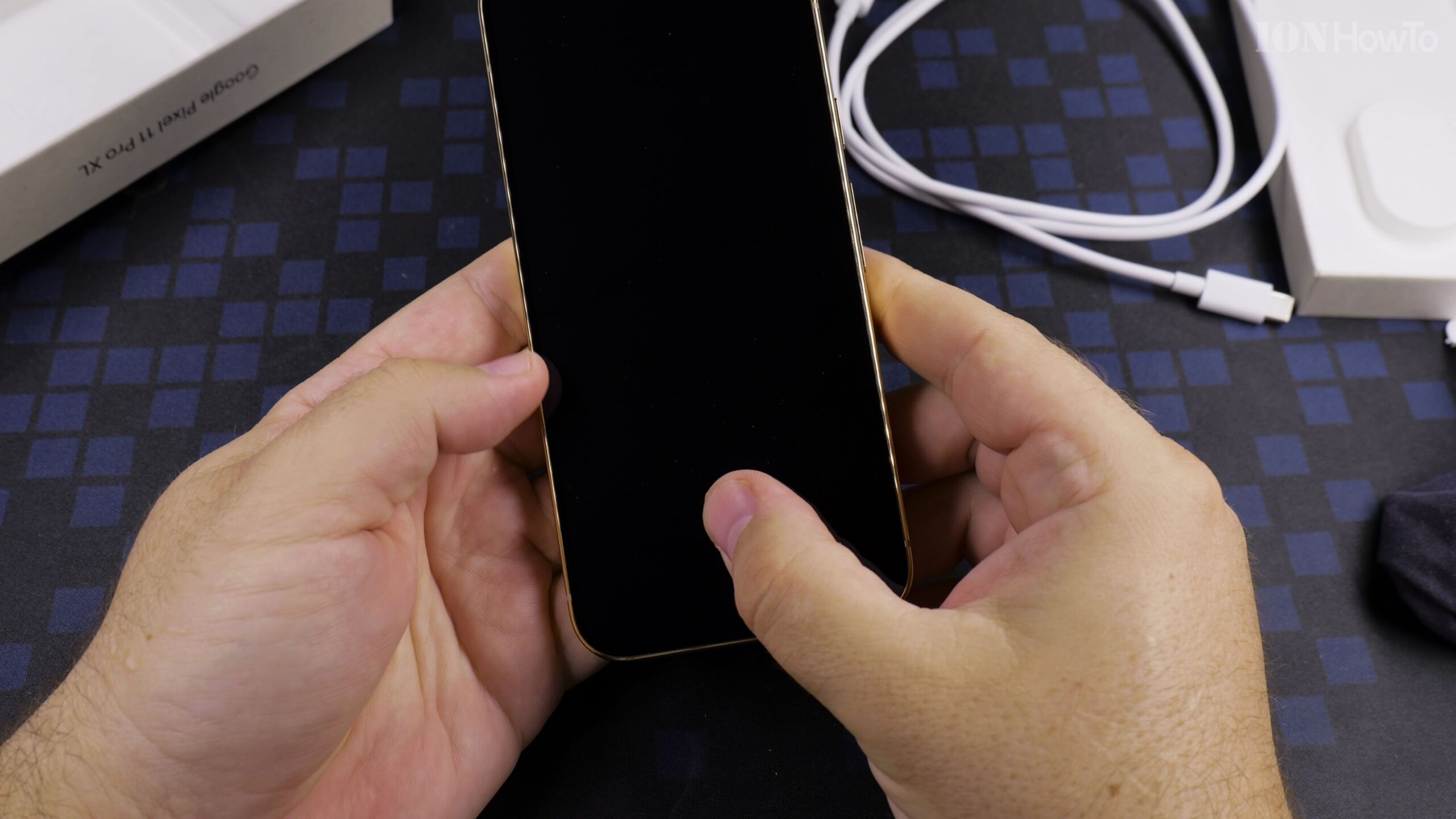
Inspect the physical layout around the frame: the power button and volume rocker sit on the right side, while the bottom edge houses the USB-C port, stereo speaker cutout, and nano-SIM card slot ready for your carrier card.
Helpful Tips and Related Guides
Because a wall power adapter is sold separately, pair the included USB-C to USB-C cable with a reputable USB Power Delivery charger for fast charging. For more hands-on coverage, check out our Google Pixel 11 Pro XL hub, browse our Android guides, or read our walkthrough on Google Pixel 11 Pro XL Camera Features and Zoom Test.
Leave a Reply Cancel reply