


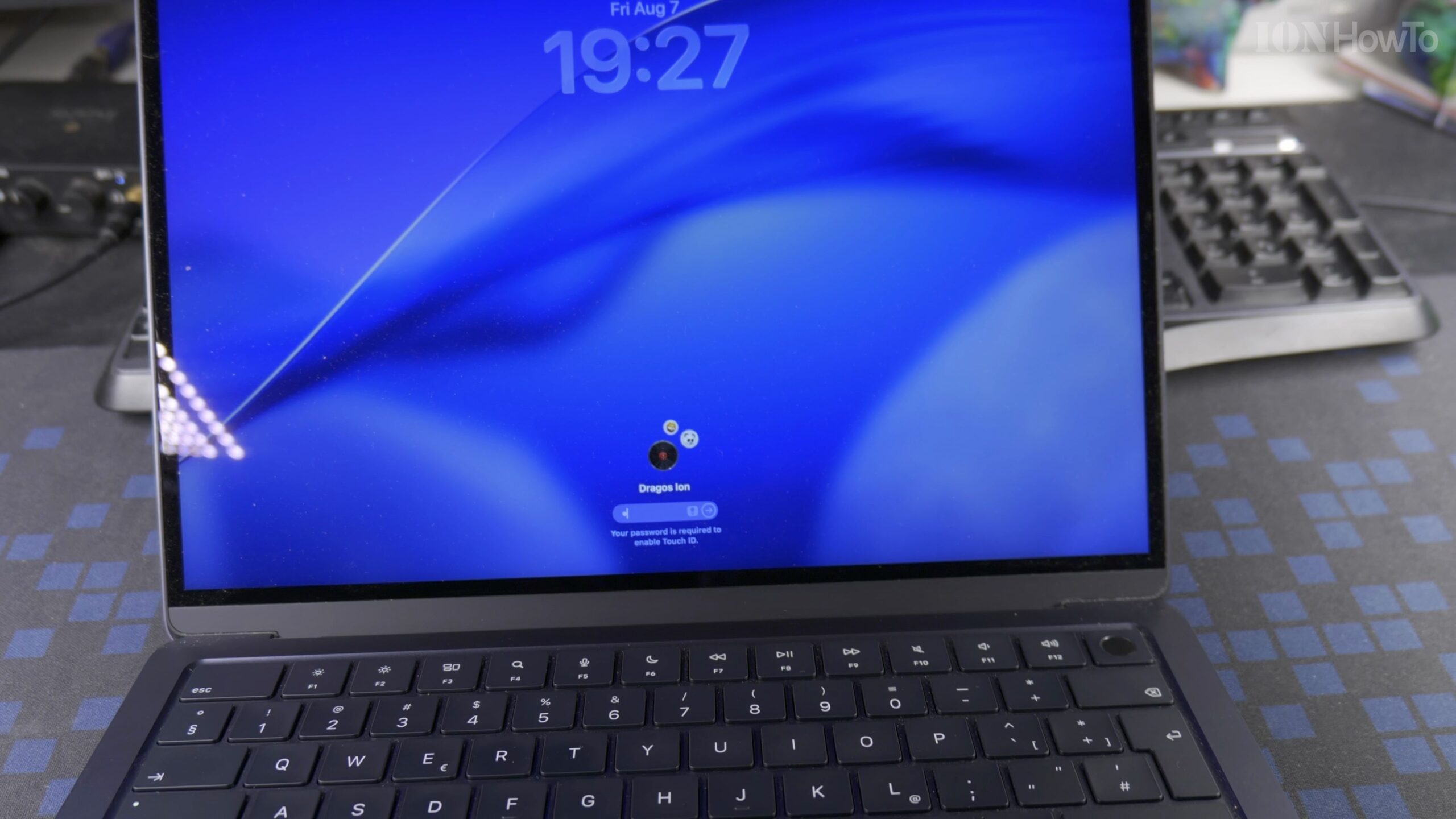
Because modern Apple laptops turn on automatically whenever you press any key or touch the trackpad, wiping down your Magic Keyboard requires the right preparation. Here is the safe, step-by-step way to clean dust, fingerprints, and smudges off the keyboard on your MacBook Air M5.

Shut Down or Lock Your MacBook Air M5 Before Cleaning
Click the Apple menu in the top-left corner of the screen and choose Shut Down or Lock Screen. Preparing the laptop first ensures that wiping across the keys does not accidentally type into open documents or change system settings.
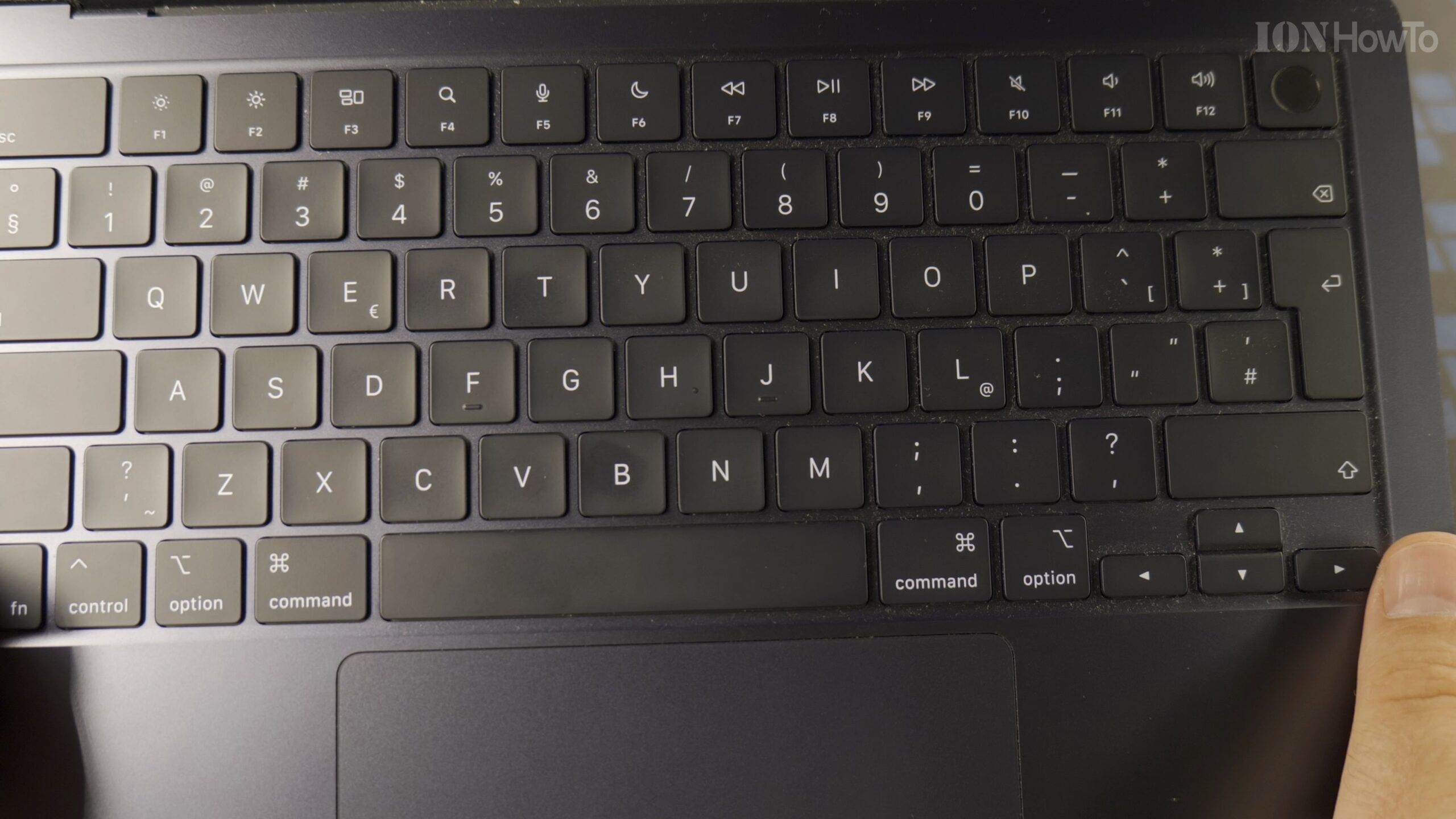
Prepare a Clean, Lint-Free Microfiber Cloth
Take a soft, dry microfiber cloth designed for electronics and eyeglasses. Avoid abrasive paper towels, rough kitchen cloths, or spraying liquid cleaners directly onto the Magic Keyboard surface.
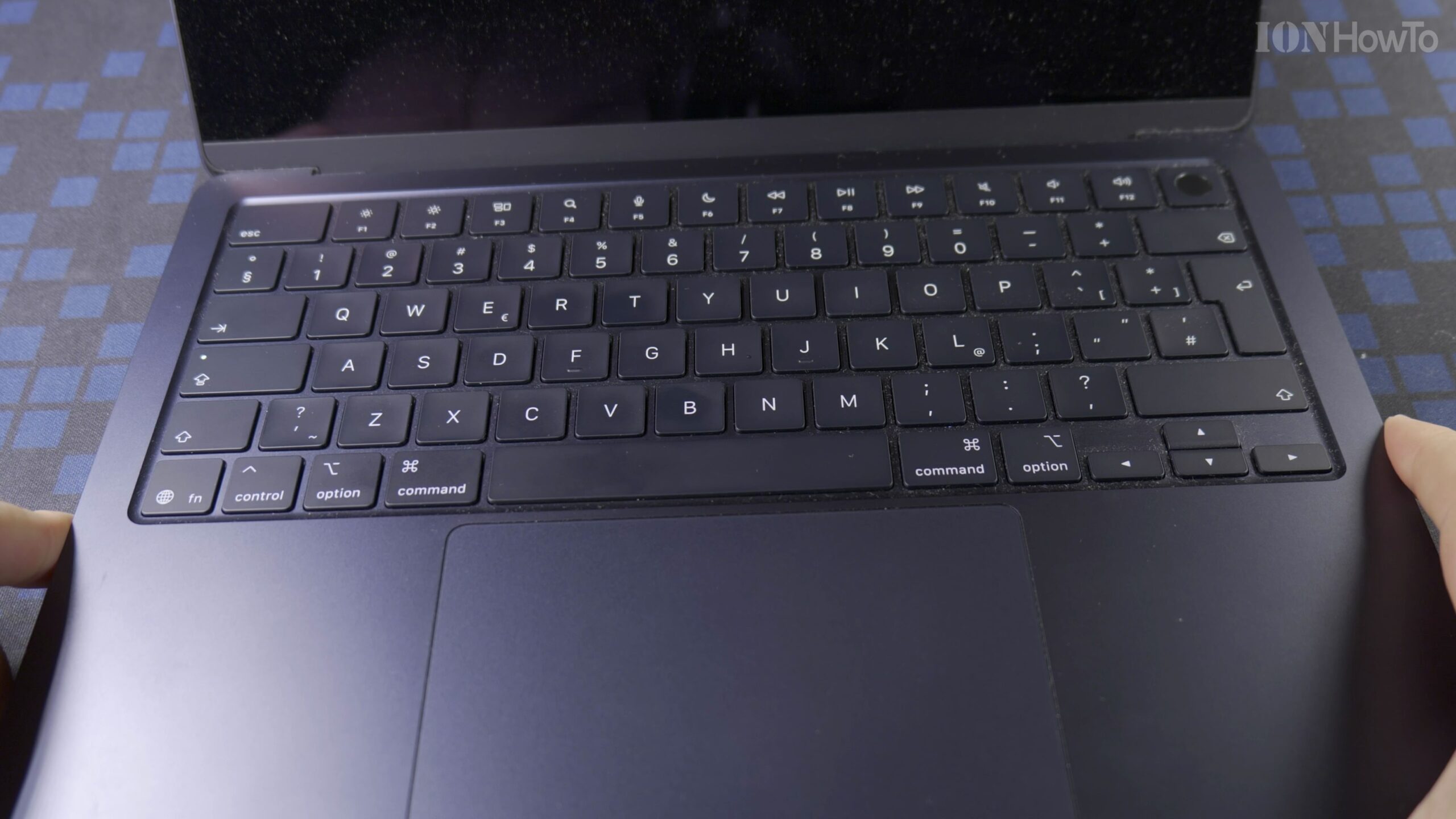
Gently Wipe Across the Keycaps in Smooth Strokes
Fold the microfiber cloth for a comfortable grip and wipe gently across each row of keys to lift away skin oils and fingerprints. Take special care around the Touch ID power button in the top-right corner of the keyboard.
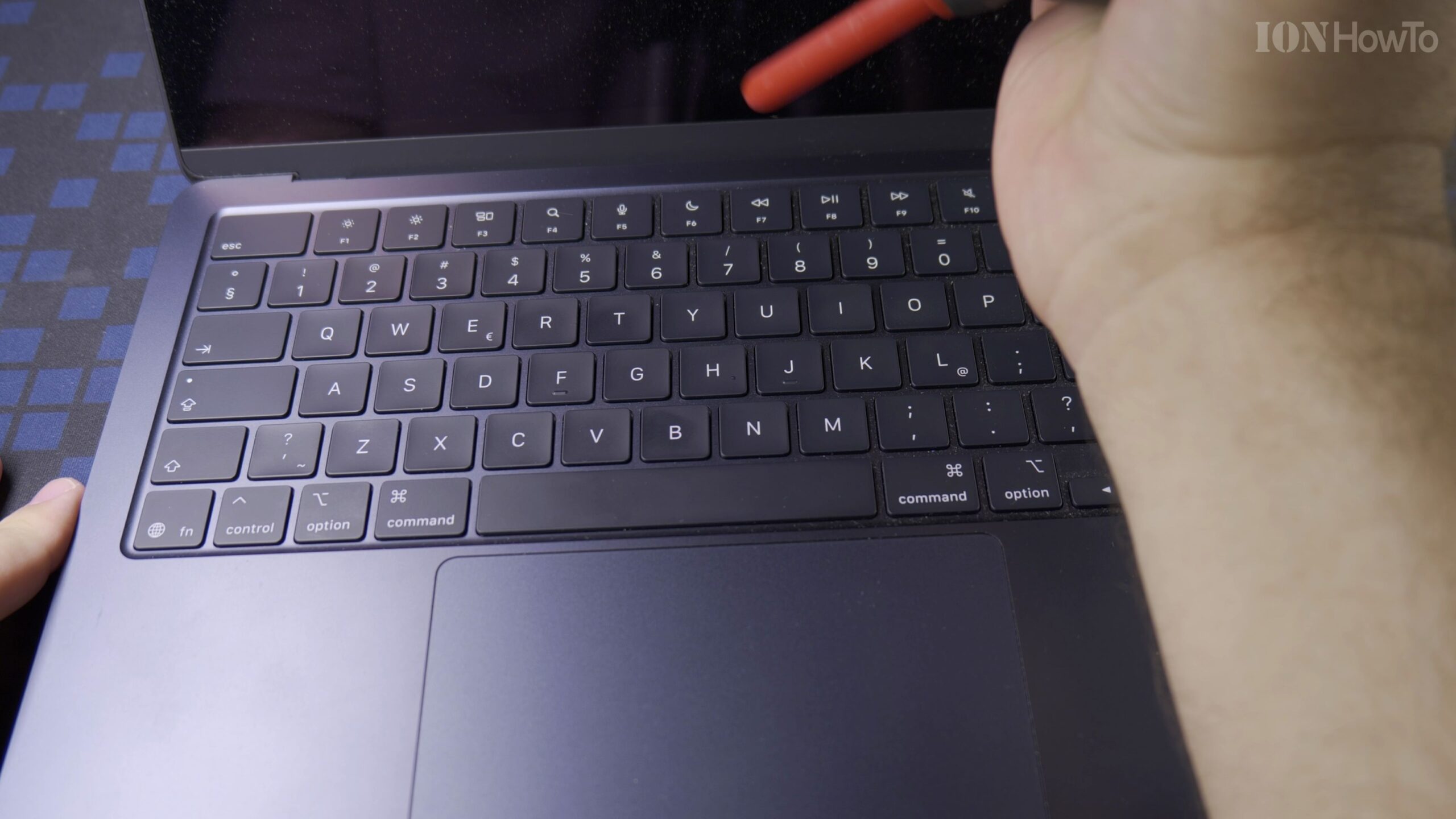
Clean the Palm Rests and Force Touch Trackpad
Use a clean section of the microfiber cloth to wipe down the aluminum palm rest areas and the Force Touch trackpad. If stubborn smudges remain, slightly dampen a corner of the cloth with a 70 percent isopropyl alcohol wipe and buff dry immediately.
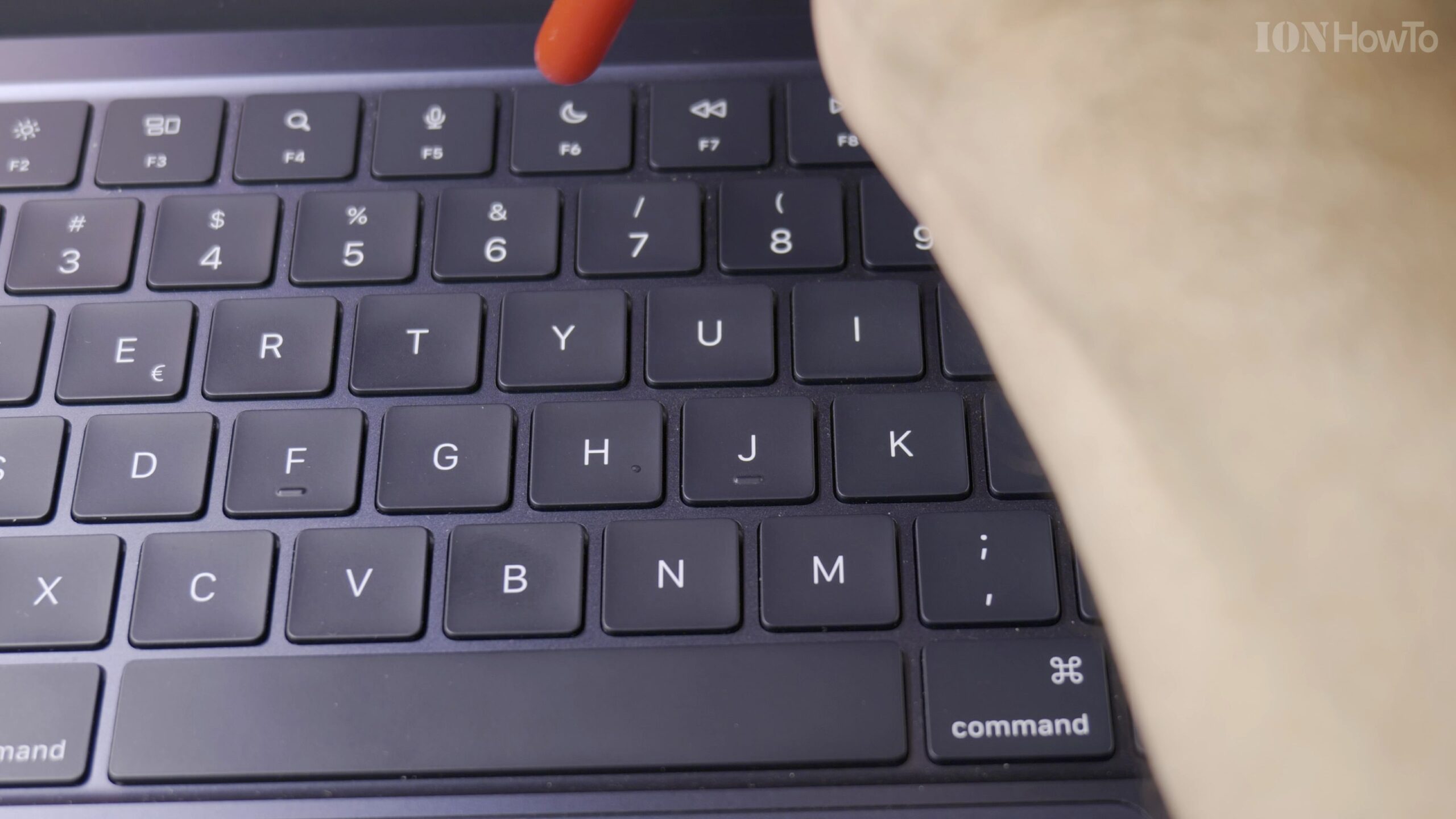
Inspect the Keyboard Under Light Before Closing the Lid
Tilt the MacBook Air M5 slightly to check that no dust particles or debris remain sitting on the keycaps or palm rest, since trapped grit can leave marks on the Liquid Retina display when you close the lid.
Helpful Tips and Related Guides
Never spray liquid directly into the gaps between the scissor-switch keys on your MacBook Air M5. For more helpful Apple maintenance tips, explore our MacBook Air M5 hub, visit our MacBook tutorials, or read our guide on Disabling the Startup Sound on MacBook Air M5.
Leave a Reply Cancel reply