


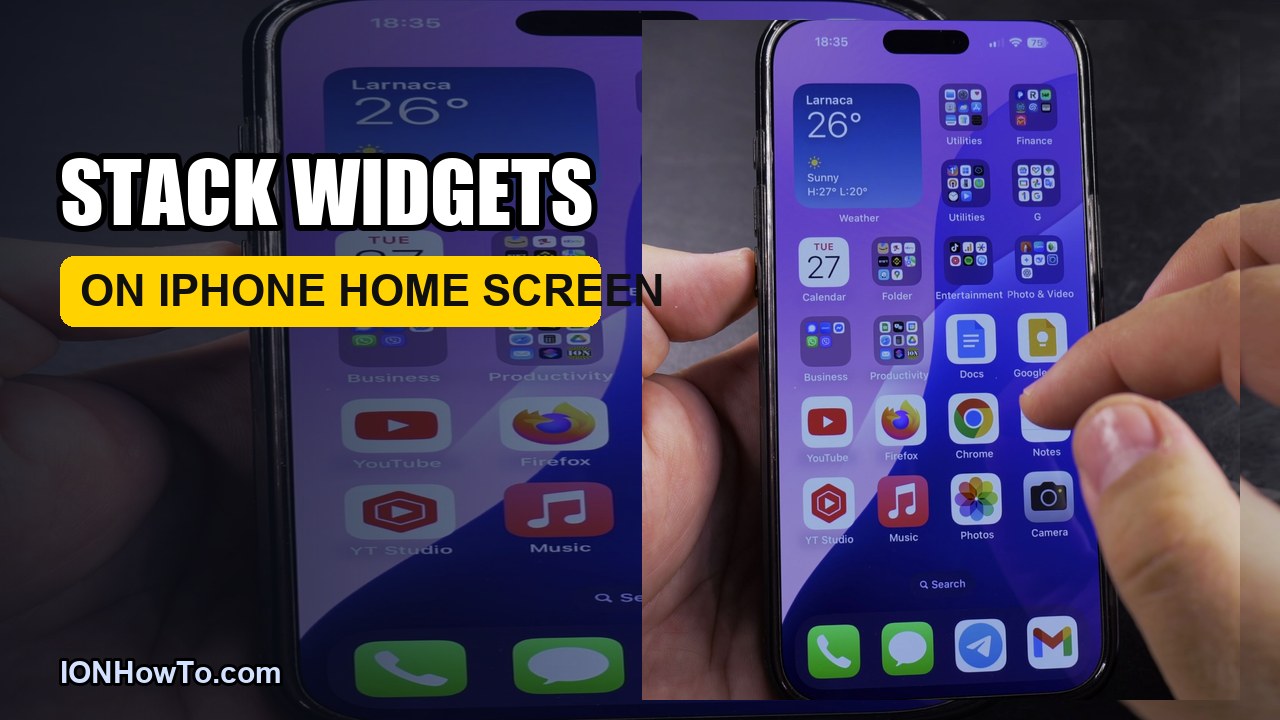
Widgets are handy for checking the weather or your calendar at a glance, but too many of them can quickly fill up your iPhone Home Screen.
In this easy tutorial, I’ll show you how to combine matching widgets into a single neat stack you can swipe through anytime.

Quick Steps
- Start with Widgets on Your Home Screen
- Long Press to Enter Edit Home Screen Mode
- Add a Second Widget of the Same Size
- Drag One Widget Directly Onto the Other
1. Start with Widgets on Your Home Screen
Look at the widgets already on your Home Screen, such as Weather or Music. To stack two widgets together, they need to be the exact same size.

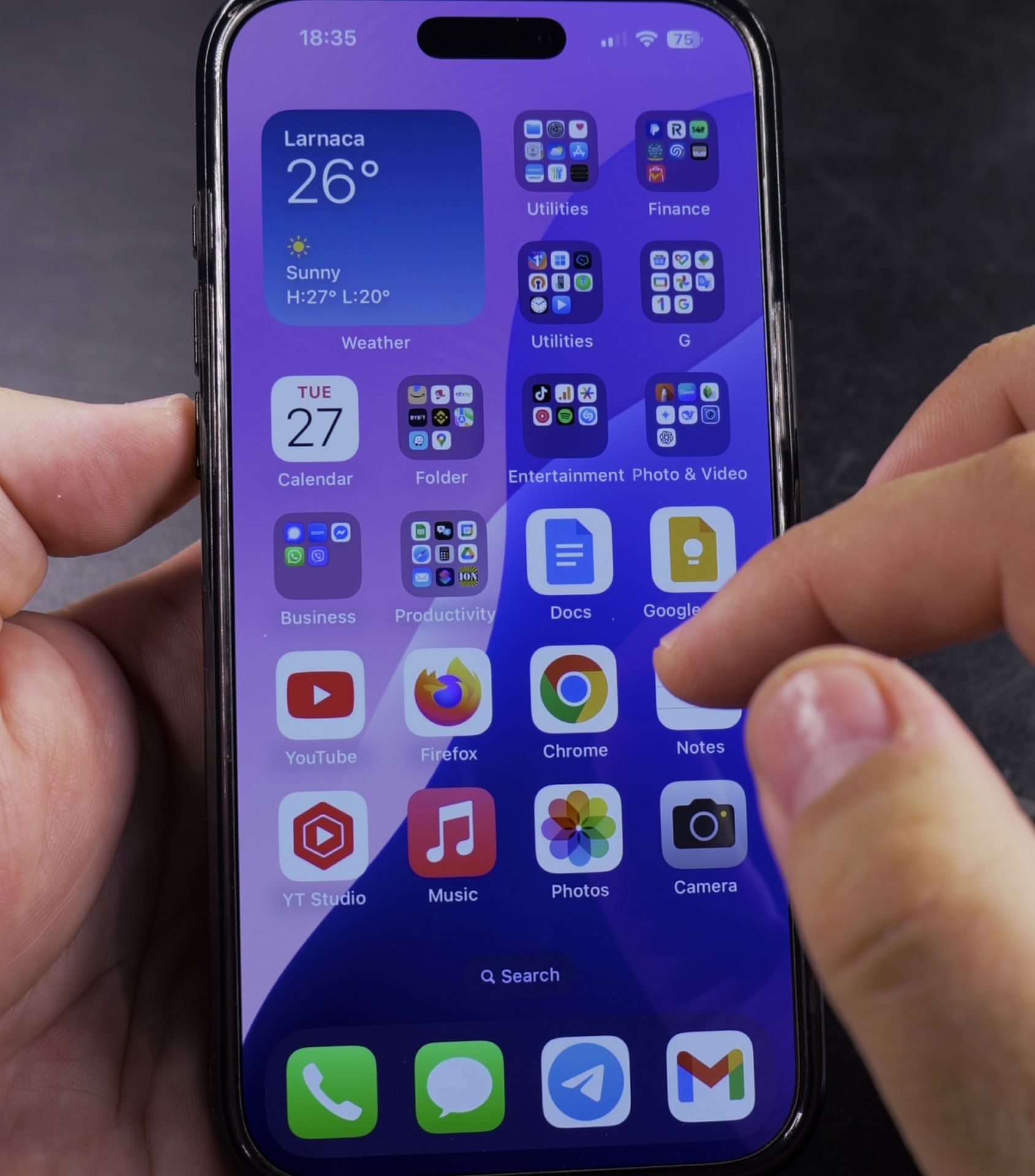
2. Long Press to Enter Edit Home Screen Mode
Press and hold an empty area on your Home Screen (or long press a widget and tap Edit Home Screen) until all your icons and widgets begin to jiggle.
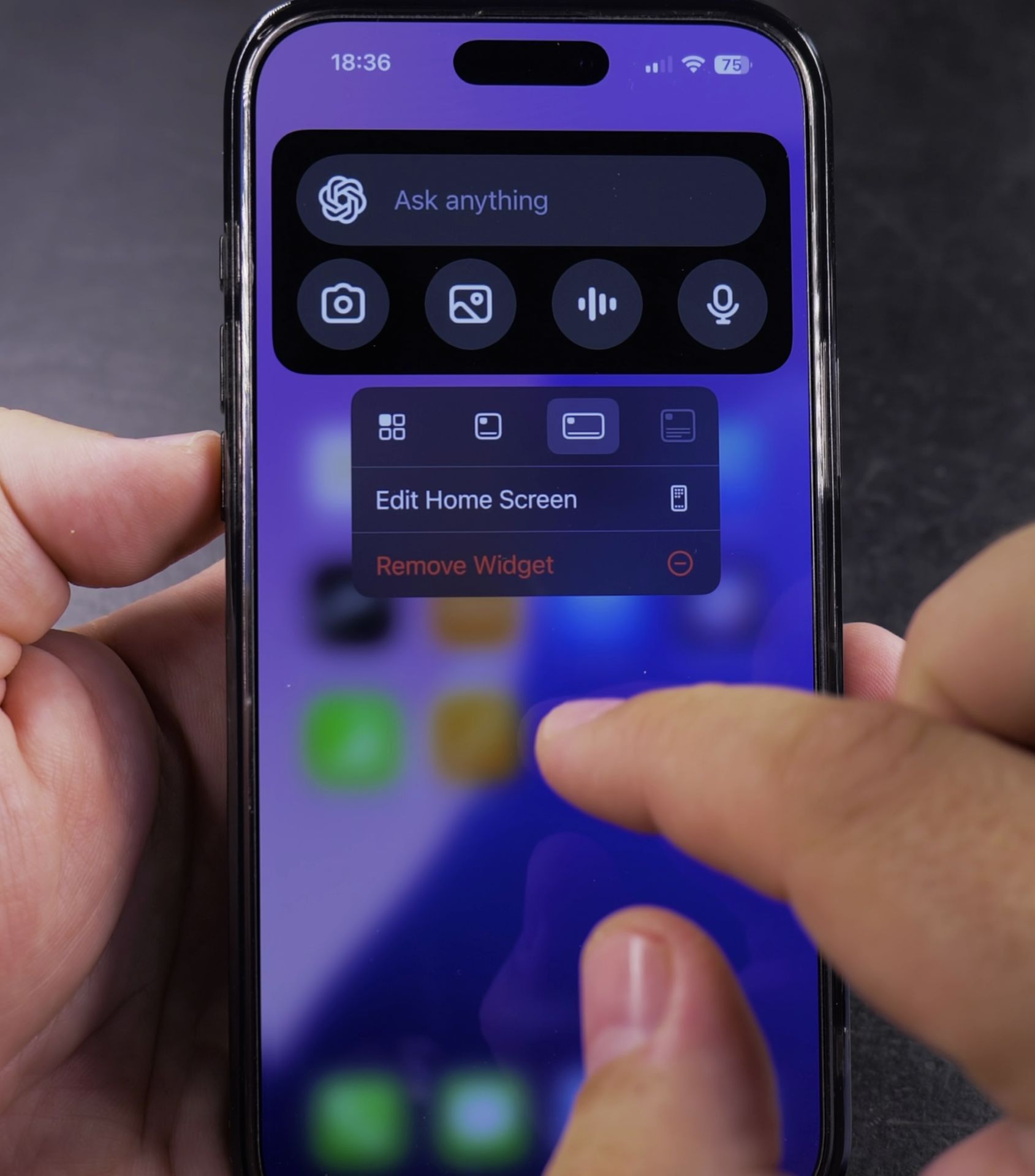
3. Add a Second Widget of the Same Size
Tap Edit in the top-left corner and choose Add Widget. Search for the app you want, swipe to pick the same box size as your first widget, and tap Add Widget.
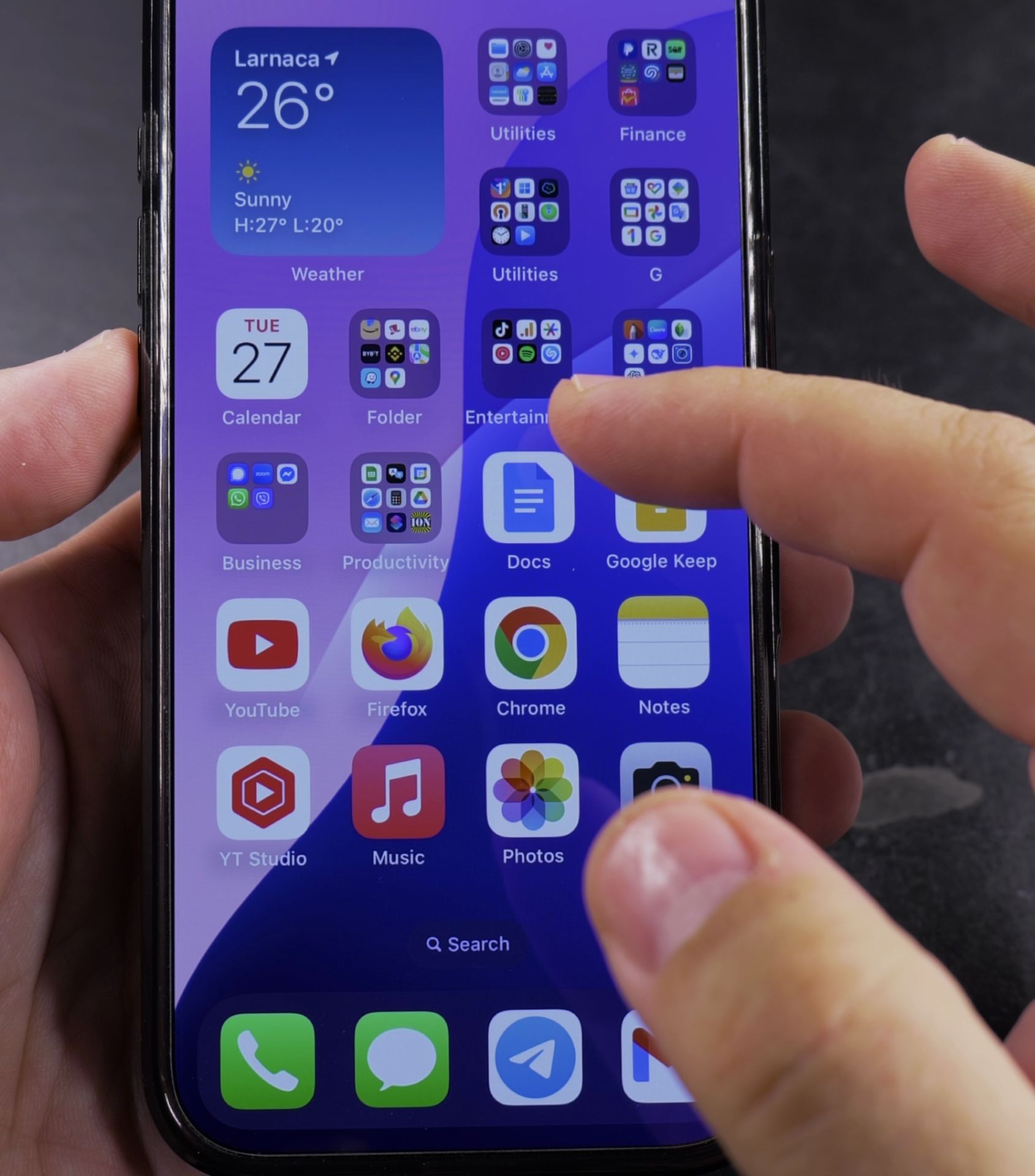
4. Drag One Widget Directly Onto the Other
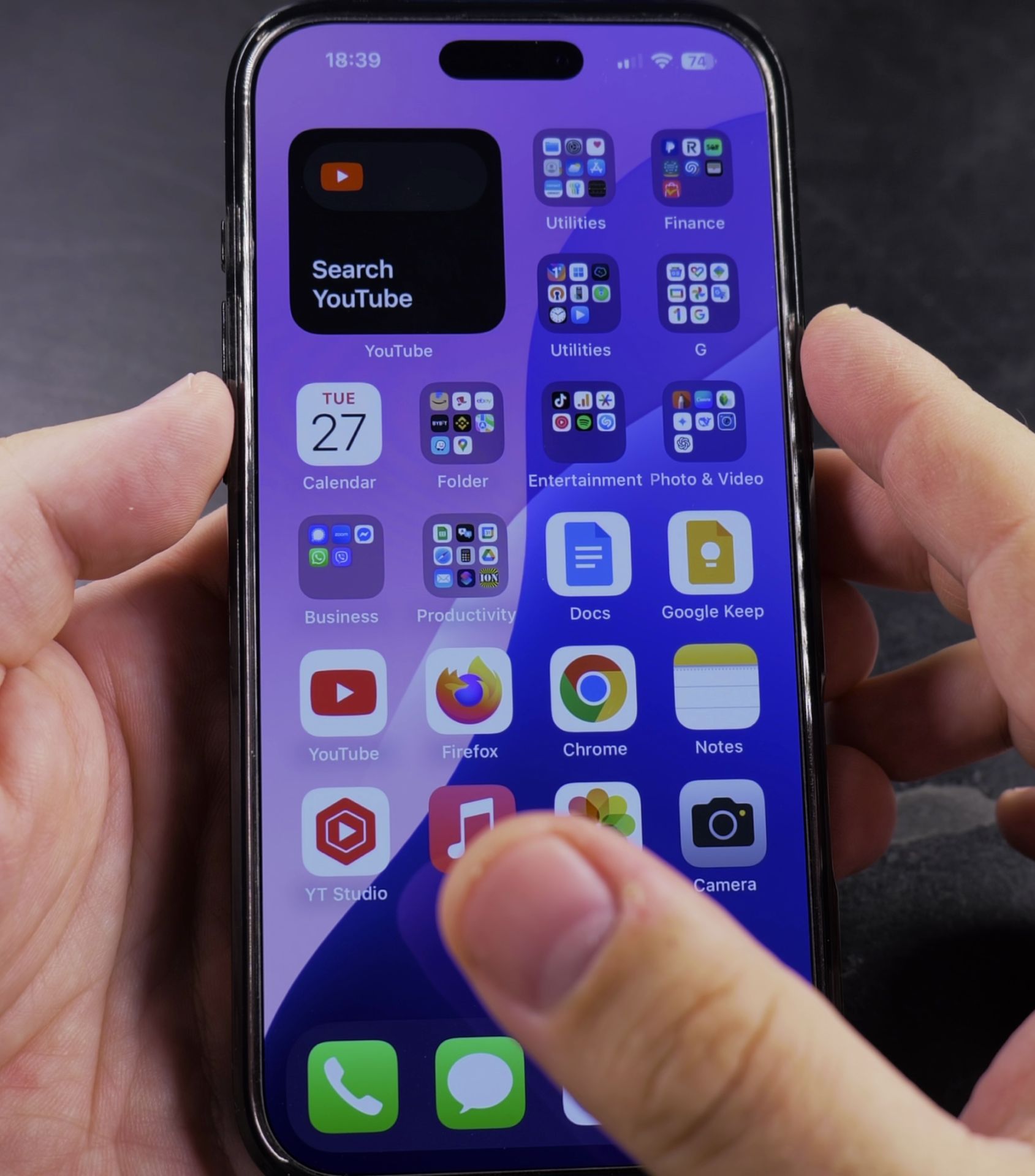
While the widgets are still jiggling, press and hold the new widget and drag it right on top of the first widget. Lift your finger to drop it in place, then tap Done in the top-right corner.
Helpful Tips
- Swipe up or down on your new widget stack anytime to flip between the widgets inside.
- You can stack up to 10 same-size widgets in one spot to keep your Home Screen clean.
Helpful Accessories on Amazon
As an Amazon Associate I earn from qualifying purchases.
Related Guides
- How to Add an App Icon Back to the Home Screen on iPhone – If an application icon disappeared from your iPhone Home Screen even though the app is still installed on your device, it is…
- Remove Website Shortcut from iPhone Home Screen – How to Remove Website Shortcuts from iPhone Home Screen iOS 18.5.
- Add Website Shortcut to iPhone Home Screen – How to Add a Website Shortcut to iPhone Home Screen iOS 18.5.
- iPhone How-To Guides – Browse more tutorials and practical guides in this section.
Leave a Reply Cancel reply