


How to Make a Phone Call on Android 17 Google Pixel 11 Pro XL.
What This Guide Covers
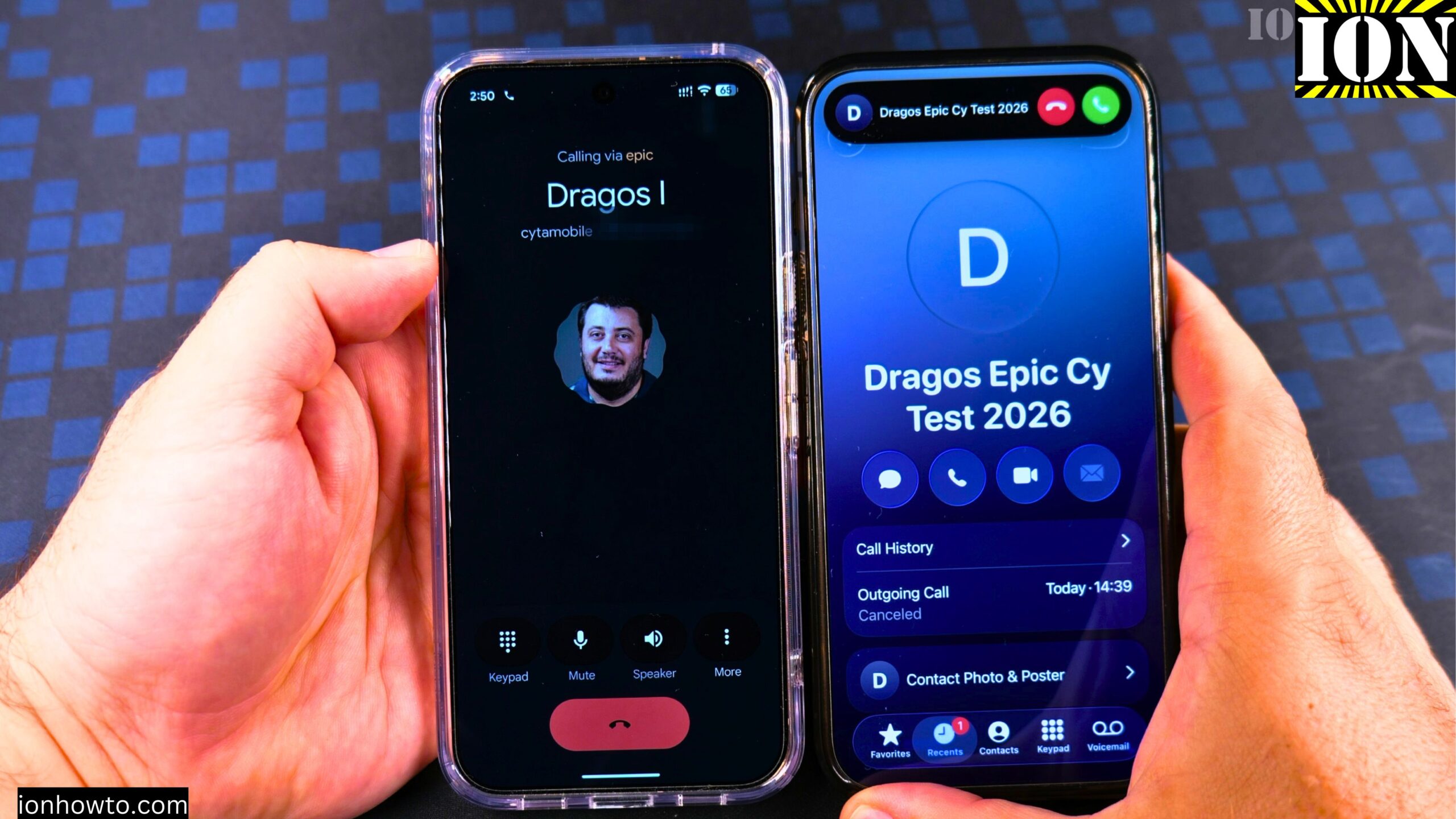
Learn how to make a phone call on your Google Pixel Android phone. I show you how to do this on a Google Pixel 11 Pro XL running Android 17. I use an iPhone next to it and call myself just to show you how it works. It is really easy.
The Phone App
You use the phone app from Google. This is the Google phone app. In the app you can look at all calls, missed calls, and contacts.
The home view of the phone app will show you the missed calls. You can see contacts, non-spam calls, and even spam calls.
How to Make a Phone Call on Android 17 Google Pixel 11 Pro XL Video

Step 1: Open the Phone App
Tap on the phone app on your Google Pixel.
Step 2: Choose How to Find the Number
You have a few options here:
- Use a contact from your contact list
- Search in your contacts
- Look at your recent calls
- Use the keypad to dial a phone number
Step 3: Call from Your Contacts
The easiest way to make a phone call is to use a contact. Search for the contact you want to call. Tap on the contact. You might see multiple phone numbers for that person. Tap on the phone number you want to call.
Step 4: Call from Recent Calls
You can also call from the recent list. Tap on the icon for the call next to the number you want to dial.
Step 5: Call Using the Keypad
You can use the keypad to dial a specific number. Enter the number and press call. When you dial a phone number, you can also create a contact, add it to a contact, or even send a message from here.
Step 6: End the Call
If they answer, you have your call. When you are done, hang up the call just like that.
Final Thoughts
That is how you call a contact from your contact list. You can also use the keypad to dial a specific number. When you finish entering the number, you press call and it is ready to call. Thanks for watching. I hope this helps you.
Related Guides and Helpful Resources
If you found this guide helpful, check out these related step-by-step tutorials and category resources on ION HowTo:
- How to Add a Picture to a Contact on Android: Personalize your contacts with custom profile photos for caller identification.
- How to Disable 2G on Android: Enhance network privacy and prevent insecure 2G connections.
- Turn Off Automatic Updates on Samsung Android: Manage app and firmware updates to save battery and mobile data.
- Android Tips and Tricks: Explore our full collection of tutorials and step-by-step articles in this category.
Leave a Reply Cancel reply