
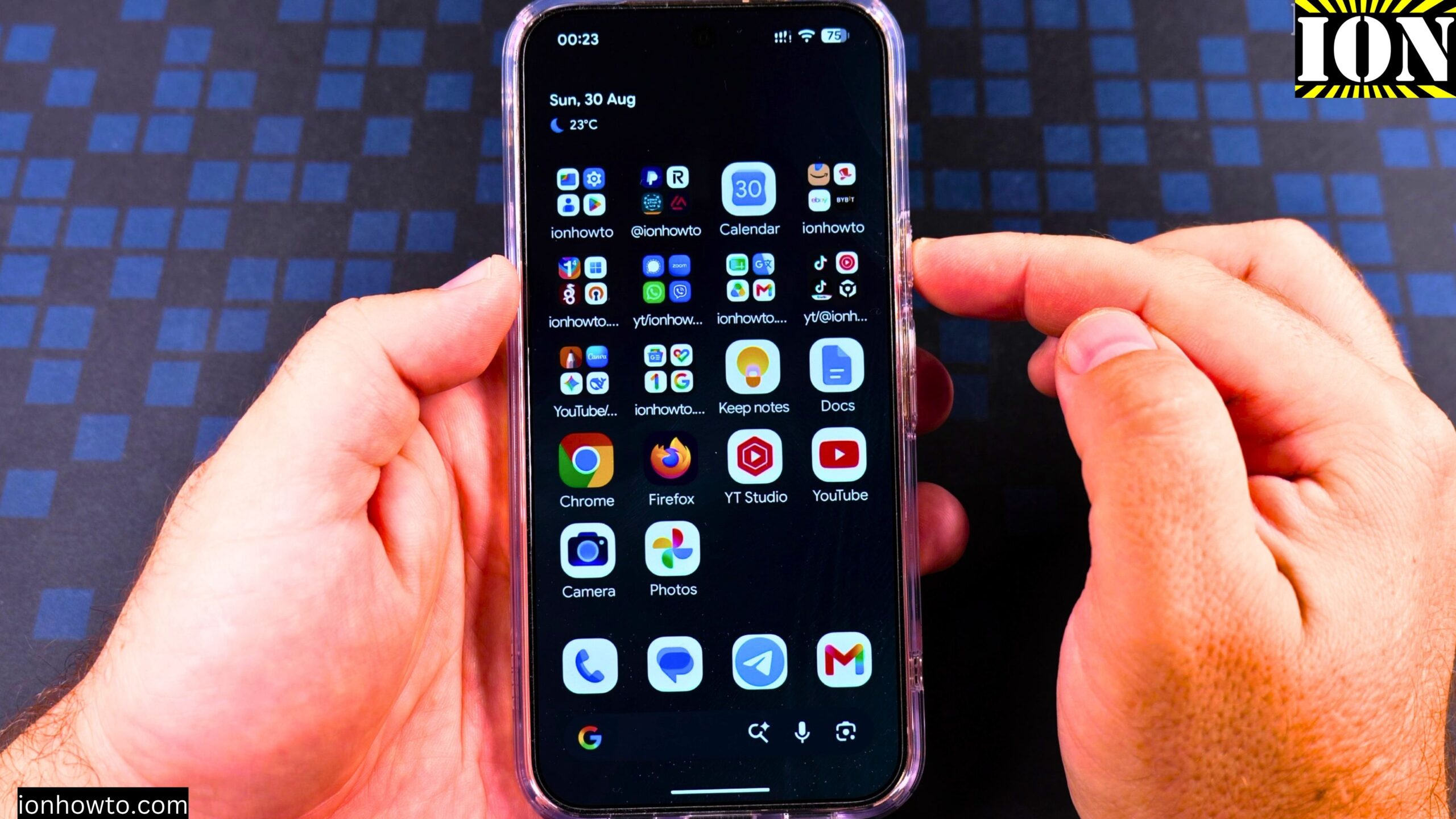
How to Power Off Android Phone Google Pixel 11 Pro XL.
In this step-by-step video guide I show you multiple ways to power off your Android phone.
You can use the soft power button in the quick settings menu to show the power menu or you can press the power button and volume up at the same time to show the power menu.
If you have Gemini enabled on the long press on power button, you can press power and volume up at the same time to show the power off and restart options.
If you don’t have Gemini enabled on the power button all you have to do is long press the power button to show the power menu for power off and restart of your Android phone.
The power button settings can be changed in System – Gestures – Press and hold power button. This can be changed from Digital Assistant to Power Menu.
How to Power Off Android Phone Google Pixel 11 Pro XL
Shown in this video guide: Google Pixel 11 Pro XL Canyon color 512GB Storage 16GB RAM with Android 17
Model: G4HCD
EAN Barcode: 0840353958401
SKU: GA12073-GB
Google Pixel 11 Pro XL Android 17 version.


Leave a Reply